Works on our test site: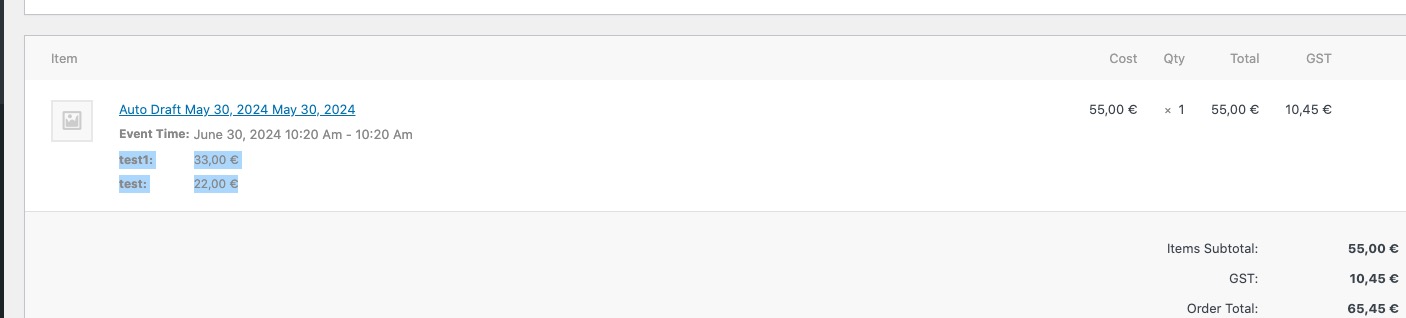 Please send us wp-admin access to your site as a private message for us to further assist your situation.
Archives: Replies
Replies for tickets on suppota
Reply to: tickets(354249)
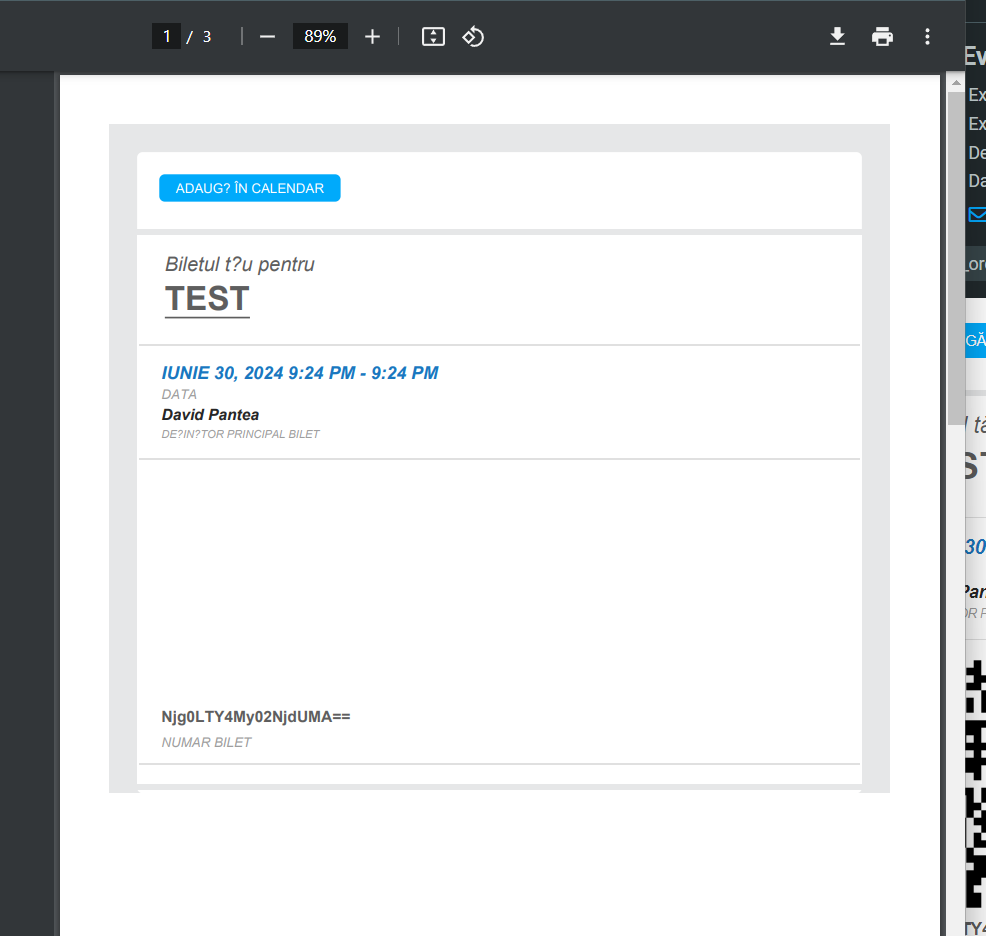
It’s not working guys.
Unfortunately, we get these addons two months ago and we are not able to use it. We cannot generate tickets, and we cannot go through the check-in steps. Can the problem be solved, yes or not?
Reply to: tickets(356437)
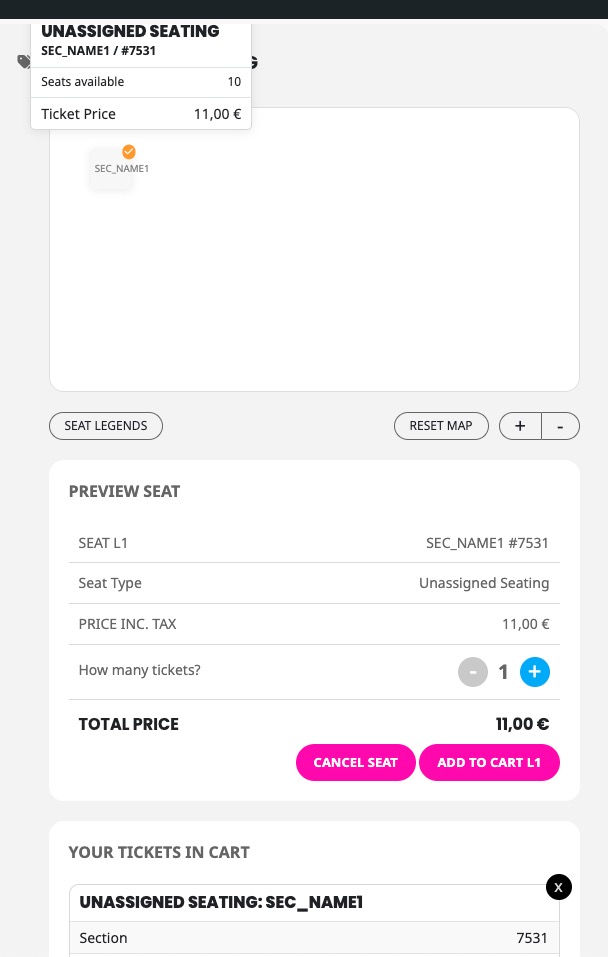
Reply to: tickets(356437)
Ashan will check this as well. Please wait for his reply.
Reply to: tickets(356442)
Did you install new plugins or updated the theme?
What you can do is to go to EventON > Advanced > try a different Select event calendar WP Query method.
Reply to: tickets(356575)
Hello,
Please use Event Lists shortcode instead of Main Calendar:
[add_eventon_list tiles=”yes” tile_bg=”1″ number_of_months=”12″ hide_empty_months=”yes”]
Reply to: tickets(356371)
In order to request a refund, please create a new ticket under Billing & Accounts and be sure to include the order ID for which you need a refund for and the reason for requesting a refund.
Also please make sure to cancel your subscription:
https://docs.myeventon.com/documentations/how-to-cancel-addon-subscription-before-auto-renew/
Reply to: tickets(356139)
We are glad your issue is resolved, if you have any further questions or concerns please create a new ticket.
Reply to: tickets(356456)
We are glad your issue is resolved, if you have any further questions or concerns please create a new ticket.
If you have a moment, we would greatly appreciate if you could kindly leave us a review at Codecanyon. By going to your account > Downloads. We are very grateful for your kind review!
Reply to: tickets(355839)
We are glad your issue is resolved, if you have any further questions or concerns please create a new ticket.
If you have a moment, we would greatly appreciate if you could kindly leave us a review at Codecanyon. By going to your account > Downloads. We are very grateful for your kind review!