Ashan,
The same on dev2:
https://dev2.myeventon.com/test-119/
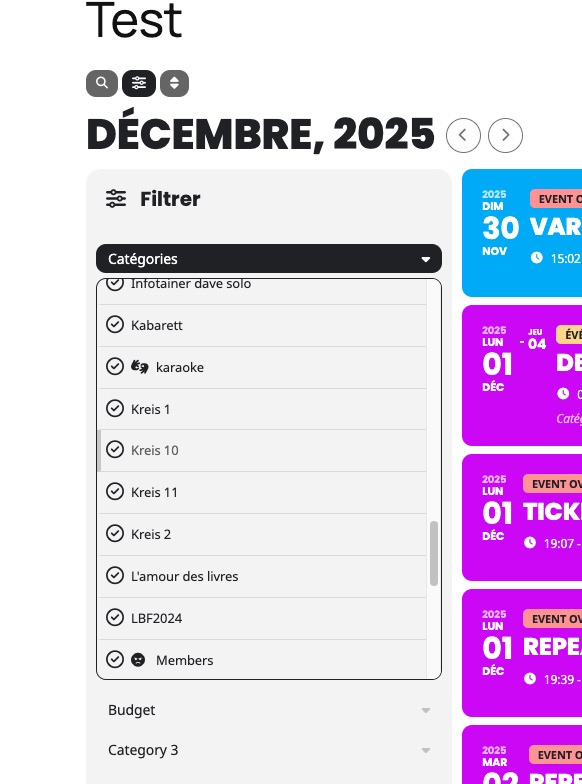
Is there a way of changing this?
Replies for tickets on suppota
Ashan,
The same on dev2:
https://dev2.myeventon.com/test-119/
Is there a way of changing this?
Hello,
Thank you for your messages!
I am going to escalate this ticket to development to help in here. Please allow us some time to address this, and we truly appreciate your patience. Thank you for being a valued EventON customer!
Additionally, if your site has any IP blocking or security restrictions in place, kindly disable them temporarily to facilitate our support process.
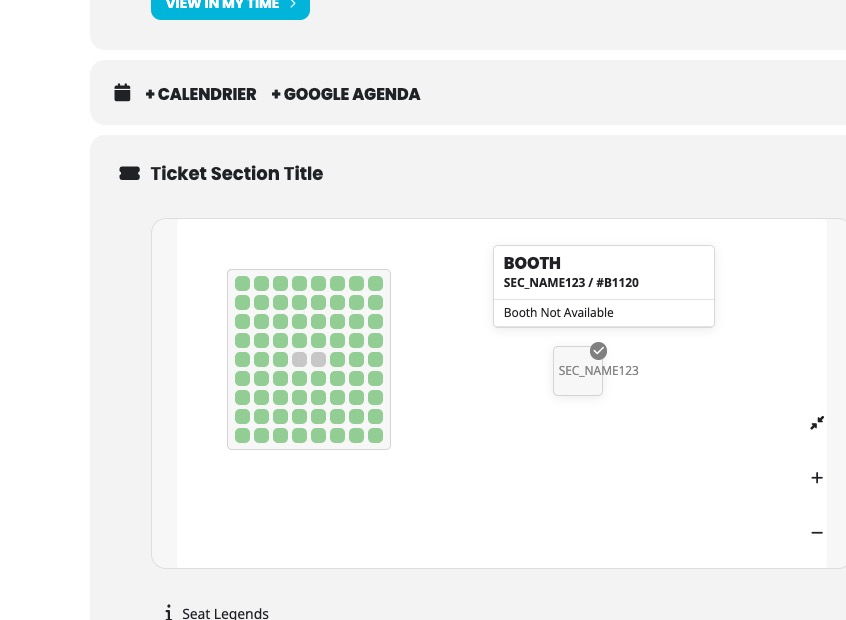
1. Since you use ”Section Type *: Single Space Booth (BETA)”, then you need to change each element.
However, with ”Section Type *: Assigned Seating”, you can edit the whole section.
2. Could you go to https://demo6.simahum.om/wp-admin/admin.php?page=wc-settings and make sure that separators are correct:
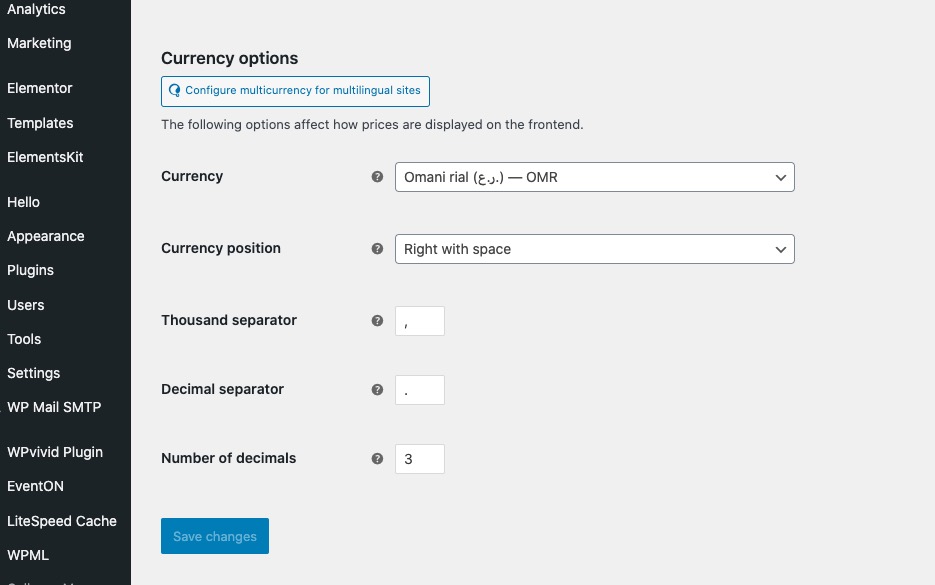
Please show us on a screenshot how do you add the price.
Since you use ”Section Type *: Single Space Booth (BETA)”, then you need to change each element.
However, with ”Section Type *: Assigned Seating”, you can edit the whole section.
No issues on our test site. It does show the correct text:
https://dev2.myeventon.com/events/seats-15/
Could you try updating EventON as well?
None of such plugins are supported, unfortunately.
Hello,
Please make sure to update add-ons before activating the main plugin.
Could you follow the instructions in this documentation to activate debug in your site to see any PHP errors recorded that can provide insight on to whats going on. Please reply with a link to debug.log file. If you are not able to do this please send us FTP access to your site so we can do this for you.
Hello,
I don’t find any purchases associated with your email. Could you send us order ids and the correct email?
any update this problem? I updated EventON to version 5.0.5, and when I clicked edit row or edit seat, it became undefined. So I went back to version 5.0.2.
which plugin eventon supported , can you give me some list for this feature Deposit & Partial Payment in wordpress platform
Thank you for your reply but This is still not clear.
1- Does this mean I need to add these options for each and every seat manually? is there a way to add it to all the seats?
then whats the use of the price options available under the ticket section?
2- there is another issue, if I put the price for this price option as 20.000 20 OMR
it display it as 20,000.000 which is twenty million OMR! how to fix this?
I wanted to add options:
electricity: 20 OMR
Chair: 10 OMR
Table: 20 OMR
how can I allow the user to add these options whenever buying any ticket? is there a better or easier way to do it?
thank you once again