Hello,
EventON doesn’t work with WooCommerce Checkout built out of blocks:
https://nuevo.victory.org.ar/wp-admin/post.php?post=5635&action=edit
Please replace it with [woocommerce_checkout]:
https://woocommerce.com/document/woocommerce-shortcodes/#woocommerce-shortcodes
Hello,
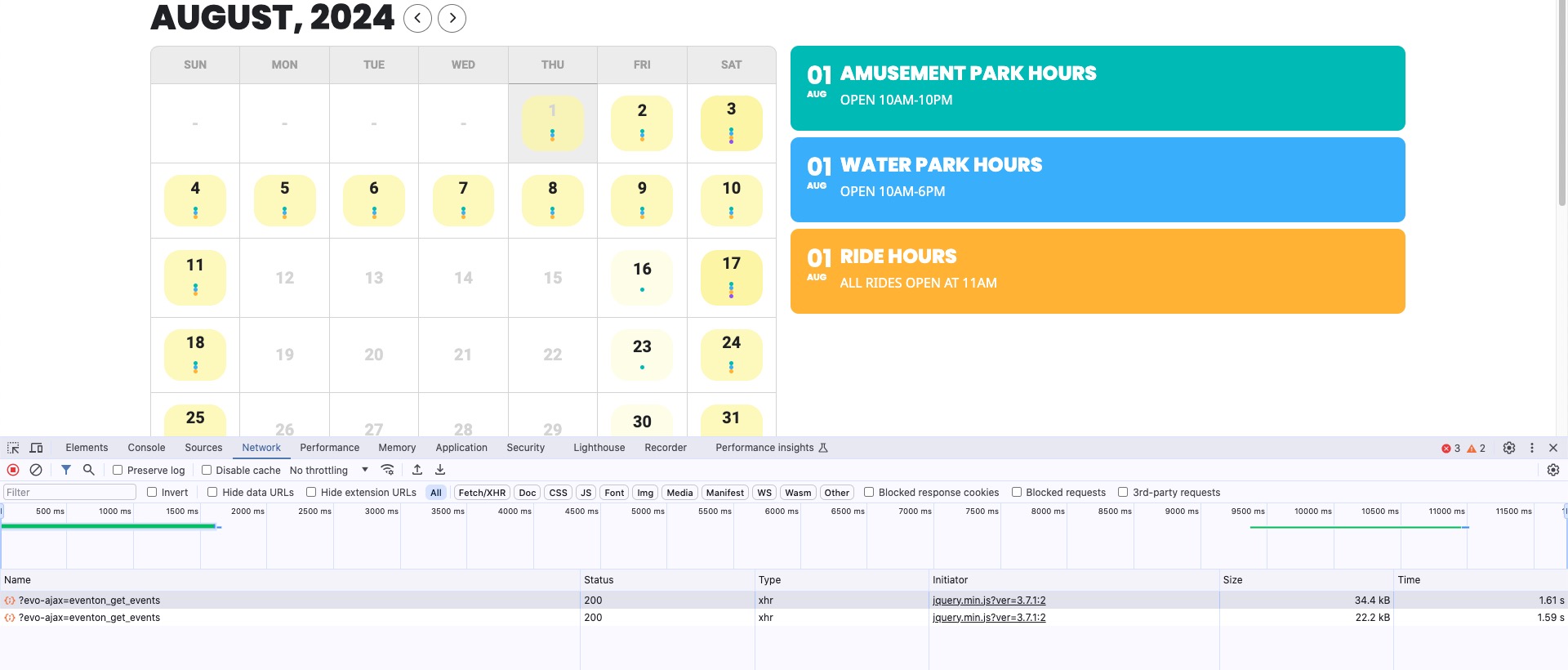
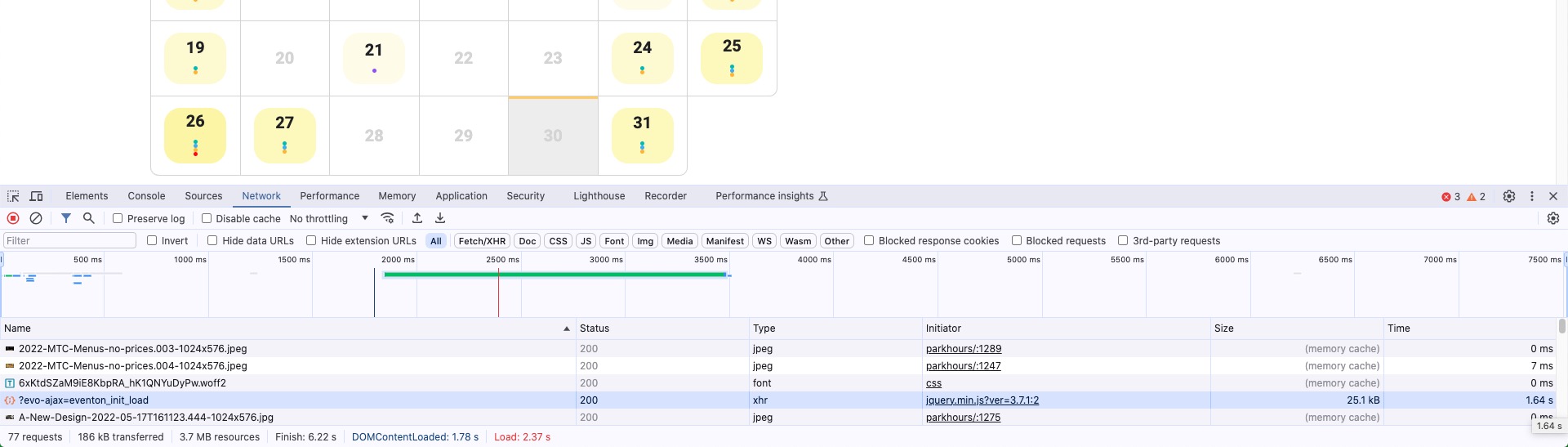
On my side it’s less than 2 seconds:
The same with initial load time:
 Please send us wp-admin access to your site as a private message for us to further assist your situation.
Hello,
Did you put sep_month=”yes” to the Event Lists: Ext shortcode?
Like this:
[add_eventon_el sep_month=”yes”]
Please send us wp-admin access to your site as a private message for us to further assist your situation.
Hello,
I am sorry, the access information you have provided did not work for us. Please check them and post the correct login information as a private message, thank you!
Could you try EventON > Scripts & Styling > turn off Write dynamic styles to header > save settings > turn on Write dynamic styles to header?
Hello Brian Cuttaz,
Please create a new ticket with included login info.
I applied the patch to https://lesurbaindigenes.com/wp-admin/admin.php?page=wp_file_manager#elf_l1_d3AtY29udGVudC9wbHVnaW5zL2Z1c2lvbi1idWlsZGVyL2luYw > class-fusion-builder.php. So it seems to be working now. Please check and let me know.
You can completely remove the text by adding this CSS code to EventON > Styles (If you don’t see any change, EventON > Scripts & Styling > turn off Write dynamic styles to header > save settings > turn on Write dynamic styles to header):
em.evcal_alldayevent_text, .allday em.evcal_time.evo_tz_time { display: none !important; }
Hello,
It seems that Single Event Page is working now:
https://corsi.ideandum.com/events/evento-gratuito-con-ideandum/
Could you check and let me know?
I think that it was this
https://docs.myeventon.com/documentations/single-events-page-not-working-404-error/
In plesk under files it seems you have 2 staging sites
Hi Dave. Thanks for the info. I think there are a few issues with this server and website.
I noticed I couldn’t save or clone the site to so the staging site. So I checked around and found these stats.
The Summary report says…
Disk usage
37.94 GB
The Server Information says
156.99 GB Total disk
148.95 GB Used
I asked Plesk about this and they said
The Disk Usage in the summary report (37.94 GB) typically represents the space used by Plesk-managed domains, mail accounts, databases, and other resources directly under Plesk’s management.
The discrepancy between the 148.95 GB used and the 37.94 GB reported by Plesk can be due to several factors:
1. System Files and Logs: The difference can include system files, logs, and other non-Plesk-managed files that are not accounted for in Plesk’s disk usage report.
2. Non-Plesk Data: There might be data on the server that Plesk does not track, such as files in directories not managed by Plesk.
3. Backup Files: Large backup files are stored on the server, but not accounted for in the Plesk usage summary.
So they are saying the website takes up 38 GB but there’s another 100 GB somewhere.
Any idea how I find out what that 100 GB is and how I get rid of it?
I’m struggling to even save a page now without the site crashing.
Cheers Stuart