Hi Artem, thank you for your quick answer 🙂
Where do I must insert this shortcode?
I see that the screenshot of the test you sent me shows INDEX SEC as the name of each section, however in each event I have it configured as PLATEA. Shouldn’t it appear as PLATEA in the cart?
On the other hand, trying to find solutions while waiting for your help, I tried to install a previous version of Woocommerce and the website crashed with a white screen. I have recovered it and since then the links to the page of each event do not work, I get a 404 error. I have configured the events in a popup window so that it can work in the meantime.
Thank you so much!
Regards
Rafael
I’ve attached the debug file for Eventon which again mentions ajax:
My developer can’t find the problem, could you please take a look
Let me know if you need more access.
Thanks
Helen
Hello,
if I prevent the map cluster then it looks ok, otherwise the whole map is visible, which is not ok.
I have my developer working on this at the moment, I’ll let you know if we have any issues.
Thanks
Helen
Hello,
Could you elaborate more?
Calendars show correct Week Month Year:
Are you having troubles showing events in the first calendar?
Hi,
we must add the VAT number in the billing data: IT11047871006
Ashan,
Troubleshooting Mode:
https://ksaevent.com/wp-admin/site-health.php?tab=troubleshoot
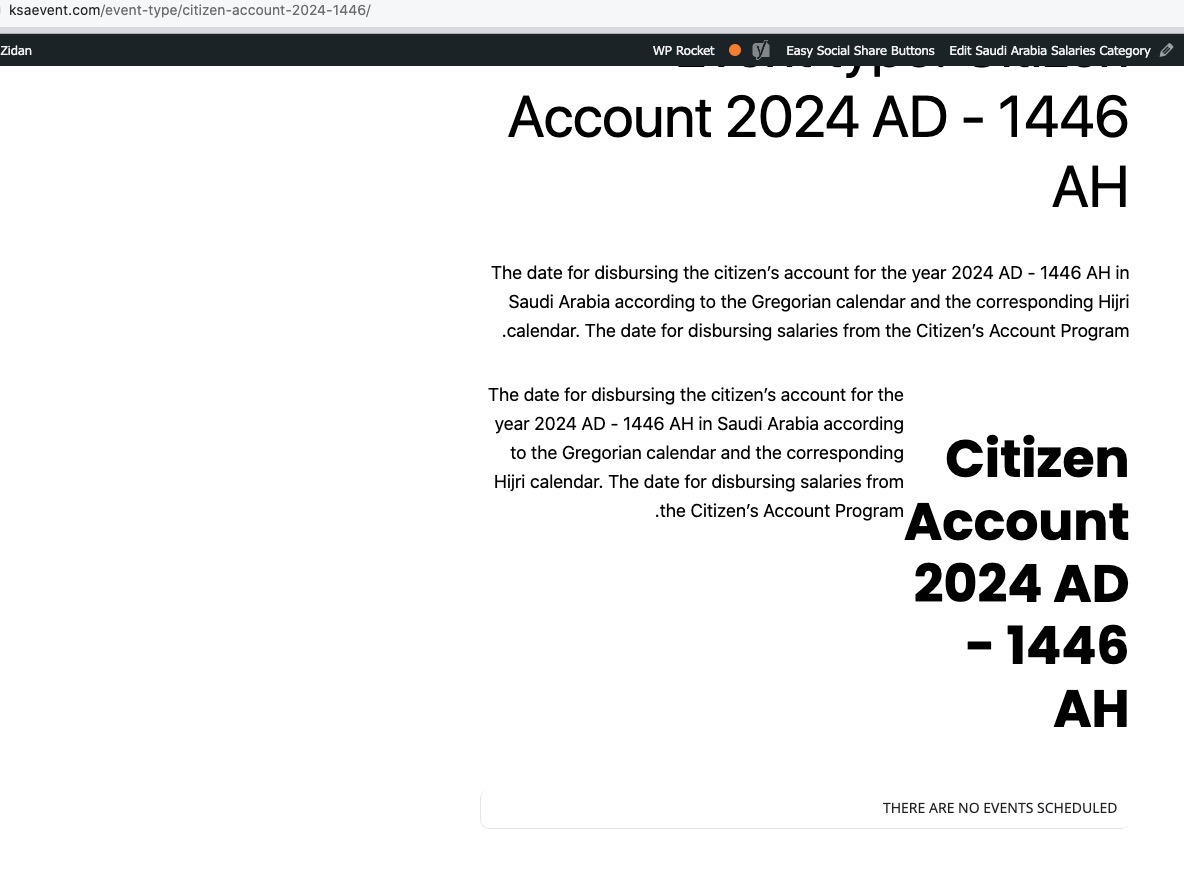
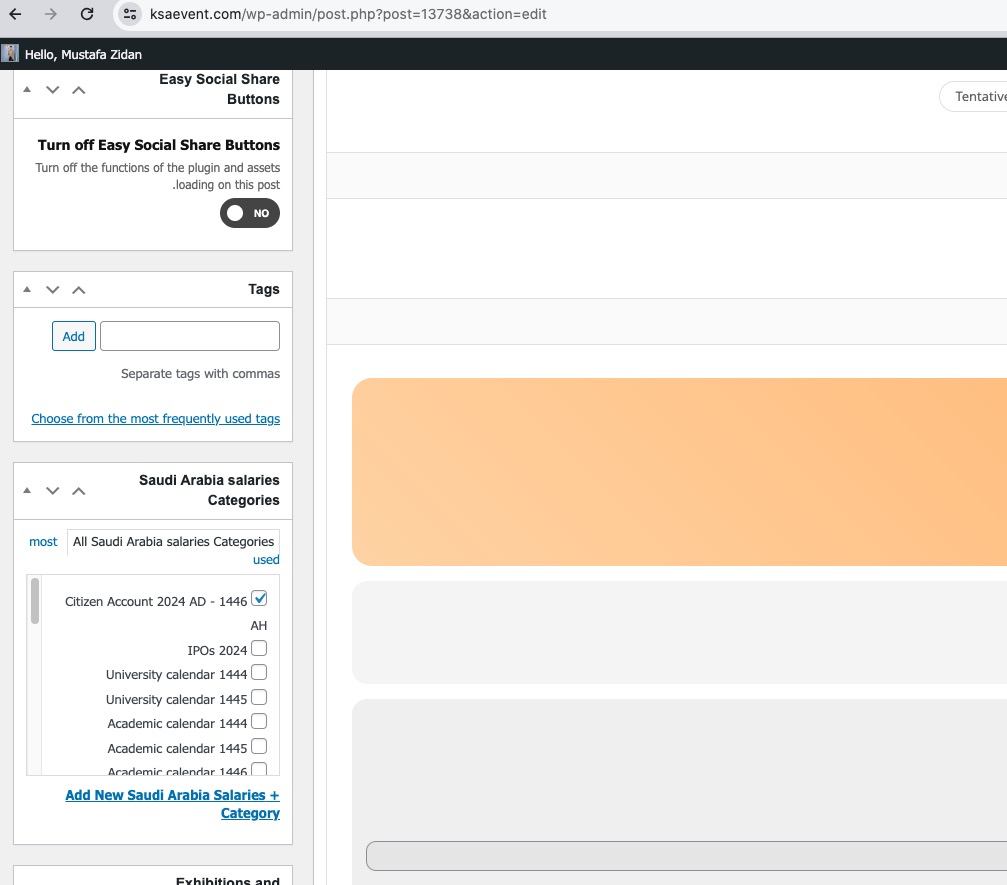
This Event Type
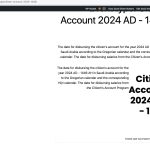
Doesn’t show this event
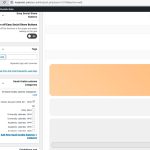
The customer says that it’s because event’s publish date is 2023, but I tried to change it to 2024, still the same issue happens.
Thank you for your messages, I am going to assign this ticket to Ashan and he will be able to take it from here and find you a solution. Please allow some time for him to get back to you, we greatly appreciate your patience and thank you for being a eventon customer! Also please disable any IP blocking on your site if there are any.
Hi Artem,
I also whitelisted this IP 185.189.199.88 as I saw you was trying to log in from it on 10th may with eventon usr.
Let me know if it is not your IP