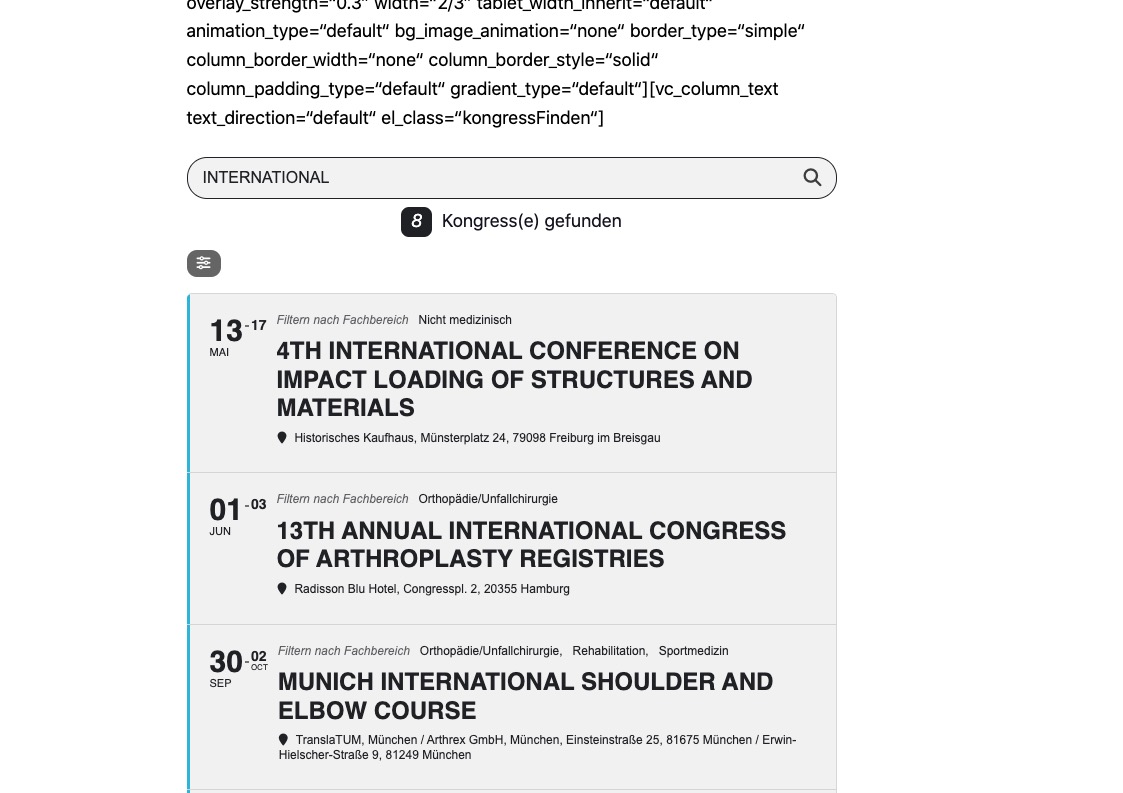
Hello,
Thank you for your messages, I am going to assign this ticket to Ashan and he will be able to take it from here and find you a solution. Please allow some time for him to get back to you, we greatly appreciate your patience and thank you for being a eventon customer! Also please disable any IP blocking on your site if there are any.
Hello,
You can go to EventON > Search > enable Include events in default wordpress search results. Now you can use the default WP search link.
Hello,
Thank you for letting us know that you’ve fixed the issue. If you have any further questions or concerns please create a new ticket.
I cannot find any purchases with your current email. Could you send us Order IDs of your purchases and also email?
Hello,
This is a new behavior introduced in version 4.6.4. Do you want to remove the text?
Make sure to manually clear your browser cache after the update.
Perfect! Please keep us updated.
In Troubleshooting Mode the issue is gone: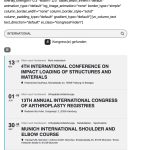
Please try yourself:
https://2023.intercongress.gmbh/wp-admin/site-health.php?tab=troubleshoot
After you enabled it, please go to Plugins and enable EventON.
No issues on my Mac (Chrome/Firefox):
Could you try manually clearing your browser cache?
1. Location Addresses aren’t correct. Please take a look at
https://nbevents.biz/wp-admin/edit-tags.php?taxonomy=event_location&post_type=ajde_events
Or add Lat/Long values manually.
3. Have you tried my suggestion?