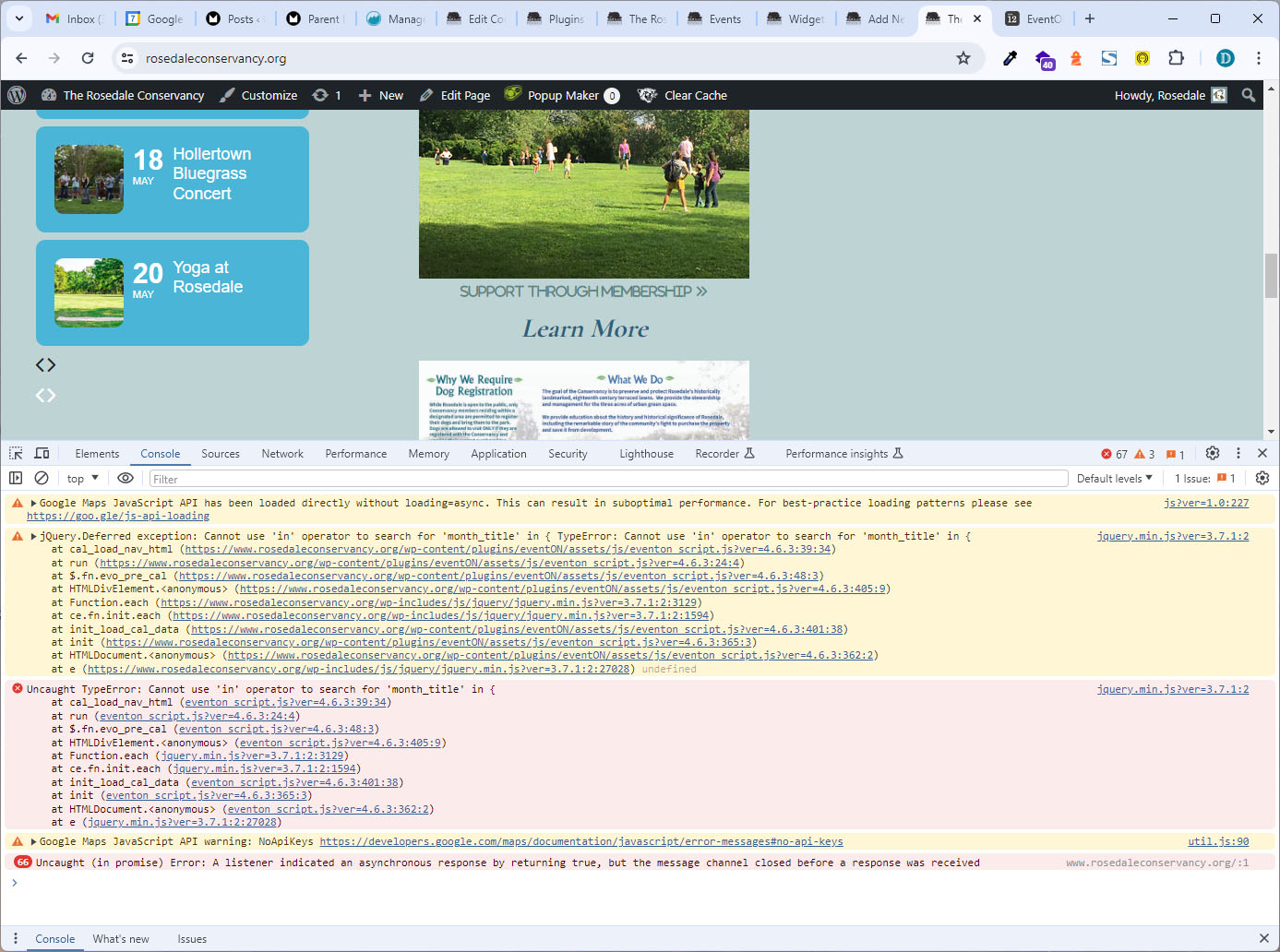
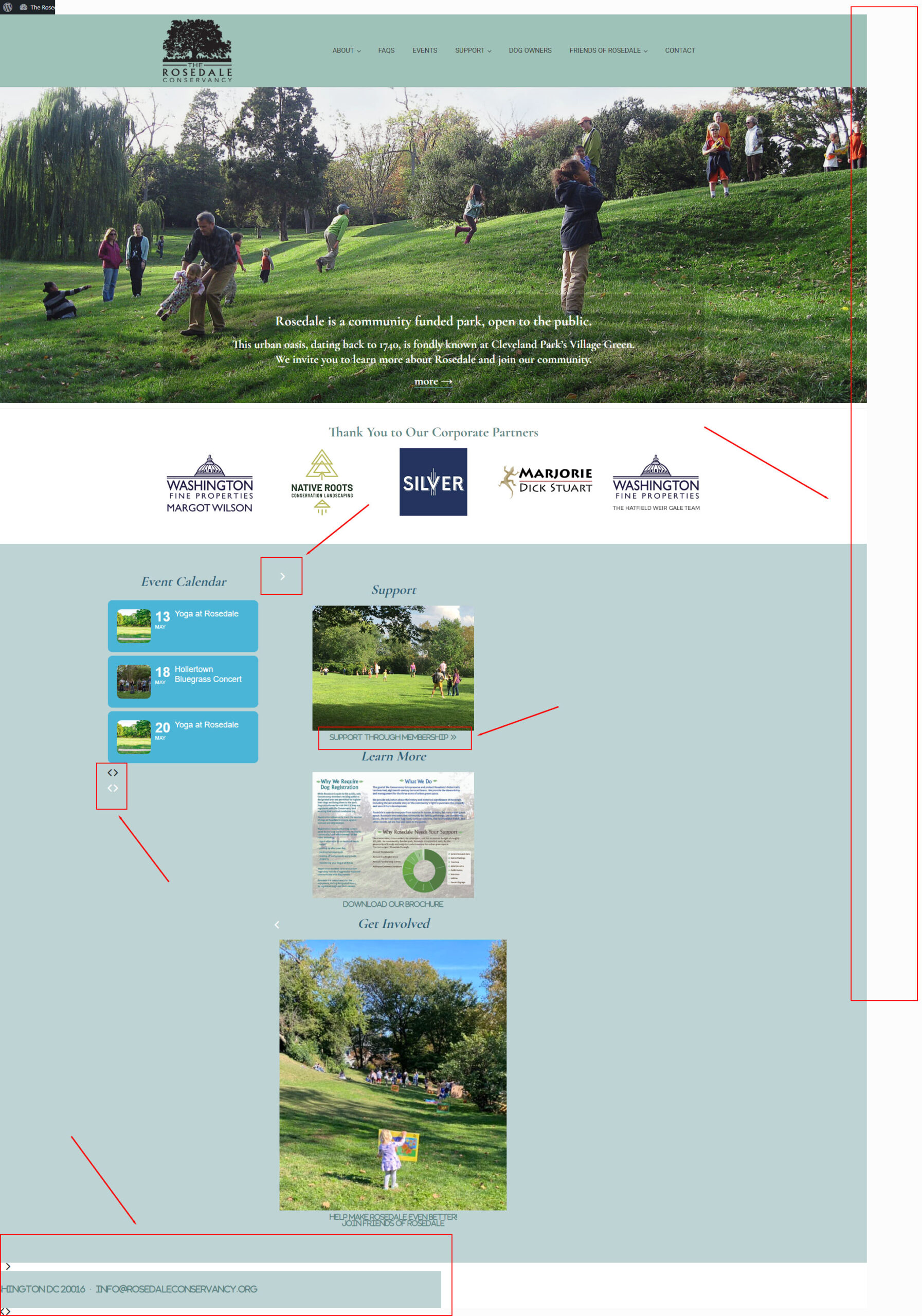
I can tell if the screenshot actually got attached. Here are links to them both –
Replies for tickets on suppota
I can tell if the screenshot actually got attached. Here are links to them both –
Screenshots attached
Hey, thx for the Link. But who can i copy the code in the backend?
Hello! I don’t want to fix the Twitter icon, the arrows for the plugin are messed up as shown in the photo.
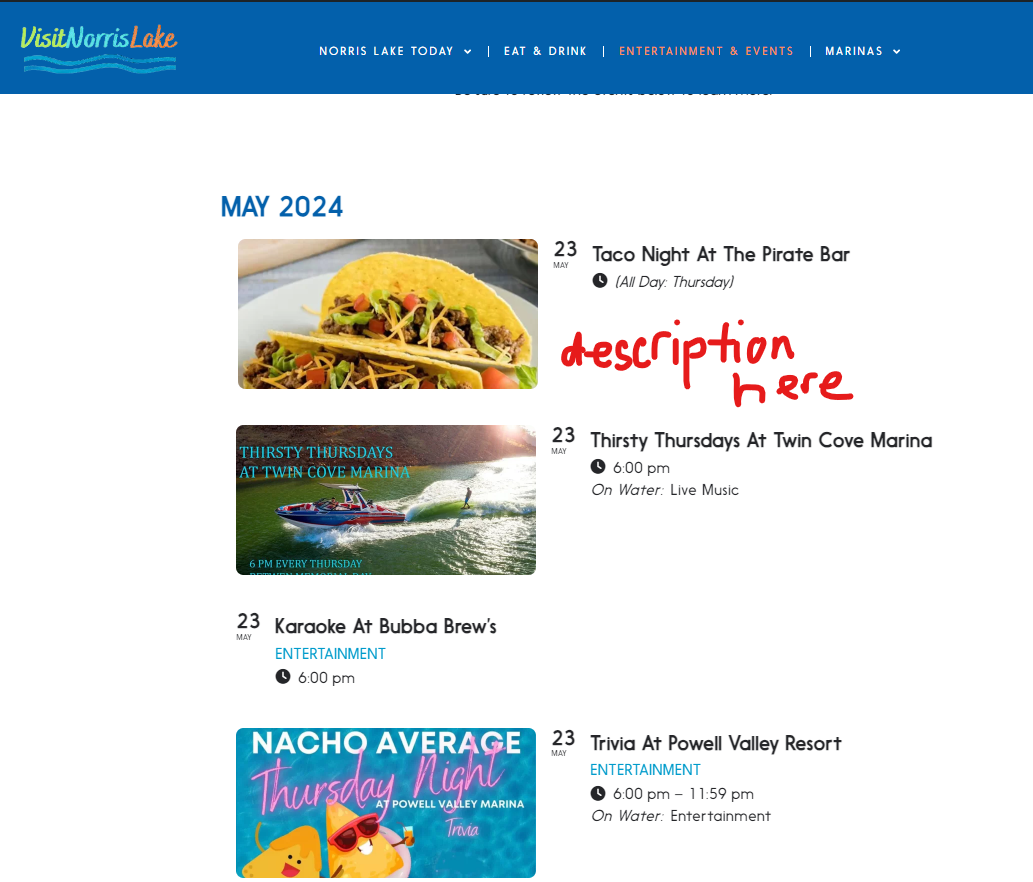
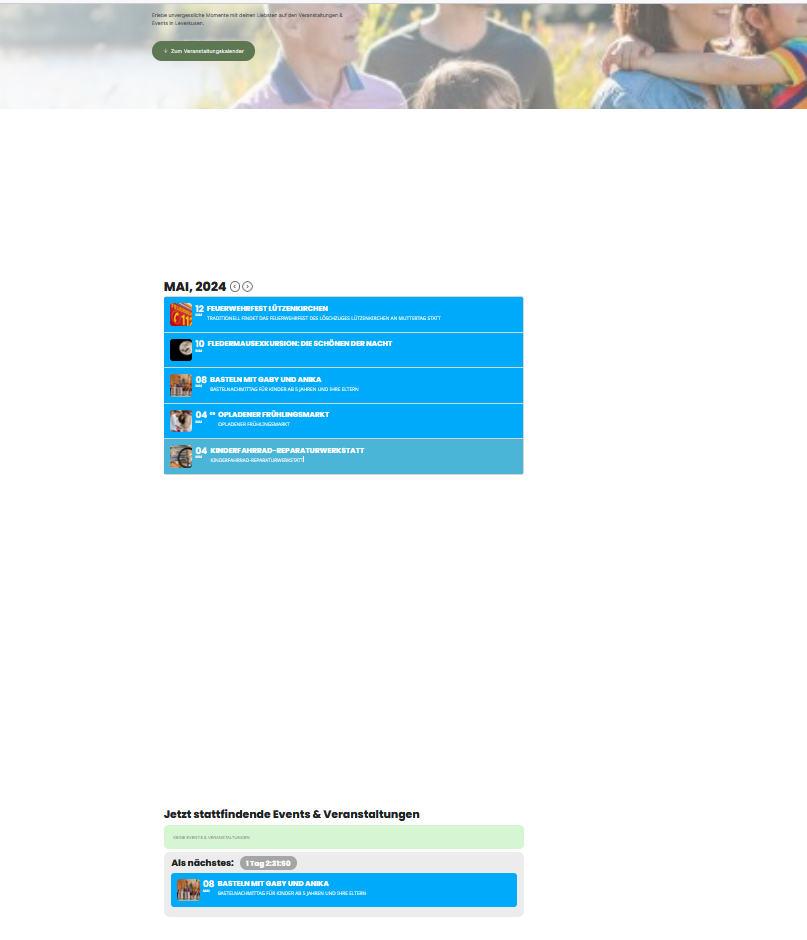
Ah I got it, in the desktp version there are a lot of white elements between the different type of calendars. and in the mobile version not. Do you know how i can delete this white elements?
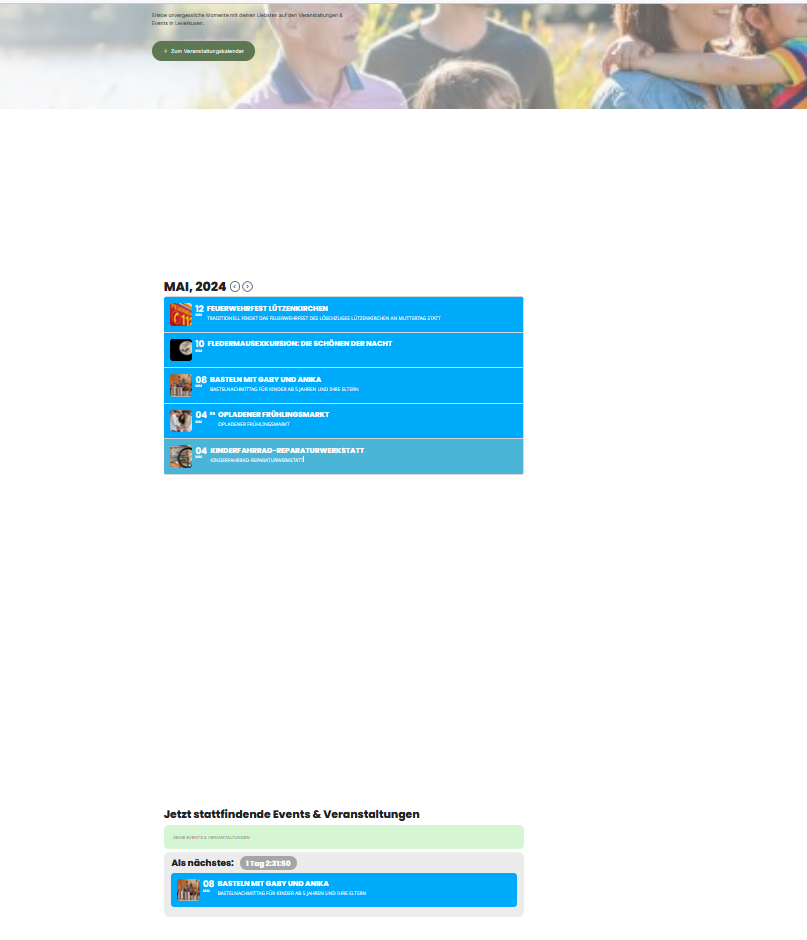
dsktop version screenshot
Hi Cristiano,
You are welcome, if you have any further questions or concerns please feel free to create a new ticket.
Unfortunately, your previous message didn't get me anywhere.
Thanks!
Now the jumper is not visible even if i added this – jumper=”yes”.
Alexandru
[add_eventon_list tiles=”yes” tile_count=”4″ tile_bg=”1″ event_count=”4″ add_eventon_list number_of_months=”1″ lang=”L2″ show_et_ft_img=”yes” etc_override=”no” hide_past=”yes” ux_val=”2″ etc_override=”yes” hide_empty_months=”yes” hide_past=”yes” hide_past_by=”ss” event_count_list=”yes” jumper=”yes”]