https://prnt.sc/4N0qYWzxBli3
site is loading can you check by using vpn
thanks
Replies for tickets on suppota
https://prnt.sc/4N0qYWzxBli3
site is loading can you check by using vpn
thanks
Please also note that we unable to help with any complex code customizations since it’s against CodeCanyon’s Support Policy.
Hello,
Thank you for your great suggestion, at the moment it is not supported. However please create a new ticket and select Feature Request as category so others can vote on your idea and get it moved into development faster.
Hello,
Could you try this CSS style:
.skin-light.eo_big { text-align: center !important; }
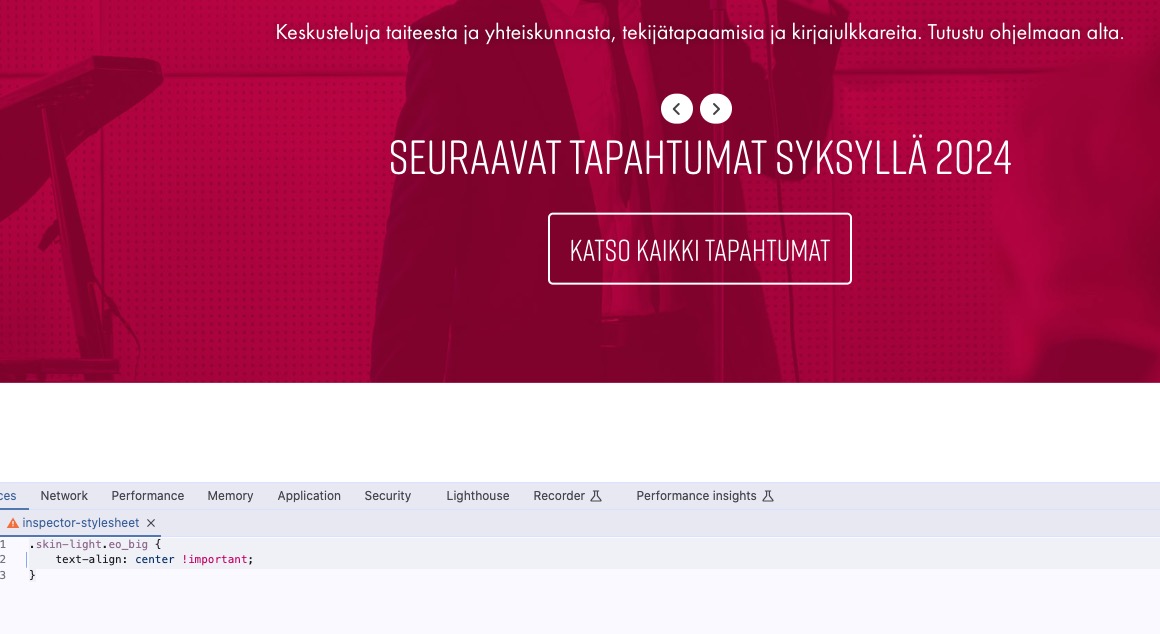
Seems to be working.
Also no issues with Firefox:
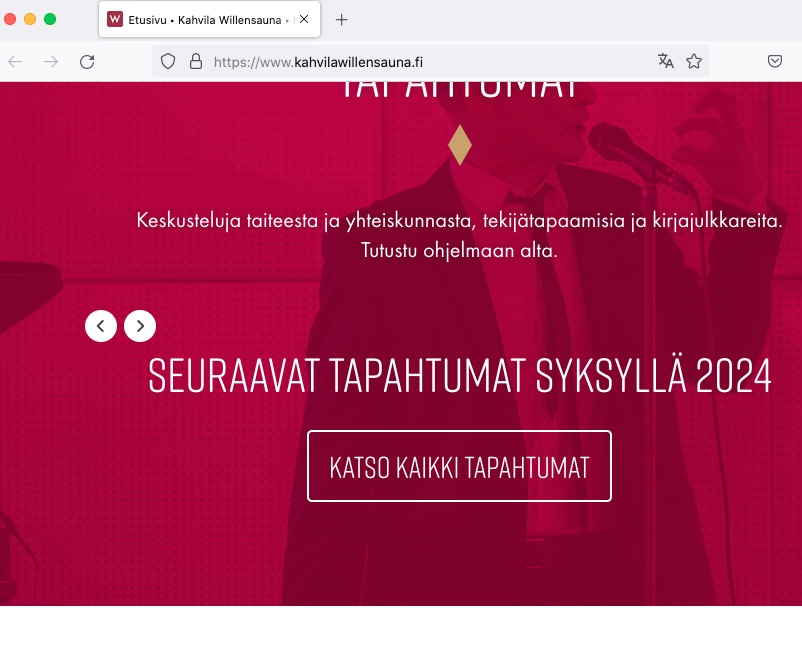
Hello,
It seems that your server’s timezone and EventON’s aren’t the same:

Could you make sure that they are the same and also enable EventON > Time > Apply default timezone to all events?
Do you see the same issue on our test server:
https://dev2.myeventon.com/test-539/
I put your shortcodes there.
Could you please try the instructions mentioned in this documentation?
Please refer to Shortcode Generator for options you can select for calendars:
https://docs.myeventon.com/documentations/shortcode-generator/
If it doesn’t have the option, then it’s unavailable, I am afraid.
The passwort for the wp login changed, how can i submit you the new password?
fixed upgrading to EventOn 4.6.3, but we loose some customizations …
We are glad your issue is resolved, if you have any further questions or concerns please create a new ticket.
If you have a moment, we would greatly appreciate if you could kindly leave us a review at Codecanyon. By going to your account > Downloads. We are very grateful for your kind review!
I can switch months freely: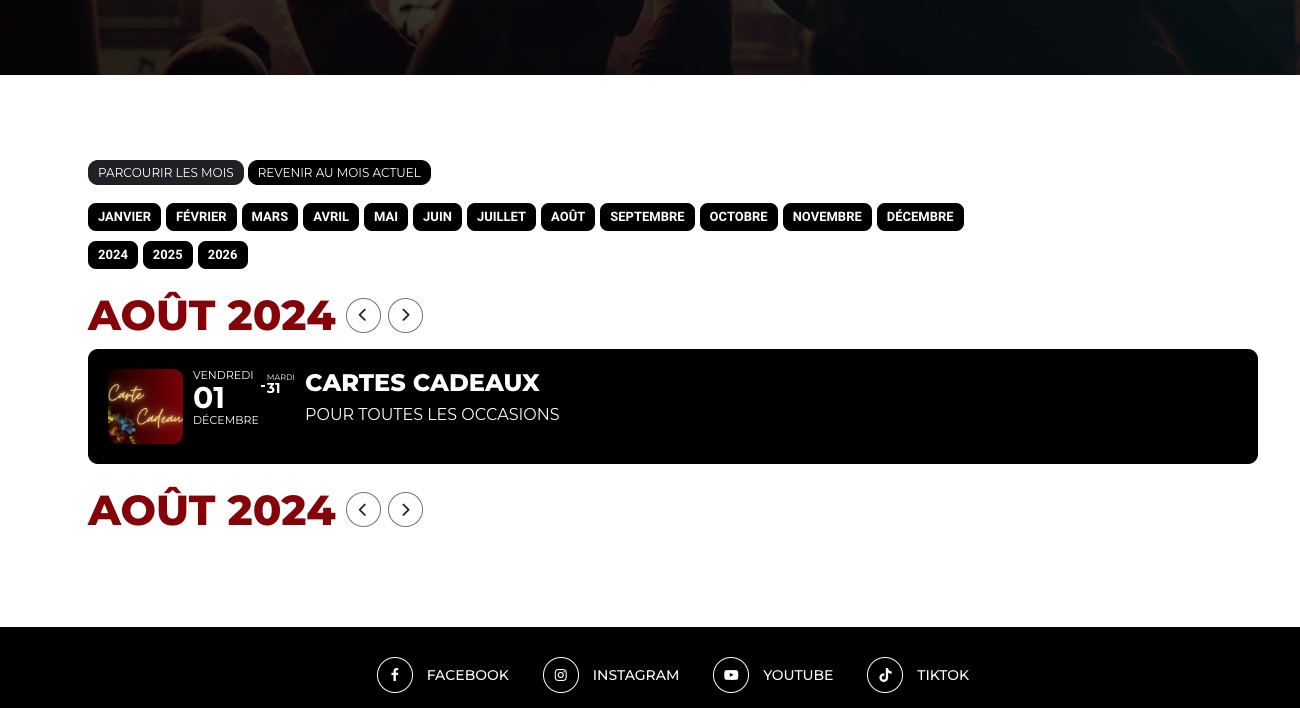
wp-content folder on the server is also doesn’t have debug.log file, I am afraid.
Have you tried following:
https://docs.myeventon.com/documentations/increasing-wordpress-memory-limit/