Thanks for your help, one last thing.
Is there a way to add multi selection to the drop downs and across each of the filters – this way customers can select each of the filters and then apply.
Also, can I change the order that the filters show on the calendar, for example I’d like the event type to be last and event type 3 to be first.
Thanks
Helen
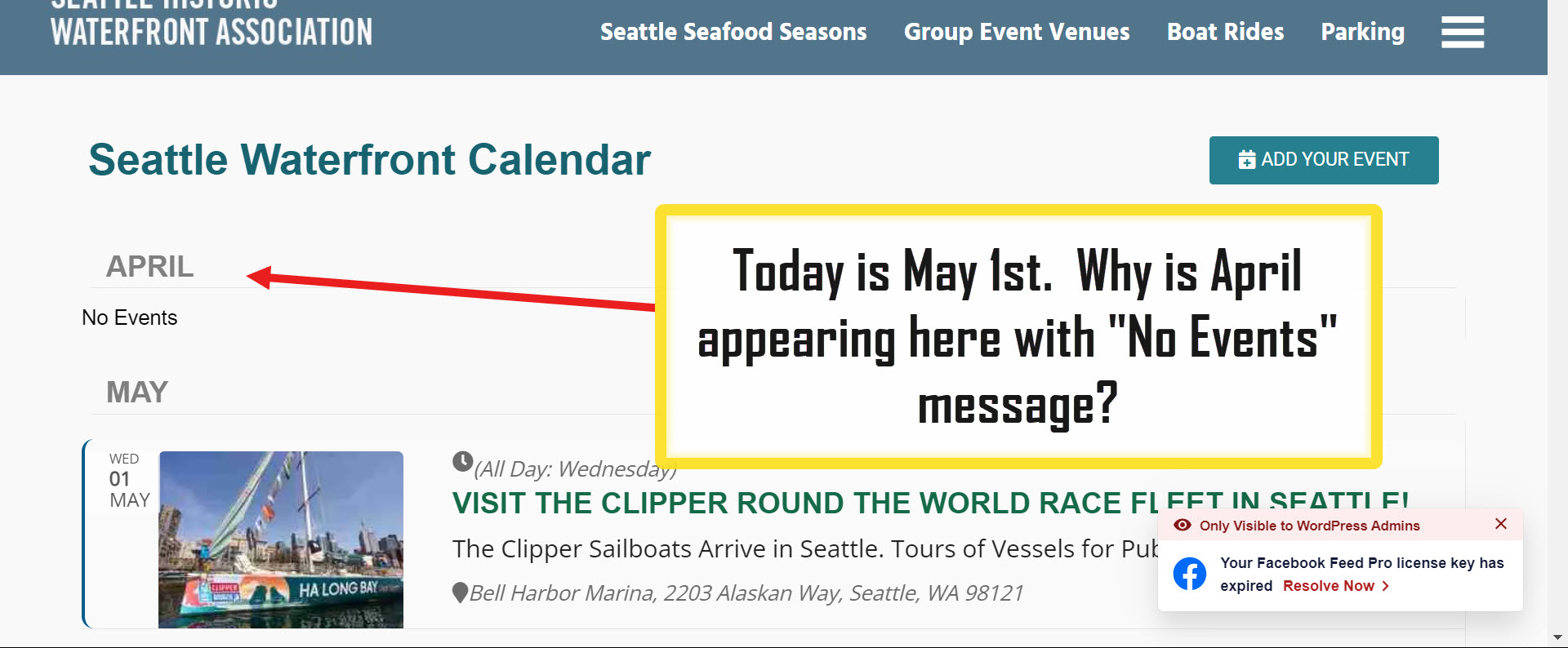
If you cannot see the full calendar at https://events.iloveseattle.org, then see https://events.iloveseattle.org/seattle-waterfront-calendar/
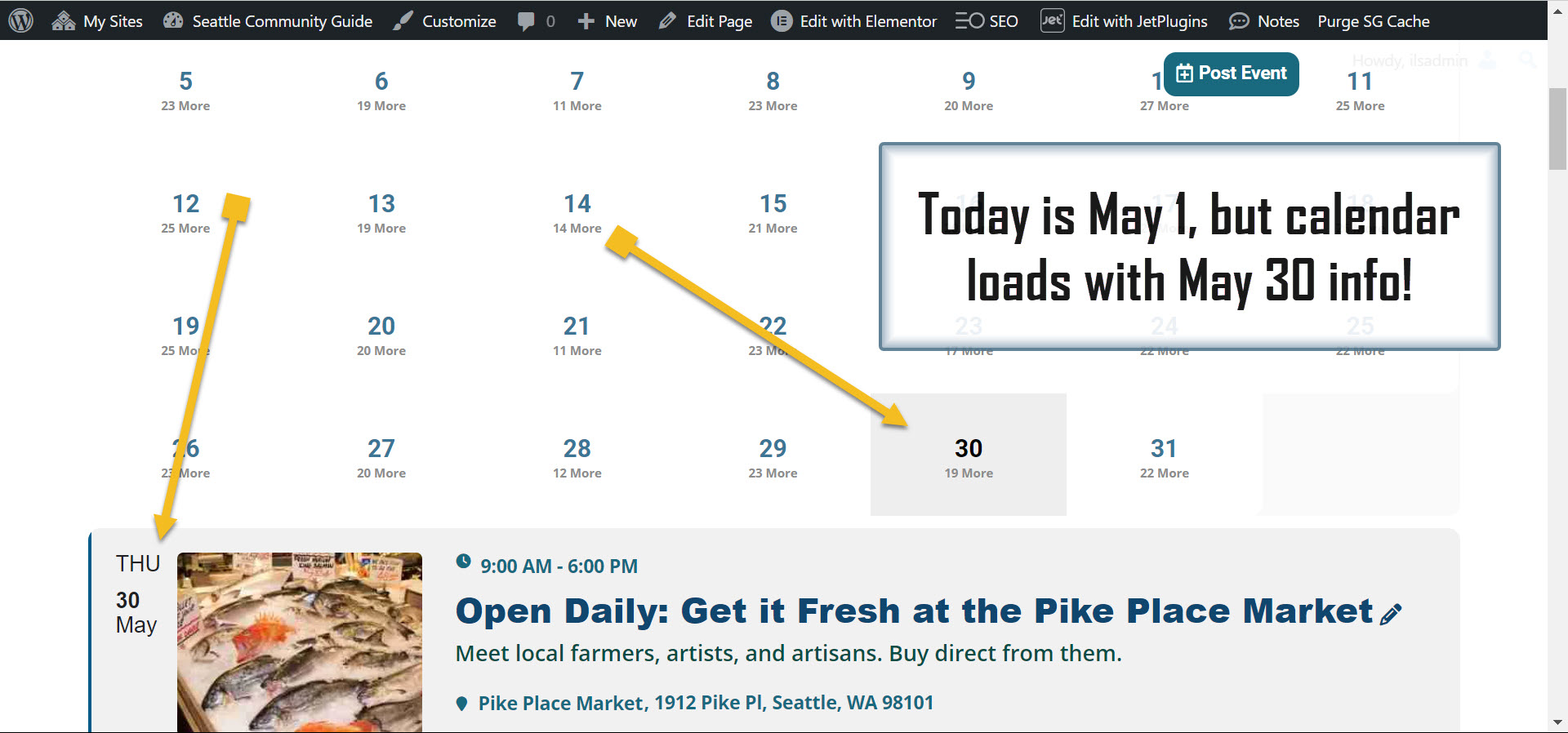
It’s the same issue (calendar loads for May 30, but today is May 1).
Thank you!
BTW – my other open ticket (#352477) will not allow me to open or reply here. It keeps asking me to log in even after I already have. You can close ticket #352477 though, as your solution worked for me.
Hello,
Please use these codes to change “Spaces Still Available” (first and second lines) and “View in My Time” (third):
.evcal_desc .evcal_desc3 .evors_eventtop_section_data .evors_eventtop_data.remaining_count em, .evcal_evdata_row .evors_stat_data .remaining_count em { color: #ffffff; background-color: #00aafb; }
p.evors_noshowcount_spaceleft.remaining_count { color: #656565; }
em.evcal_tz_time.evo_mytime.tzo_trig { background-color: #2eb4dc; color: white; }
Could you send us the correct login for https://staticlive.app/wp-login.php, so I can create the shortcode that starts with the current date?
Hello,
Please follow the instructions in this documentation to activate debug in your site to see any PHP errors recorded that can provide insight on to whats going on. Please reply with a link to debug.log file. If you are not able to do this please send us FTP access to your site so we can do this for you.
Thank you for the info!
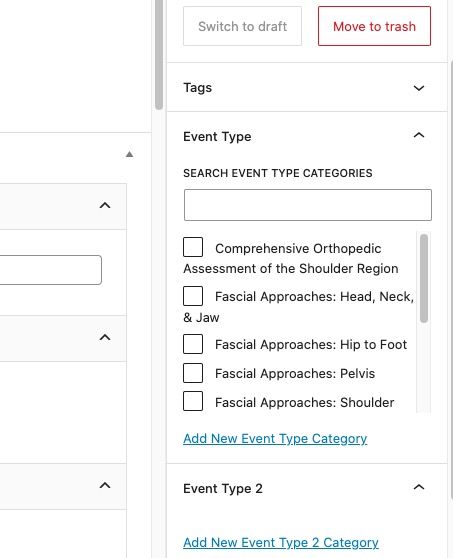
I created this copy and was able to uncheck all event types:
https://stuartseminars.com/wp-admin/post.php?post=720&action=edit
Could you elaborate more with screenshots?