Hello,
We changed Location page in one of our last updates, so it looks like this now:
https://dev2.myeventon.com/event-location/maultsch-im-gewerbepark-asd/
Did you customize the location template?
Replies for tickets on suppota
Hello,
We changed Location page in one of our last updates, so it looks like this now:
https://dev2.myeventon.com/event-location/maultsch-im-gewerbepark-asd/
Did you customize the location template?
Hello,
Please take a look at this action
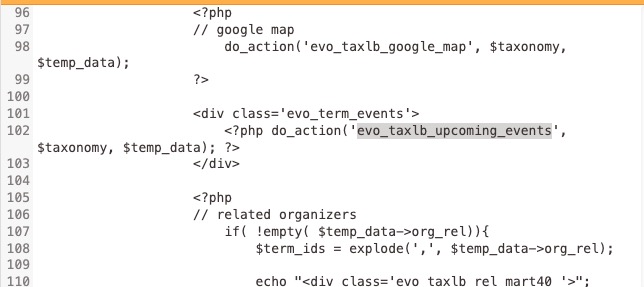
More info on how to use it:
https://docs.myeventon.com/documentations/use-actions-filters/
i have also noticed that events on this page https://guide2.co.uk/event-organizer/the-beefy-boys-event-pop-ups/ do nt open the event they seem to open the whole website
Could you go to EventON > Advanced > try a different Select calendar event content filter type?
Please go to EventON > EventCard > try a different Feature image display style.
Apologies. Since I have figured out the problem, I figured you would no longer need back-end access in order to offer a solution. You will see the two examples I have placed at https://bikerzoo.com/event-directory
and what each one does.
I have reinstated you as a user, please log in using the same credentials as before.
I am eager to get this moving now so please expedite a solution if you can.
Thank you so much.
Vaughan.
How can I make this sure? I’m not proffesionell webdesigner
Did you enable “Allow repeat dates to be clickable”?
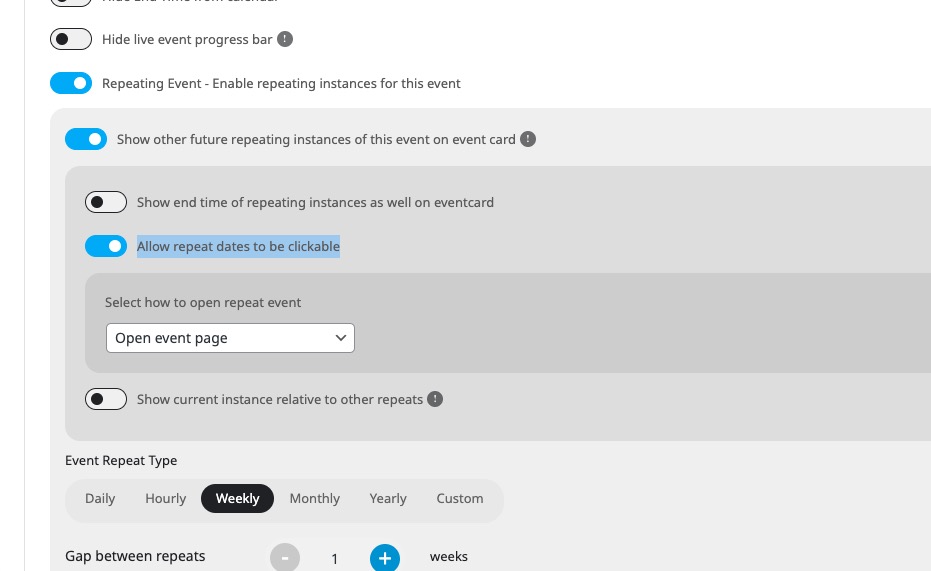
Seems to be white already: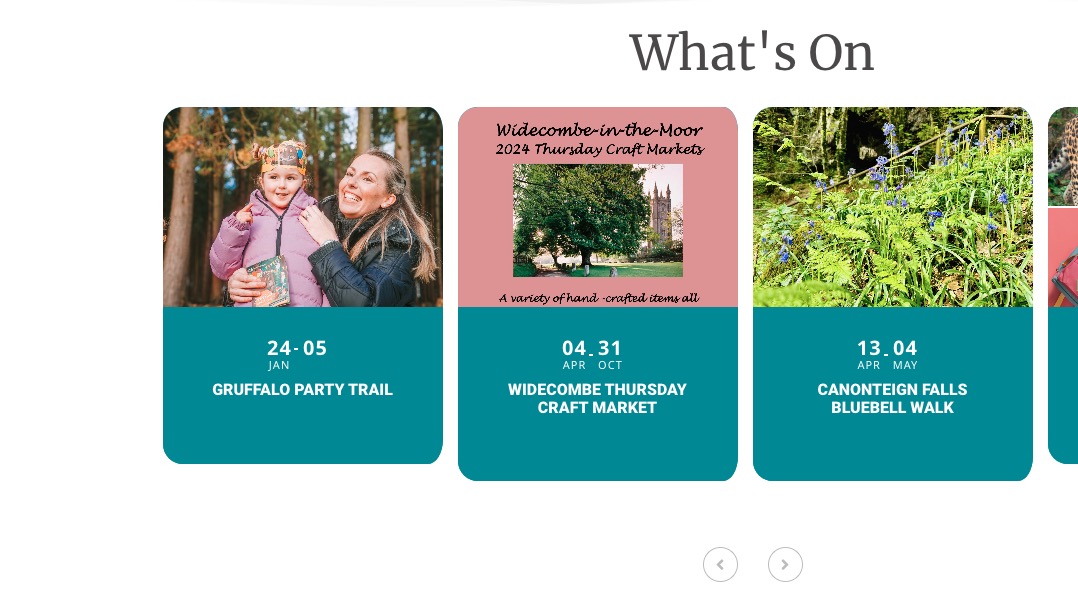
Could you check?
Please follow
https://docs.myeventon.com/documentations/import-additional-fields-using-hooks/
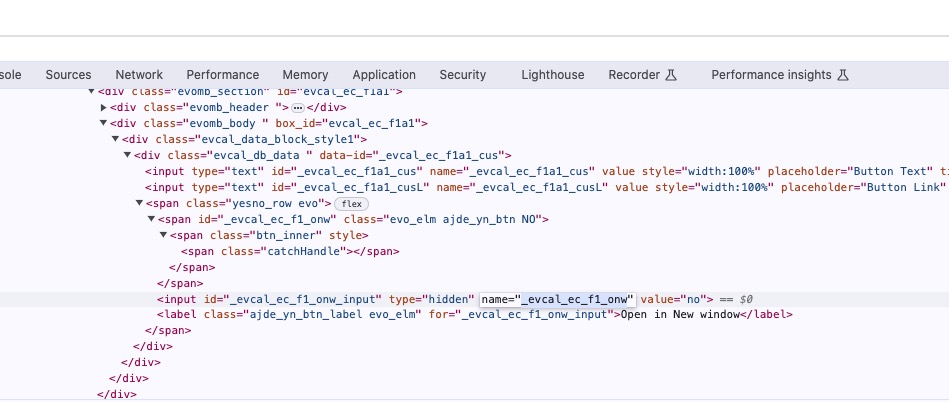
Use this variable name as _field_var_name:
Didn’t receive the image, I am afraid.
Is this the calendar you are referring to:
https://staticlive.app/wp-content/uploads/2024/01/image1.jpg
Hi there,
This works thank you – I have done
cmd_1 and cmd_1L
How do I get the button to open in a new window?
Thanks
Sheree