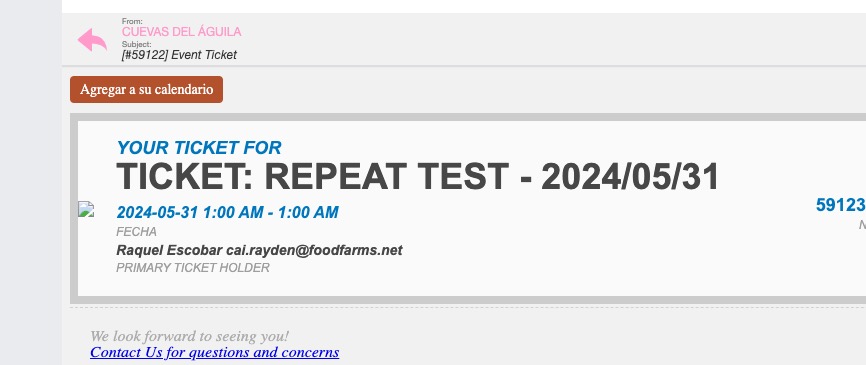
I created a new test event and received this email: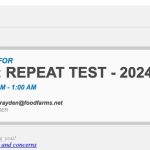
Please understand that your versions of EventON and add-ons are outdated. But at the same time you use the current version of WordPress and the latest version of WooCommerce.
You need to update everything at once (EventON + add-ons). When you updated it the previous time, did you update add-ons as well?
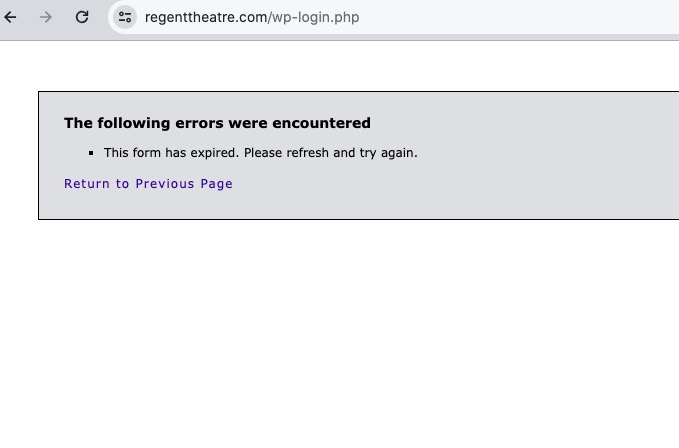
/wp-login.php redirects me to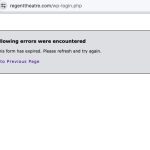
Could you check?
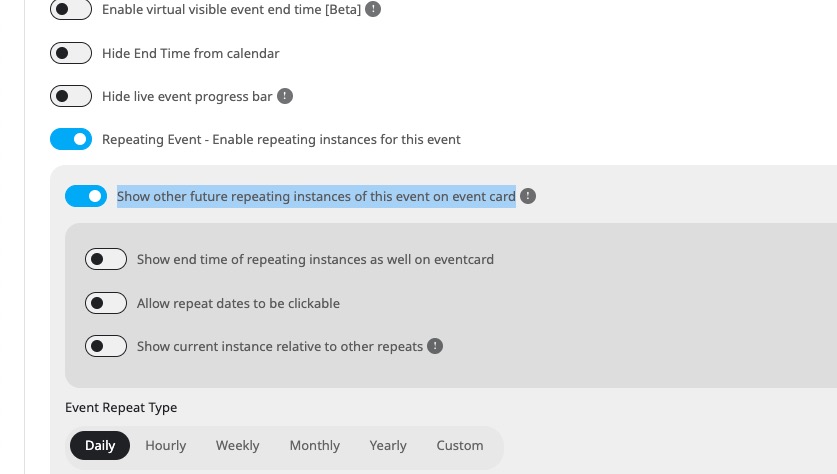
If you use Repeating Events, you can enable “Show other future repeating instances of this event on event card”: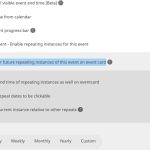
If this is still not working for you, could you elaborate more?
Ashan,
I cannot find the other ticket with similar question. Could you help?
Hello,
Thank you for your messages, I am going to assign this ticket to Ashan and he will be able to take it from here and find you a solution. Please allow some time for him to get back to you, we greatly appreciate your patience and thank you for being a eventon customer!
Please go to EventON > EventCard > try a different Feature image display style.
As for the second question, unfortunately, the only way is to go to EventON > EventTop > add RSVP and Tags. Event’s EventTop will look like this:
https://dev2.myeventon.com/events/rsvp-40/
Both shortcodes work on our test site:
https://dev2.myeventon.com/test-515/
Please send us wp-admin access to your site as a private message for us to further assist your situation.
Please take a look at this event with enabled Variations add-on:
https://www.bmab.de/wp-admin/post.php?post=50756&action=edit
I added some of variations, but please add the rest of them. This will solve the original issue.