That seems to have done the trick!
Thank you for your help!!
Replies for tickets on suppota
That seems to have done the trick!
Thank you for your help!!
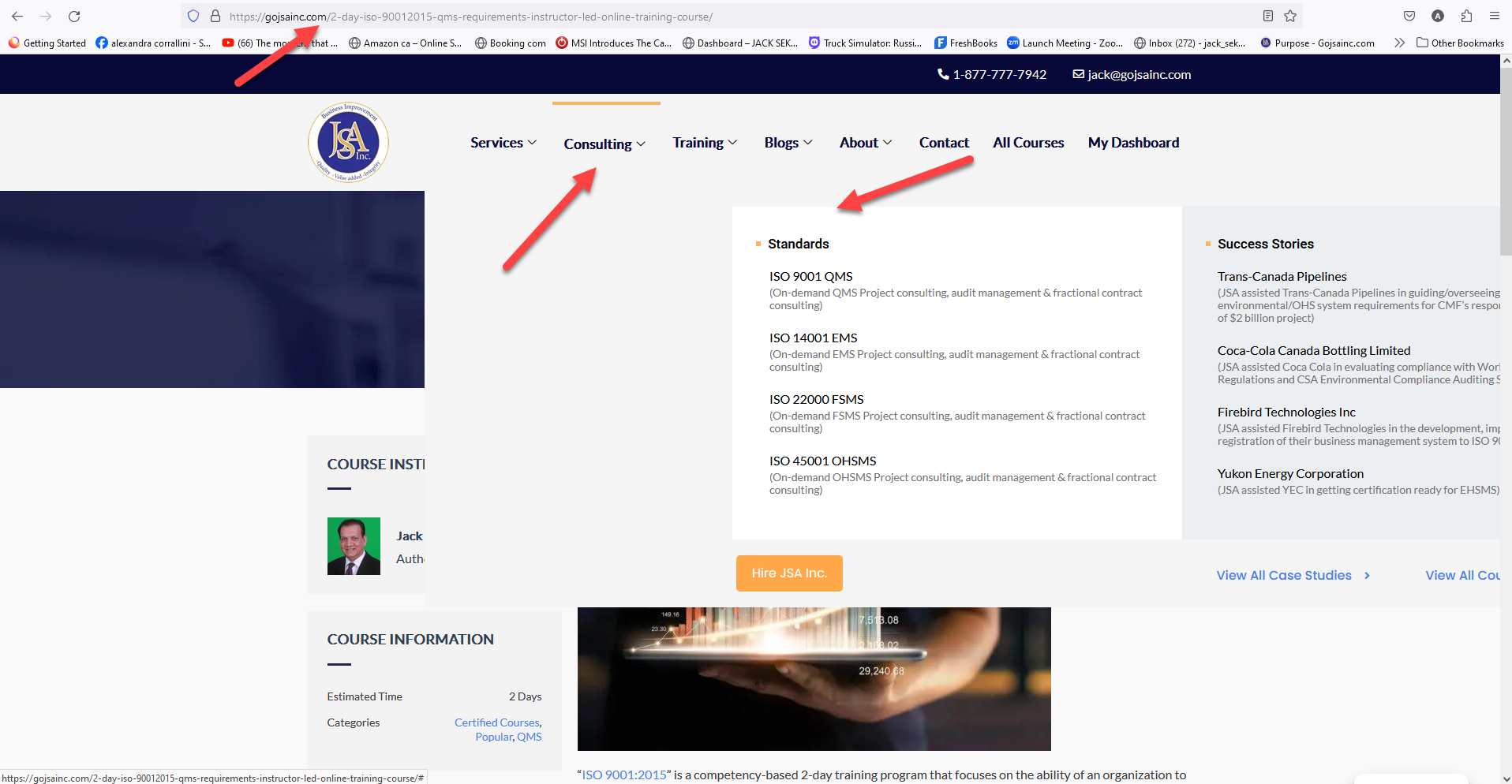
this is how it shows on appears on firefox on our end
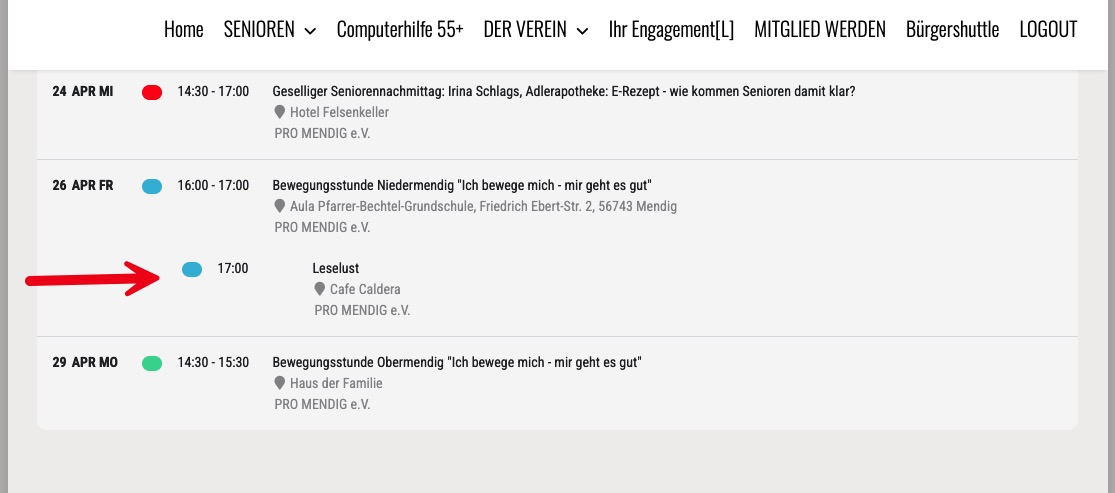
Schedule view
When there is only one Event a day, the list is ok.
but a second event at the same day is moved to much to the right side. How can I fix this?
Hello,
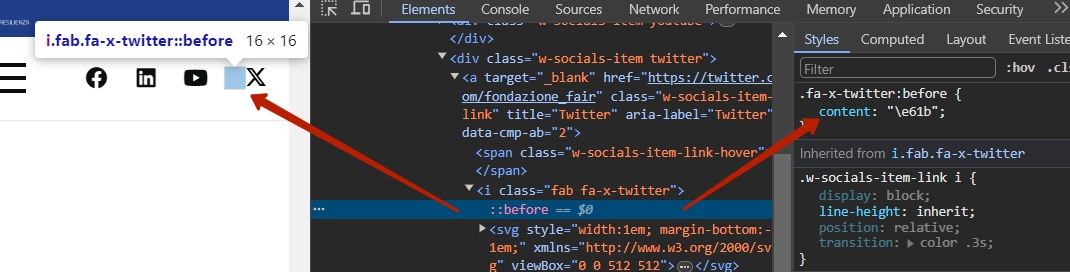
I’ve attached a screenshot, if you want to see the problem you can visit the website here: https://fondazione-fair.it/
i post here the reply i’ve got from us-themes.com:
I was able to replicate the issue you reported on my local website after activating the EventON plugin. It appears that this plugin only adds the styles for the Twitter X icon. To solve this problem, you need to add the following custom code to Theme Options > Custom Code > Custom CSS:
.fa-x-twitter:before { content: ''; }
So in chrome not loggedin > works fine.
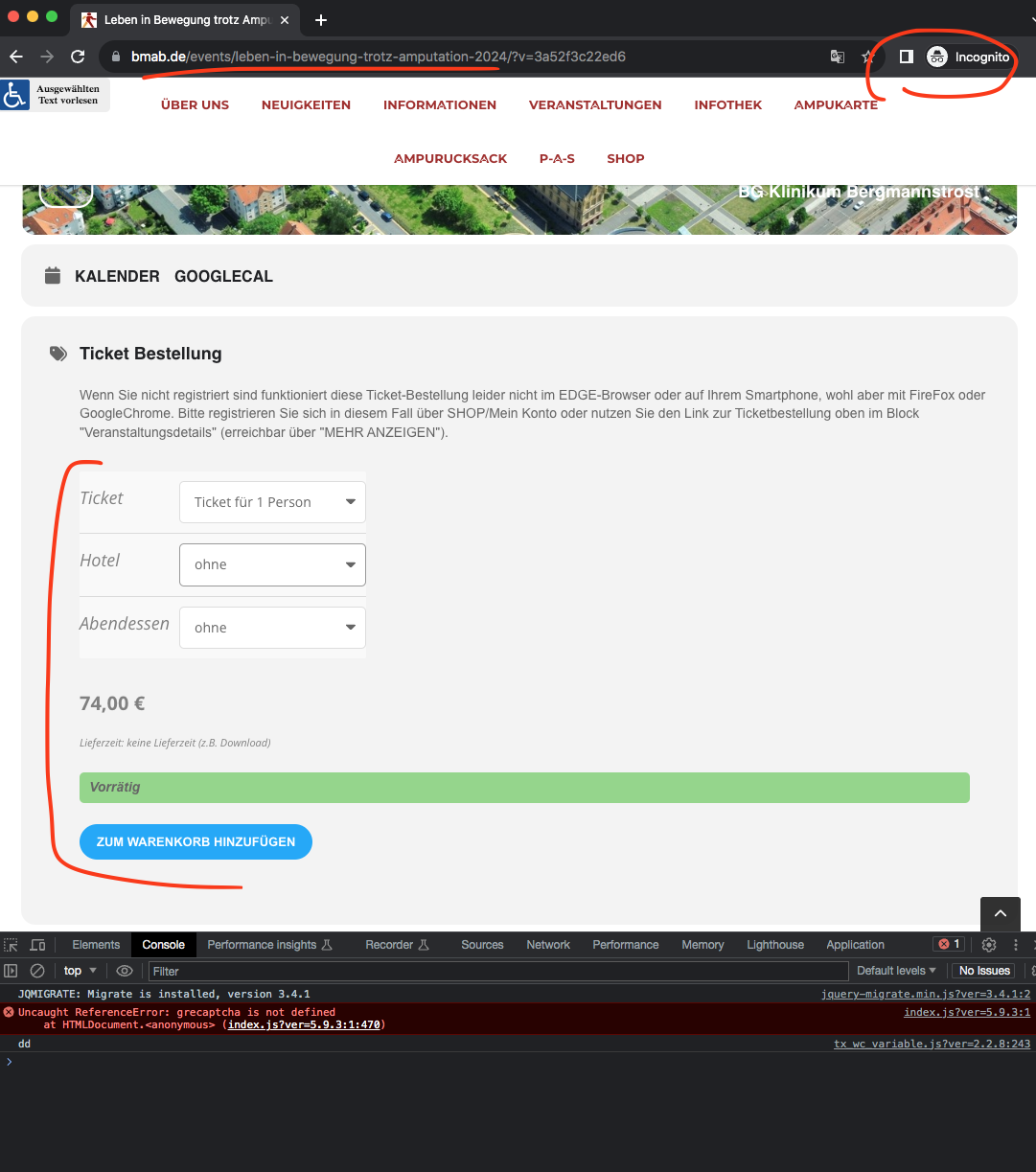
@artem is this error on Edge?
We are not able to replicate this on our end. Is it ok if we install WP file manager plugin in your website to run debug for errors?
Sorry Melissa, there are a lot of events.. Would it be possible for you to let me know which event exactly is not showing up right now?
Also is it ok if we make a test page to test few shortcode possibilities in your website?
Kindly update to the latest seats version 1.2.5 — https://docs.myeventon.com/documentations/changelog-event-seats/
should resolve this issue with seats map showing up 🙂
We did release a new version to tickets addon 2.2.9, were you able to add that to your site and see if that makes any difference?
I also wonder if you could switch to default WordPress theme and see if that changes anything? I don’t want to mess with your theme as I do not know what all was involved with your themes. Please give this a try.
Because we can not replicate this issue, and we have not seeing other users with this issue either.