Please add the CSS code to EventON > Styles (If you don’t see any change, EventON > Scripts & Styling > turn off Write dynamic styles to header > save settings > turn on Write dynamic styles to header).
You can also add the code to wp-admin > Appearance > Customize > Additional CSS.
CSS styling is added here:
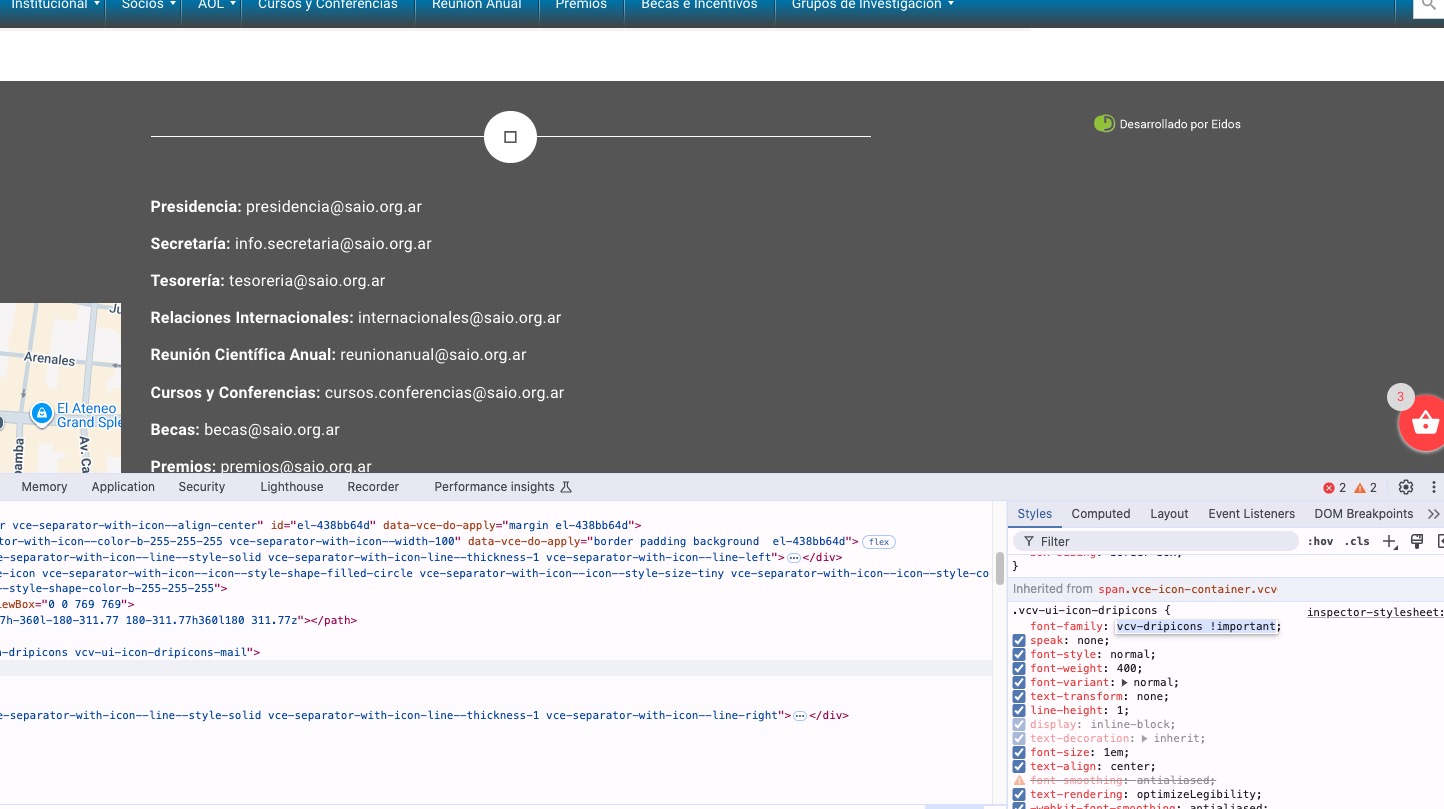
Unfortunately, adding the custom styling didn’t help the icon issue:
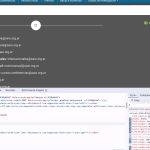
You can use this code to hide one icon and show the text on other:
.single-ajde_events #el-4086d7cc .vce-separator-with-icon–icon { display: none !important } .single-ajde_events div#el-41b9b3de span.vce-button–style-animated-icon-inner { max-width: 100vw; } .single-ajde_events div#el-41b9b3de span.vce-button–style-animated-icon-inner-text { -webkit-transform: translateX(0); transform: translateX(0); }
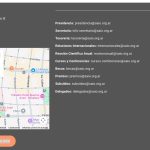
Please check and let me know.
Thanks. Which is the exacto script You added?
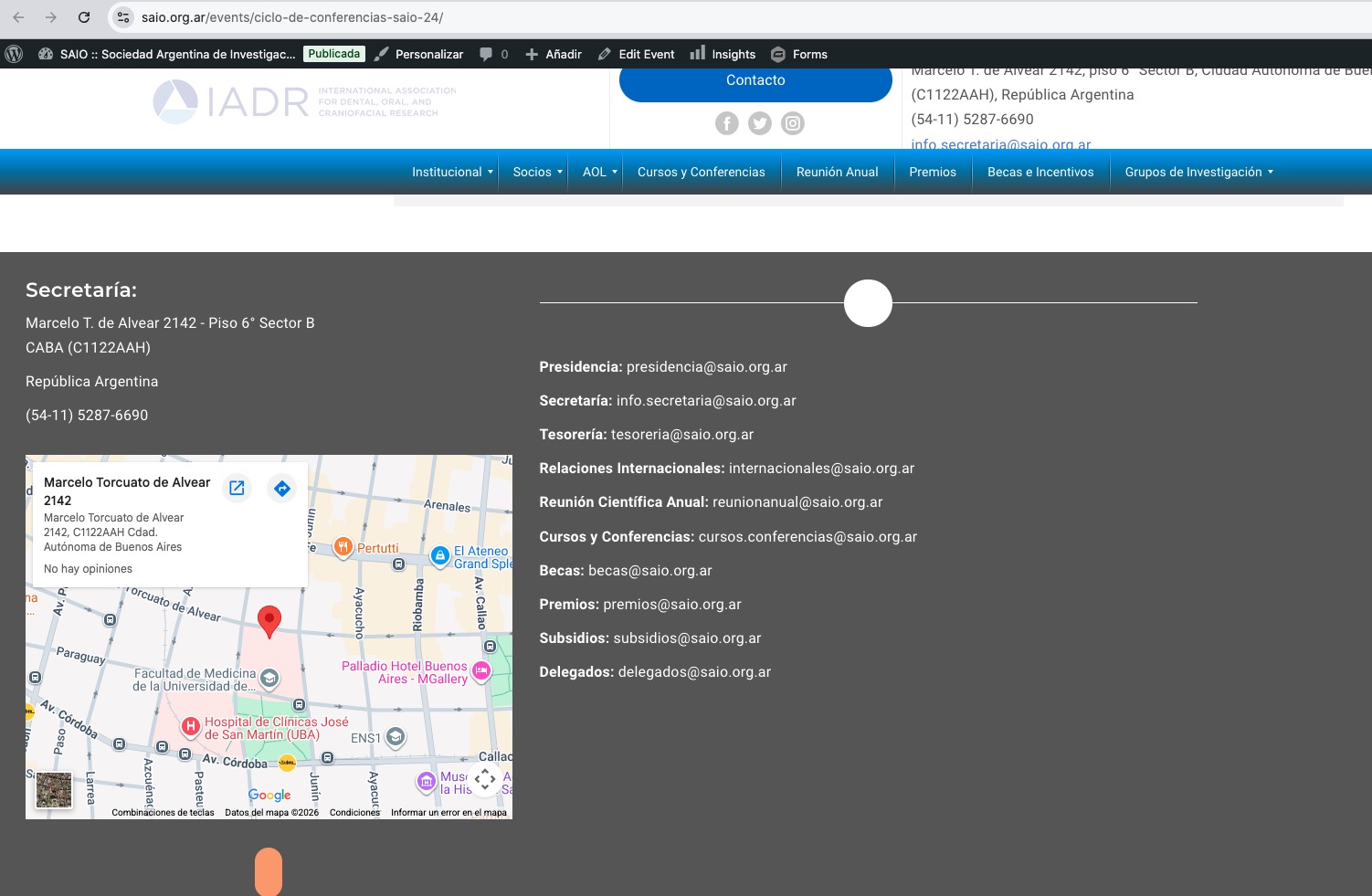
And, also, there are 2 iconos not showing in the footer of the event that does show on the other pages of the site as saio org.ar
That’s great. Thank you.
I really cannot stress how this needs to be working by Saturday.
As you can see from our weekend events that we have hundreds of customers visiting our venue.
Last night event was manageable but the weekend event will be near impossible to check people in efficiently.
I really would appreciate a quick resolution to this issue as it has the potential to cause a lot of stress for the staff and our customers.
Thanks, iain.
Where is the best place to add custom CSS to override the plugin default CSS? In the customizer or in the custom CSS settings per page in Elementor?
Please add this CSS code:
.evcal_list_a .evoet_cx .evcal_tz_time.tzo_trig, .eventon_events_list .evopop_top .evoet_cx .evcal_tz_time.tzo_trig { border: 0; padding: 0; }
.evcal_list_a .evoet_cx .evcal_tz_time.tzo_trig, .eventon_events_list .evopop_top .evoet_cx .evcal_tz_time.tzo_trig { color: #00acfb; background-color: white; }
.evcal_list_a .evoet_cx .evcal_tz_time.tzo_trig:hover, .eventon_events_list .evopop_top .evoet_cx .evcal_tz_time.tzo_trig:hover { color: #00acfb; background-color: white; }
You can try changing #00acfb to configure the text color and also white for the background.
We are glad your issue is resolved, if you have any further questions or concerns please create a new ticket.
If you have a moment, we would greatly appreciate if you could kindly leave us a review at EventON WordPress Page OR EventON > My Account > Downloads. Your review helps us a lot in continuing EventON improvements!
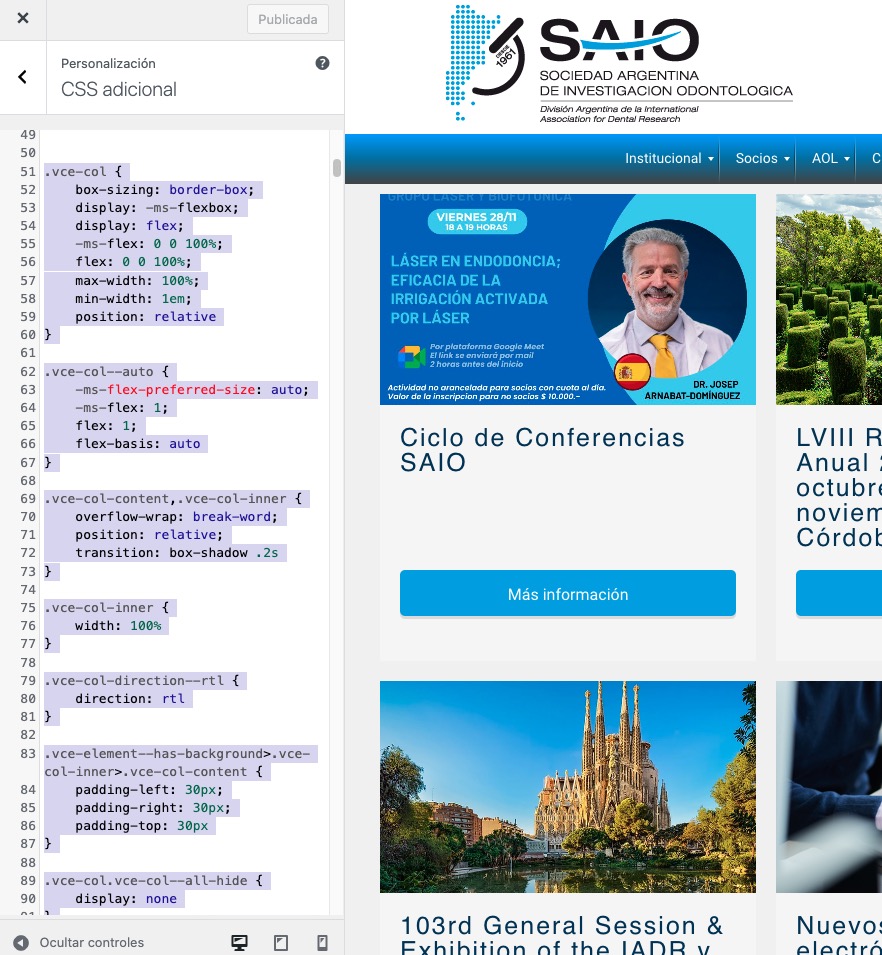
I added inline CSS styling Visual Composer to ”CSS adicional”:
https://saio.org.ar/wp-admin/customize.php?return=%2Fwp-admin%2Fplugin-editor.php%3Ffile%3DeventON%252Ftemplates%252Fsingle-ajde_events.php%26plugin%3DeventON%252Feventon.php
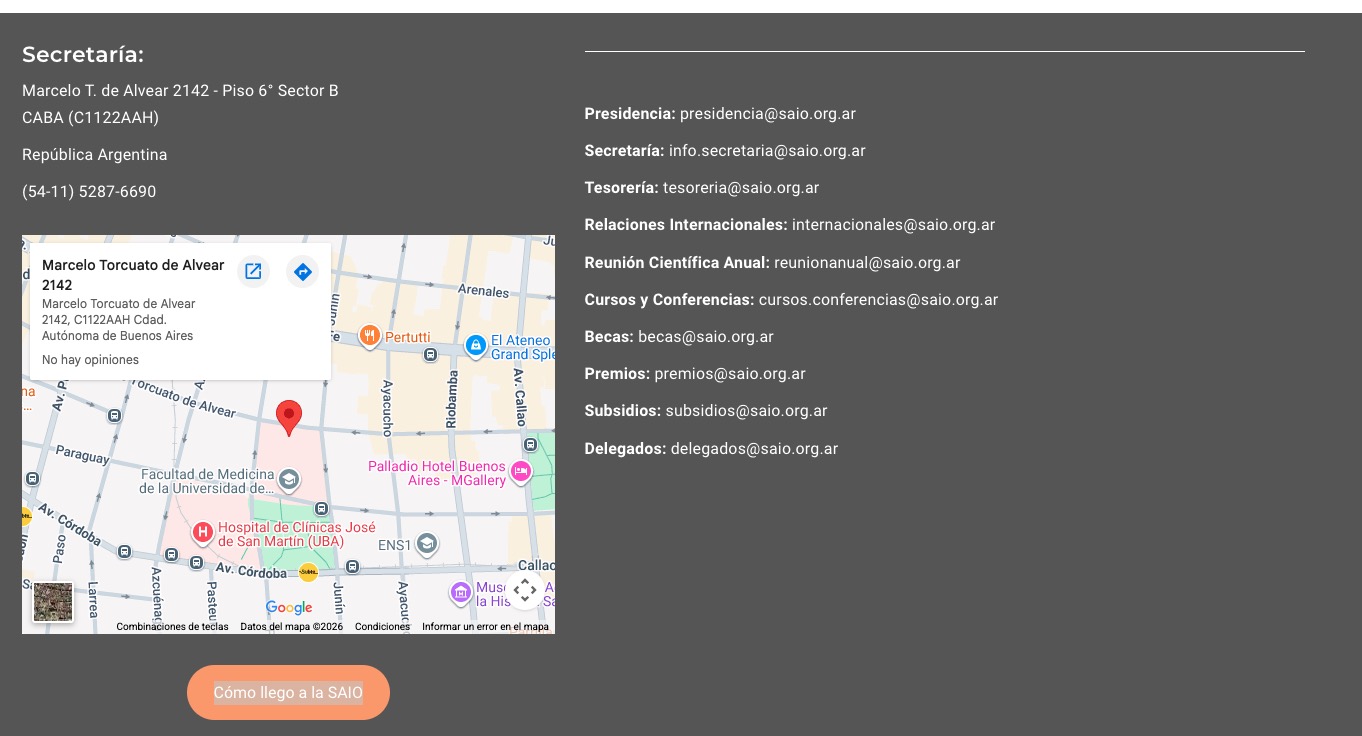
So now the footer seems to be working correctly:
Could you check and let me know?
Ashan,
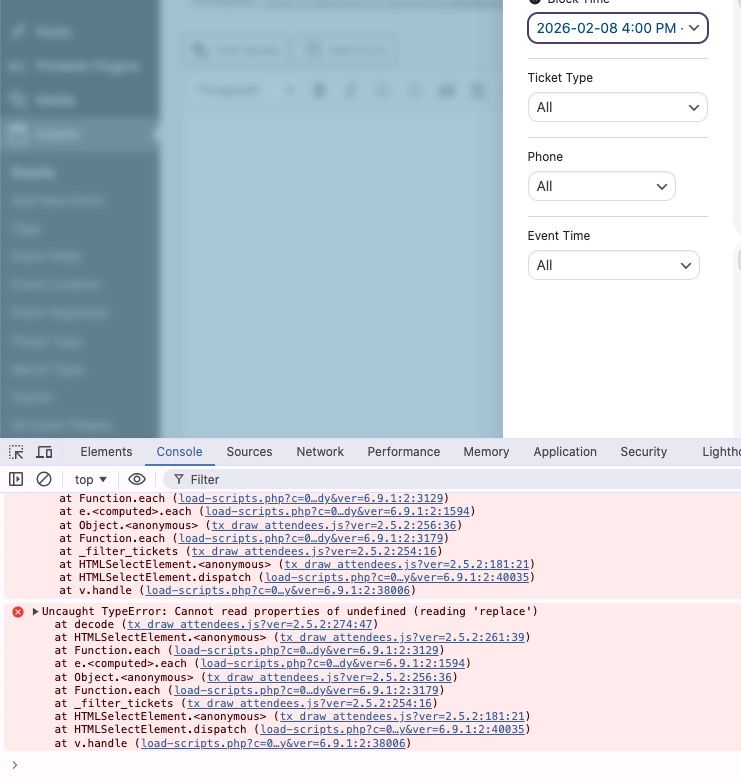
The issue:
https://photos.app.goo.gl/3S6r5P7dSLPhgrNA7
”View Attendees” cannot be filtered by Block Time.
Login info can be found here:
Reply to: 404888
I cannot re-create this on dev2, but on customer’s website the error appears even in Troubleshooting Mode:
https://rollerstop.co.uk/wp-admin/post.php?post=868&action=edit
The error:
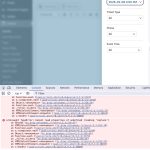
Thank you for your messages!
I am going to escalate this ticket to development to help in here. Please allow us some time to address this, and we truly appreciate your patience. Thank you for being a valued EventON customer!
Additionally, if your site has any IP blocking or security restrictions in place, kindly disable them temporarily to facilitate our support process.