No problem, I’ll look into it, it appears to be working for now though so happy for you to close this ticket now.
Archives: Replies
Replies for tickets on suppota
Reply to: tickets(345166)
I tried that and it doesn’t change the image cropping at all.
Reply to: tickets(346613)
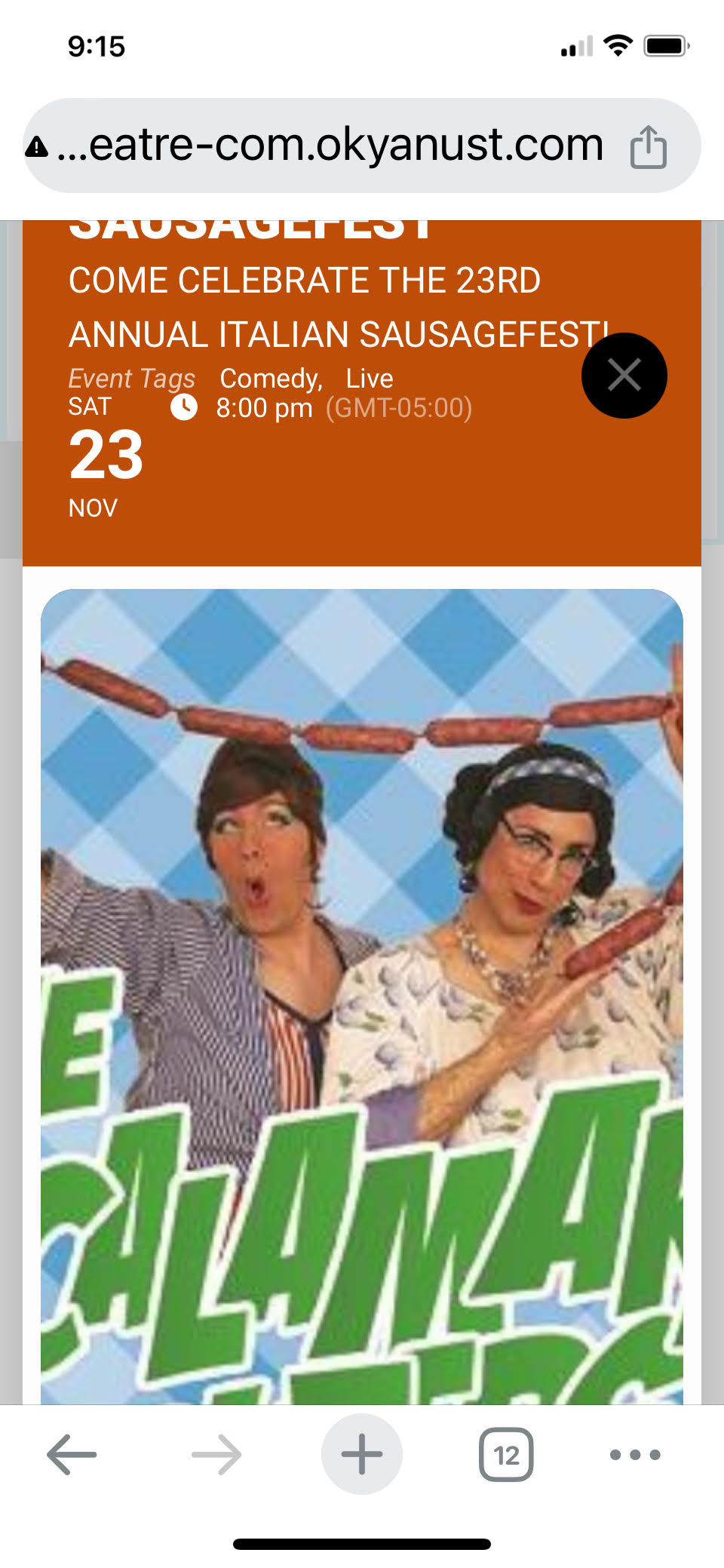
Event after being clicked
Reply to: tickets(346613)
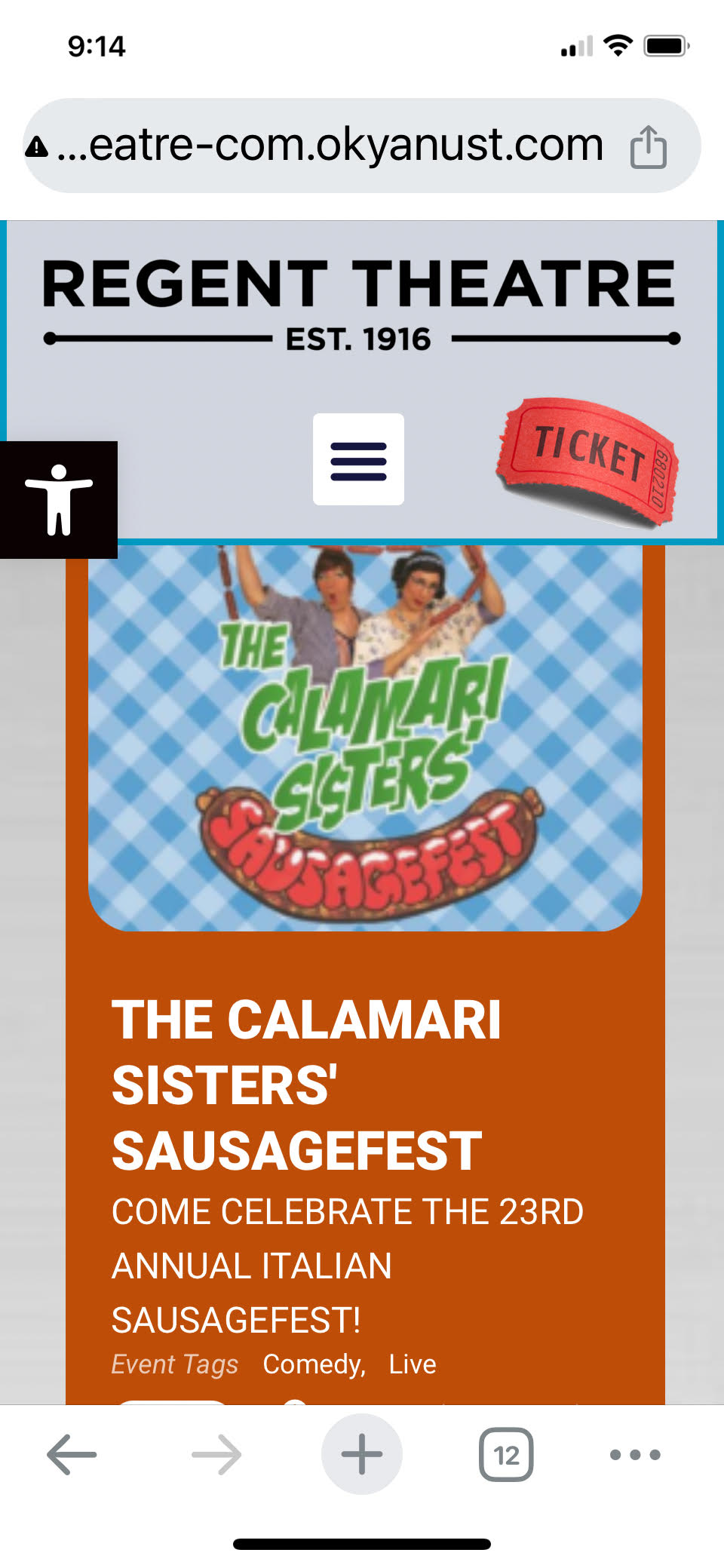
Hi again Artem. The images are showing up now as noted in the attached. Some are the right size orientation but others are not and when I click on them on my phone they are blown up way too large. The second attachment shows what I’m seeing when I click the event.
Reply to: tickets(349298)
Wow. Worked perfectly! Thank you!
Reply to: tickets(349117)
Sorry I don’t understand where I have to remove accord=”yes” from the shortcode.
Reply to: tickets(346613)
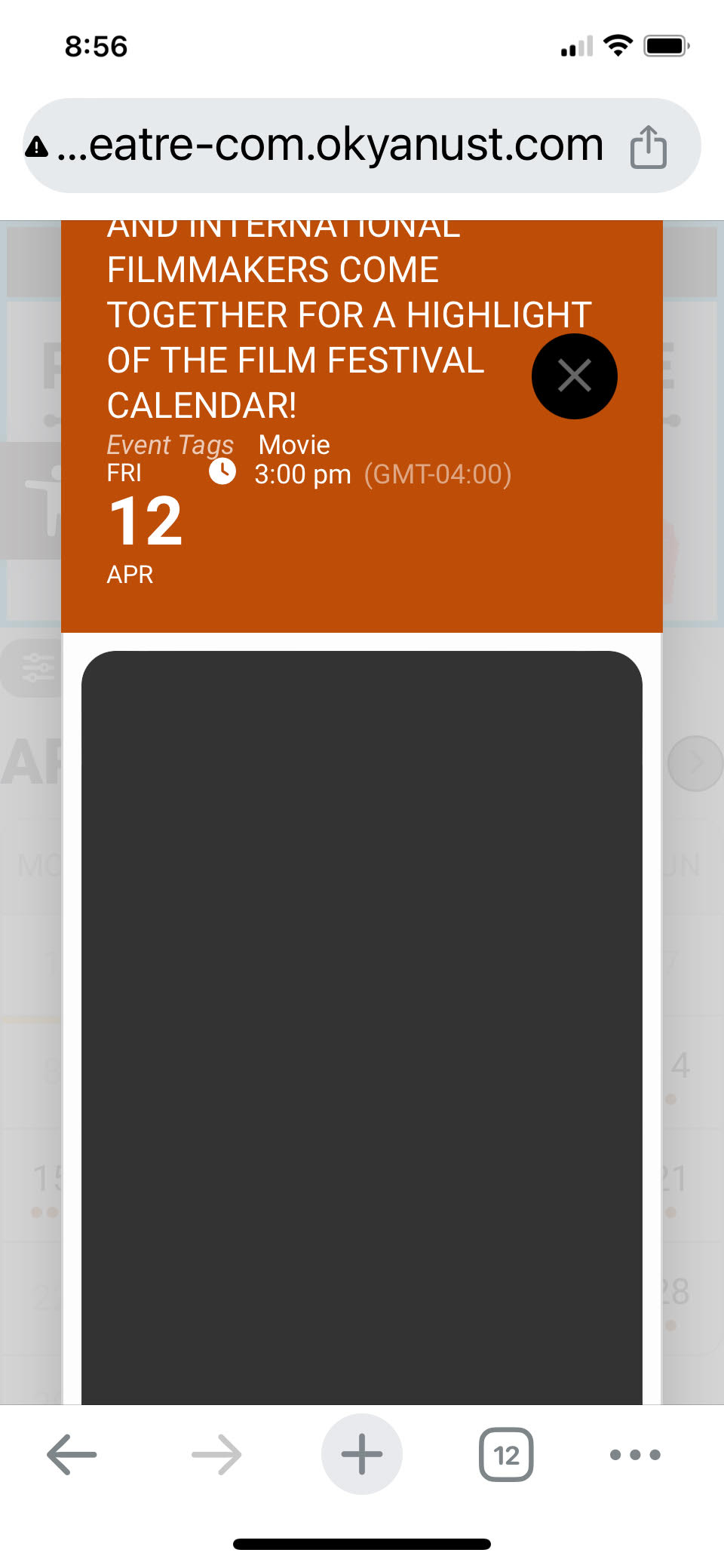
Thanks Artem. It fixed the sizing issue but there is no image. It’s just blank with either no image if there’s one featured one or if there are more than one image, the thumbnails are below.
Also, I removed the code thar was added to CCS code a little while back to fix something I think that the update resolved. Here is the code I removed:
.ajde_evcal_calendar strong img { display: inline-block !important; }
Reply to: tickets(347667)
Ashan,
I changed Buttons’ colors:
https://dev2.myeventon.com/wp-admin/admin.php?page=eventon#evcal_002
But still blue:
https://dev2.myeventon.com/events/test-144/
Reply to: tickets(347667)
Thank you for your messages, I am going to assign this ticket to Ashan and he will be able to take it from here and find you a solution. Please allow some time for him to get back to you, we greatly appreciate your patience and thank you for being a eventon customer! Also please disable any IP blocking on your site if there are any.
Reply to: tickets(349298)
Hello,
Please go to EventON > EventCard > Designer > open and save. Save EventON Settings.