Test event:
https://jhanaloft.com/events/rsvp/var/ri-1.l-L1/
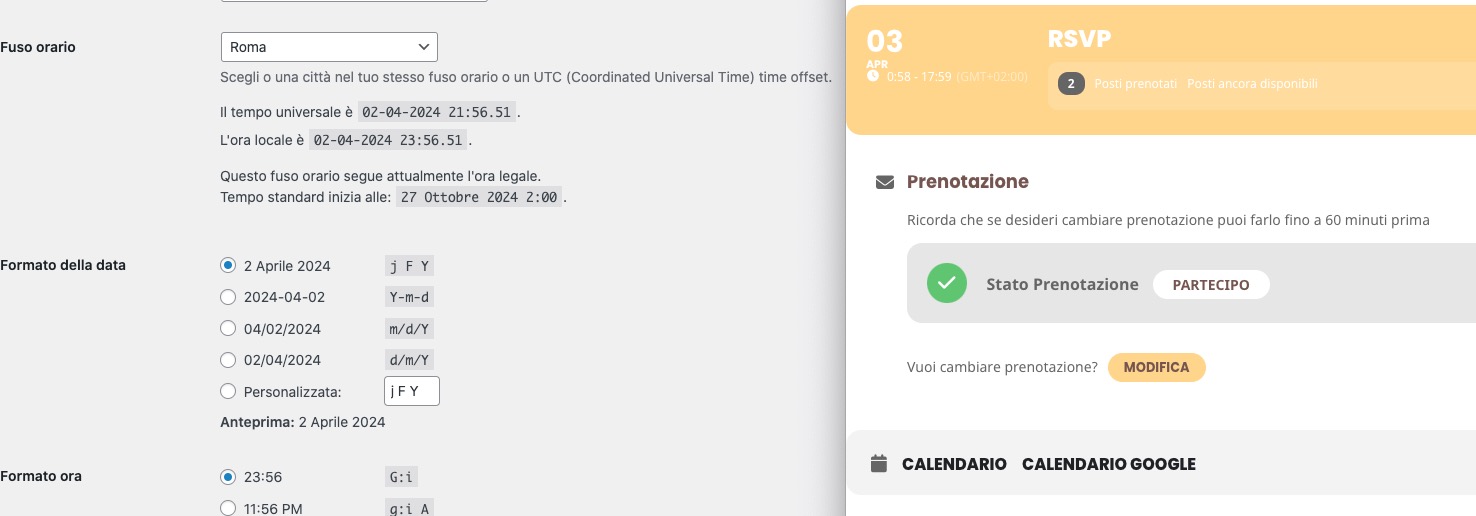
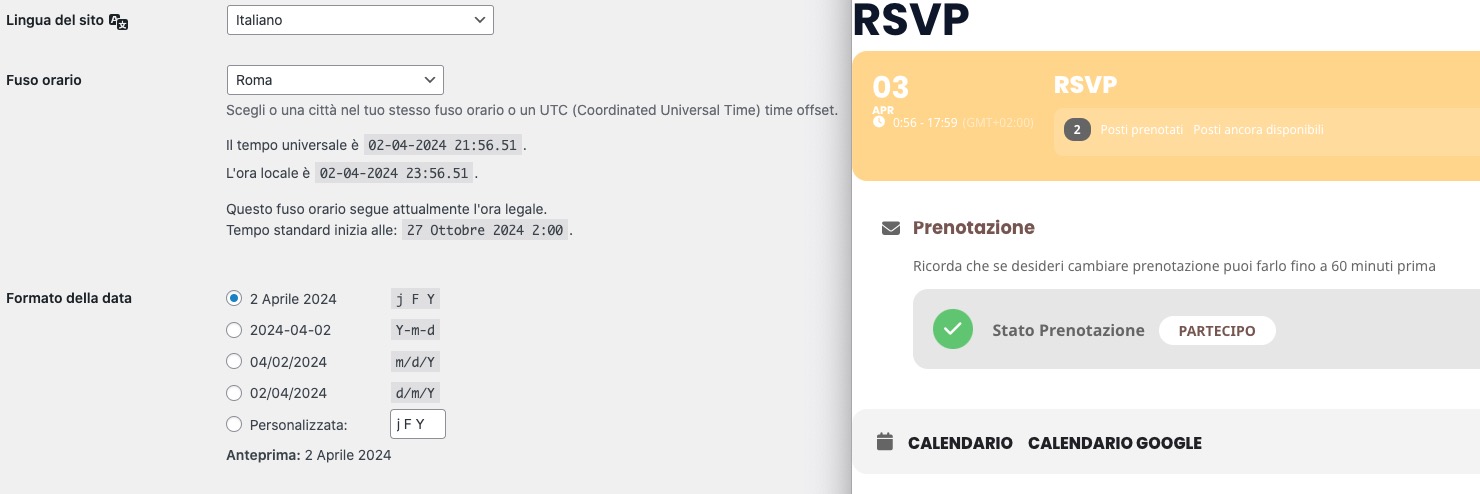
I changed “Generally, when to hide Change RSVP button: 60 min before event start” and it seems to be working correctly. Could you check and let me know?
Ashan will check this as well.
Replies for tickets on suppota
Test event:
https://jhanaloft.com/events/rsvp/var/ri-1.l-L1/
I changed “Generally, when to hide Change RSVP button: 60 min before event start” and it seems to be working correctly. Could you check and let me know?
Ashan will check this as well.
I simply don’t understand why when I check in Troubleshooting Mode, all issues are gone. Are there customizations?
Which version worked for you? We can give you EventON 4.5.9, for example. Did you it work for you?
the event itself and not using express .. its just stripe
Hello,
I cannot access EventON Settings as well as Plugins page and also Events. Could you give us more access?
Could you make sure that your add-ons are latest versions and update if necessary?
To update eventon addons: You can download latest eventon addons from myeventon > my account. Then you can go to your website, deactivate old addon and install new one and activate then delete the old addon. This link will further explain the process. Also you can follow us on twitter to get real-time announcements on updates!
It seems there is a different way how you can solve this without the code customization.
Please try https://stackoverflow.com/a/45796015
Try this code:
span.evo_card_organizer_name_t.marb5 a { pointer-events: none !important; text-transform: none !important; font-weight: normal }
It also has some adjustments for the font.
This CSS code centers the ticket area:
.evo_metarow_cusF2.evorow.evcal_evdata_row.evcal_evrow_sm { text-align: center; }
We are glad your issue is resolved, if you have any further questions or concerns please create a new ticket.
If you have a moment, we would greatly appreciate if you could kindly leave us a review at myeventon/my-account!. Cheers!
Hello,
Thank you, updating to Full Calendar v 2.1.2 appears to have fixed the problem.
Appreciate your help!
Danna
The events pop up now so theres no accordian unless theres another page that you would have to add the shortcode to
home page seems to be working now
can you provide a direct link to the full cal page
and are they purchaing using the express checkout- this could be causing an issue
in the orders section the products come up with a non ticket order
see video
so my questions are:
1: what page are you adding to cart from- the event itself or the product page
2: are you using that express gpay to pay
I have a feeling adding to cart from the product page could cause the issue (hence the redirect option in the ticket settings)
and its coming through as a non ticket- I believe it needs to be added to cart from the event page and then woocomerce marks it as a ticket
so those orders are non tickets orders and if we can diagnose and find out why they are being called non ticket then we can get the fix for you