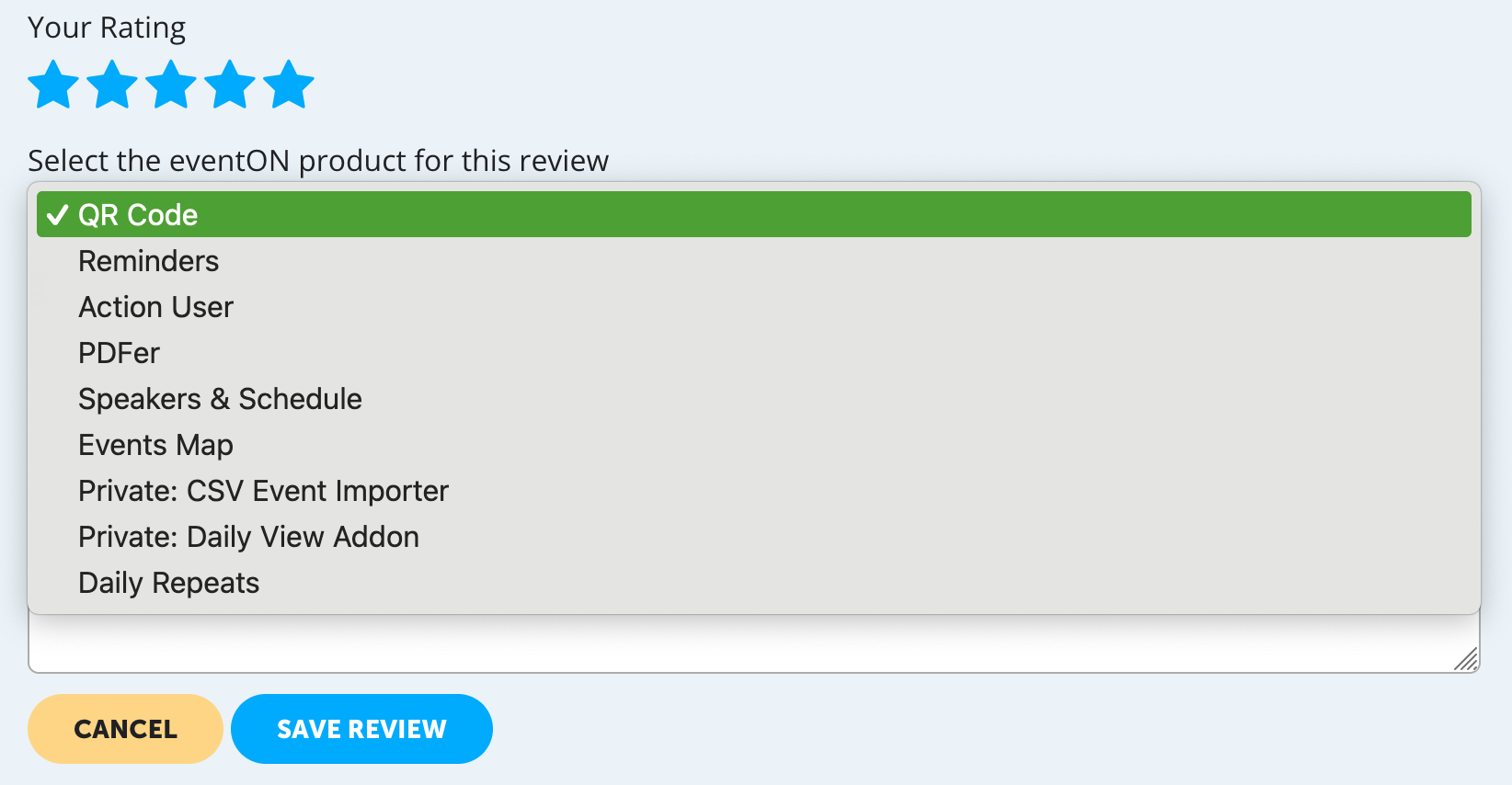
Hi Artem,
I’d like to leave a review, but I can’t choose my product from the pull-down menu. It’s only showing products/addons I don’t know. Where is “EventON” in general?
Kind regards,
Lars
Replies for tickets on suppota
Hi Artem,
I’d like to leave a review, but I can’t choose my product from the pull-down menu. It’s only showing products/addons I don’t know. Where is “EventON” in general?
Kind regards,
Lars
thanks for your help, its working now
Do i need to purchase the Event Ticket add on again? I had an older version and it was working fine until now?
Now only the time zones are off- but i cannot publish any event until that is solved.
thanks
Natasha
On january 19- the timezones were not working- and they are not working again as of March 29
At the time you had asked me to downgrade to version 4.5.4 – after which there were auto updates.
Now i am on version 4.5.9 and its not working- what should i do?
This is the second time this has occurred and i think its because when the update happens- there is some incompatibility issues.
As of now I have disabled auto updates.
I will follow you on twitter
However -do let me know if these versions will work without me updating.
Event On – Version 4.5.9
EventOn – Event Slider – Version 2.0.6
EventON- Event Tickets – Version 2.1
Event On QR Code – Version 2.0
If i update the addons- will they work with the older version of EventOn- that you asked me to downgrade to?
Yesterday- my event tickets showed “unable to book” – which caused a considerable loss to the event.
and this is the second such instance in three months.
Please let me know how we could avoid this in future and have a smooth system
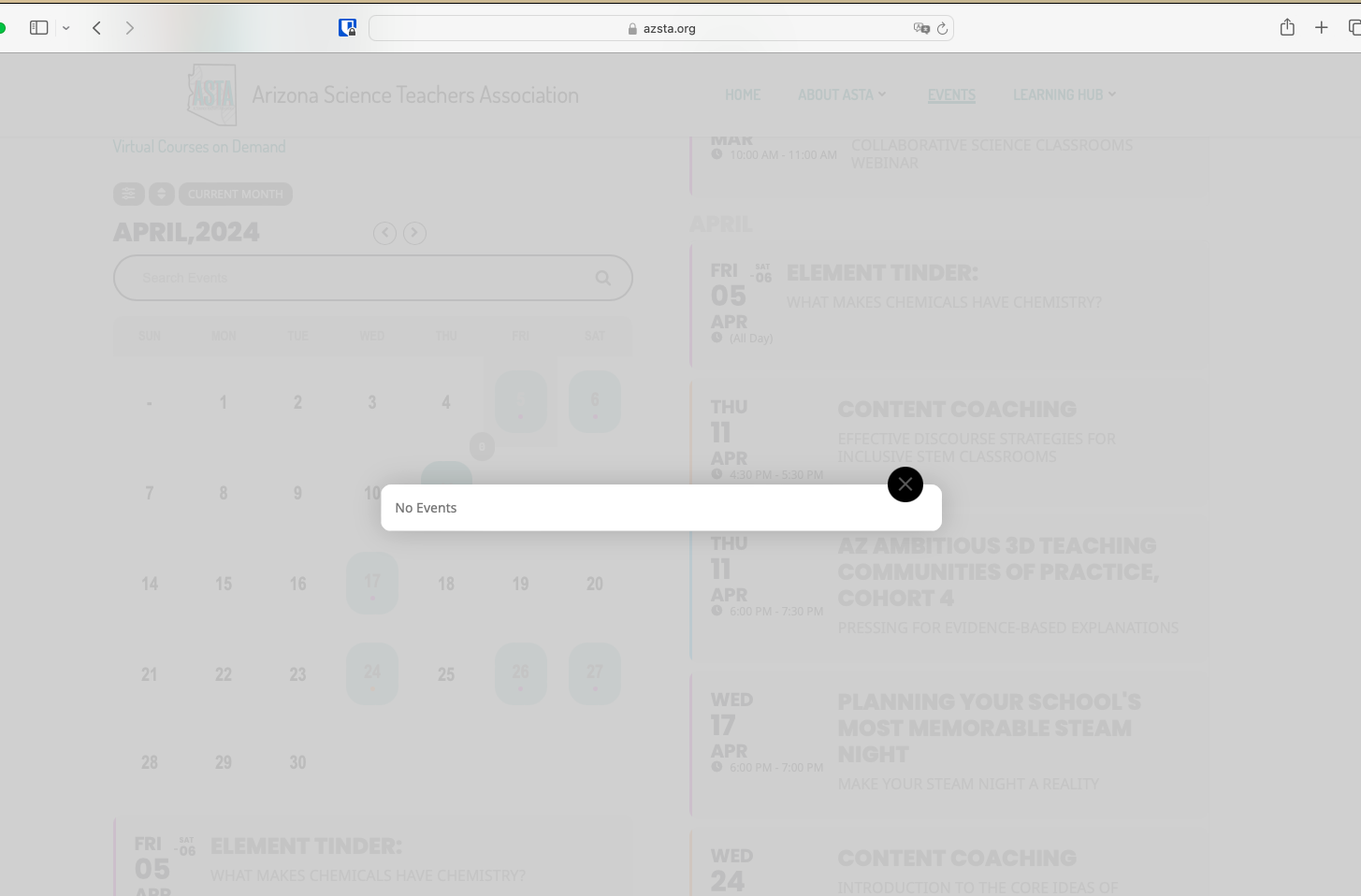
The calendar is also having problems. Clicking calendar dates which have actual events display “No Events”. The few that open, produce a slider rather than new page. And display the rest of the slider beneath the calendar.
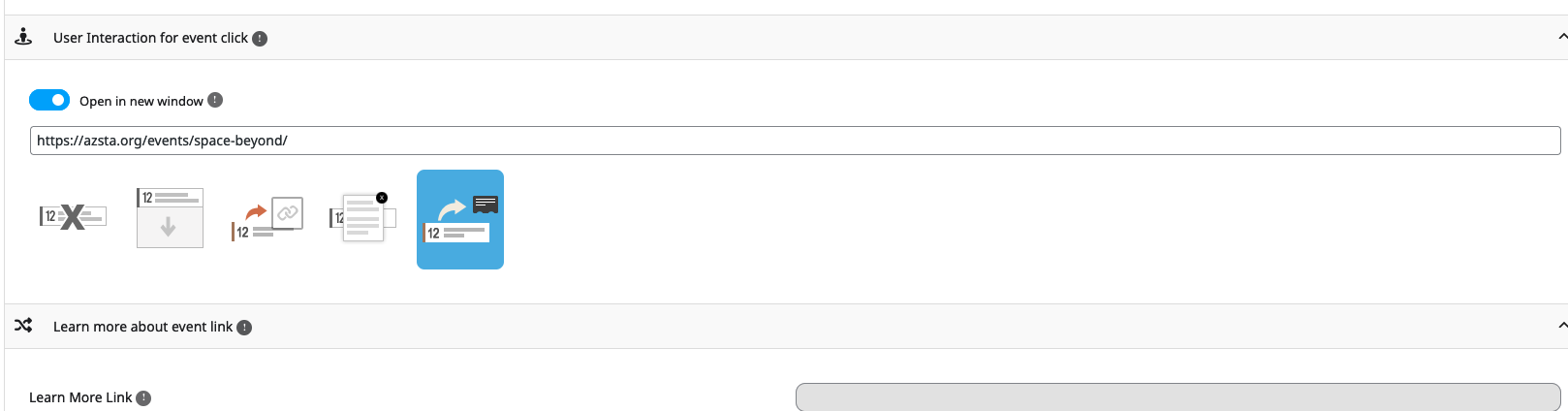
Below are the settings as we have them for opening the event card
Thanks for the prompt response.
I implemented on staging and it’s not quite there yet.
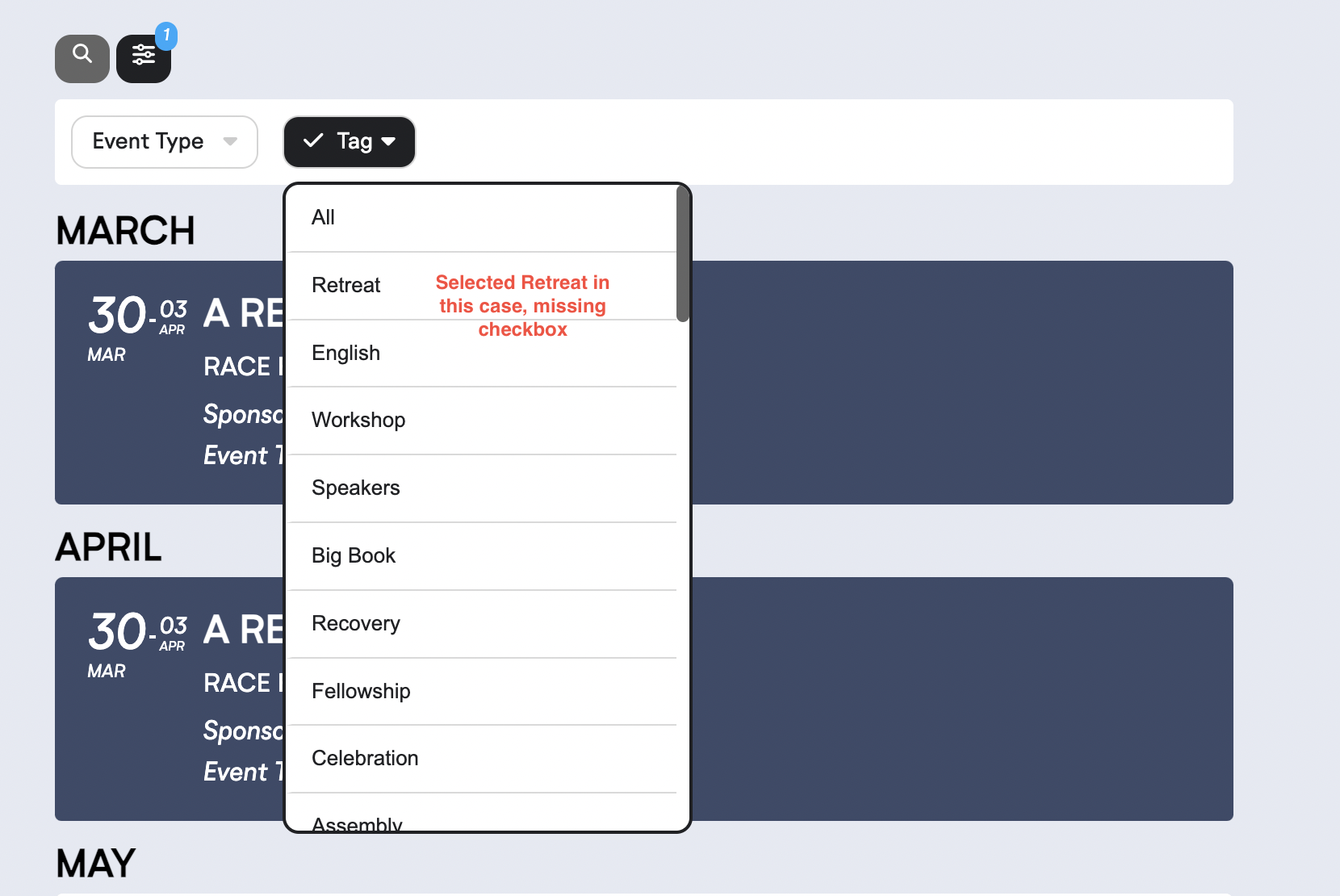
The UX with the checkbox being set upon a filter selection is still not working.
Adding the ALL does reset the filter.
Image provided and you can test on the staging link provided.
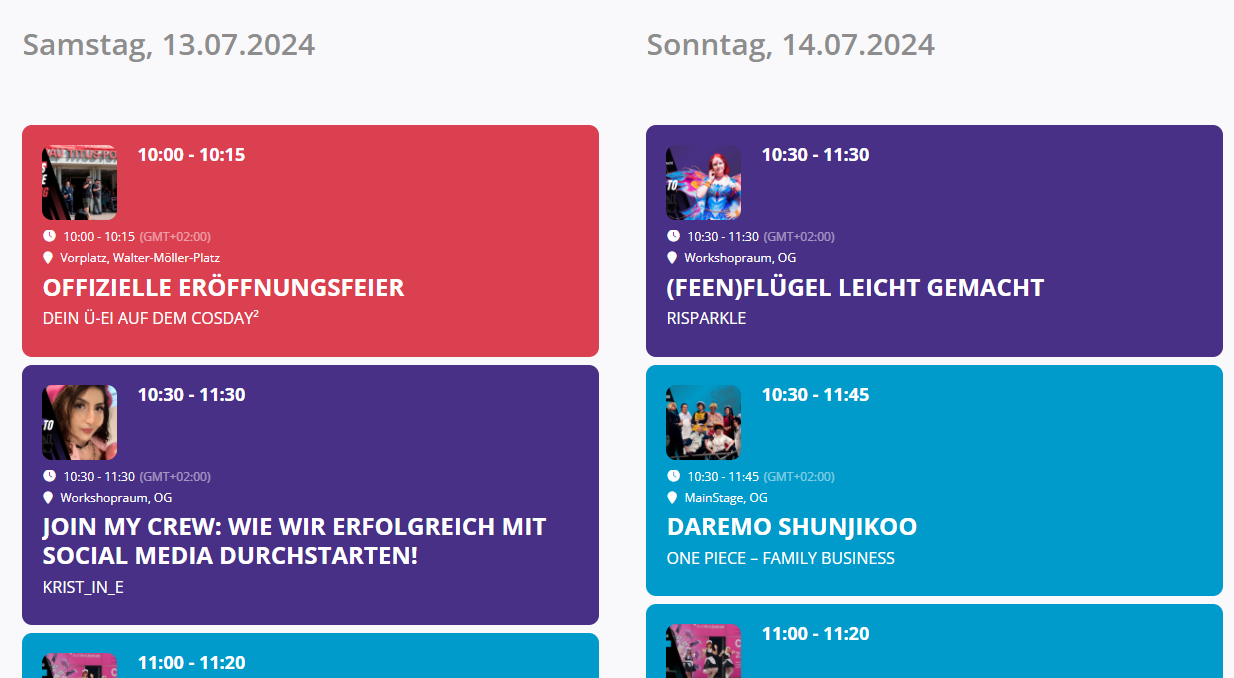
Updated to 2.1.9 and saved settings without changes. Styling changed a little bit, but it is still not as expected and time is displayed twice.
In EventTop settings, the option “Disable custom eventtop layout on DailyView” is disabled.
You seems to have replaced eventON. Let us know if you switch back and need assistance.