Hello,
Thank you for your messages, I am going to assign this ticket to Ashan and he will be able to take it from here and find you a solution. Please allow some time for him to get back to you, we greatly appreciate your patience and thank you for being a eventon customer! Also please disable any IP blocking on your site if there are any.
I am going to close this ticket, since there is a different one.
Ashan will check this ASAP. Please wait for his reply. All time changes should be automatic, because, for example, RSVP hides the button depending on event’s time, and the time changes according to daylight.
Unfortunately, we unable to help with issues from third-party plugins since we don’t know how they work.
The thing is that Elementor shouldn’t affect EventON at all. It must simply output the shortcode you put on the page. Not sure how it actually just removes parts of the calendar.
Hello,
I added more styles to EventON > Styles and everything seems to be fixed. Please check and let me know.
Hello – any update?
I see that you are logged in to the site.
My event this evening is not showing tickets and its a real issue.
Please help
That didn’t work. The short code changed it to a pop-up and not an external link. Video walkthrough
Yes, this was purchased by our programmer who developed our website many years ago. jen@breomedia.com
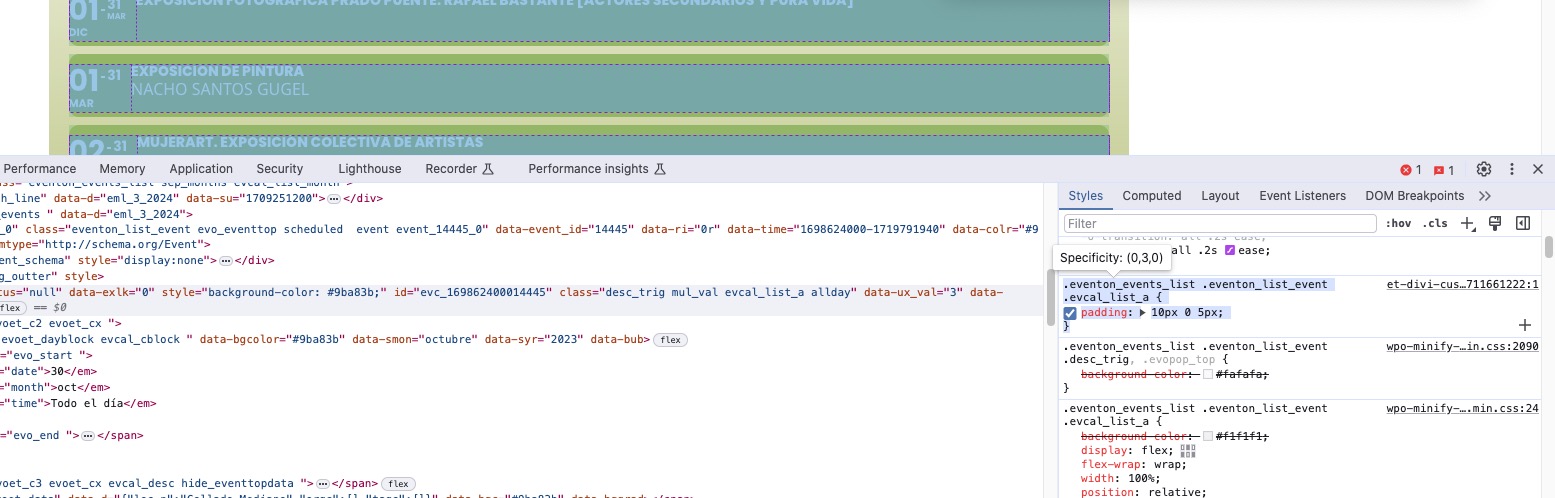
This custom code causes the issue:
Could you try removing it?
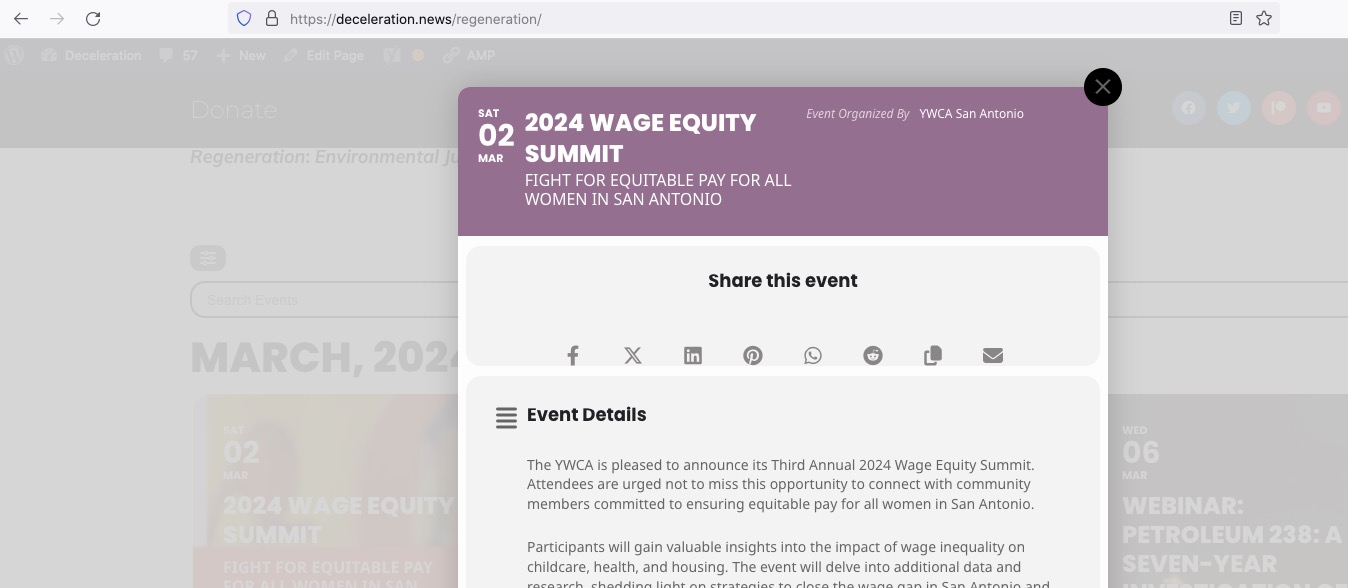
It works on Firefox when I am logged-in:
Could you make sure that the cache plugin is cleared?
Social icons fix for 4.5.9:
https://docs.myeventon.com/patch-fixes/organizer-and-social-icons-not-showing-on-eventcar/