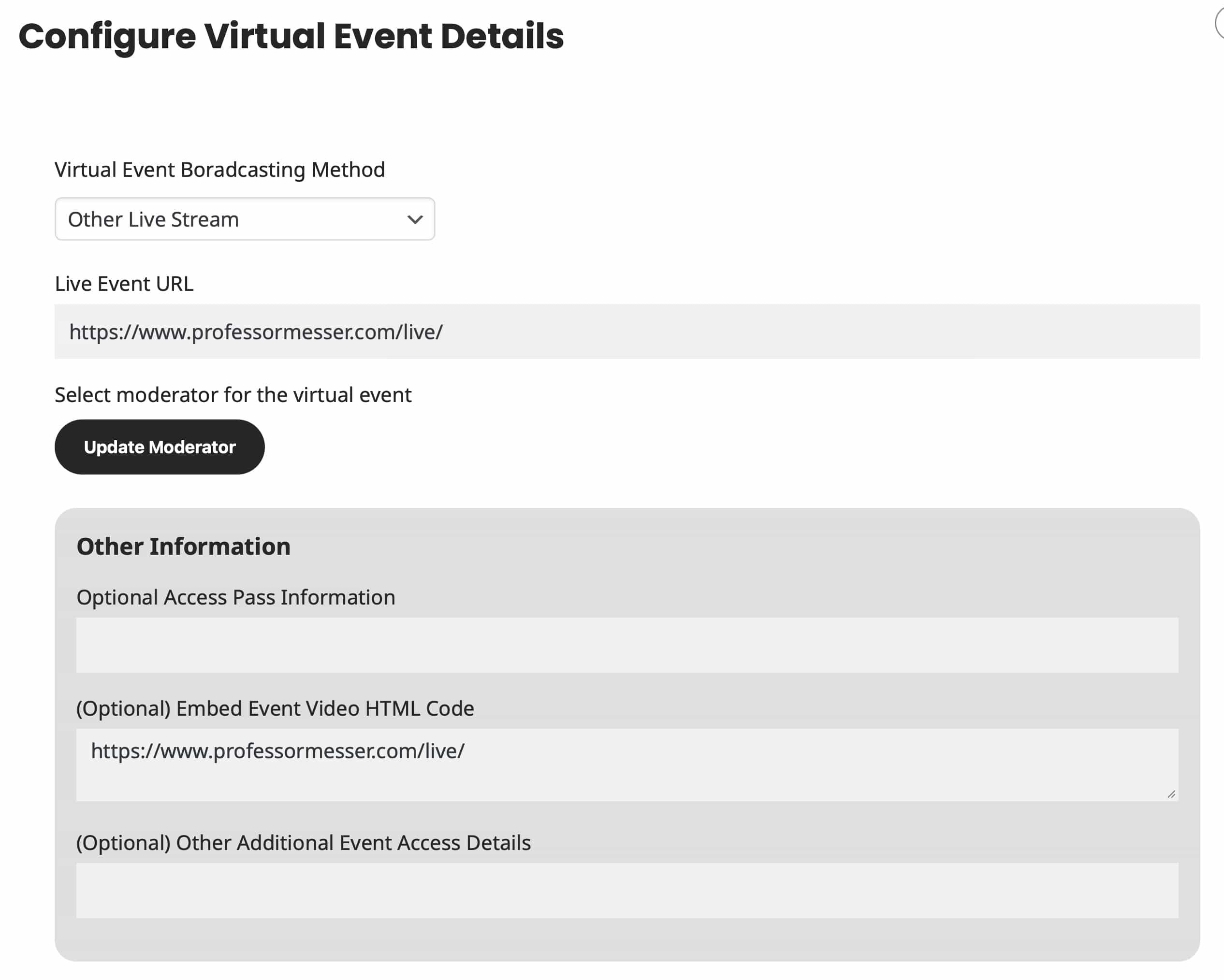
1. Thank you for your messages!
I am going to escalate this ticket to development to help in here. Please allow us some time to address this, and we truly appreciate your patience. Thank you for being a valued EventON customer!
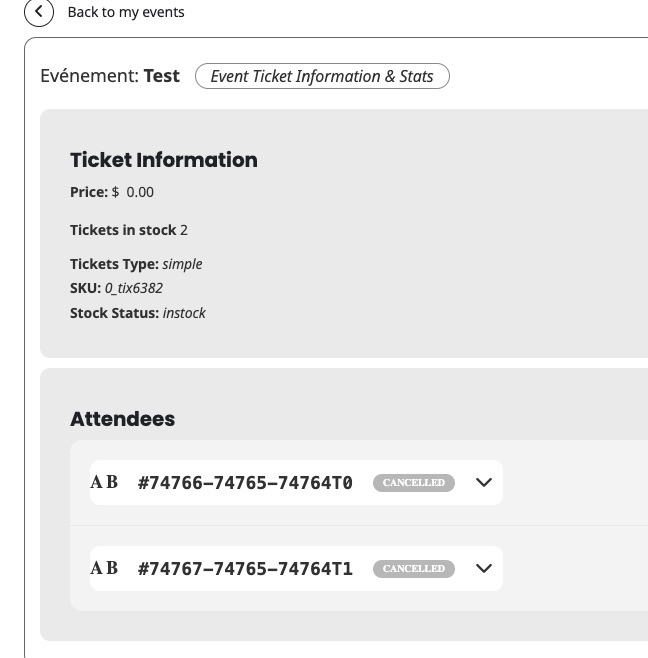
2. Only admins (or other users with similar capabilites) can cancel orders. More info https://wholesalesuiteplugin.com/woocommerce-cancel-order/
Hello,
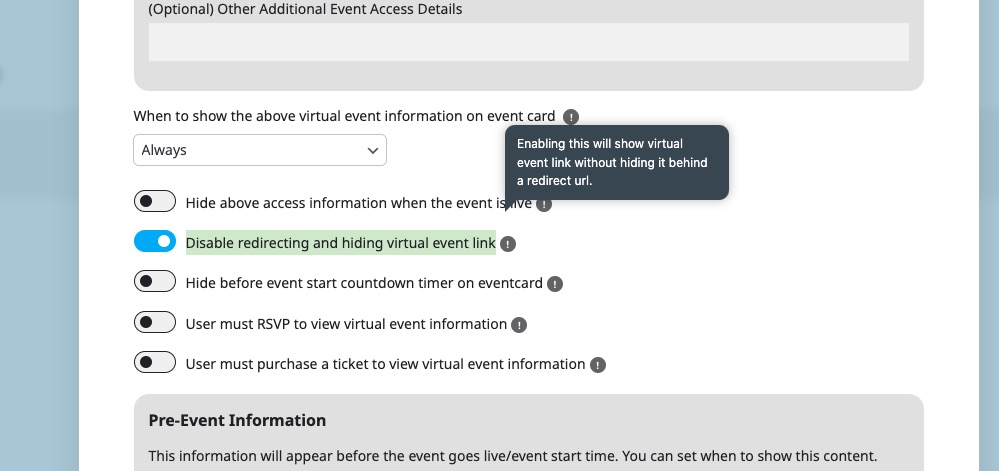
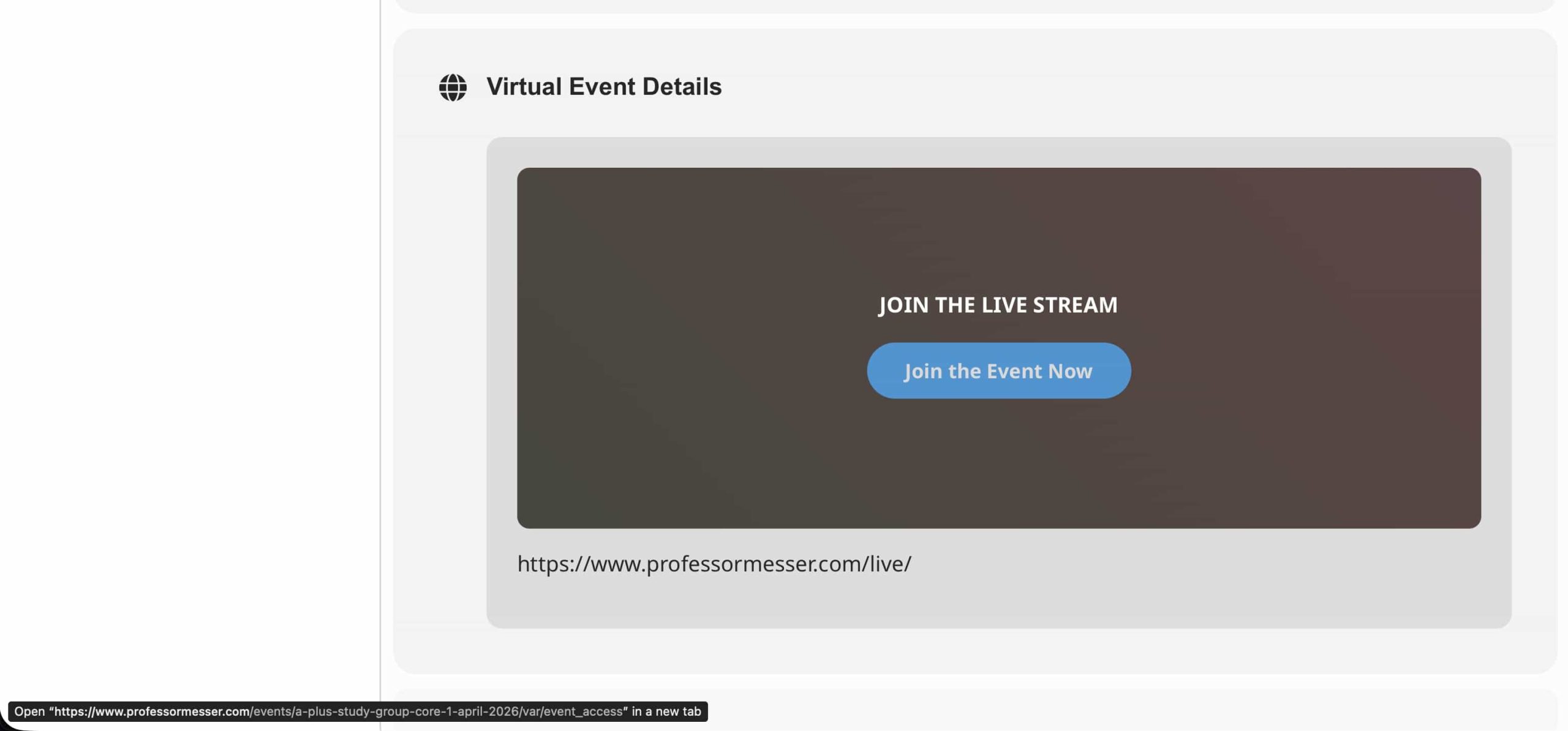
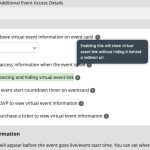
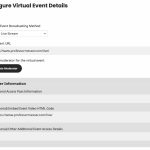
Please go to Edit Event > Configure Virtual Event Details > enable ”Disable redirecting and hiding virtual event link”:
Hello,
Sorry for the inconvenience.
The website is working now:
Could you check and let me know?
Ashan,
The same on dev2:
https://dev2.myeventon.com/test-185/
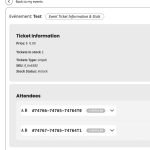
When you click on the arrow, it doesn’t open:
Hello,
Thank you for your messages!
I am going to escalate this ticket to development to help in here. Please allow us some time to address this, and we truly appreciate your patience. Thank you for being a valued EventON customer!
Additionally, if your site has any IP blocking or security restrictions in place, kindly disable them temporarily to facilitate our support process.
Your website is still loading the file with old CSS styling:
yourwebsite/wp-content/plugins/eventon-event-slider/assets/evosl_styles.css?ver=2.1.6
Do you have some kind of cache functionality on the server that needs to be cleaned?
Just an update that I figured out how to fix it myself.
That CSS just makes the button invisible all the time. (Ie it does the exact opposite of what I want to do.) How do I make the button visible?
Here are some screenshot of the issue.

i have entered my information from codecanyon now 3 times and it doesn’t who up on my account. It tells me i already have an account when I try again. I’m now past the point of being pationt I’m pissed off there is nothing on my account to access the plugin to download. This is total crap.