user: temp
pw: KYApZVS$ibjF2&*r(@#qVh!O
Replies for tickets on suppota
user: temp
pw: KYApZVS$ibjF2&*r(@#qVh!O
Yes, it looks like 2 and they both went straight to spam.
Where do I make this change? How or where do I find the shortcode?
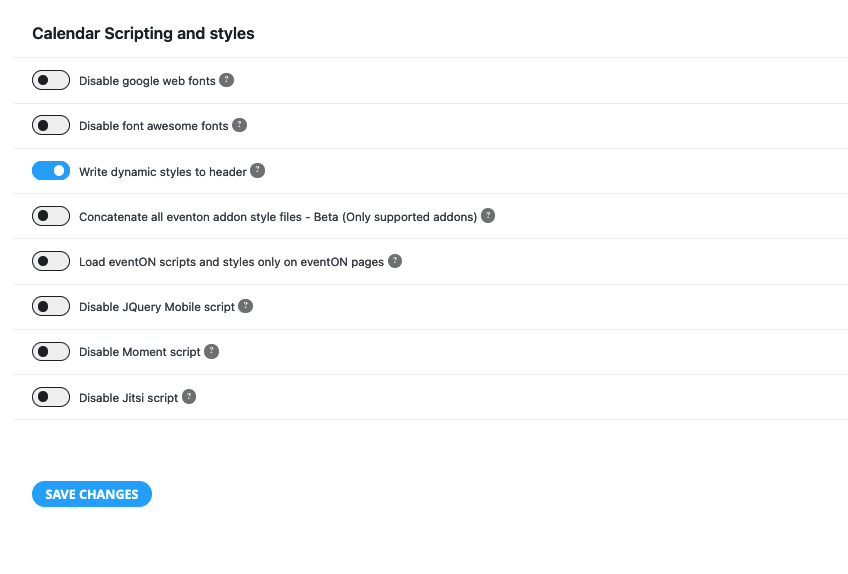
Hmm. CLicking this made the subheads white. Better but the headlines are still dark.
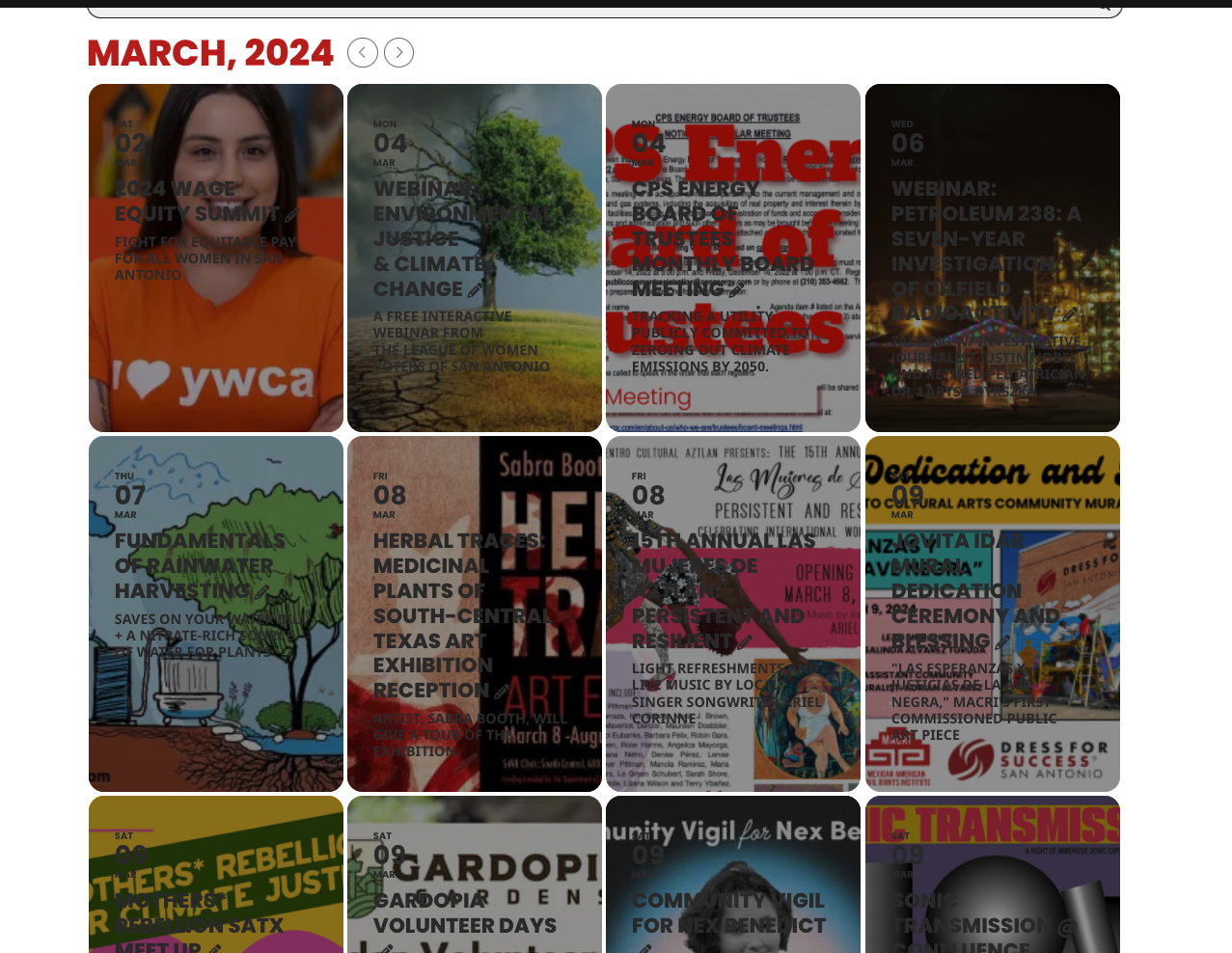
The Darkness in headlines?
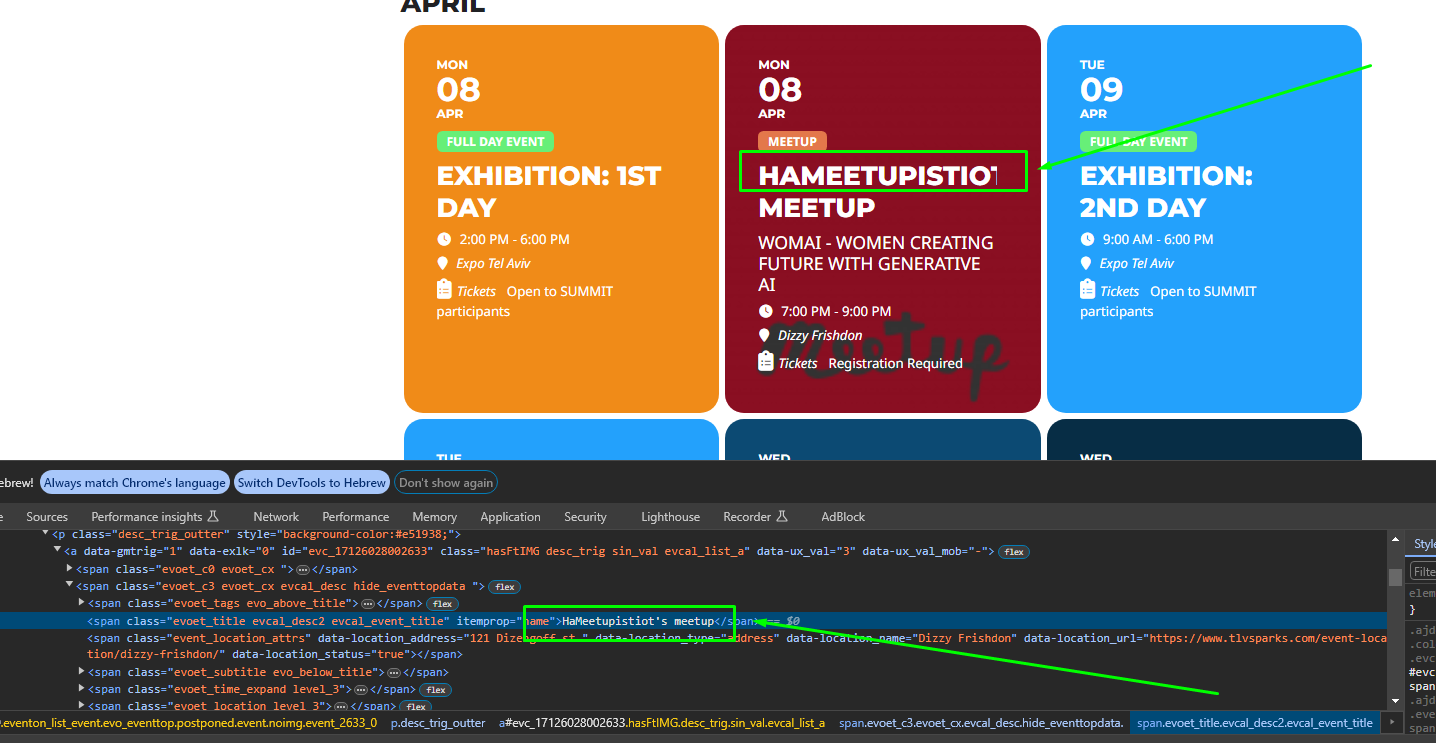
:/
Let me ask if there is any news?
Hi – I assume you mean EventON>Settings>EventCard, but I don’t see a place to choose a different feature image style. If I open EventCard Designer, it just allows me to move rows around or delete them, but not size anything.
Also, it’s not letting me set a field when I add a new row (which I’m not as concerned about as the size of the EventCard).
I basically want the event card to be the width of the feature image which I make 500×500 typically. That’s what it looked like before.
You are more than welcome to log in to see if you can see anything. I sent the login in when prompted in the support request last time.
Thanks,
John
Thank you!
Please go to EventON > Advanced > try a different Select calendar event content filter type.