Hello,
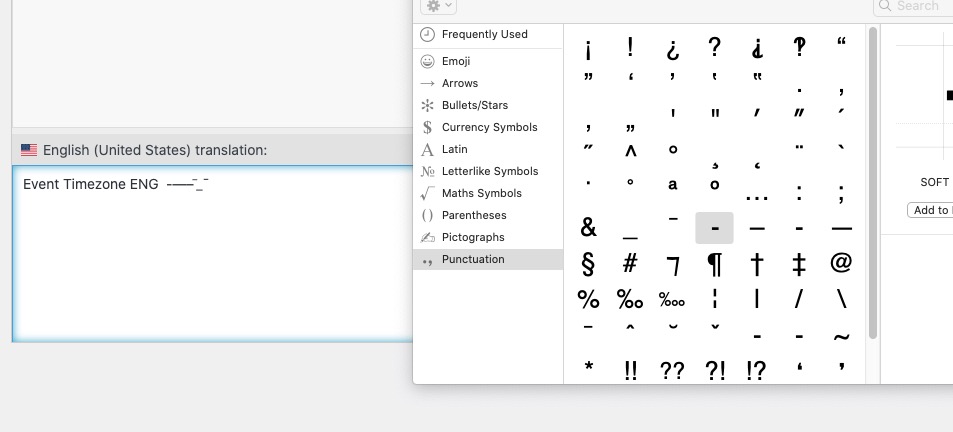
I was able to add most of hyphens:
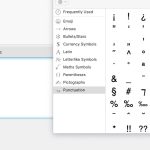
Except when I try drag and drop a soft hyphen, it doesn’t let me even add it to the text area.
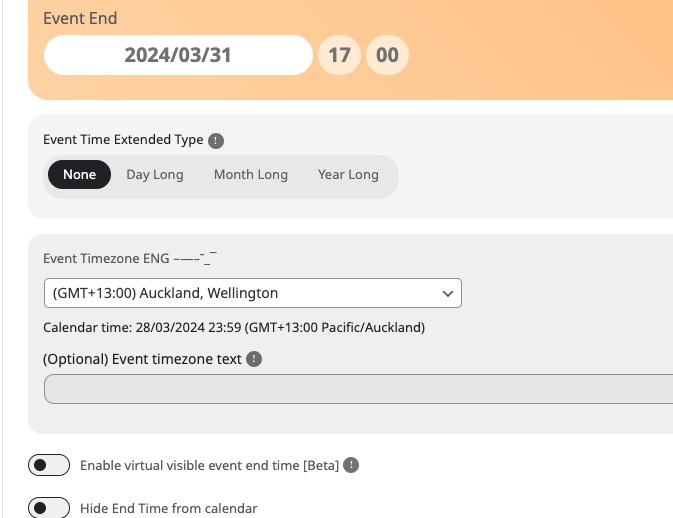
However all other added hyphens work:
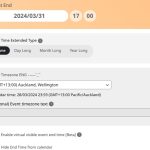
Please send us wp-admin access to your site as a private message for us to further assist your situation.
Thank you for the info! Ashan need to check this. Please wait for his reply.
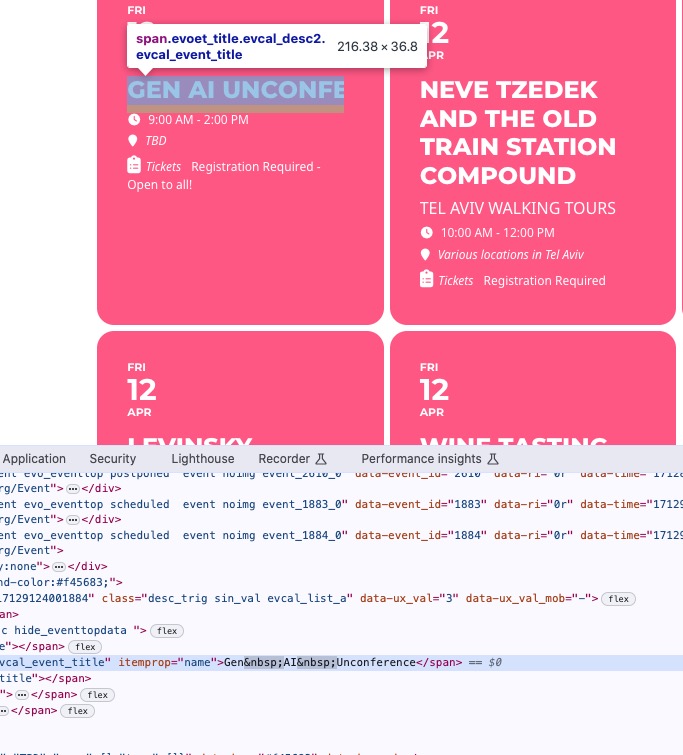
It seems that the issue is not with the styling but
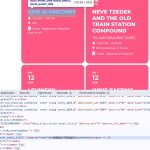
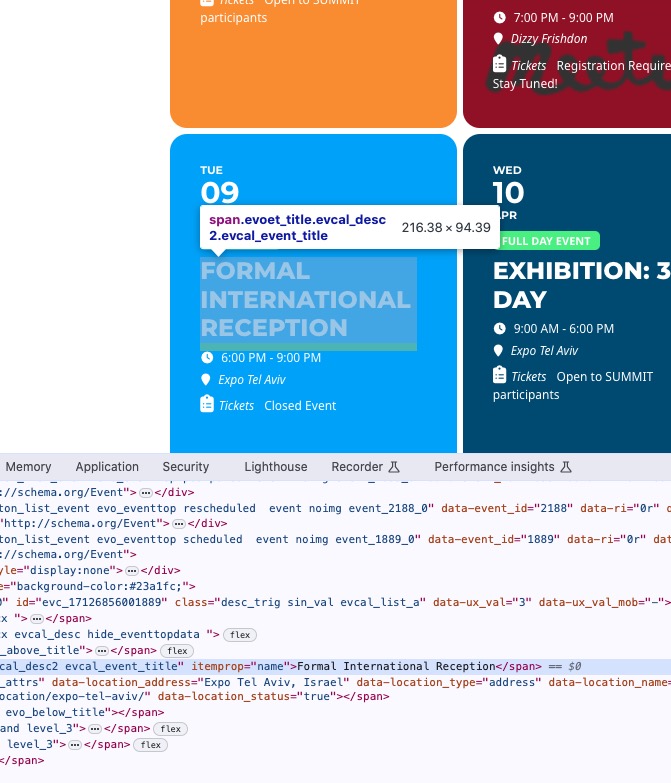
See what happens when I remove it:
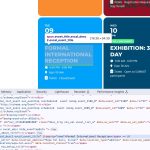
Could you check and let me know?
Can we please try the instructions mentioned in this documentation? It should take a minute or so.
Login
https://www.avarus-berlin.de/wartungsklappe/
User: avarusberlin_fp696pp0
PW: j2)brKBwtA94&Dk#cHyp*FRy
Thank you so much, Artem. This solution is working very well!
Best wishes
Perfect! Please wait until the next version.
Perfect! Please wait when we release the next version of FullCal.
Yes, I think FTP option is the best one. I’ll go for that one. Back up everything first.
Thank you.
Hi there,
https://www.sterlingnetworks.co.uk/wp-login.php
QuickByDesign
@HEOsrwHRAUm6kbG
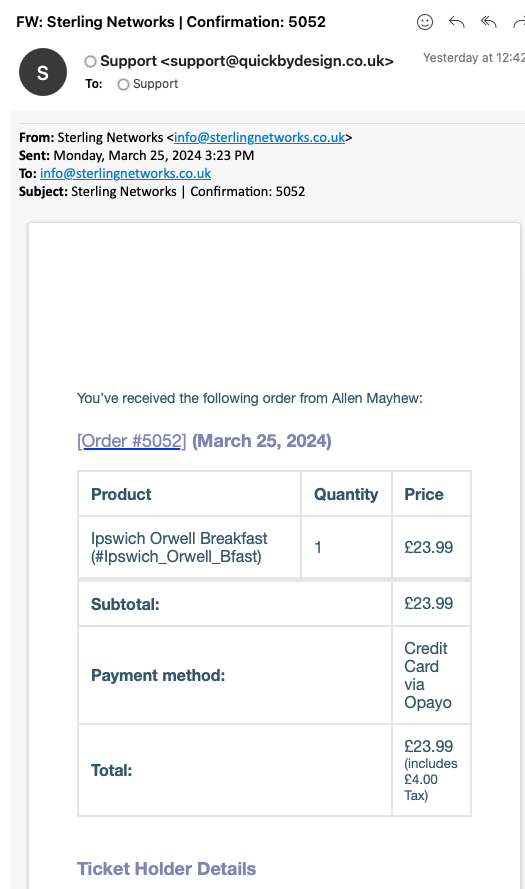
I’ve also attached an image of an Ipswich Orwell Breakfast booking that has no actual date attached to it.
You’ll see in the redirection plugin that we have various redirects from pages that were setup automatically as part of the eventon process, but if you know a better way, please let us know.
Thanks