Hello,
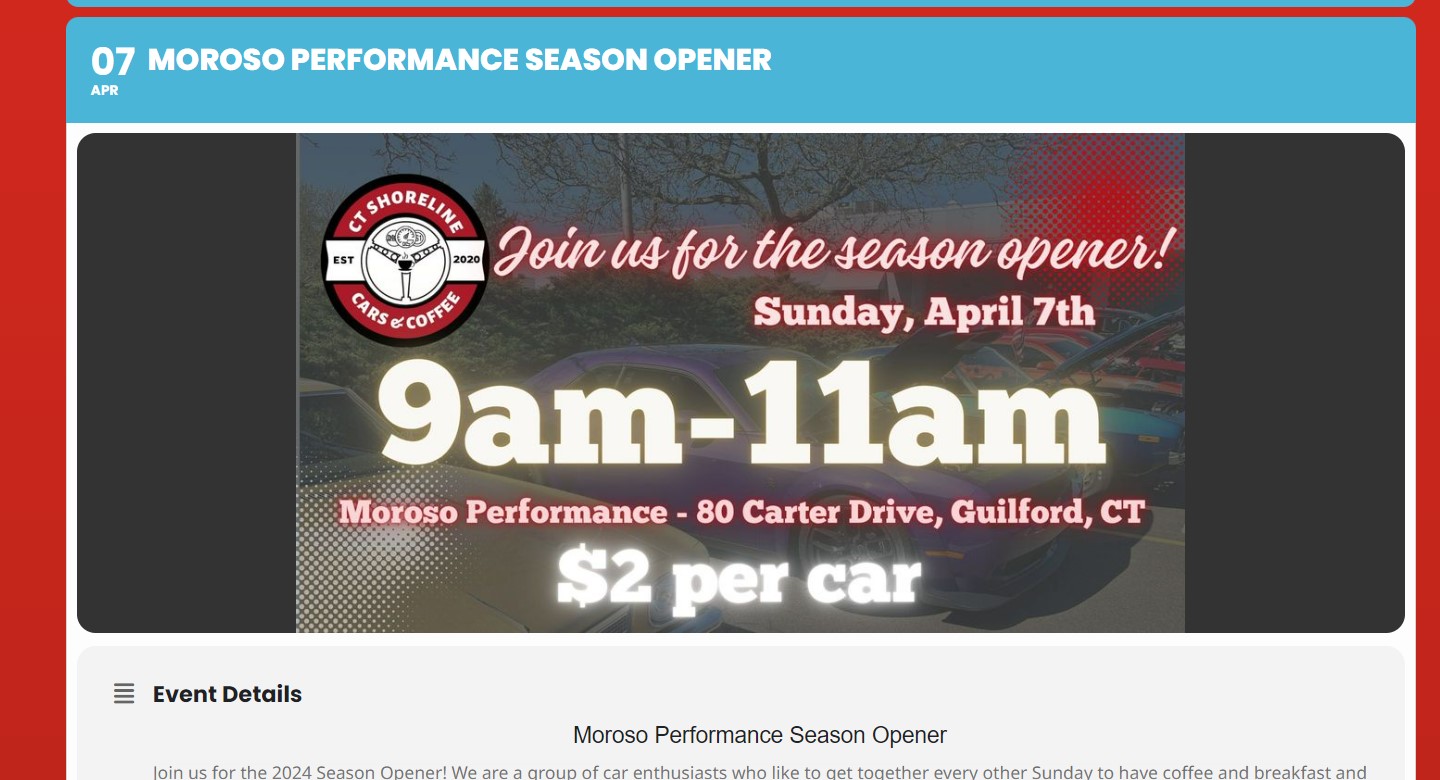
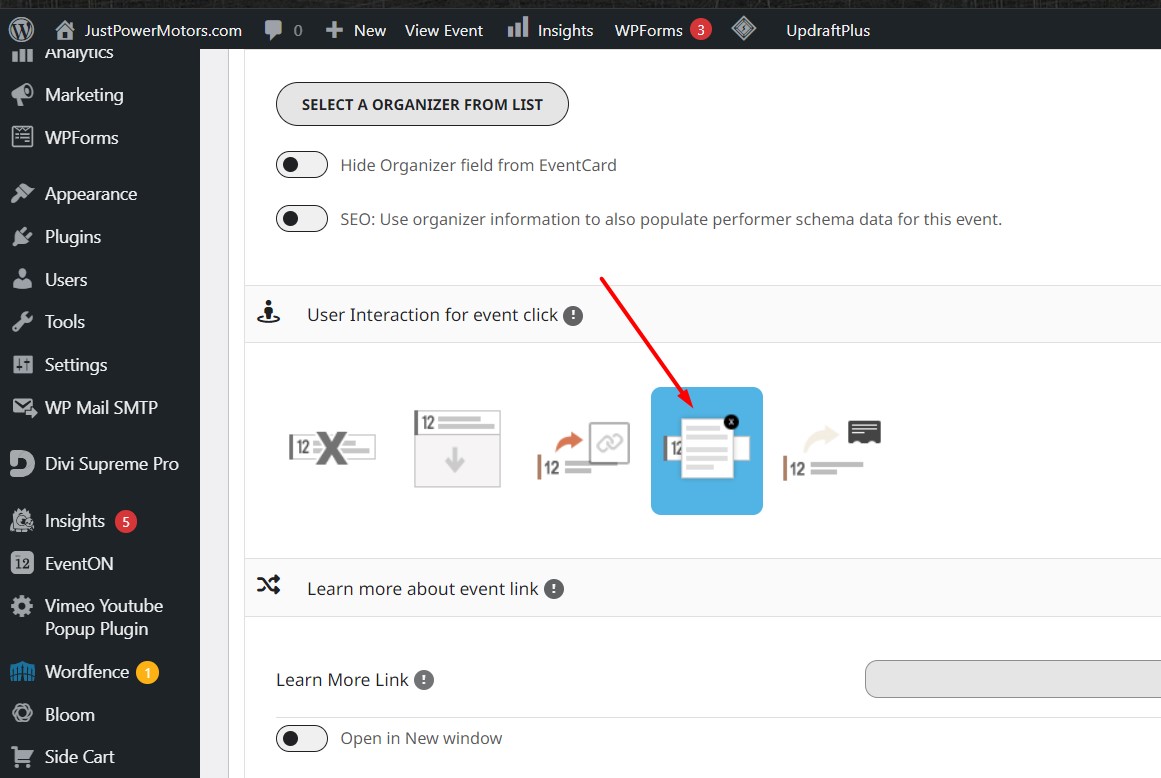
Please go to EventON > EventCard > try a different Feature image display style.
Replies for tickets on suppota
Hello,
Please go to EventON > EventCard > try a different Feature image display style.
Hi Erik,
Please try adding ux_val to your shortcode. You can find it here:
https://pastebin.com/VECjaeHj
Let us know if this works for you.
Yes, –times reflected on the repeating instances are incorrect, just random times
Thank you, I will downgrade.
Thank you for the prompt reply and for providing a download link. I installed the version you sent and it brought the site back up! The only thing that wasn’t working was the Full Calendar on the home page – I had updated that plugin also after the site theme broke. After reverting the full-call plugin to a previous version, the site is functioning normally.
I’ll do a site backup and wait a while before I try upgrading to the newest version of Eventon.
Thank you again for replying so quickly so I could get the site back up.
-natalie
Can you please update me? Customer is waiting for more than 1 week.
I’ve been looking at how to change the appearance of the repeat dates to how they were before but I can’t find an option. Is there one?
My EventOn Settings say that my Tickets add-on licence is not activated but it is working. When I try to activate with the current key it says I have exceeded my activation allowance. I am only running it on this site! Please can someone check what’s happening?
I’m also still worried about whether or not I can safely install and activate the update to Full cal version 2.1.2. which is appearing on my plugins menu. Please advise.
Hello –
The info you need for the staging site and our SFTP file system is below. Please note that I would like you to do this on the STAGING site first. If you can fix it there, then I’ll ask you to do it on the live site:
User info for STAGING site:
Username: temp_user
Password: W@#^mRs%oz%hKpRuCZrUzKk4
Login URL: https://how2higgstage.wpengine.com/wp-login.php
If you need the email address, it’s clandy@gmail.com
SFTP info:
Username: how2higgstage-temp
Server SFTP address: how2higgstage.sftp.wpengine.com
Password: 3c9ww7W9&#w^Bf
Port: 2222
Let me know if this works or if you need any more info. Thanks!