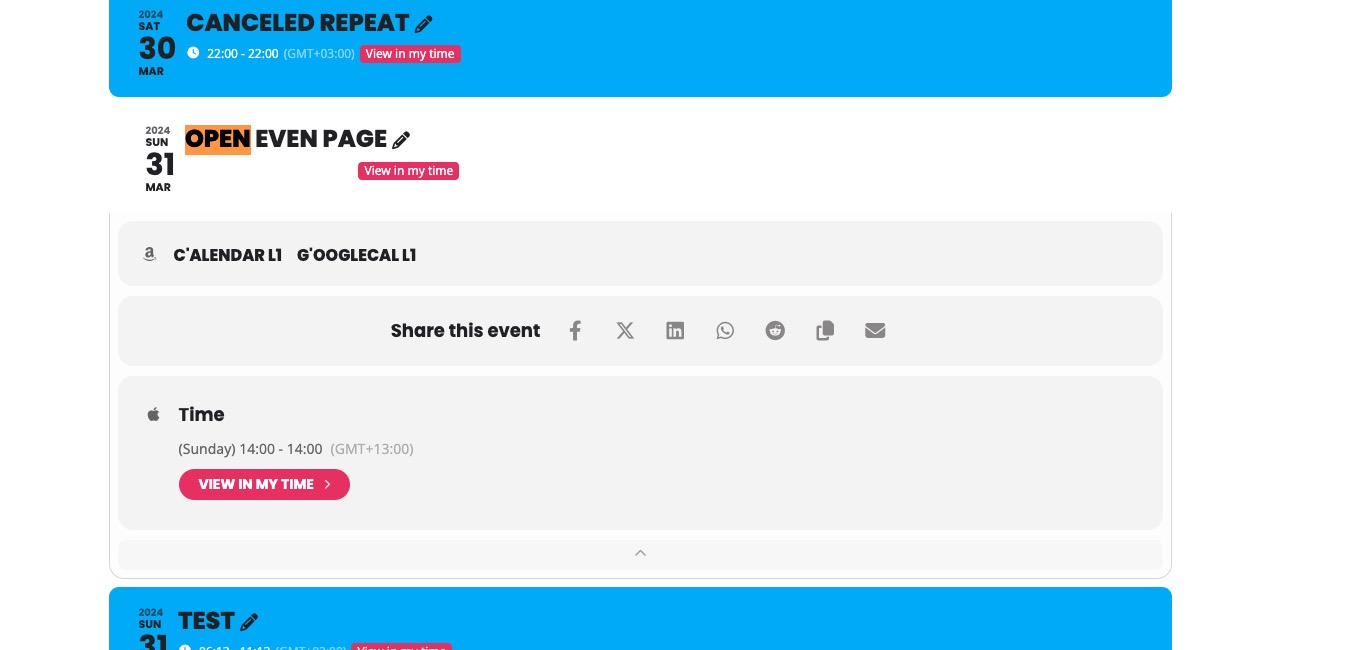
X icon is updated. This style replaces it: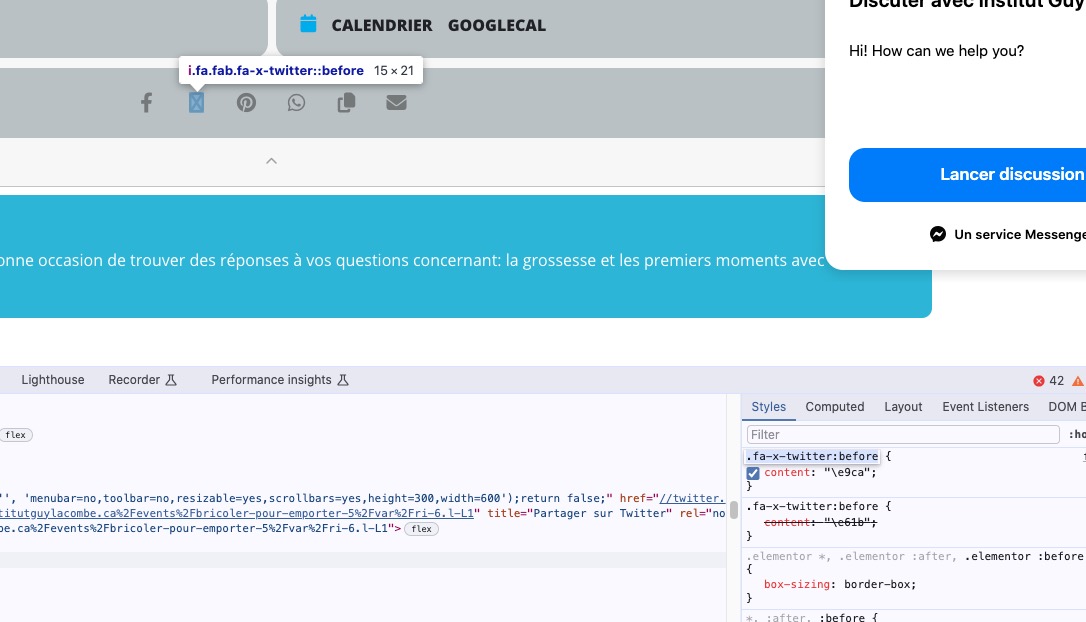
Use the code from
https://pastebin.com/FcsrMutD
But that does not apply to single events.
Please note that customers, in order to see to a translated event, need to access it from a translated calendar. When they click on it, they will be redirected to a special link with translated texts.
The calendar issue. Please update to the newest version of FullCal add-on.
To update eventon addons: You can download latest eventon addons from myeventon > my account. Then you can go to your website, deactivate old addon and install new one and activate then delete the old addon. This link will further explain the process. Also you can follow us on twitter to get real-time announcements on updates!