Ashan,
Both issues on dev2 as well:
https://dev2.myeventon.com/test-448/
2. https://dev2.myeventon.com/wp-admin/admin.php?page=eventon#evcal_001b > “Select minute increment for time select in event edit page” is set to 30, but still the time can be changed by minutes.
A little further information for you – reported by my client. Perhaps this helps?
https://tinyurl.com/26q3slh3
Hello,
Thank you for your messages, I am going to assign this ticket to Ashan and he will be able to take it from here and find you a solution. Please allow some time for him to get back to you, we greatly appreciate your patience and thank you for being a eventon customer! Also please disable any IP blocking on your site if there are any.
And also I noticed that event filters are not showing above the calendar anymore. Check this page:
https://www.hooglandsekamer.nl/nu-in-de-kamer/
Shortcode on this page is:
[add_eventon ux_val=”3″ ft_event_priority=”no” jumper_offset=”2″ show_et_ft_img=”no” event_past_future=”all” tiles=”yes” eventtop_style=”2″ tile_style=”2″ tile_bg=”1″ exp_so=”yes” filter_clear=”yes” event_type=”92,94,120,138,139,” filter_show_set_only=”yes” search=”yes” jumper=”yes” jumper_count=”2″ filter_type=”select”]
Hello,
Please follow to fix the issue:
https://docs.myeventon.com/patch-fixes/4-6-get_supported_shortcode_atts-error/
We are glad your issue is resolved, if you have any further questions or concerns please create a new ticket.
If you have a moment, we would greatly appreciate if you could kindly leave us a review at myeventon/my-account!. Cheers!
Staging site:
https://jewishcostage.wpengine.com/
The same login/pass as live.
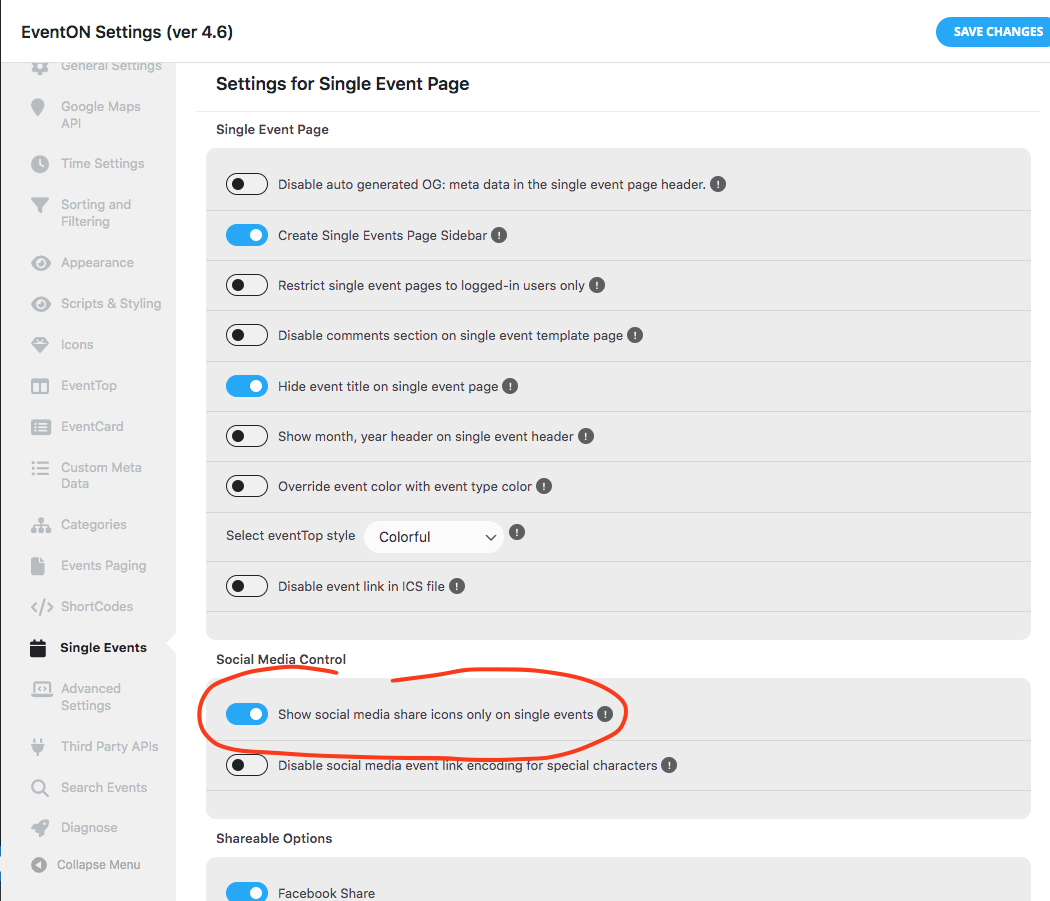
So I have disable this and now the social icons are working.
Ashan,
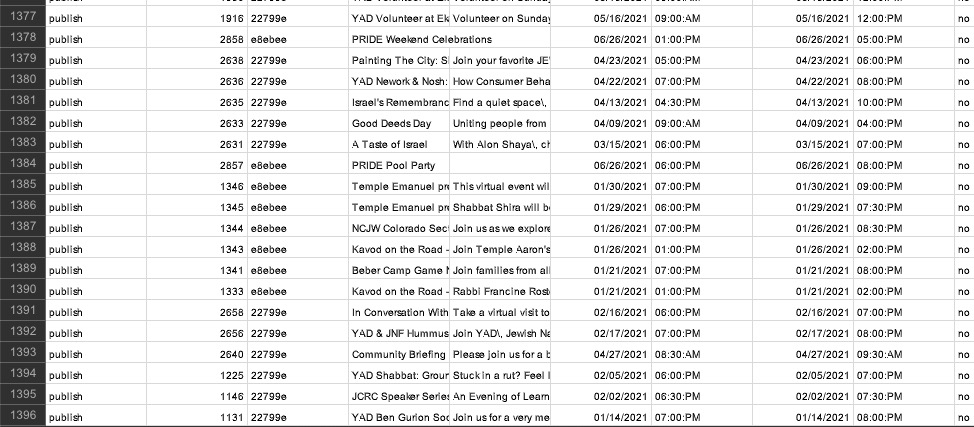
In Troubleshooting Mode less than 1400 events exported:
Lets get you fixed up Stuart so you can rock those Bali events 🙂
Dang found it!!! you have set to show social share icons only on single event pages in the settings haha