Hello,
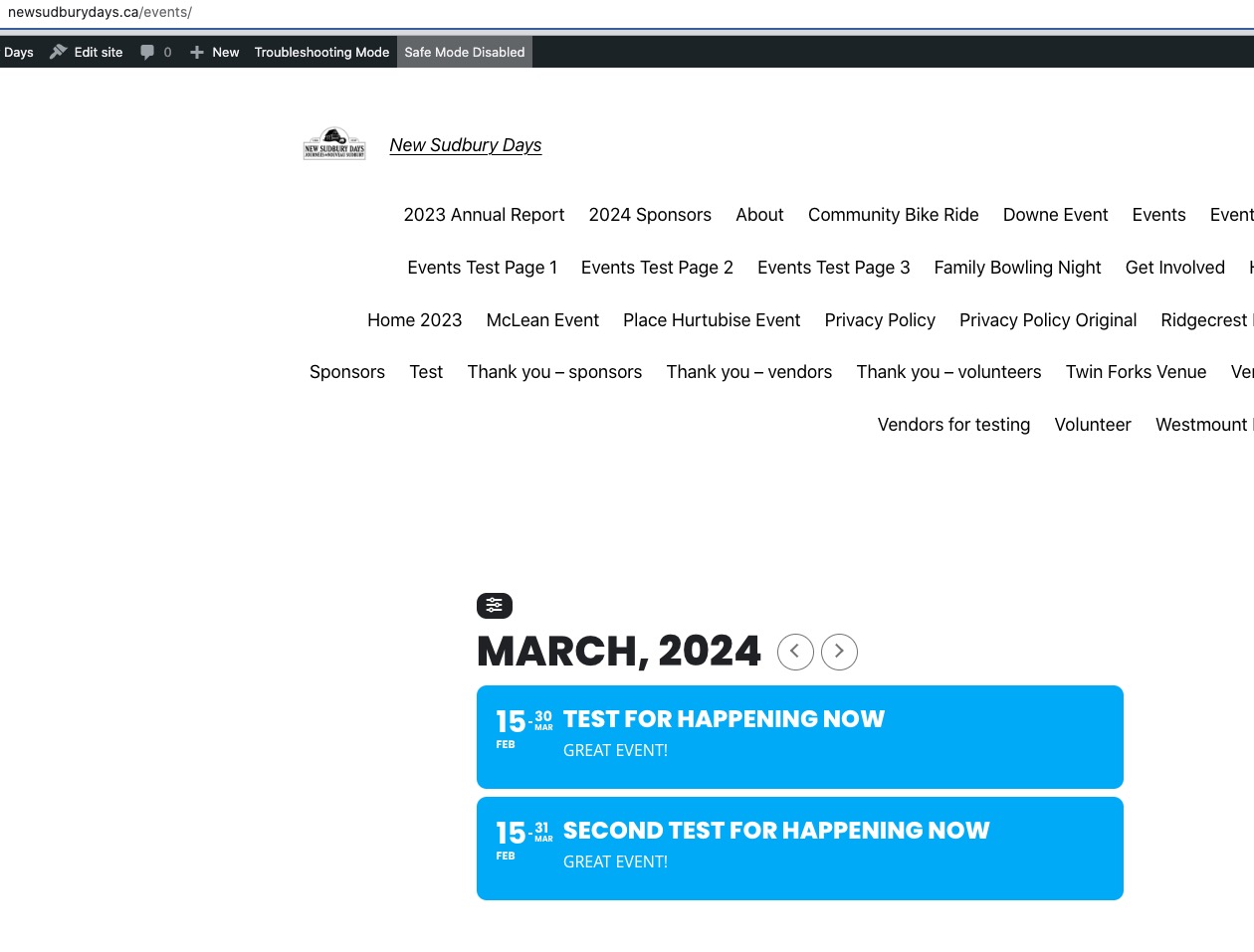
It works when I check the website in Troubleshooting Mode:
https://newsudburydays.ca/wp-admin/site-health.php?tab=troubleshoot
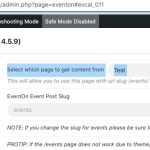
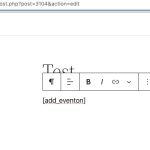
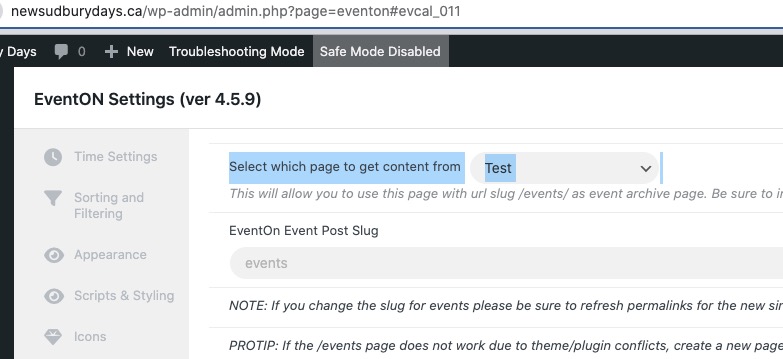
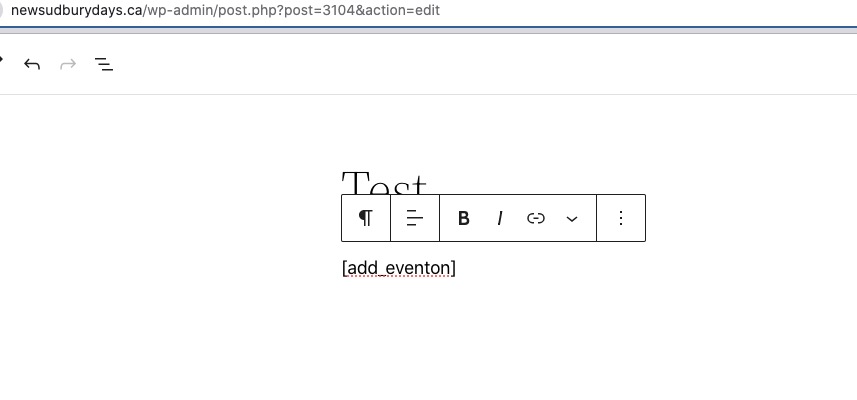
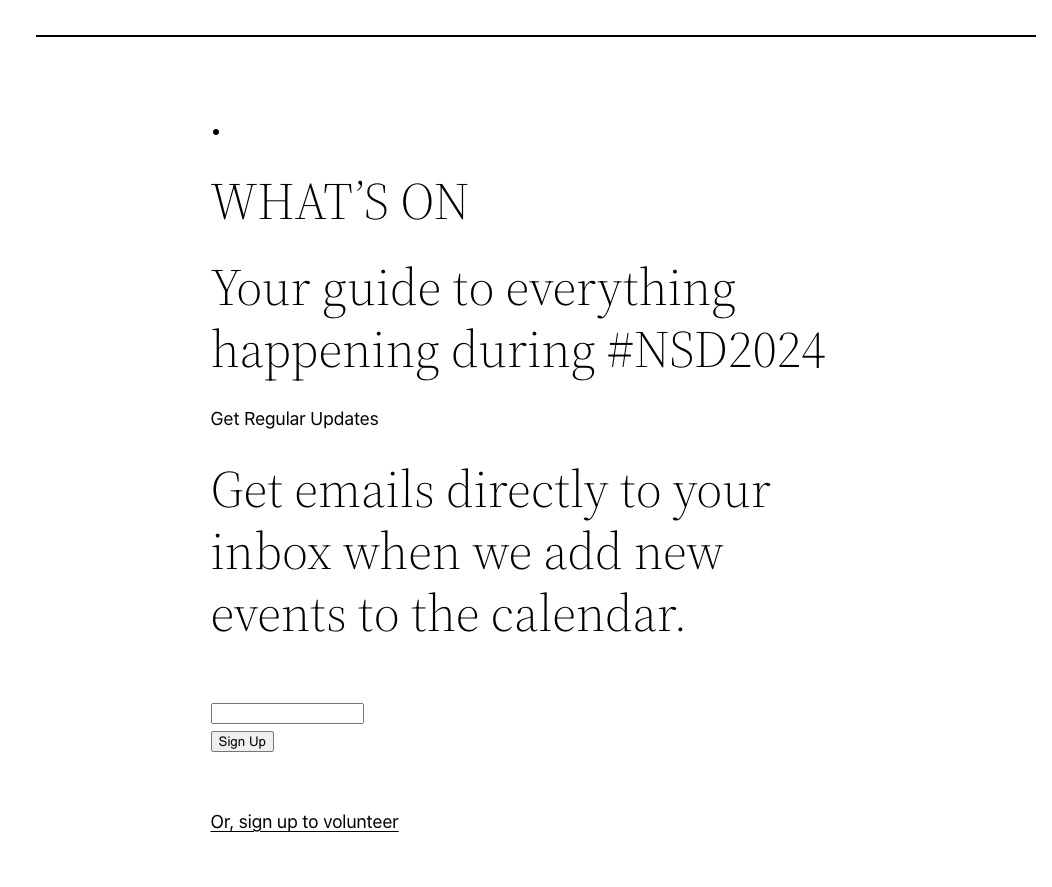
It seems that after you disabled everything, you need to go to, for example, “Events List” page and add a shortcode inside of it, because it shows this:
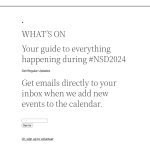
We are working on it. Will be available very soon.
What I am seeing:
Status: Connecting to 70.32.91.24:21…
Status: Connection established, waiting for welcome message…
Status: Initializing TLS…
Status: TLS connection established.
Status: Logged in
Status: Retrieving directory listing…
Command: PWD
Response: 257 “/” is the current directory
Command: TYPE I
Response: 200 Type set to I
Command: PASV
Response: 227 Entering Passive Mode (70,32,91,24,155,191).
Command: MLSD
Error: Connection timed out after 20 seconds of inactivity
Error: Failed to retrieve directory listing
Relating to the original issue. Are there any file from EventON you customized?
Hello,
Please send us wp-admin access to your site as a private message for us to further assist your situation. Sometimes you need to a different PC to activate because of cache.
You should be able to use it without activating it, while we are working on the issue.
In the other ticket I wrote that I cannot purchase this event:
https://live.aloha-more.com/events/test/
In Troubleshooting mode I can make the purchase:
https://live.aloha-more.com/wp-admin/site-health.php?tab=troubleshoot
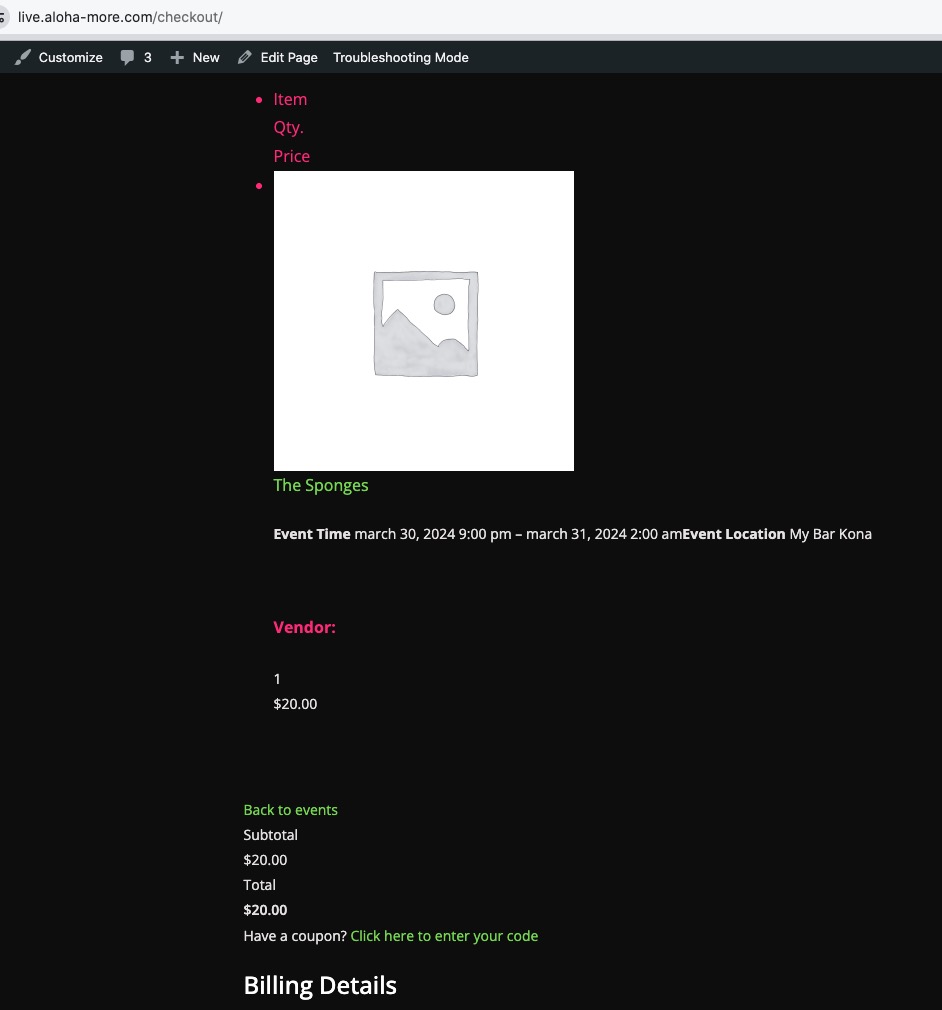
But when I go to Checkout, I cannot place an order:
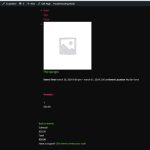
Could you check? Is there a plugin that should be enabled apart from EventON + Tickets + WooCommerce to make this work.
https://live.aloha-more.com/wp-admin/ redirects to https://live.aloha-more.com/login/?redirect_to=https%3A%2F%2Flive.aloha-more.com%2Fwp-admin%2F where the login info doesn’t work. It seems that https://live.aloha-more.com/my-account/ works.
The issue is gone on my side: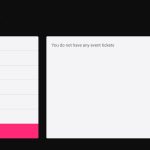
When you check the same page using our login info, do you see the error?
I created this test event to see if I need to purchase a ticket to see the issue, but it shows the error message:
https://live.aloha-more.com/events/test/
Is this common?
Hello,
Please update Tickets add-on to 2.2.7.
To update eventon addons: You can download latest eventon addons from myeventon > my account. Then you can go to your website, deactivate old addon and install new one and activate then delete the old addon. This link will further explain the process. Also you can follow us on twitter to get real-time announcements on updates!
You put the shortcode into a widget. Please try a regular Text element.
Hello,
Please add this CSS code to EventON > Styles (If you don’t see any change, EventON > Scripts & Styling > turn off Write dynamic styles to header > save settings > turn on Write dynamic styles to header):
.evo_custom_content.evo_data_val { color: #656565 !important; }
This will change the text color, since it seems that this is the easiest solution.
We will create a new guide for this. We are glad your issue is resolved, if you have any further questions or concerns please create a new ticket.
If you have a moment, we would greatly appreciate if you could kindly leave us a review at myeventon/my-account!. Cheers!