I have an event list on front page and when having that the h3 and h4 builds extra headers. So i get to many headers on front page which is not so good for SEO. Is it possible to change them to lets say paragraph or else that makes sense.
Archives: Replies
Replies for tickets on suppota
Reply to: tickets(341364)
I authorized that URL. Still doesn’t work.
Is everything enabled in the google screenshot that should be enabled?
Am I forgetting a setting somewhere?
Reply to: tickets(338815)
You also need to use [add_eventon_el] shortcode. I’ve changed it, so please check and let me know: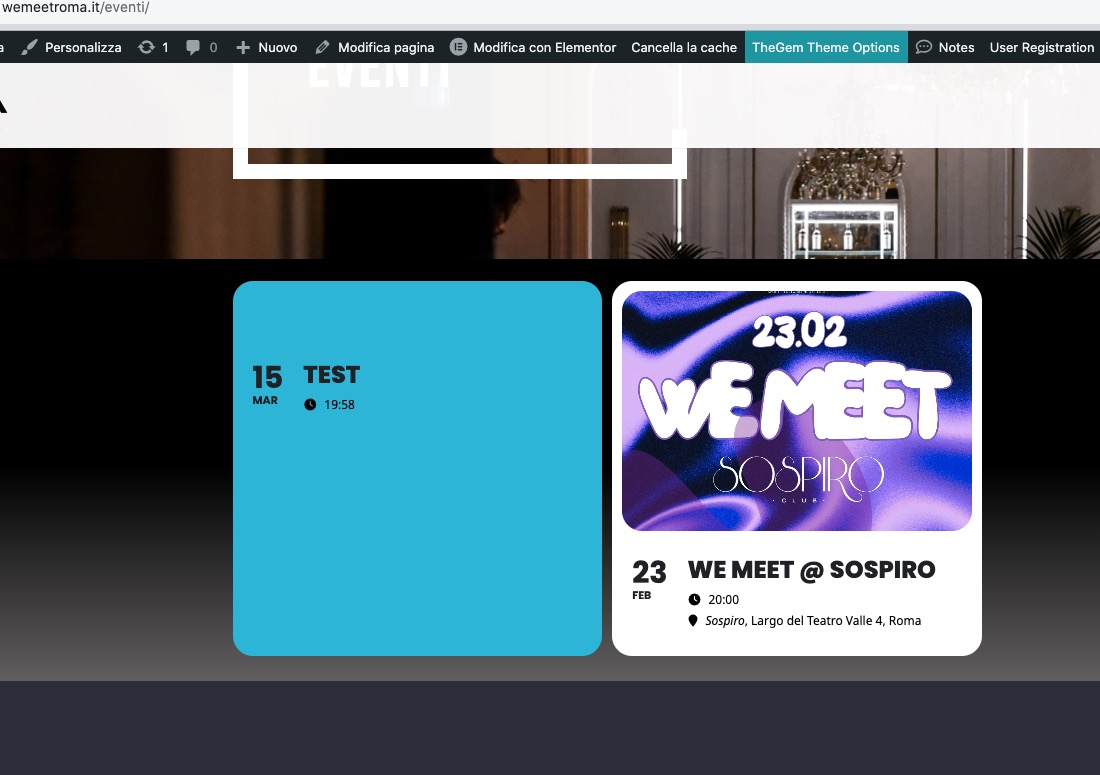
Reply to: tickets(340902)
Ashan,
Please check:
Did we delete the description from Event Card > Organizer section:
https://helpdeskx.s3.amazonaws.com/wp-content/uploads/2024/02/18131521/Screenshot-2024-02-18-at-21.14.59.jpg
Reply to: tickets(340902)
Thank you for your messages, I am going to assign this ticket to Ashan and he will be able to take it from here and find you a solution. Please allow some time for him to get back to you, we greatly appreciate your patience and thank you for being a eventon customer!
Reply to: tickets(341408)
Hello,
Seems to be working correctly on my side:
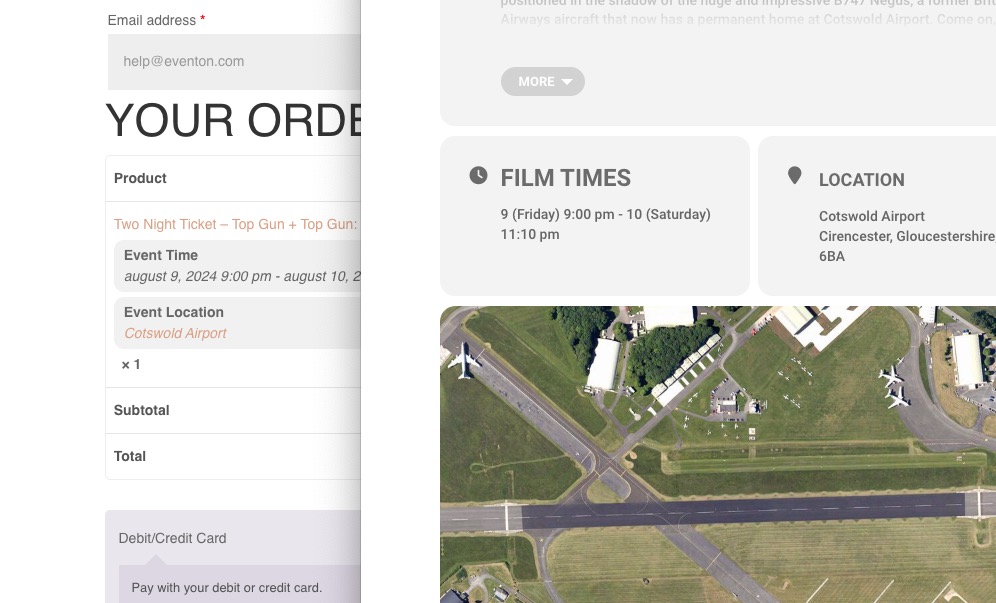
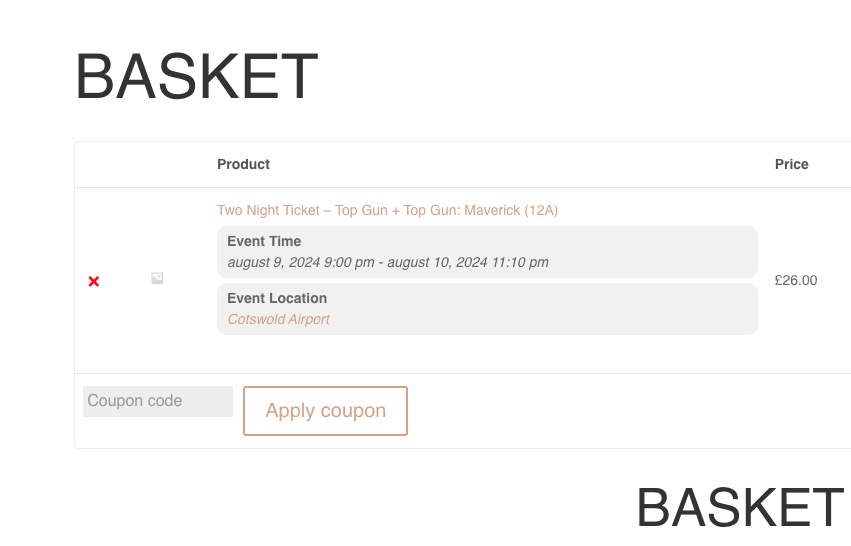
Also checked one of your completed orders:
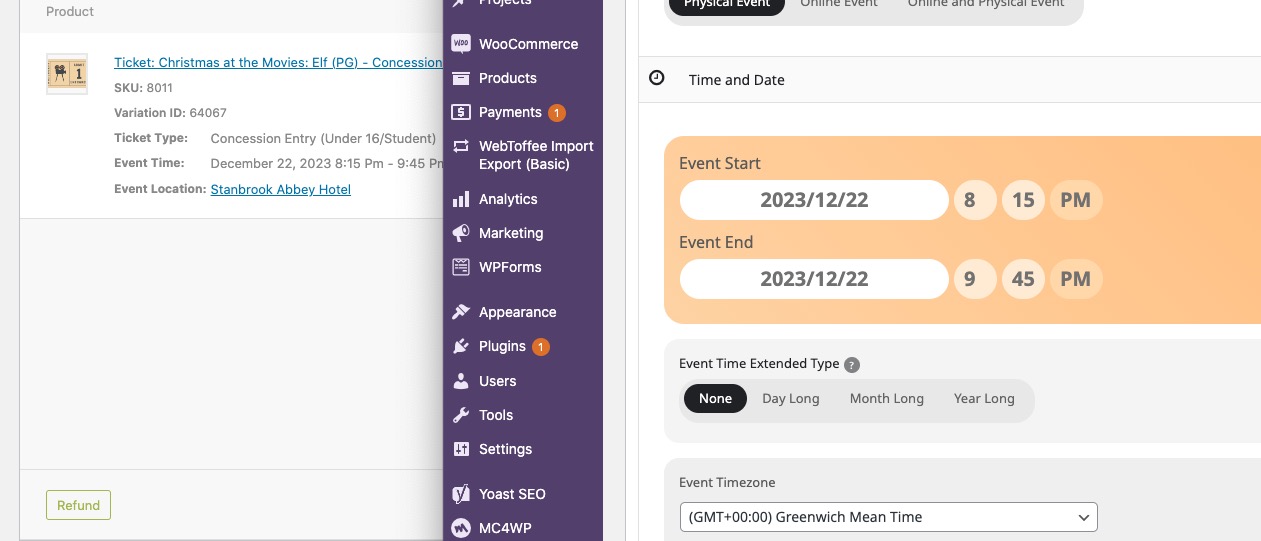
Could you try clearing your server’s cache as well as browser cache?
Reply to: tickets(341309)
The best solution is to downgrade to 4.5.4:
https://helpdeskx.s3.amazonaws.com/wp-content/uploads/2024/01/12035959/eventON4.5.4.zip
Please try and let us know.
Reply to: tickets(341375)
Set both to +1, so the event is in it’s month now. Please check and let me know.
Reply to: tickets(341433)
Hello,
1. Please try clearing the browser cache manually.
2. Could you make sure to update Tickets add-on as well? Also go to EventON > Time Settings > Timezone and wp-admin > Settings > General > Timezone are the same.
Reply to: tickets(340903)
Could you try increasing the memory limit:
https://docs.myeventon.com/documentations/increasing-wordpress-memory-limit/