Ashan,
Not sure why but I cannot test this:
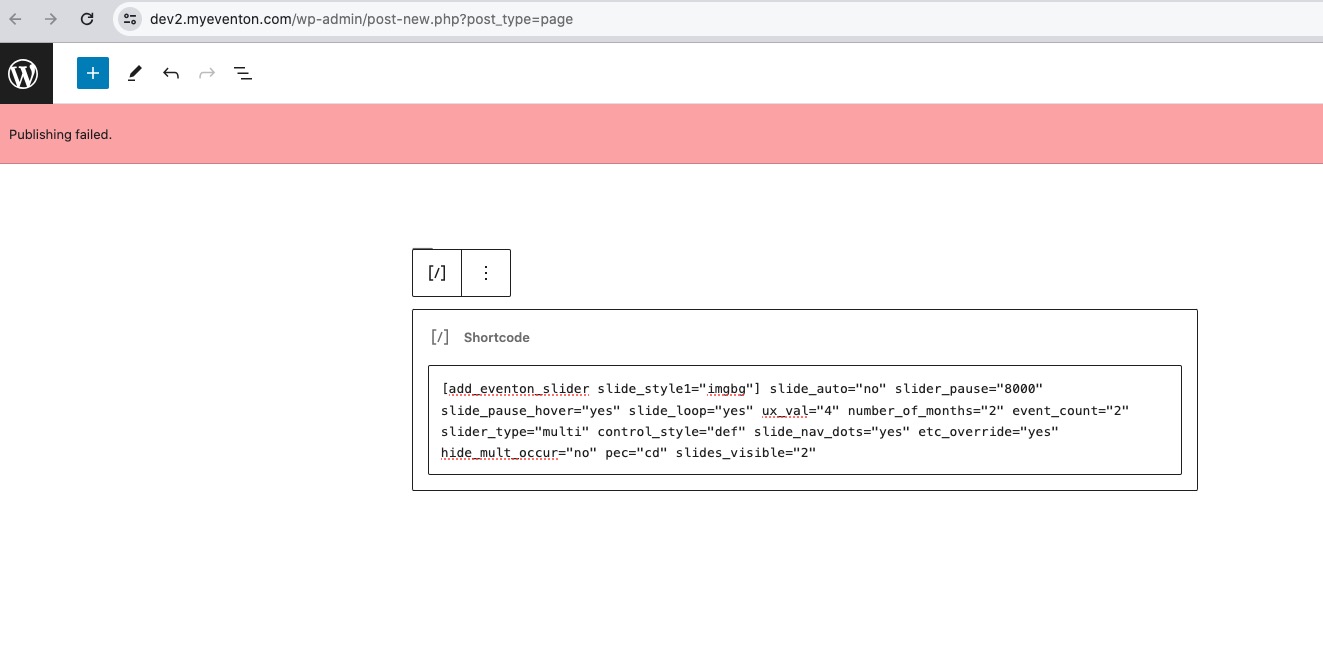
Please check 1, 2.
4.
Replies for tickets on suppota
Ashan,
Not sure why but I cannot test this:
Please check 1, 2.
4.
Hello,
1. & 2. Thank you for your messages, I am going to assign this ticket to Ashan and he will be able to take it from here and find you a solution. Please allow some time for him to get back to you, we greatly appreciate your patience and thank you for being a eventon customer! Also please disable any IP blocking on your site if there are any.
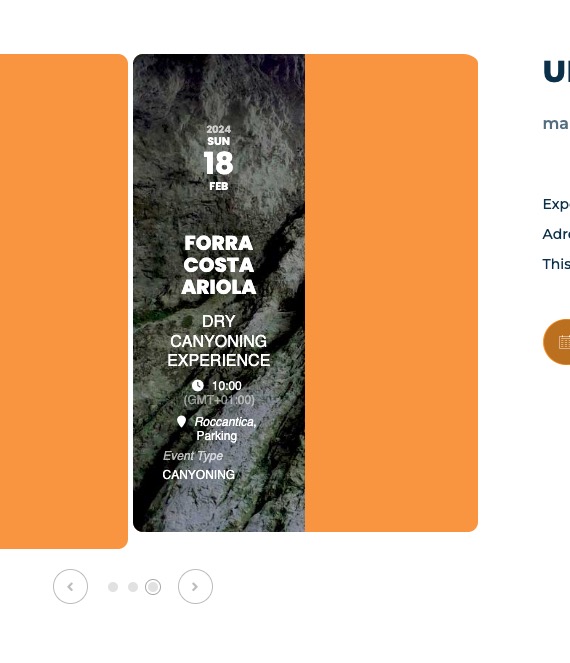
3. This is because you use slides_visible=”2″ and event_count=”2″, so it’s showing the same two events.
4. Ashan will check this as well.
Hello,
With Action User Plus you can create different submission levels:
https://www.myeventon.com/addons/action-user-plus/
Guide:
https://docs.myeventon.com/documentations/setup-actionuser-plus/
Try on
https://dev.myeventon.com/wp-admin/
Your current server only has 256MB memory available. It’s not about the number of events, but how many plugins or how heavy the theme is.
Could you try make sure that your server has more memory?
Thank you very much, great!
Ashan,
The same on dev2:
I changed the order from 3 and 4 to 2 and 3:
https://dev2.myeventon.com/wp-admin/post.php?post=52862&action=edit
But still shows 3 and 4 tickets purchased.
https://dev2.myeventon.com/wp-admin/post.php?post=52832&action=edit
https://dev2.myeventon.com/wp-admin/post.php?post=52829&action=edit
Thank you for your messages, I am going to assign this ticket to Ashan and he will be able to take it from here and find you a solution. Please allow some time for him to get back to you, we greatly appreciate your patience and thank you for being a eventon customer! Also please disable any IP blocking on your site if there are any.
We apologize for the inconvenience. Could you let us know when you downgrade to 4.5.4, does it also restore the fields?
Instead of working with the live site, could you create a staging site and apply updates there first?
Hello,
Please add this to the shortcode:
hide_mult_occur=”yes”
ok, thanks!