Hello,
Seems to be working with this event on our test server:
https://dev2.myeventon.com/events/test-120/
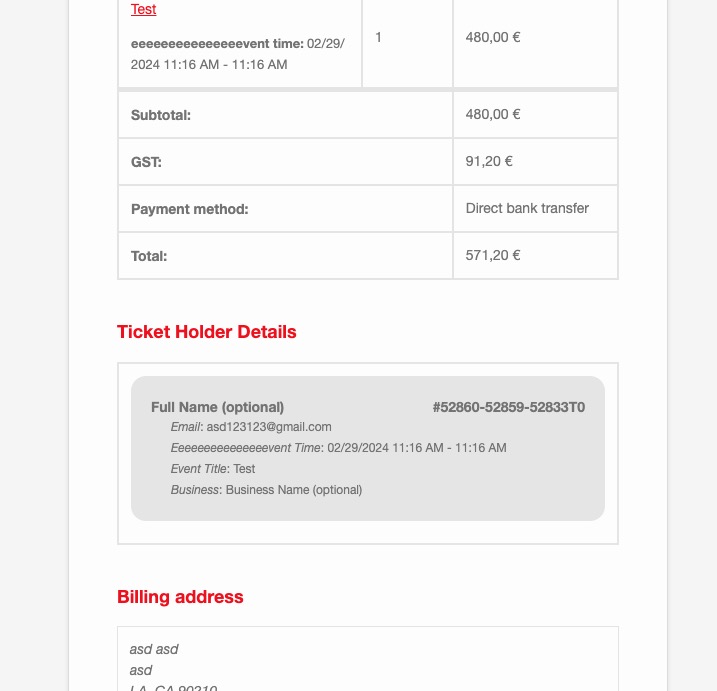
Did you customize any of emails?
Replies for tickets on suppota
Hello,
Seems to be working with this event on our test server:
https://dev2.myeventon.com/events/test-120/
Did you customize any of emails?
Yes it will, I am afraid. There is no way of changing this except in the code.
Unfortunately, we unable to help with PHP customizations, since it’s against CodeCanyon’s Support Policy.
Hello,
Are you referring to this event?
https://www.bergum-gunnilse.se/events/bi-odlargruppen-har-mote-7/
I cannot find the contact form there. Could you go to https://www.bergum-gunnilse.se/wp-admin/admin.php?page=eventon#evcal_001_advance > try a different Select calendar event content filter type?
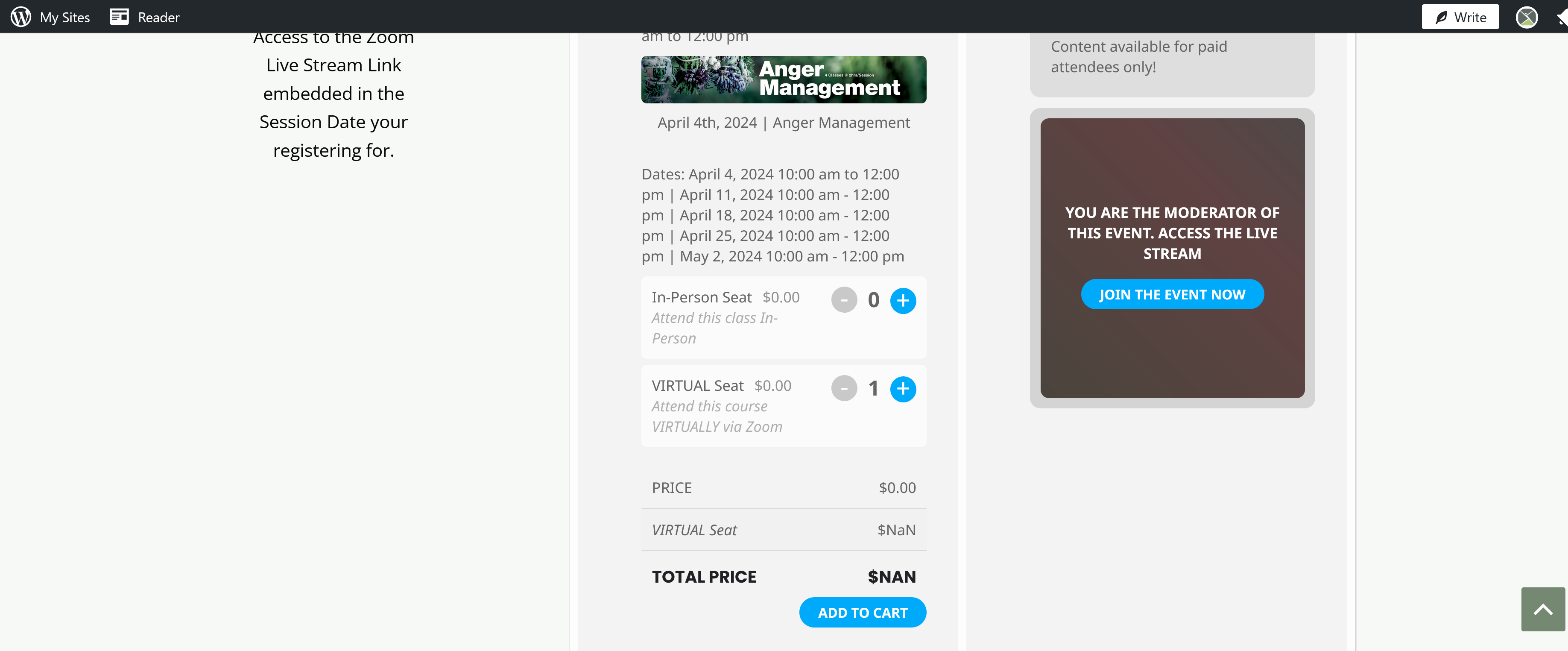
Could you try clearing your cache plugins? Also try going to EventON > Scripts & Styling > disable Load eventON scripts and styles only on eventON pages.
We are sorry for the delay. Ashan will check this ASAP.
2.2 Ah sorry, I didn’t read it correctly. Unfortunately, only years can be hidden this way. For months, please use CSS codes:
https://docs.myeventon.com/documentations/change-css-calendar/
Hello,
Could you tell us server’s and EventON’s timezones? Are they the same?
Which part uses so much memory?
This is not normal anymore.
Can I delete event entries in a database?
Because it worked and with an update it didn’t.
I asked Avada for help.
We are sorry for the delay. 4.6 version will be available very soon with a fix for this issue.