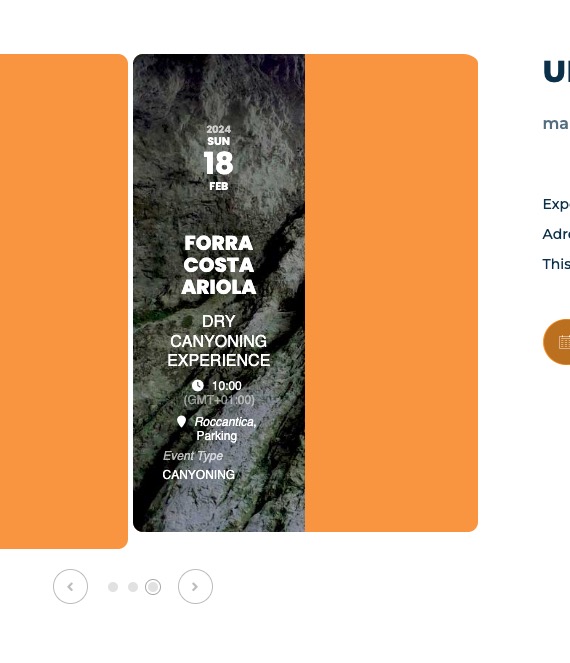
Nevermind … user error!
Archives: Replies
Replies for tickets on suppota
Reply to: tickets(338815)
the website now is on www.wemeetroma.it
Reply to: tickets(340712)
Our calendar is currently not working. I cannot advance the calendar past april. I left it alone for you to troublehsoot. We need this issue to be resolved. Our summer classes open for registration soon and our customers need to be able to see these classes.
Reply to: tickets(339892)
Thank you,
the preview of the single Event Page is again possible, great!
If you find any other stuff to optimize my Page, just let me know.
Best regards from Berlin
Reply to: tickets(337862)
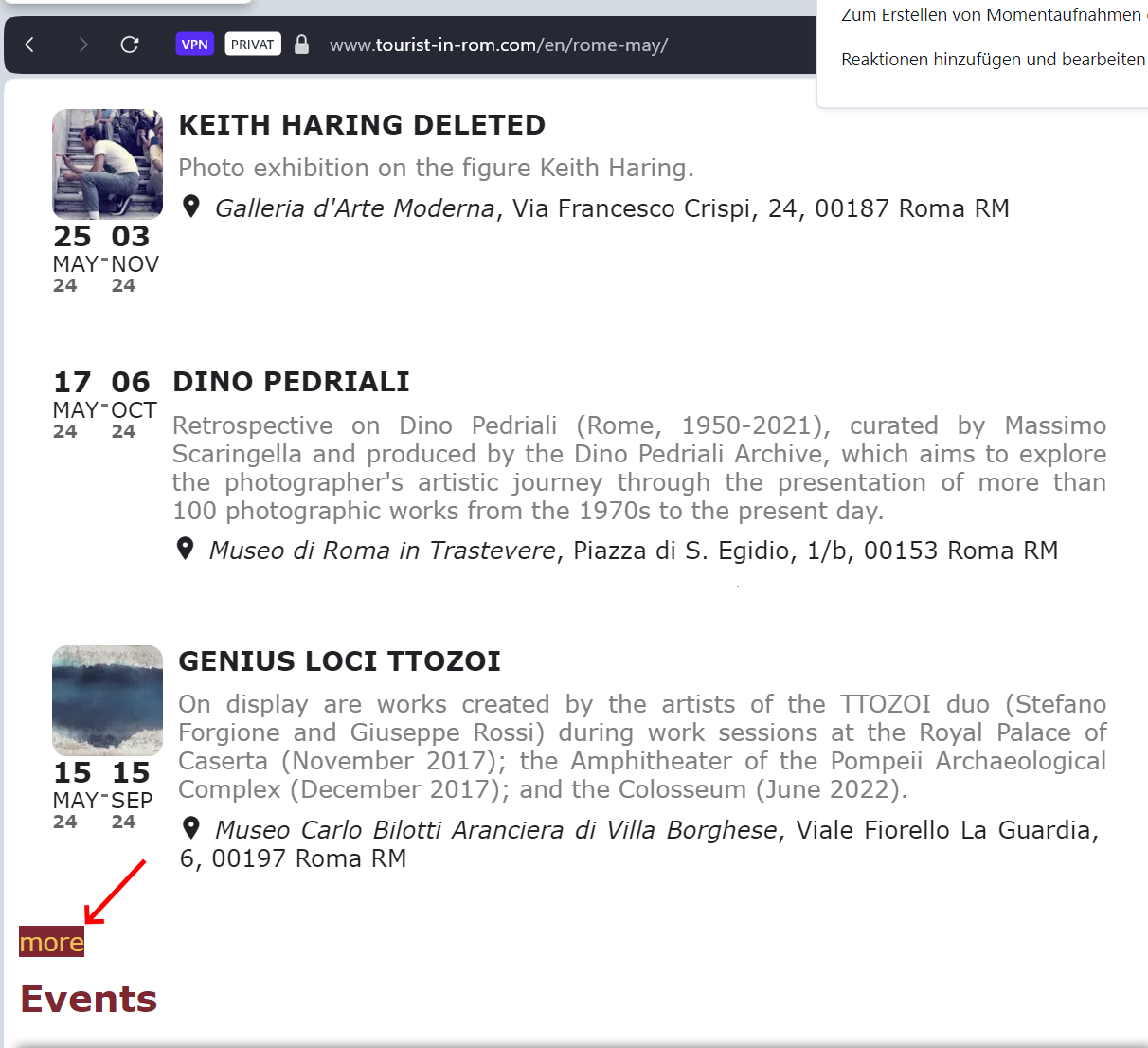
I did but this makes no relevant change. Now also on desktop the lists are not loaded, if more events are in the list (I saw a list with 3 events on a page, but longer lists are not there). I tried a list with 3 initial events and “more” button, but only a strange button is shown and not working – see screenshot.
I looked in the Ezoic proxy for Eventon scripts. I found the following and disabled script delay for all of them, without success.
/eventON/assets/js/maps/eventon_gen_maps.js?ver=4.5.9
/eventON/assets/js/eventon_functions.js?ver=4.5.9
/eventON/assets/js/lib/jquery.easing.1.3.js?ver=1.0
/eventON/assets/js/lib/handlebars.js?ver=4.5.9
/eventON/assets/js/lib/jquery.mobile.min.js?ver=4.5.9
/eventON/assets/js/lib/moment.min.js?ver=4.5.9
/eventON/assets/js/lib/moment_timezone_min.js?ver=4.5.9
/eventON/assets/js/lib/jquery.mousewheel.min.js?ver=4.5.9
/eventON/assets/js/eventon_script.js?ver=4.5.9
Actually I don’t see lists shown via the Internet. It looks as if the lists are not there when the proxy retrieves the page. I made tests with the following pages:
https://www.tourist-in-rom.com/it/roma-maggio/#Mostre (list is placed below the container with the roses
https://www.tourist-in-rom.com/de/rom-mai/#Ausstellungen (list is placed in the accordion “Liste der Ausstellungen”)
https://www.tourist-in-rom.com/en/rome-may/#Exhibitions (list below the container with 3 events + “more” button)
Reply to: tickets(339740)
ok I will try..
I have enable “creating new account for new RSVP user”. How does this work?
Automatically an account is created when someone RSVP? And how do they login after?
Reply to: tickets(339759)
The thing is that none of our customers have reported this issue. First of please wait for 4.6 version that should be available very soon. Then instead of updating the live server, please try creating a staging one and update it there first.
Reply to: tickets(340570)
Please try increasing memory limit:
https://docs.myeventon.com/documentations/increasing-wordpress-memory-limit/
Reply to: tickets(312846)
Sorry!
I had made a problem work around. Hade made a separate page where the form code was addes and had a link in the event to the temporary page.
If you now look at the event https://www.bergum-gunnilse.se/events/bi-odlargruppen-har-mote-9/
you see that I have two slightly different application forms.
When I now fill in and confirm i get the message: “Action failed. Please refresh the page and retry.”
Any idee why this happends?
…Erik
Reply to: tickets(340800)
Ashan,
Not sure why but I cannot test this:
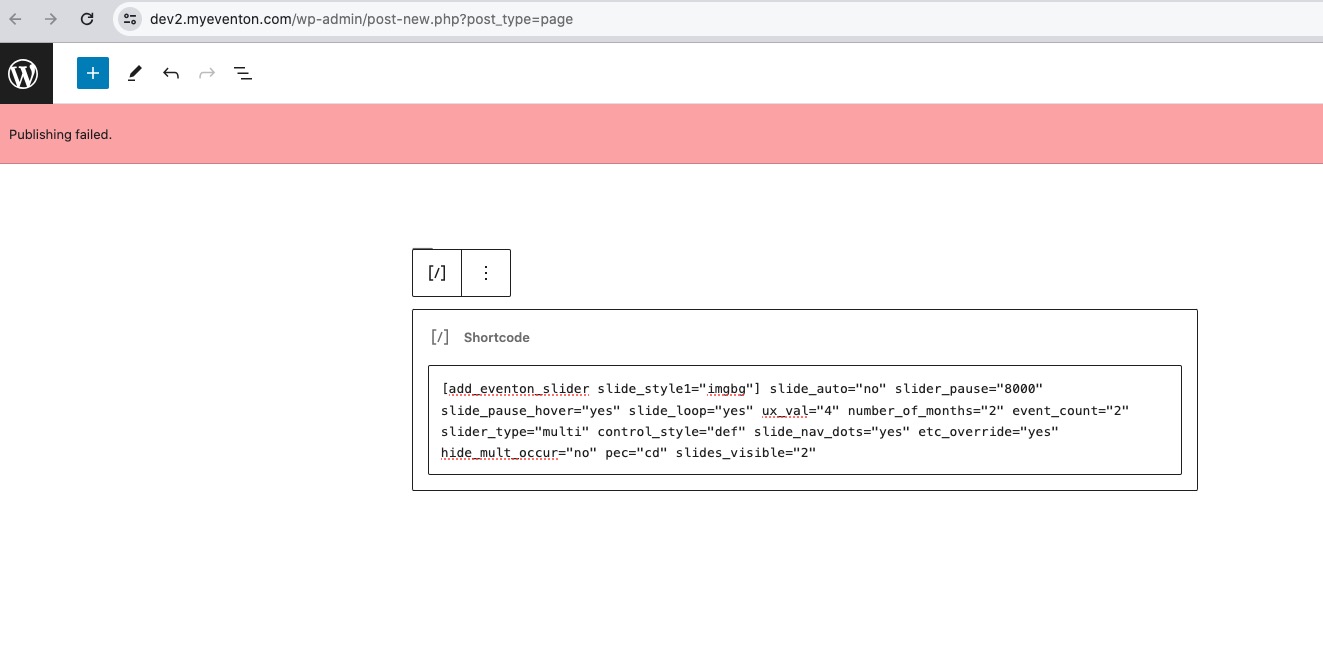
Please check 1, 2.
4.