Hi Cheryl,
Thank you for your great suggestion, at the moment it is not supported. However please create a new ticket and select Feature Request as category so others can vote on your idea and get it moved into development faster.
Replies for tickets on suppota
Hi Cheryl,
Thank you for your great suggestion, at the moment it is not supported. However please create a new ticket and select Feature Request as category so others can vote on your idea and get it moved into development faster.
Hi Rune,
To translate the field go to Eventon > Language > Addon: Action User as shown in the screenshot below.

Hi Rune,
To change the background color of the submit form, please add the following custom CSS code to your site.
.evoau_submission_form .evoau_table .row {
background-color: aliceblue;
}
To add the code, go to Appearance > Customize > Additional CSS.
Hello Jonny,
The issue is fixed in version 4.5.9. Please ensure you clear your server, site, and browser cache when you upgrade the plugin and check if the issue still exists.
Hi Joey,
To change the lightbox background color please add this custom CSS code to your site. You can play around with the opacity value (0.5) to achieve your desired look.
.evo_lightbox {
background-color : rgba(0,0,0,0.5); }
To add the CSS code go to Appearance > Customize > Additional CSS.
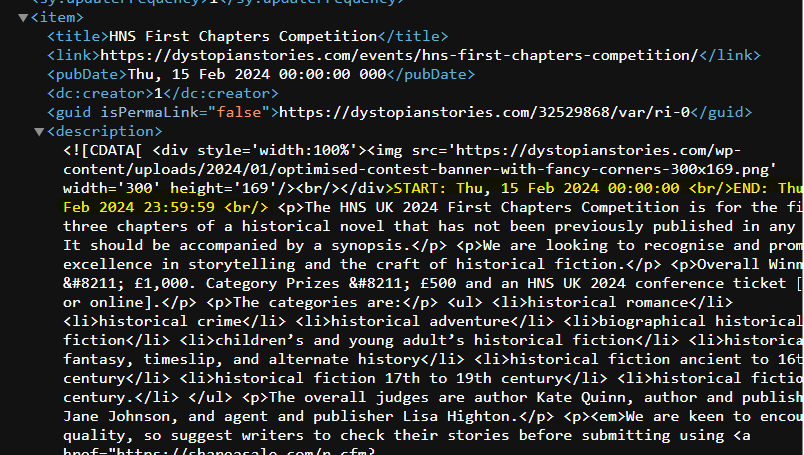
Adding image to show the part of the description I would like to remove.
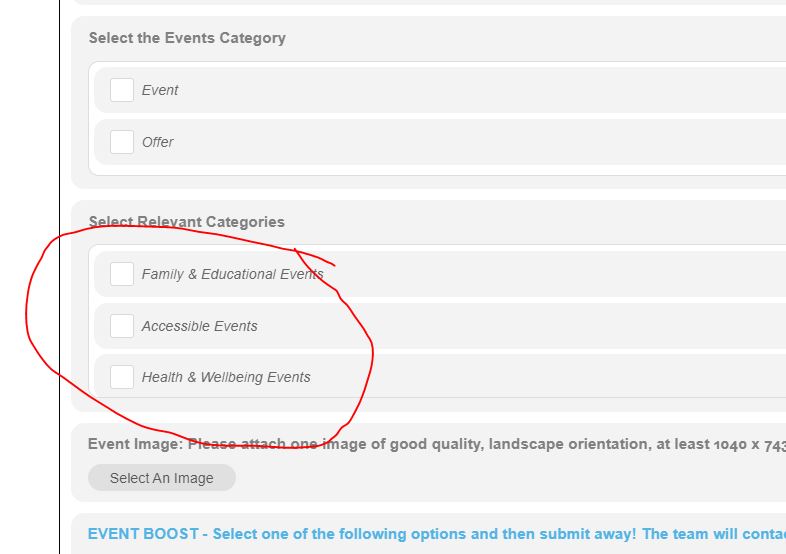
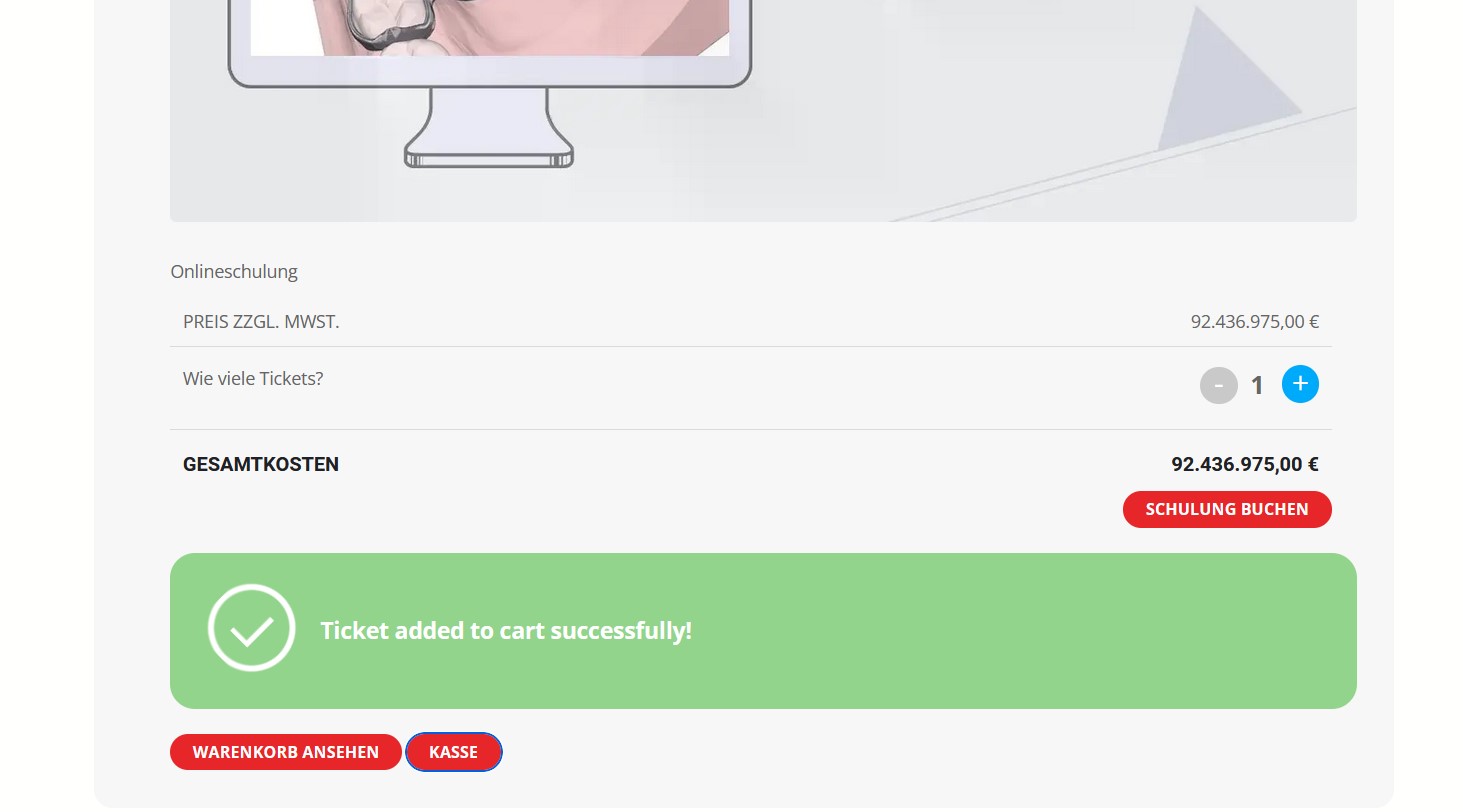
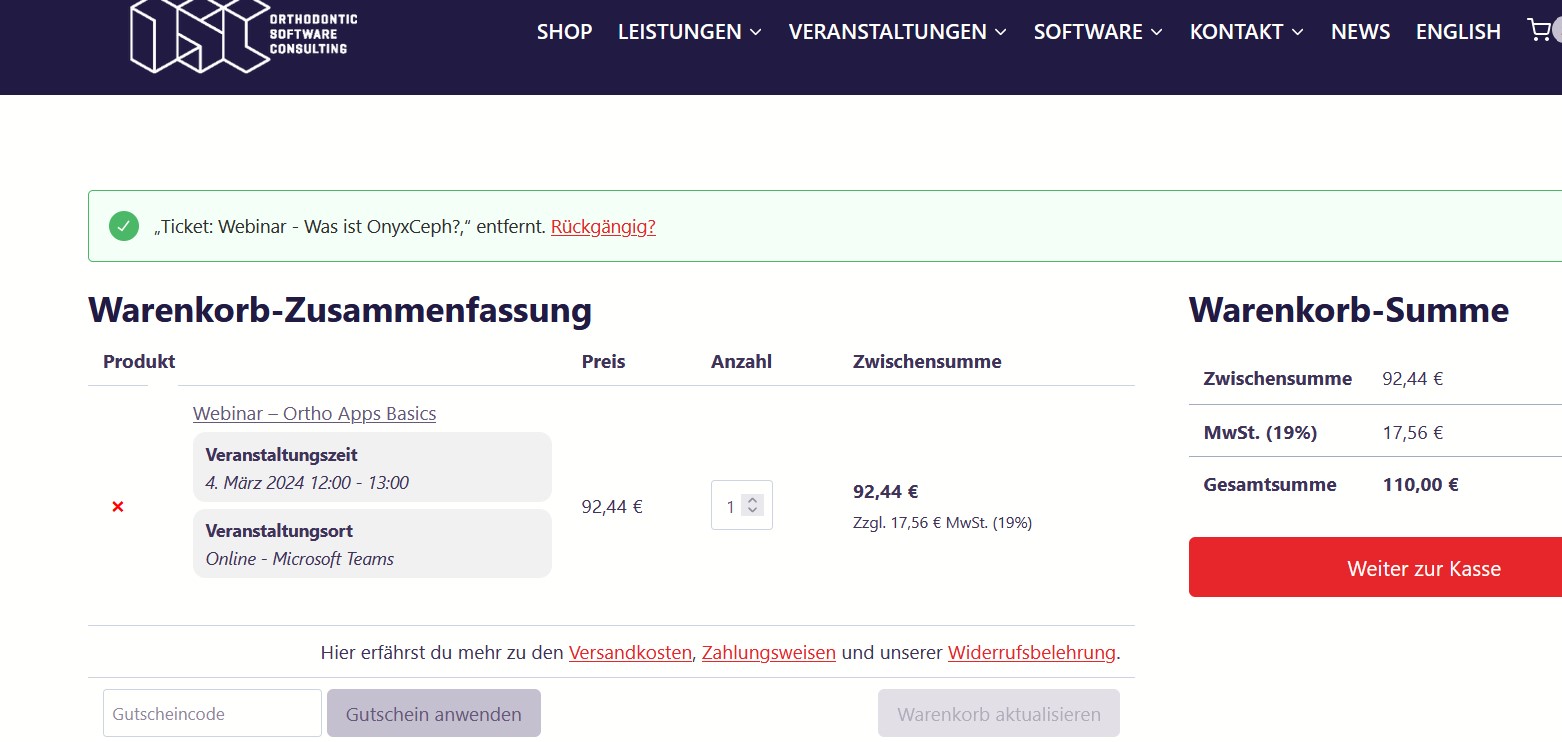
Hello,
I think this is not a problem of the tax. See screeshots the product on single site and later in the cart. 2 different price informations but before the update everything was fine. Enclosed also admin login to test it.
https://www.osc-kranzusch.de/wp-admin
eventon_support
Rr5HKsA0WZPG3nr8FVRdcGKz
Hi – this issue seems to still be present in 4.5.9 too, we’ve had to downgrade again