Is there a way to include hrefs in the description without getting parsing errors from google?
Archives: Replies
Replies for tickets on suppota
Reply to: tickets(339849)
Reply to: tickets(339729)
thank you very much!!
Reply to: tickets(338212)
Reply to: tickets(338212)
Reply to: tickets(338212)
Reply to: tickets(338212)
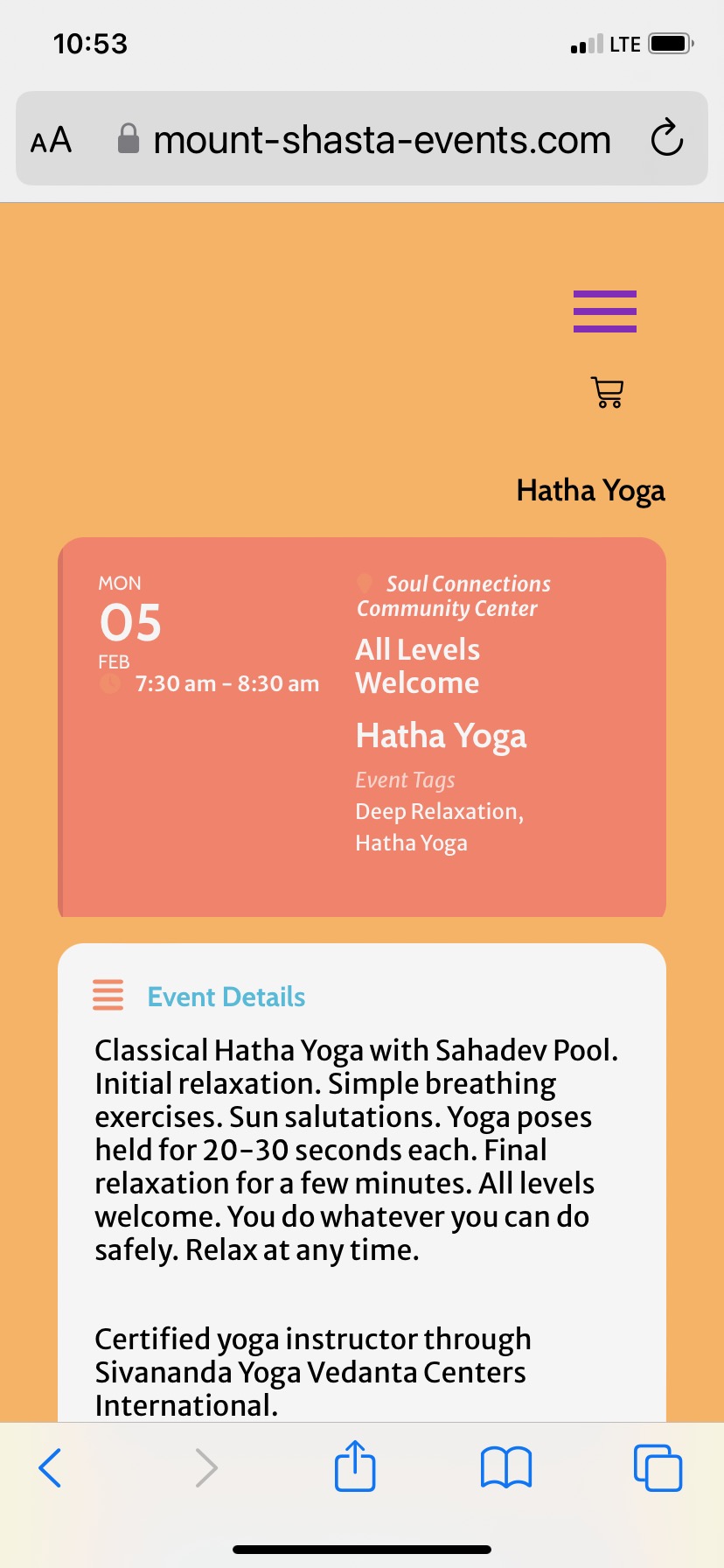
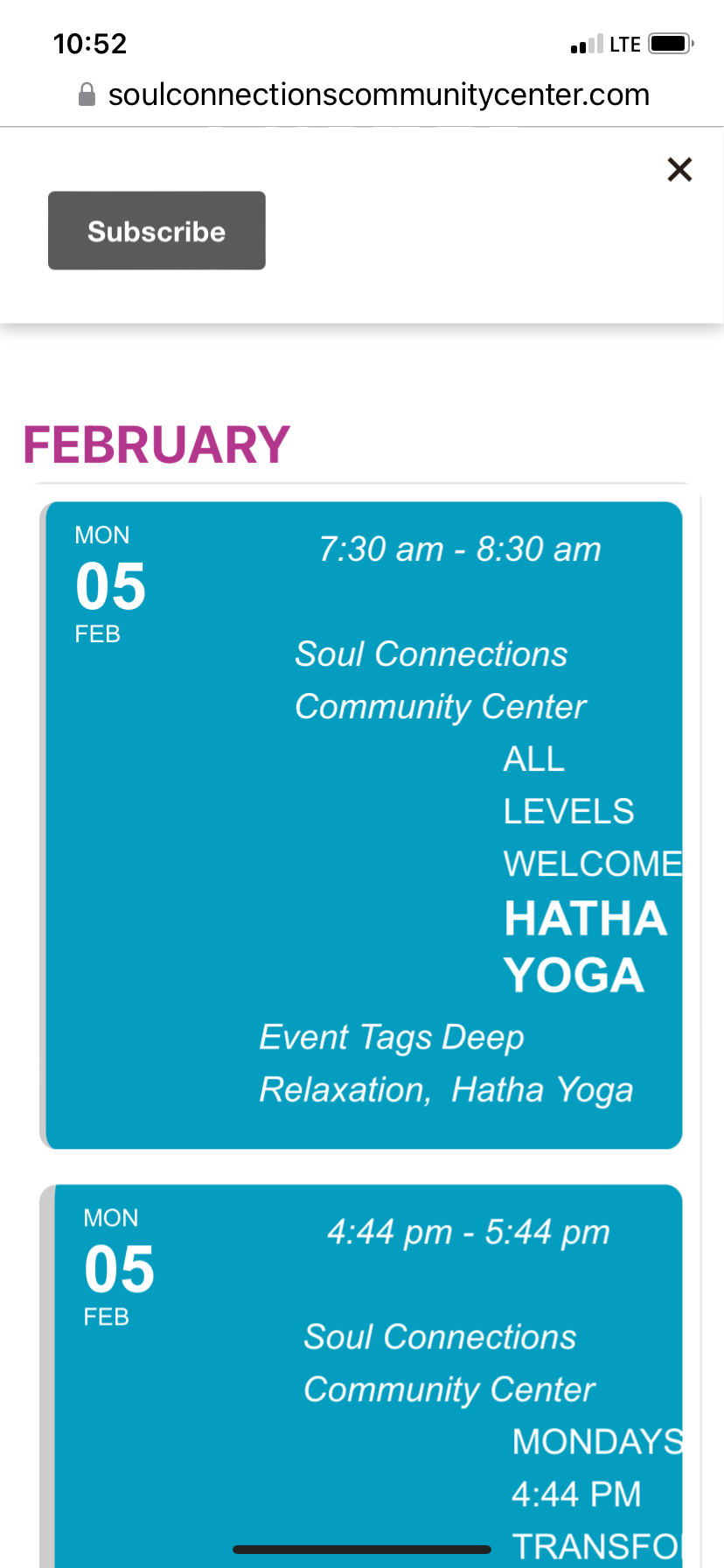
Thanks Ashan! I appreciate this. The orange background picture is from my website and the blue is my EO API client. Maybe I can fix this with CSS however if you could adjust let me know. Specifically it would help if the tags began at the far left and were on one line and if necessary a line break if there are too many tags.
Reply to: tickets(339748)
Thanks!
https://helpdesk.ashanjay.com/ticket/action-user-add-all-3-event-attendance-modes-to-au-add-new-event-form/
https://helpdesk.ashanjay.com/ticket/subscriber-add-on-send-email-when-moved-online-postponed-rescheduled/
https://helpdesk.ashanjay.com/ticket/lunar-calendar-dates-addon/
https://helpdesk.ashanjay.com/ticket/action-user-feature-to-duplicate-or-copy-events/
Reply to: tickets(339833)
Reply to: tickets(338879)
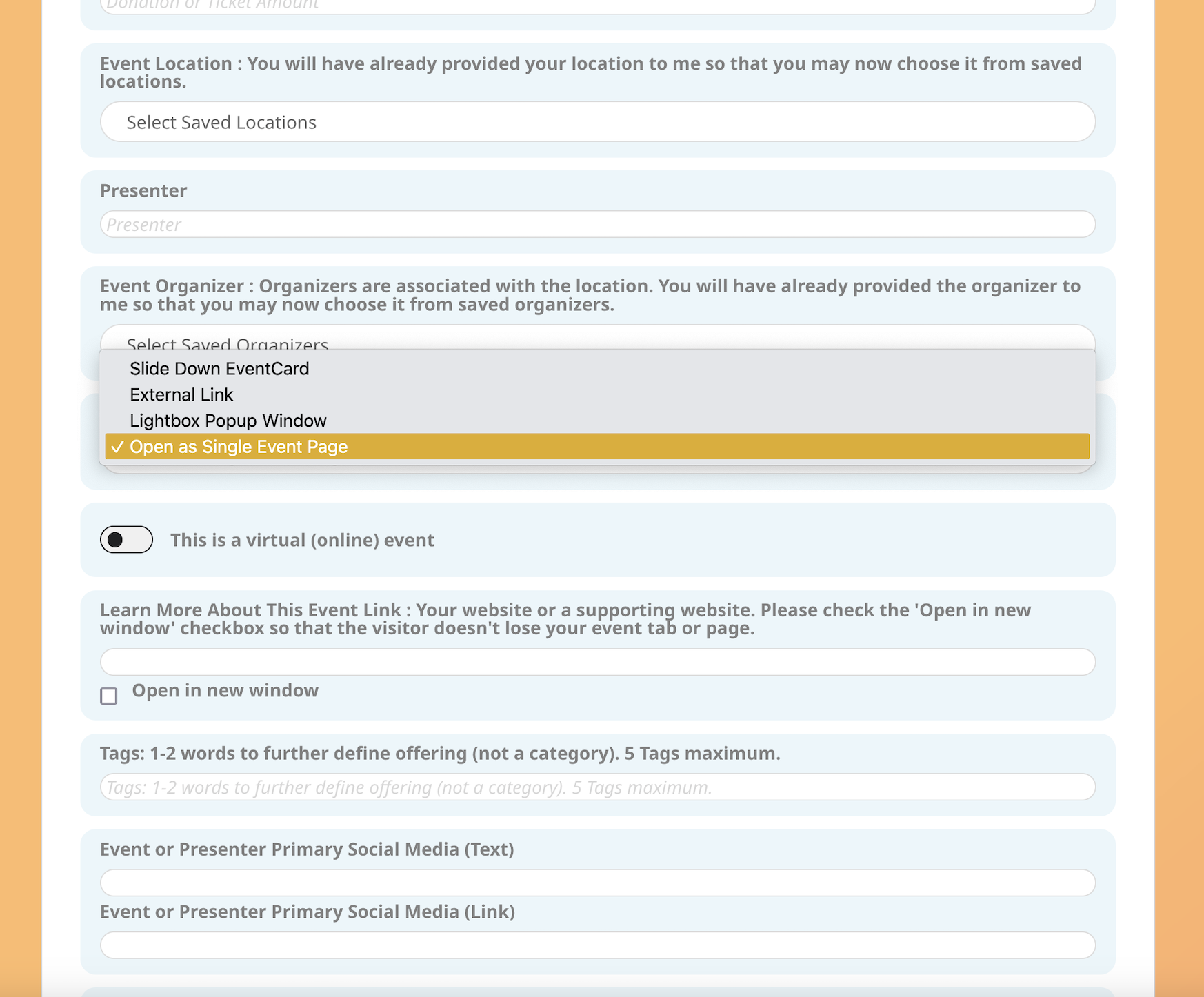
2. I have enabled the User Interaction field for the AU User. I would like the default action to be External Link. Although I (in admin) and the AU am able to see all 4 choices, I only see 3 choices where I could choose the default User Interaction in AU General settings. The missing User Interaction is External Link. (the choice I prefer).
CORRECTION
All of the choices are there however I am now seeing (after assuming that this was an AU User error) that when selecting anything from the AU form it always defaults to Slide Down Event Card. I see this also reflected in Admin area when I open the event to add additional settings and Publish it. I can correct this in the Admin area and it saves and opens as I requested. The AU form is where the problem is.
I didn’t realize this was a problem until now because I didn’t have User Interaction on their form.