Ashan,
The same on dev2:
https://dev2.myeventon.com/wp-admin/admin.php?path=languages%2Fplugins%2Fevotx-en_US.po&bundle=eventon-tickets%2Feventon-tickets.php&domain=evotx&page=loco-plugin&action=file-edit
I translated strings but they are still the same on the back-end.
Hello,
Thank you for your messages, I am going to assign this ticket to Ashan and he will be able to take it from here and find you a solution. Please allow some time for him to get back to you, we greatly appreciate your patience and thank you for being a eventon customer! Also please disable any IP blocking on your site if there are any.
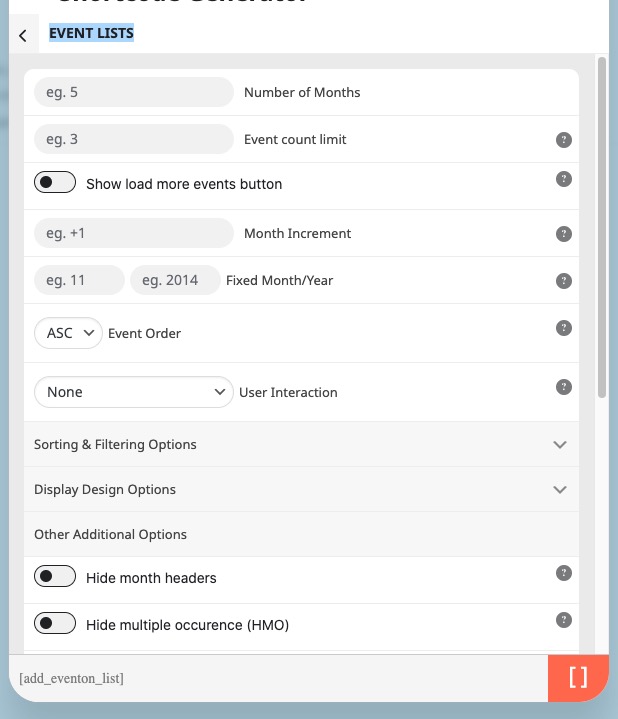
Maybe in your case you need to use Event Lists shortcode without any custom CSS codes:
[add_eventon_list number_of_months=”12″ hide_empty_months=”yes”]
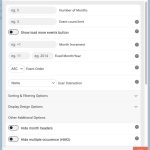
Please check and let me know.
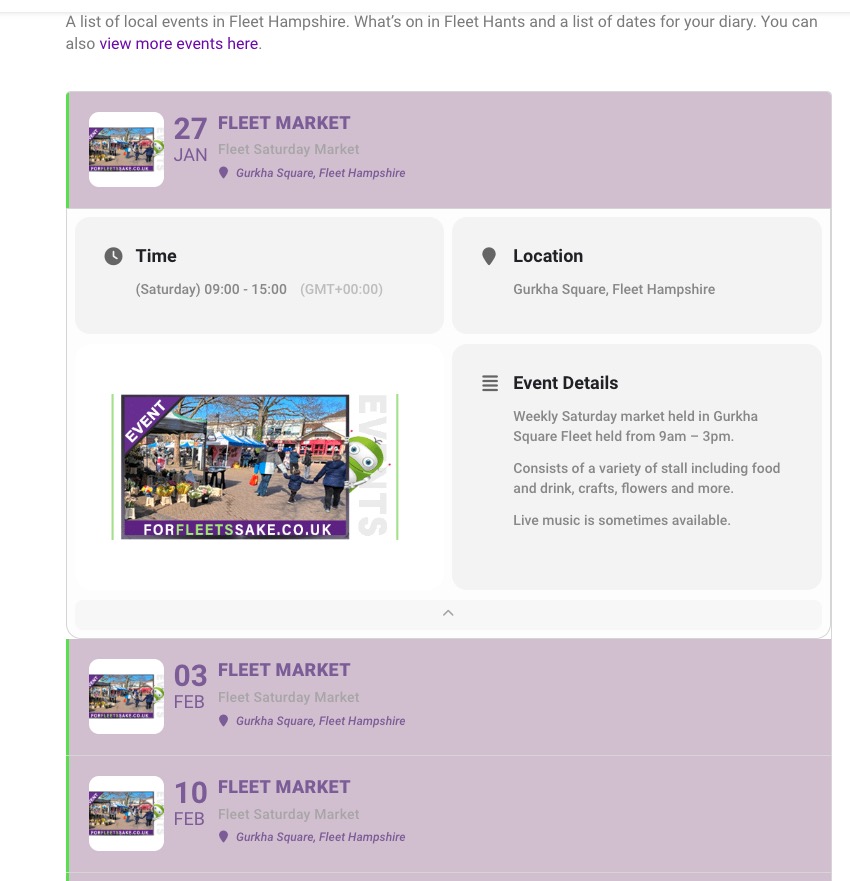
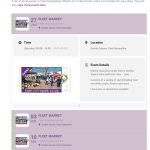
On this EventTop section (pic attached) could you tell me how to make the box corners rounded and add a space between each event please? Also I want the time to show but not the timezone?
Please add eventtop_style=”4″ to your shortcode.
Also why are events showing on the first pic as all day, when I’ve set a start and end time with the day long option not selected? Is there somewhere else I need to deselect it? (second pic attached)
Looks Iike a cache issue. On my side:
2.2.5 version is available. Please update and let us know.
Ashan,
Works on dev2, but not on customer website:
https://dev2.myeventon.com/test-320/
The event:
https://dev2.myeventon.com/events/depositos-de-mendillorri-visita-guiada-comederos-de-aves/var/ri-4.l-L1/
We are sorry for the delay, Ashan will check this ASAP.
Hello,
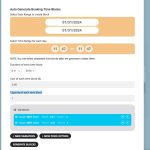
You can combine Tickets + Variations + Bookings.
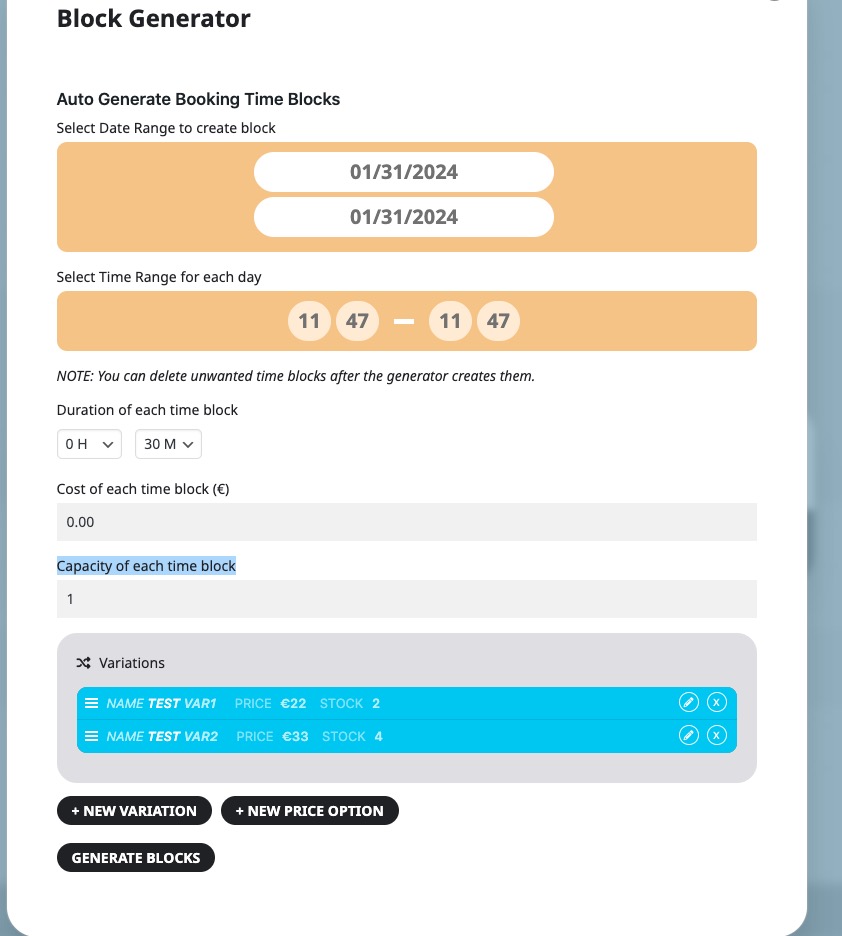
When adding new booking blocks, you can select either “Capacity of each time block“:
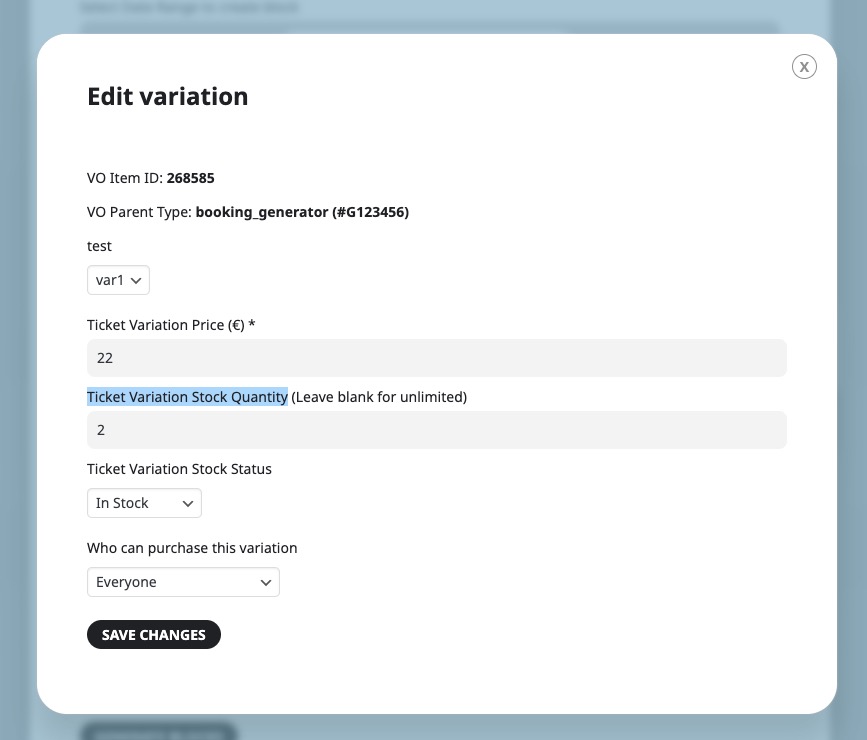
or “Ticket Variation Stock Quantity”:
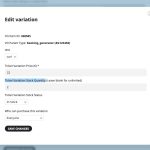
Try on https://dev.myeventon.com/wp-admin/
Repeating events aren’t compatible with Variations and Bookings add-ons.
So the issue has been fixed by updating?