Thank you for letting us know, we can fix the child taxonomies not showing at all.
Just trying to figure out what is the best way to display the child categories. Do you have any suggestions?
Replies for tickets on suppota
Thank you for letting us know, we can fix the child taxonomies not showing at all.
Just trying to figure out what is the best way to display the child categories. Do you have any suggestions?
We are sorry for the delay! One of our devs will check this ASAP.
We are sorry for the delay! One of our devs will reply ASAP.
Ashan,
Please check 2.
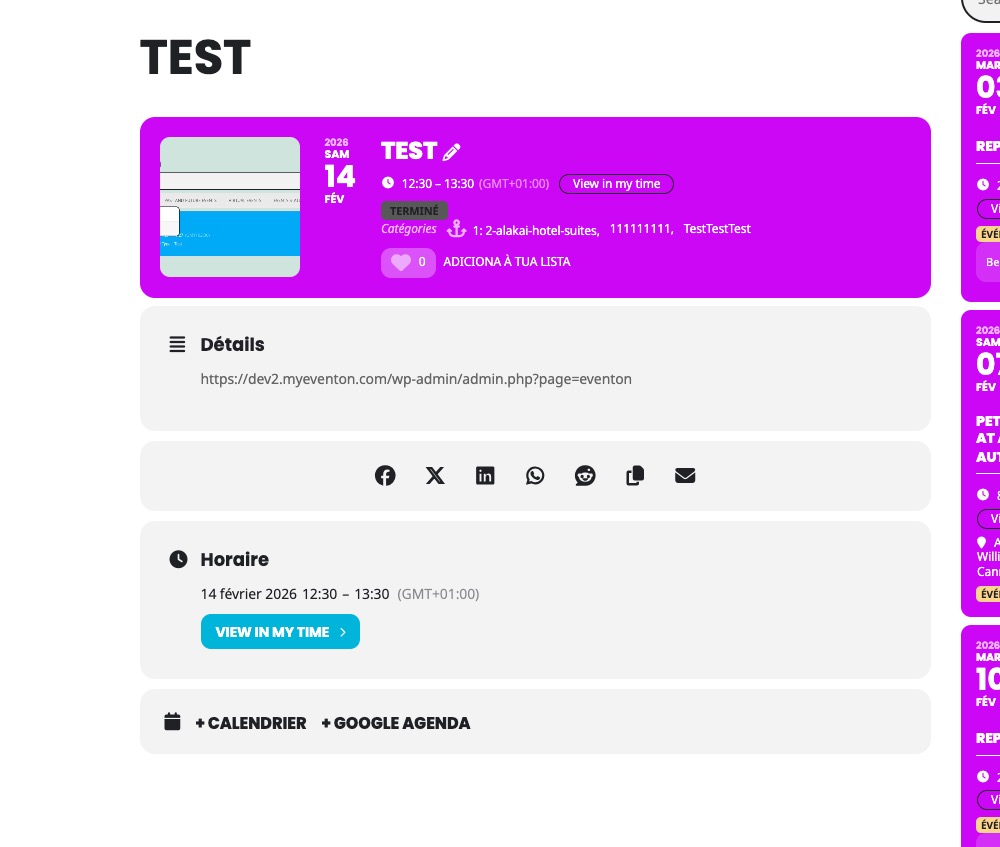
On dev2 Event Type section isn’t visible as well:
https://dev2.myeventon.com/events/test-78/
Hello,
1. Thank you for your great suggestion, at the moment it is not supported. However please create a new ticket and select Feature Request as category so others can vote on your idea and get it moved into development faster.
2. Thank you for your messages!
I am going to escalate this ticket to development to help in here. Please allow us some time to address this, and we truly appreciate your patience. Thank you for being a valued EventON customer!
Thank you for your great suggestion, at the moment it is not supported. However please create a new ticket and select Feature Request as category so others can vote on your idea and get it moved into development faster.
It seems that one of CSS styles from your theme causes the issue. Thank you for your help figuring it out!
Please add this CSS code to EventON > Styles (If you don’t see any change, EventON > Scripts & Styling > turn off Write dynamic styles to header > save settings > turn on Write dynamic styles to header).
You can also add this code to wp-admin > Appearance > Customize > Additional CSS.
.evo_lightbox.show { position: fixed !important; }
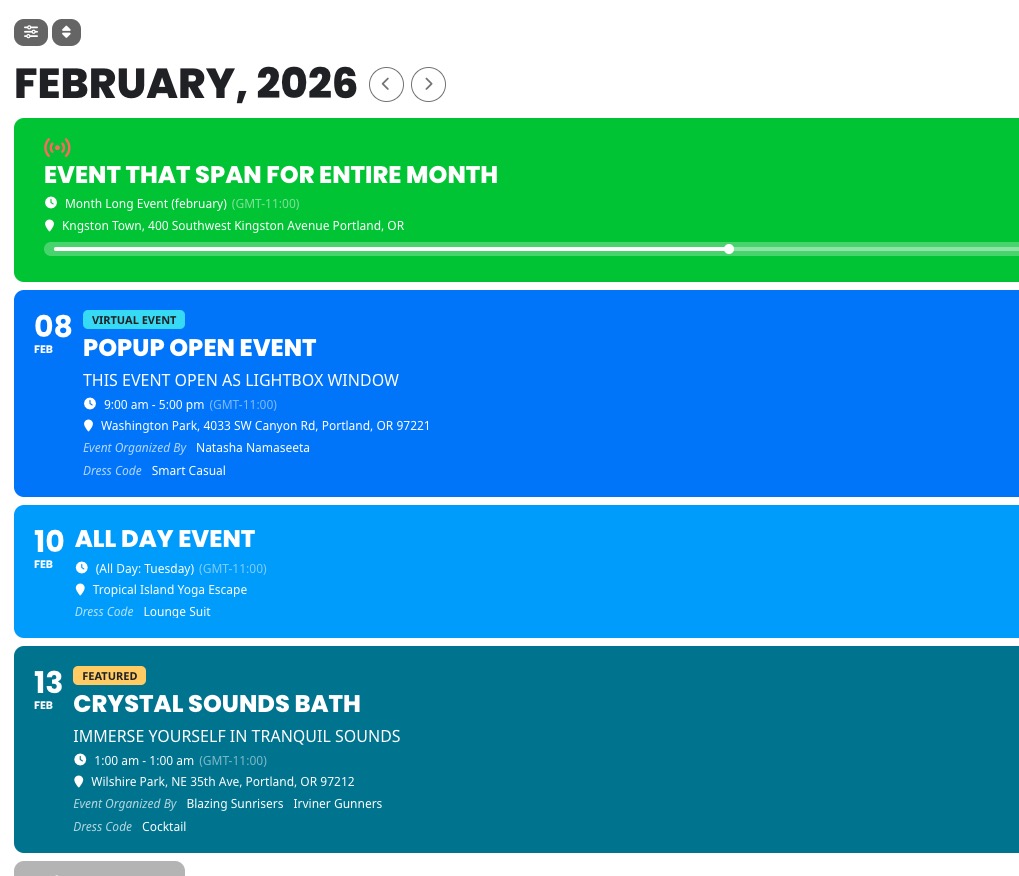
The page you sent us shows Main Calendar shortcode.
Do you want yours to look the same as on this screenshot?
Could you elaborate more?
Hi Artem,
The username is EventOn
Password: ArtemEventOn!16
https://www.captodayonline.com/wp-admin
Please let me know if you have any difficulties logging on. I may need your phone number for the verification.
Thanks! Mary
Hello,
Are you sure that you have events in February:
https://depotterij.nl/wp-admin/edit.php?s&post_status=all&post_type=ajde_events&action=-1&event_date_type=all&event_status=all&ev_month=1769904000-1772323199&filter_action=Filter&paged=1&action2=-1
I also went to
https://depotterij.nl/wp-admin/admin.php?page=eventon#evcal_001b
Set ”Default Event Timezone” to ”(GMT+01:00) Europe/Amsterdam”. Please check and change it if needded.