You can upload which ever version from wp-admin > plugins > add new and wordpress will auto ask to replace the exsiting version.
We also released version 4.5.7.
However in our end we can use the custom pluggable function and extend custom fields as much as we want and we see them correctly on our end.
Please update to latest version and let us know if issue still continues after you set the settings correctly
No worries We have seen customers being confused by this before 🙂
Yes i think disabling that button made the more button javascript function not work. And the styles for the calendar as also off. Can you reset those eventON setting back?
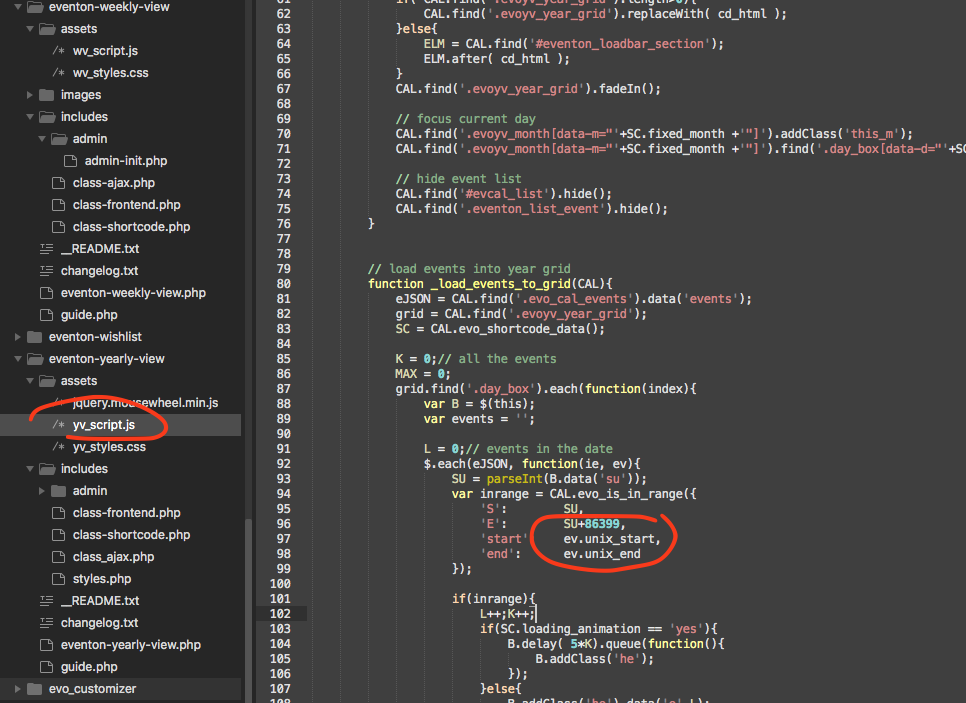
Actually I found out the issue. please make these changes in the yearlyview code. I will also release this as public update to yearlyview 0.9
That is very strange the exact same settings in my end show only 16th for the event. Are you able to share with me wp-admin access to your website?
Could you try updating EventON, Tickets and Variations add-on?
To update eventon to latest version: If you are unable to do autoupdate, you can go to codecanyon your account > download and get the latest eventon version as zip file. Then you can go to your website > make sure “Delete eventon settings & data when EventON is uninstalled” is Deslected from eventon settings, delete old eventon, install new one and activate. This link will further explain the process it. Also you can follow us on twitter to get real-time announcements on updates!
To update eventon addons: You can download latest eventon addons from myeventon > my account. Then you can go to your website, deactivate old addon and install new one and activate then delete the old addon. This link will further explain the process. Also you can follow us on twitter to get real-time announcements on updates!
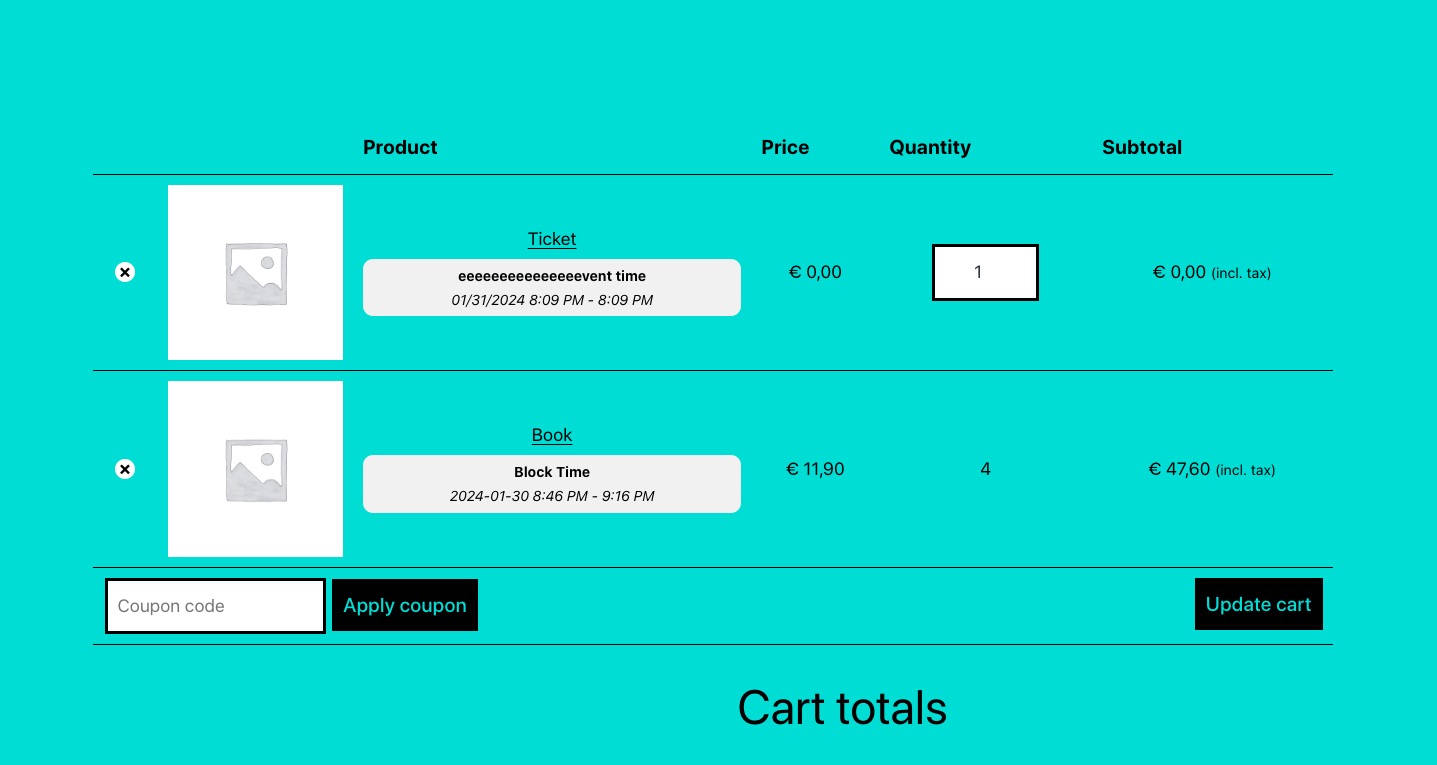
You shouldn’t be able to change the ticket quantity for booking blocks:
https://dev2.myeventon.com/events/book-7/
Could you please try the instructions mentioned in this documentation?
Your Login
URL: https://www.start-up-events.de/wp-admin
User: ARTEM
Password: 5gErpNrG*#PS
Please check this sample event: https://www.start-up-events.de/events/event-with-spacing-between-list-elements/
I’ve tried both of those solutions and January still showing up.
https://www.biggromeo.com/events/
This is the shortcode I am using.
[add_eventon show_limit=”yes” show_et_ft_img=”yes” tiles=”yes” tile_count=”3″ tile_bg_size=”med”]