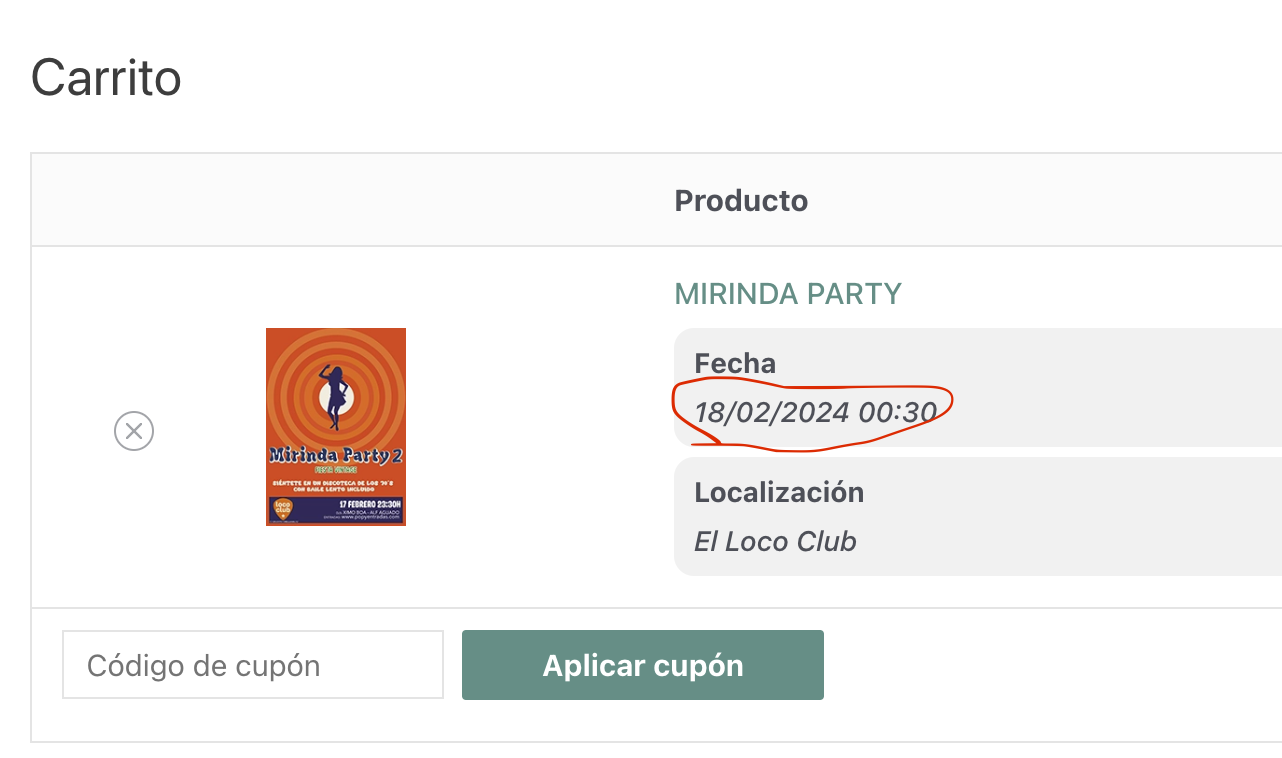
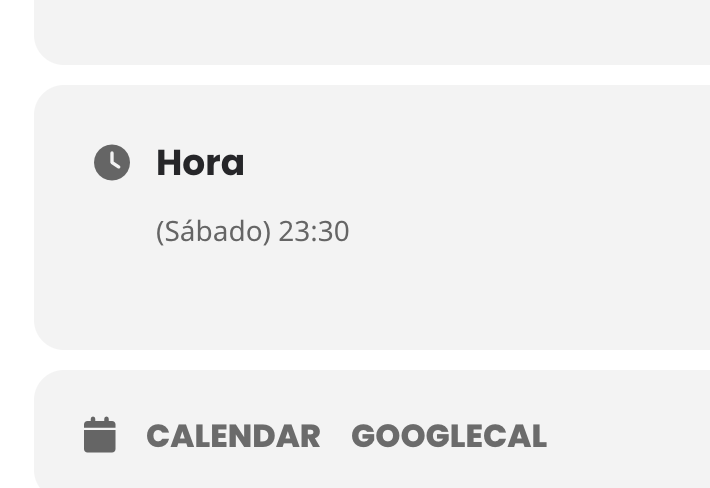
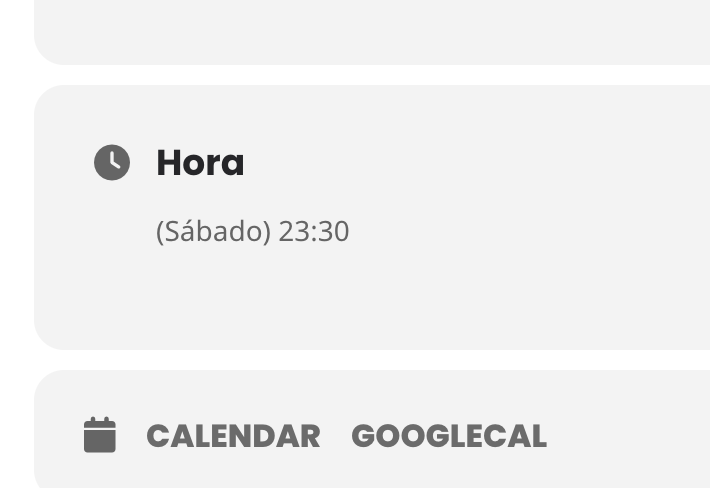
Hello,
Seems to be working:
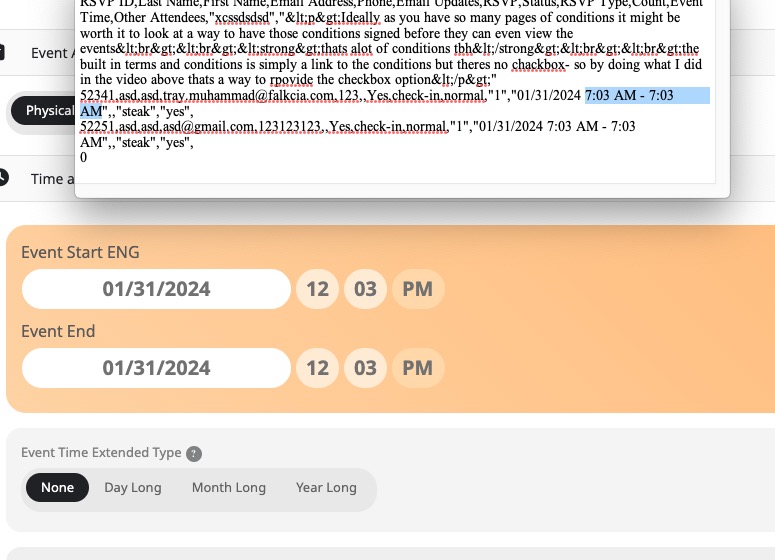
Can we take a look at wp-admin?
Please send us wp-admin access to your site as a private message for us to further assist your situation.
Replies for tickets on suppota
Hello,
Seems to be working:
Can we take a look at wp-admin?
Please send us wp-admin access to your site as a private message for us to further assist your situation.
Hello,
Please go to EventON > Time Settings > enable Allow universal event time format on eventCard. Use the format from this page:
https://www.php.net/manual/en/datetime.format.php
Hello,
thank you so much for the new php code. it worked indeed!
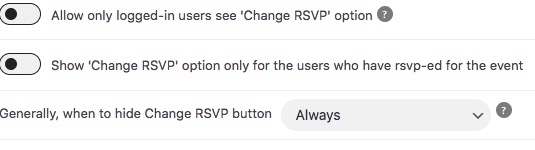
Can you please tell me how I can get rid of the “Change RSVP” button?
I tried in settings to set hide “always” but nothing is changing. Button is still visible.
New version has been out and should resolve your issue.
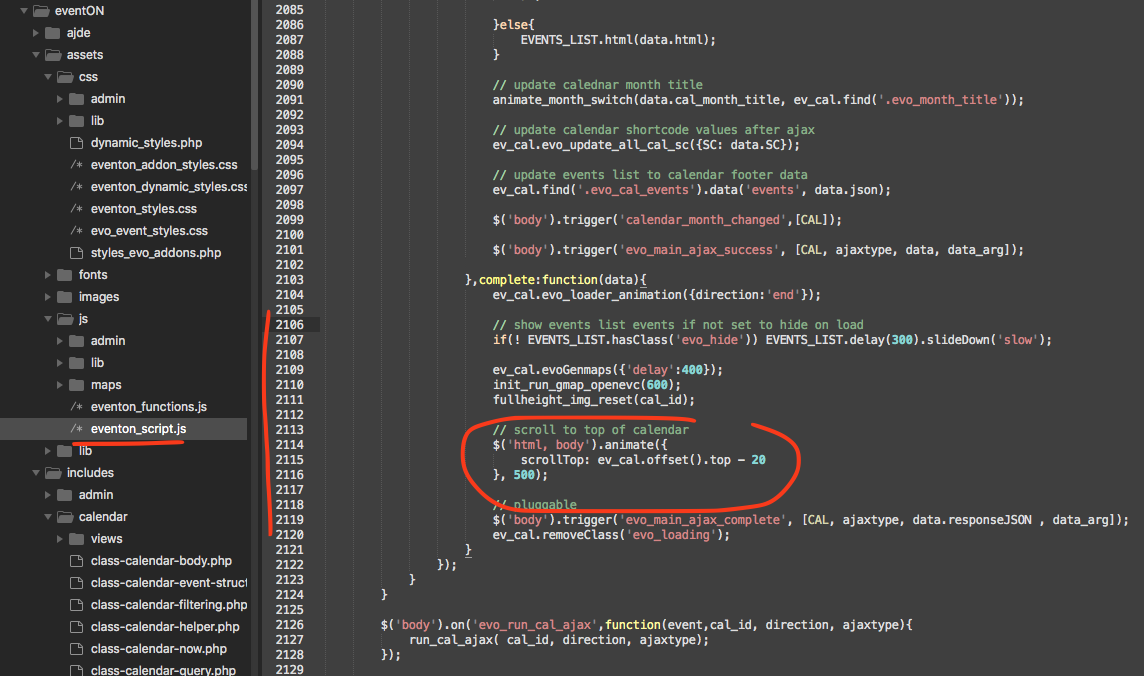
Ok here is a patch fix code to get the calendar scroll to the top after switching months. This will be in the next version update to eventon/
Can you please give us an older version of the plugin for now? Or let me know where I can find older versions to try. I think that would help us best for the moment. Our festival is this weekend. Thank you.
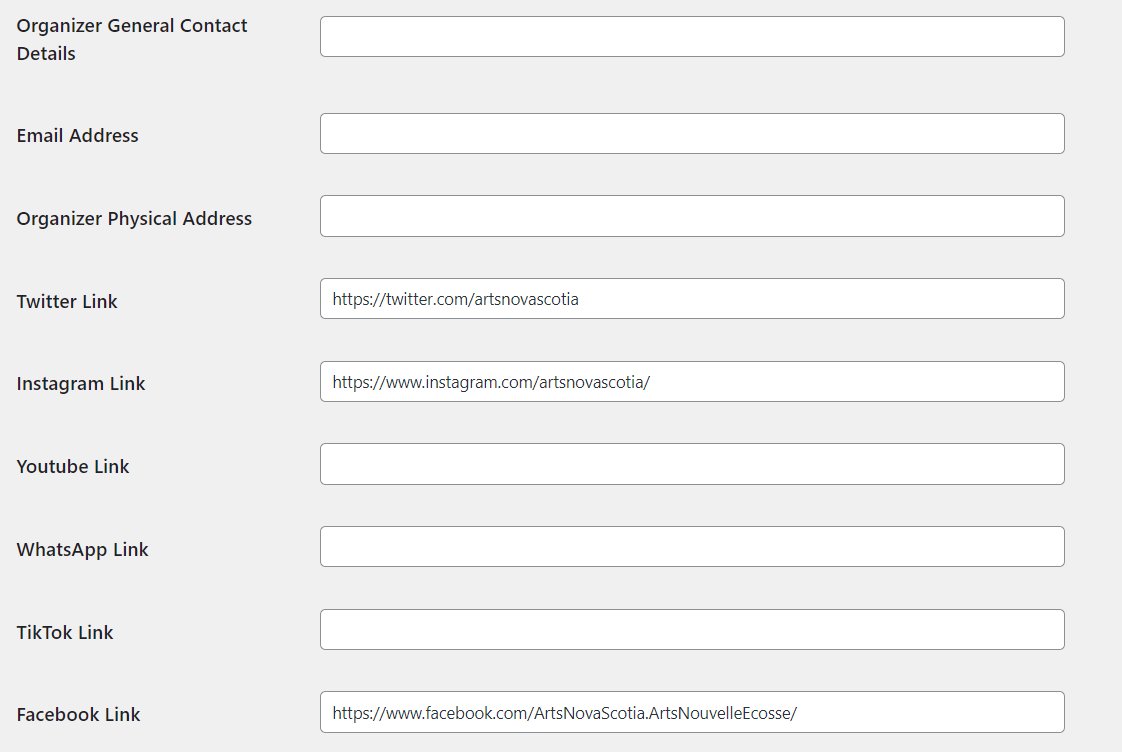
Hi, the complete url is present but still not working. The other social links work fine. If I remove the Twitter link from an organizer, the others still work.