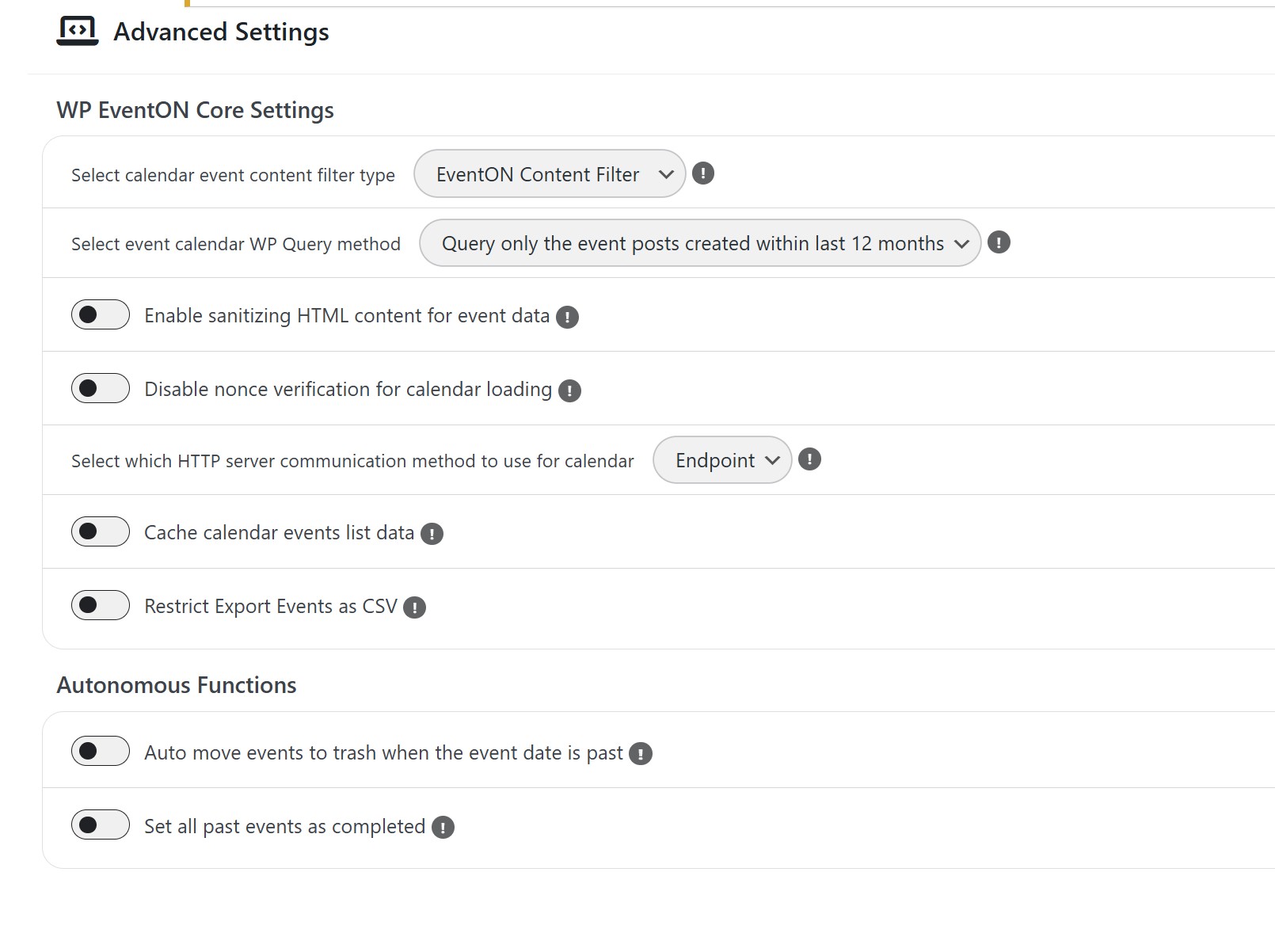
Please follow this instruction:
To update eventon addons: You can download latest eventon addons from myeventon > my account. Then you can go to your website, deactivate old addon and install new one and activate then delete the old addon. This link will further explain the process. Also you can follow us on twitter to get real-time announcements on updates!
We are glad your issue is resolved, if you have any further questions or concerns please create a new ticket.
If you have a moment, we would greatly appreciate if you could kindly leave us a review at EventON WordPress Page OR EventON > My Account > Downloads. Your review helps us a lot in continuing EventON improvements!
I’m so sorry. I will reply myself (for all others)
In the RSVP setting in General there is setting named ”Allow RSVP-ing to past events” This helps me.
This appears to have fixed the issue. Thank you!
Can you please respond? I have a very angry customer.
Thanks, it works know. I’ll change my password, just in case 🙂
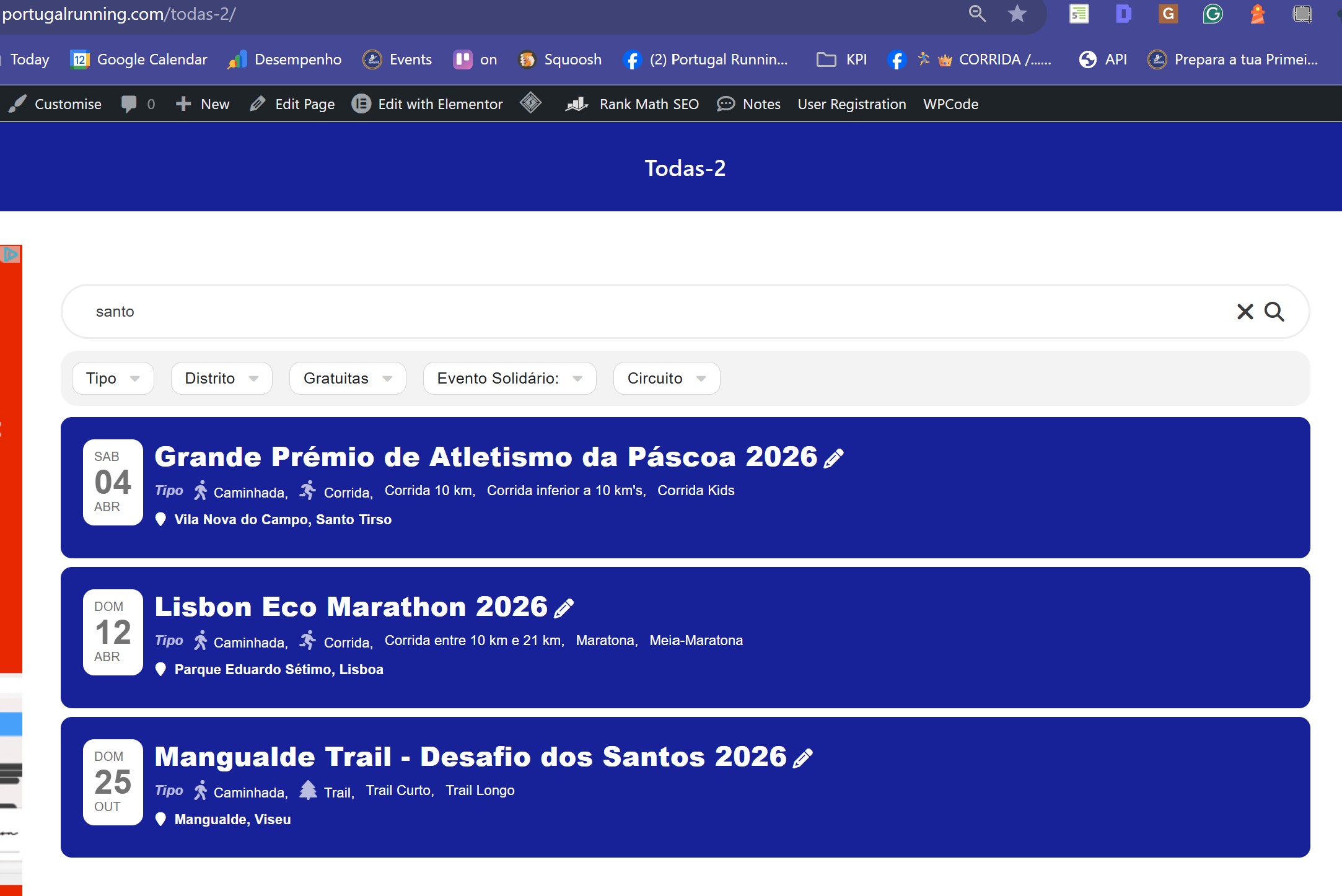
I purged all cache, I searched ”santo”, and my return list is different from yours. Why?
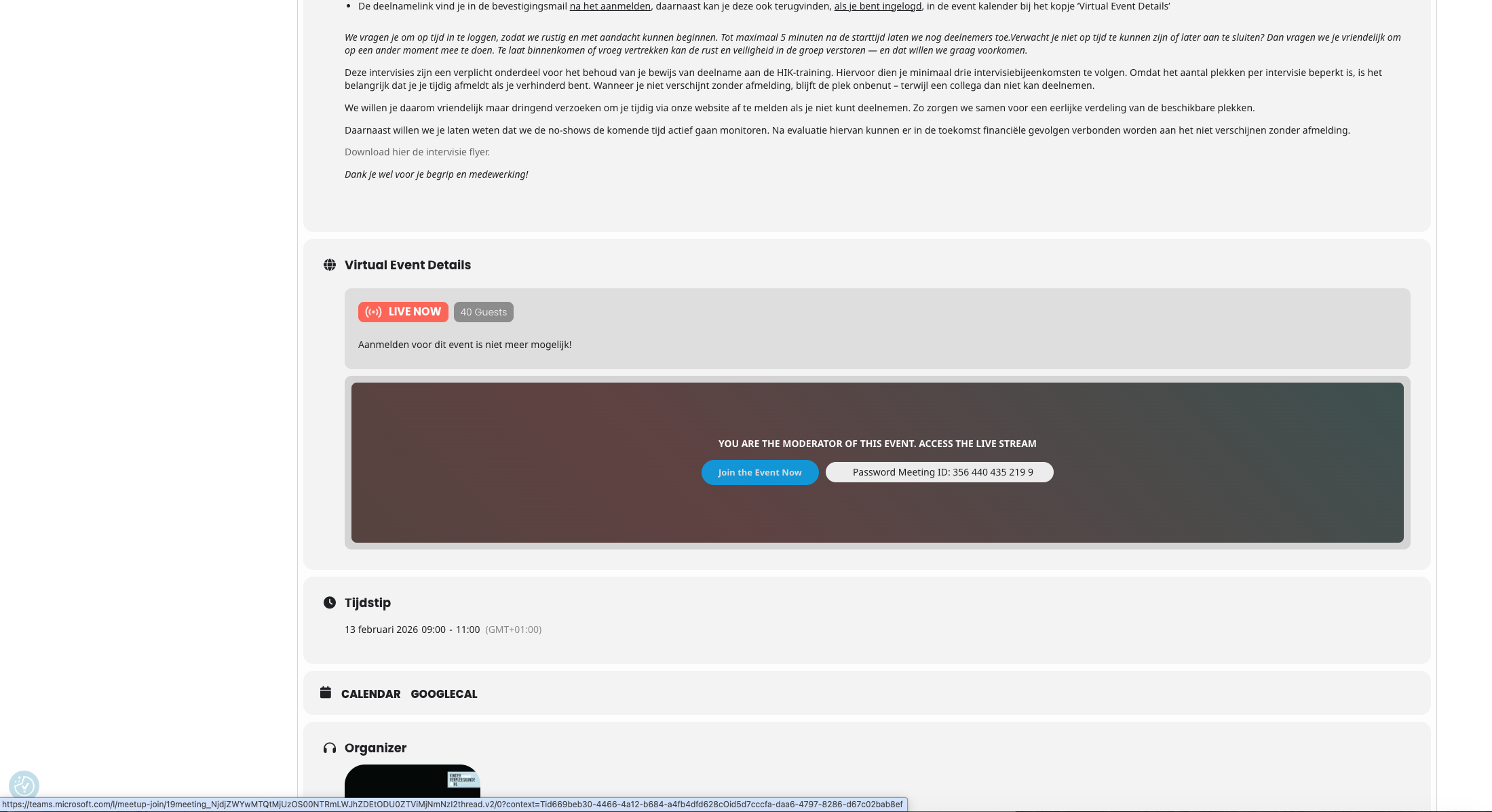
Hi Artem – sorry about that! Not sure what happened but the password was wrong. I updated it and tested, it works now for admin access.
Thanks!
I would be WHERE do I find version 3.1?? I don’t have a copy of it and don’t see if on your website. Can you send it to me??
Ok wanted to update you, we just released the new version 3.1 should resolve this issue!