Hello,
Please go to Edit Event > Event Options > enable Event Completed.
Replies for tickets on suppota
Hello,
Please go to Edit Event > Event Options > enable Event Completed.
Seems to be working here:
https://www.emporiumcarlisle.co.uk/wp-admin/post.php?post=3578&action=edit
Please make sure to enable “Enable booking blocks for this ticket”, then update the event and refresh the page.
Hello,
Could you downgrade while we are working on this?
4.5.4 can be found here:
https://helpdeskx.s3.amazonaws.com/wp-content/uploads/2024/01/12035959/eventON4.5.4.zip
We are going to release 4.5.6 that will fix this and other issues very soon.
Hello,
Seems to be working with disabled Lite Cache plugin:
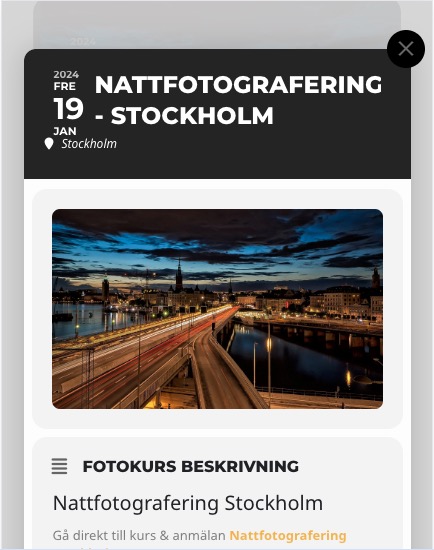
Could you check?
I have updated the qrcode add on to v.2.0.1
Hi Artem
Sorry for late reply, i just saw your reply.
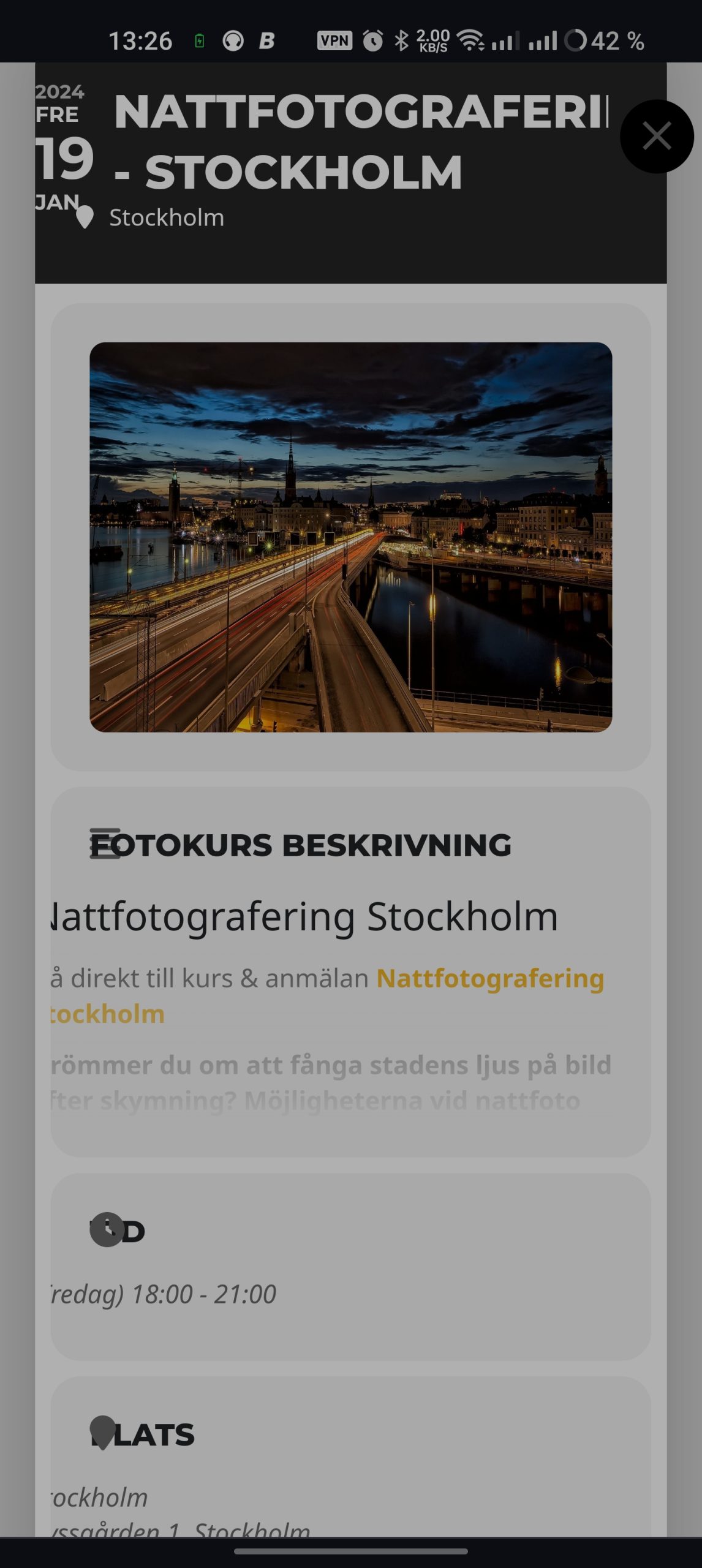
I deactivated CSS minifying but no change. Please if you could have a look as it looks pretty messy in a mobilephone browser. I use Android and firefox but i have tried other browsers and phones but it looks the same.
https://masterfoto.se/masterlogin2000
User: Artem
Pw: 5H!2unYuvaXhYZRX)lNV@w3q
Kind regards, Patrik
It seems there’s another issue. Email are no longer sent to admin and user during a RSVP.
We downgraded and we are currently using the Daily view only (but the email issue seems to persist).
Hi, yes now the scrolling behavior is like mine on the page.
I am looking forward to a solution.
Hello just to advise that code has worked.
i have another issue where my completed item did not auto complete and grey out? any ideas? i had to manually change it to complete..
Thank you, this worked, but now the button to create booking blocks doesn’t do anything when clicked. Does this need updated or changed somehow?