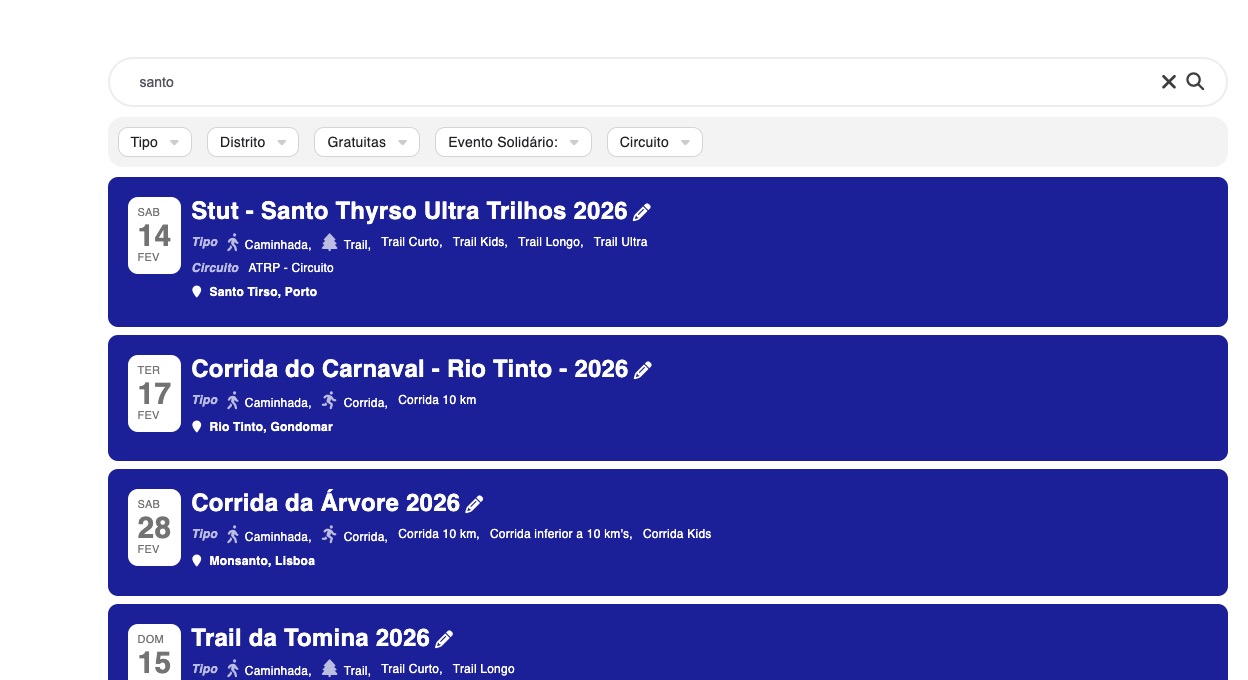
I believe that this is the cache issue.
I went to EventON Advanced, changed ”Select event calendar WP Query method” and also ”Select which HTTP server communication method to use for calendar” back and forth and now the event appears:
Could you check?
This ticket is private.
Please check now and let me know. The activation should work now.
Maris – you just provided your username and password to the world. This isn’t a private forum.
I will try however, is there a way we can request that Eventon only loads the first events so calendar appears with the first events and we don’t have to wait to load all of the events?
I think this will optimize the plugin a lot and would be super happy about the page performance.
Ok thanks.
this is the site – https://tautassports.lv/wp-admin/
username: tsp_maris
pasw – P#%J*VU4CJqk0Kbd4tJbrkJ@
Oh no, my District Director went ahead and purchased it because we thought we were getting a refund. See snapshot below.

I am sorry, the access information you have provided did not work for us. Please check them and post the correct login information as a private message, thank you!
Hello Justin S,
Please create a new ticket with included login info, so we can apply the patch.
Hello,
Could you send us a screenshot of the issue?
If you are referring to Checkout page, usually WooCommerce handles it.
Hello,
Please follow this guide on how to translate the plugin:
https://docs.myeventon.com/documentations/how-to-translate-calendar-front-end/