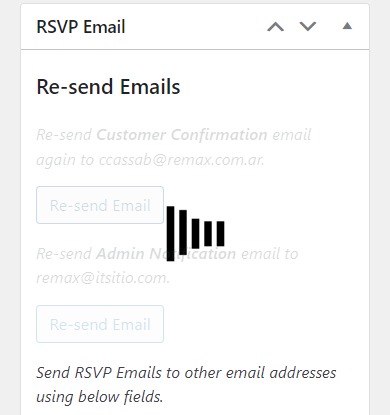
This is how the platform is when I try to resend an email. And I cannot sent it.
Replies for tickets on suppota
This is how the platform is when I try to resend an email. And I cannot sent it.
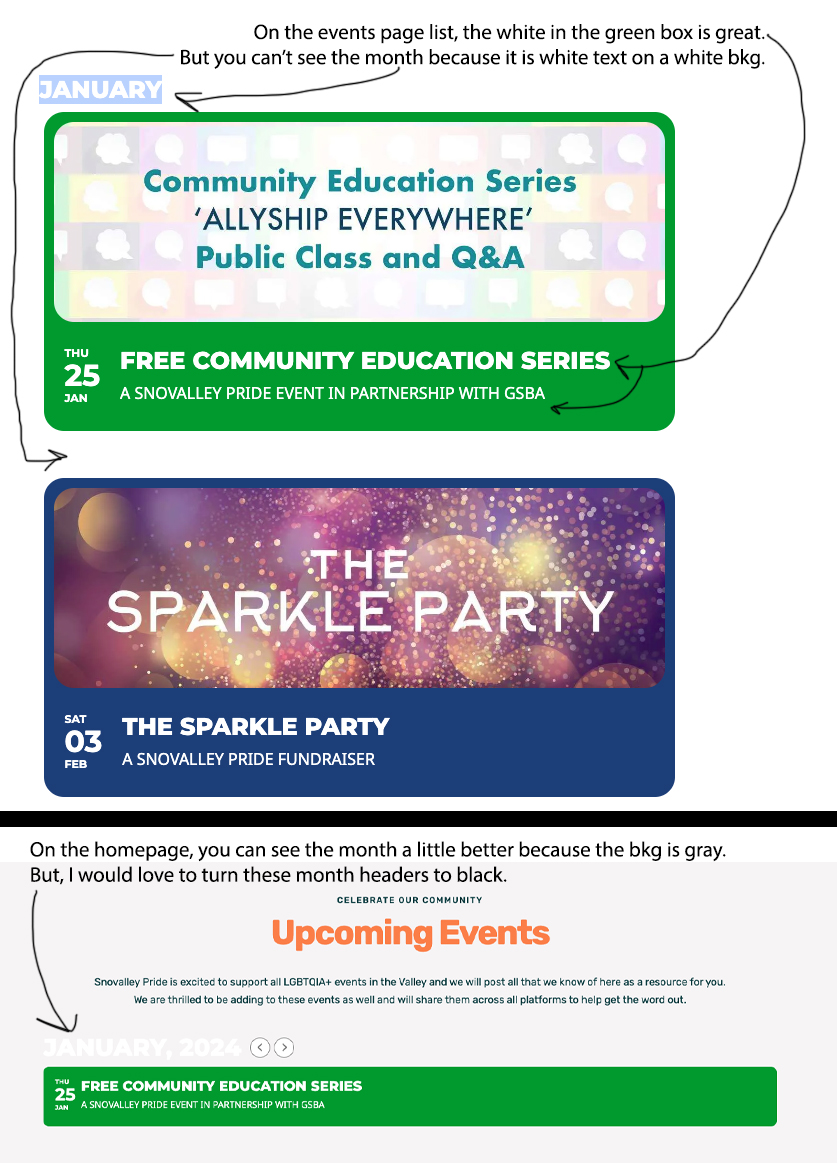
Hello, Thanks so much for sending this over. I pasted the code into EventOn > Styles but it didn’t change.
I did go to Scripts & Styling, turned on Write dynamic styles to header, but when I saved that. It made the title of the event black and everything else white.
I need to figure out how to make ONLY the main month header (that is not on the event cards) black. I saved an image to make it easier. Thank you very much!
Hello, and for this page?
https://www.portugalrunning.com/event-type-5/3-rios-trail-trophy/
I try this… is correct?
.tax-event-type-5 .zak-page-header.zak-style-3 .zak-page-title{
font-size:2em;
}
thanks!
Hi Mark,
Please ensure that you have put the whole link to your twitter account starting with https:// in the organizer settings
Let us know if this works for you.
Thank you! I have reverted back to 4.5.4 and the issues have been resolved.
Please check my order. The download is not working.
Thanks
Here are the details:
Hi there. Your recent order on EventON has been completed. Your order details are shown below for your reference:
Downloads
Product Expires Download
Event Lists: Ext – Single Site Never eventon-event-lists_1.0.1.zip
Full Cal – Single Site Never eventon-full-cal_2.0.5.zip
Advent Calendar – Single Site Never eventon-advent-calendar_2.0.zip
RSVP Events – Single Site Never eventon-rsvp_2.9.7.zip
Event Tickets – Single Site Never eventon-tickets_2.2.4.zip
Ticket Variations & Options – Single Site Never eventon-ticket-variations-options_1.1.3.zip
Order #177787 (November 21, 2023)
Product Quantity Price
Event Lists: Ext – Single Site 1 $0.00
Full Cal – Single Site 1 $50.00
Advent Calendar – Single Site 1 $35.00
RSVP Events – Single Site 1 $70.00
Event Tickets – Single Site 1 $110.00
Ticket Variations & Options – Single Site 1 $70.00
Subtotal: $335.00
Discount: -$117.25
Payment method: PayPal
Total: $217.75
Hi ,
Could you please try the instructions mentioned in this documentation to make sure your issue is indeed coming from eventon.
You could also downgrade to 4,5.4 and check if that fixes your issue in the meantime
https://helpdeskx.s3.amazonaws.com/wp-content/uploads/2024/01/12035959/eventON4.5.4.zip
I have the same issue. Another workaround is that you can add an organizer while on the “Event Organizer” admin page, you just can’t add an organizer while editing/creating an event.
Hello,
Please re-download the plugin from CodeCanyon and update it.
Downgrading now