Here?
Archives: Replies
Replies for tickets on suppota
Reply to: tickets(335074)
Thank you for your messages, I am going to assign this ticket to Ashan and he will be able to take it from here and find you a solution. Please allow some time for him to get back to you, we greatly appreciate your patience and thank you for being a eventon customer! Also please disable any IP blocking on your site if there are any.
Reply to: tickets(335074)
Reply to: tickets(334380)
Please add the code to /wp-admin > Appearance > Customize > Additional CSS instead of EventON Styles.
Reply to: tickets(335309)
The same issue when I removed the shortcode from the page: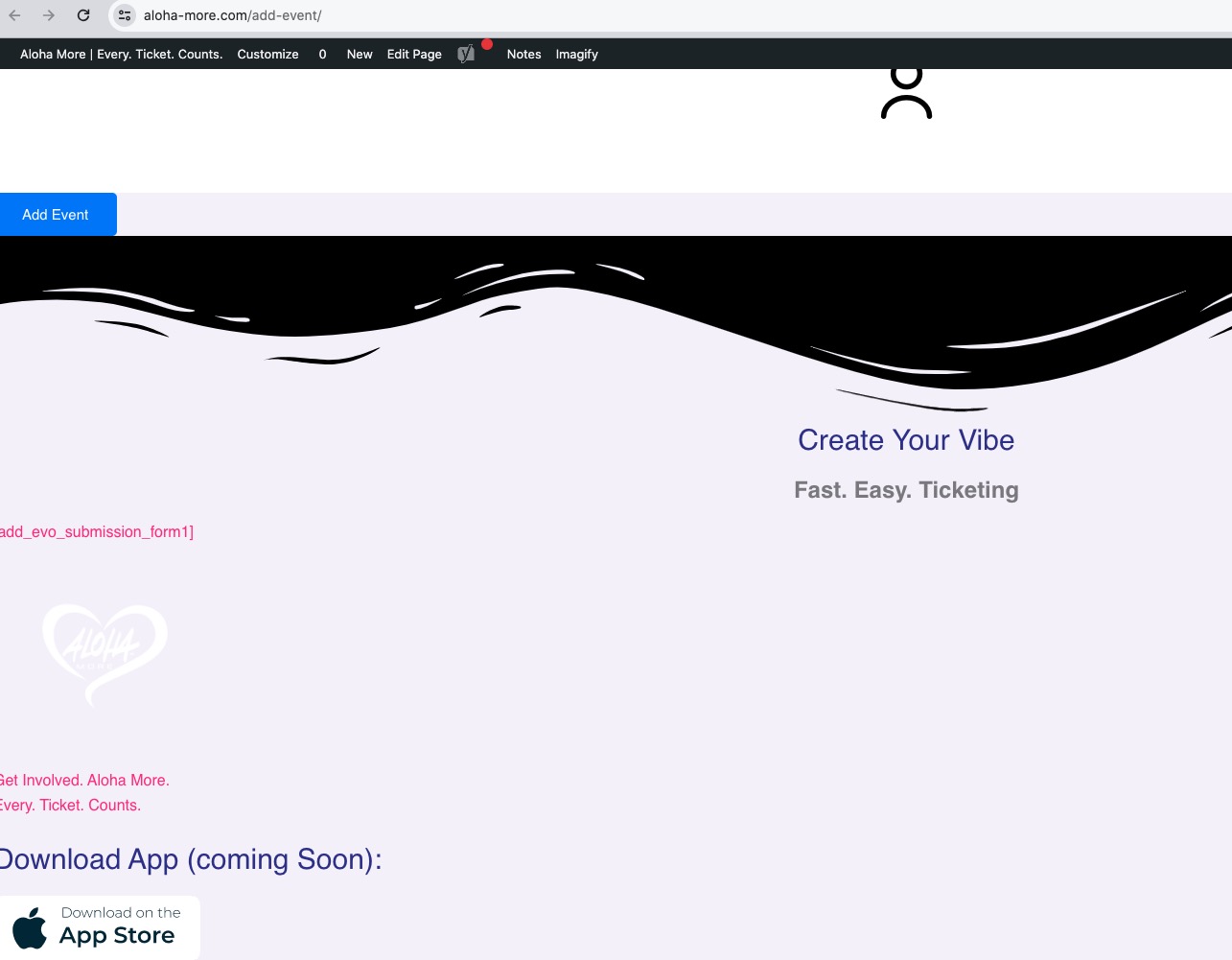
Reply to: tickets(334720)
Please replace my code with
.evoslider span.evo_start, .evoslider span.evo_end, .evoslider .eventon_list_event.sldark .evcal_cblock, .evoslider .eventon_list_event.sldark .evcal_desc span, .evoslider .eventon_list_event.sldark .evcal_desc span em, .evoslider .eventon_list_event.sldark .evcal_desc span em i { background: rgba(0,0,0,.7); }
Reply to: tickets(335379)
Hello,
The website doesn’t load for me. /wp-admin page just keeps loading.
As for the issue, could you go to EventON > Advanced > select Select event calendar WP Query method: Query all the event posts?
Reply to: tickets(335379)
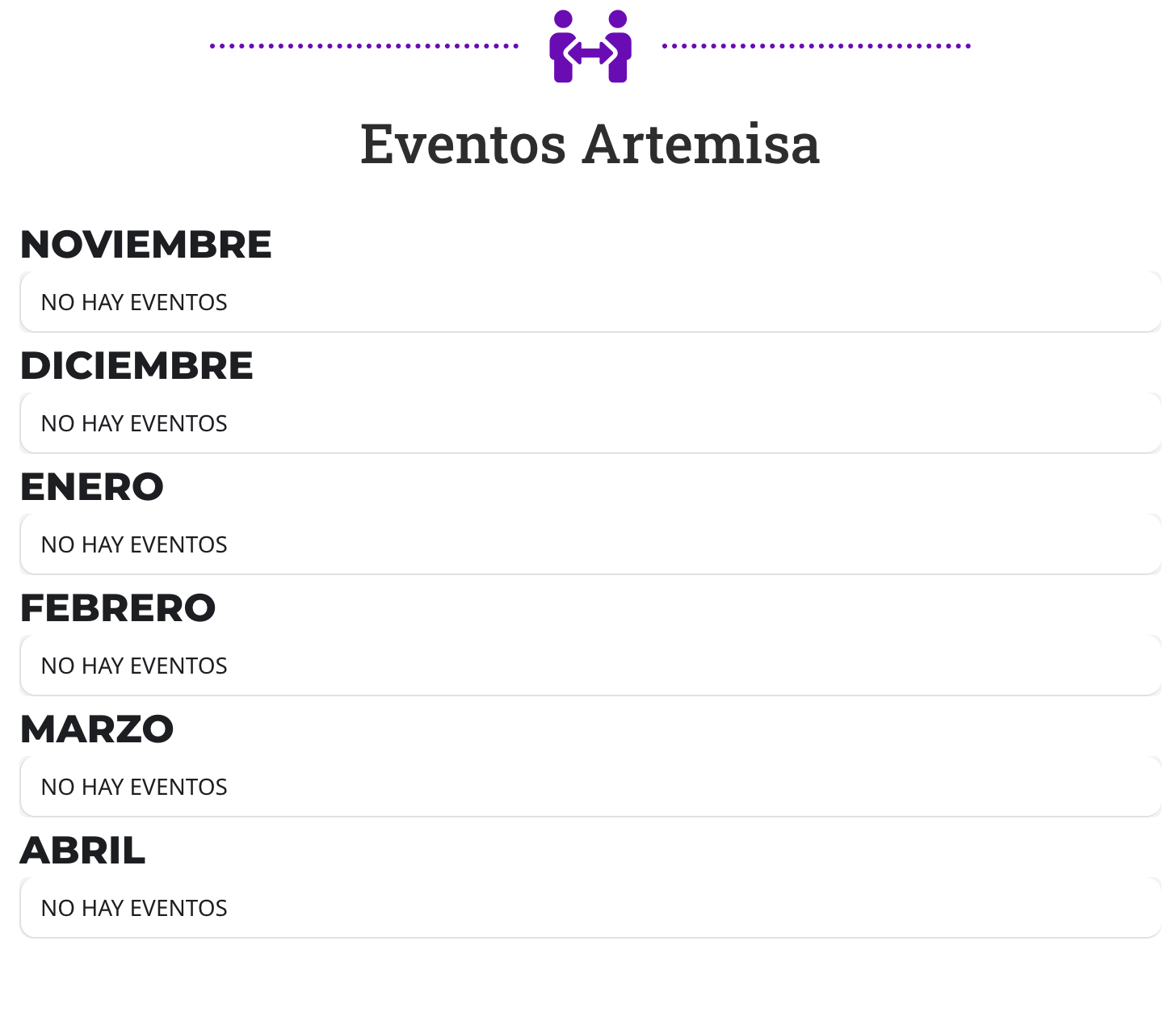
Reply to: tickets(334720)
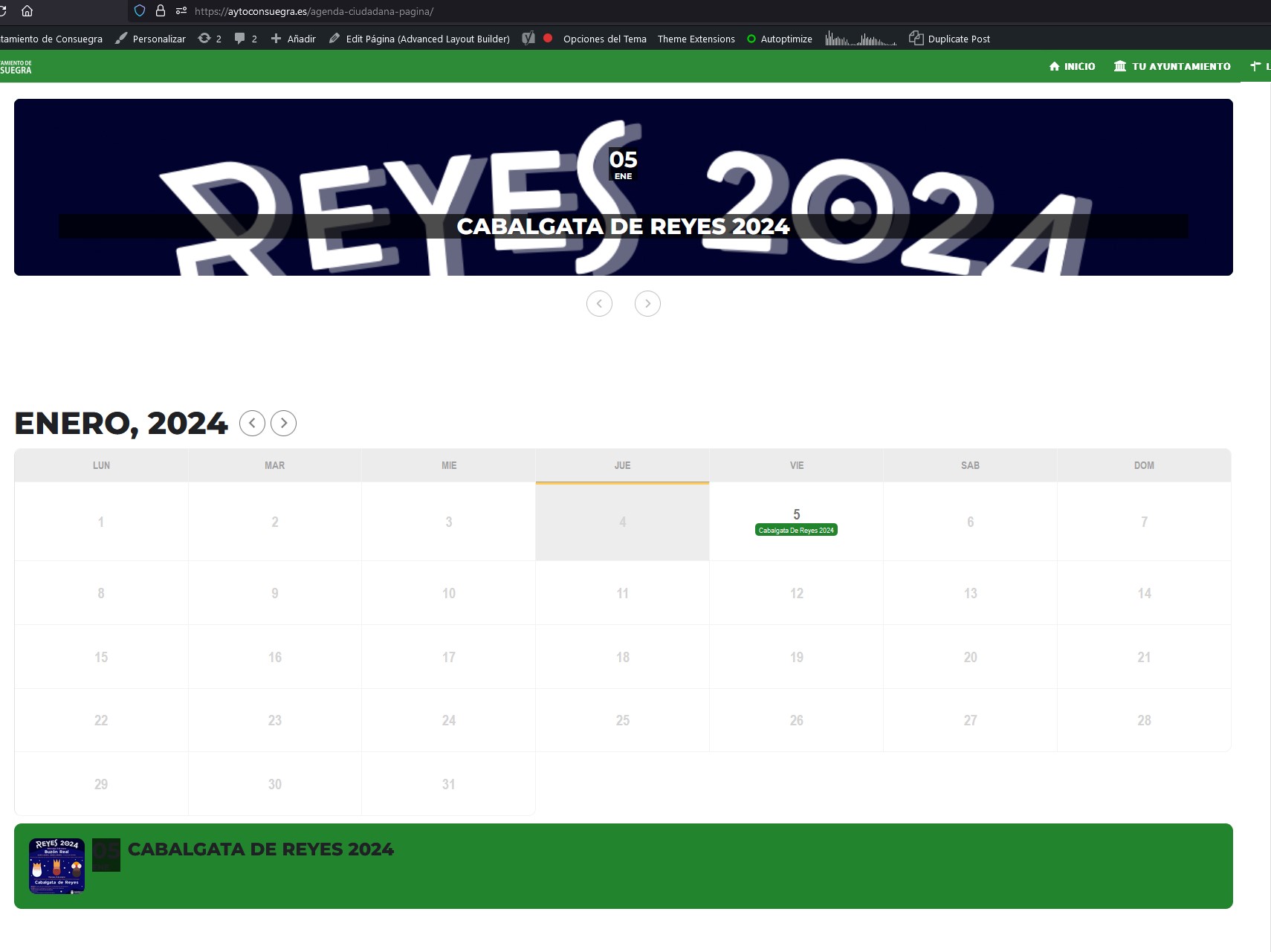
Hi! Thanks! This fix the problem but created a new problem.
I attach screenshot.
The problem is down, on the list of events, I can’t see the day.
If can change to white font it will be fixed.
What code I need to add?
Thanks!
Reply to: tickets(335309)
Thanks for the prompt response. The short code is somehow breaking the menu and footer. Please see any other page for an example of the correct display. Thank you.