Ashan,
In Troubleshooting Mode:
https://www.twenty-four-hours.info/test/
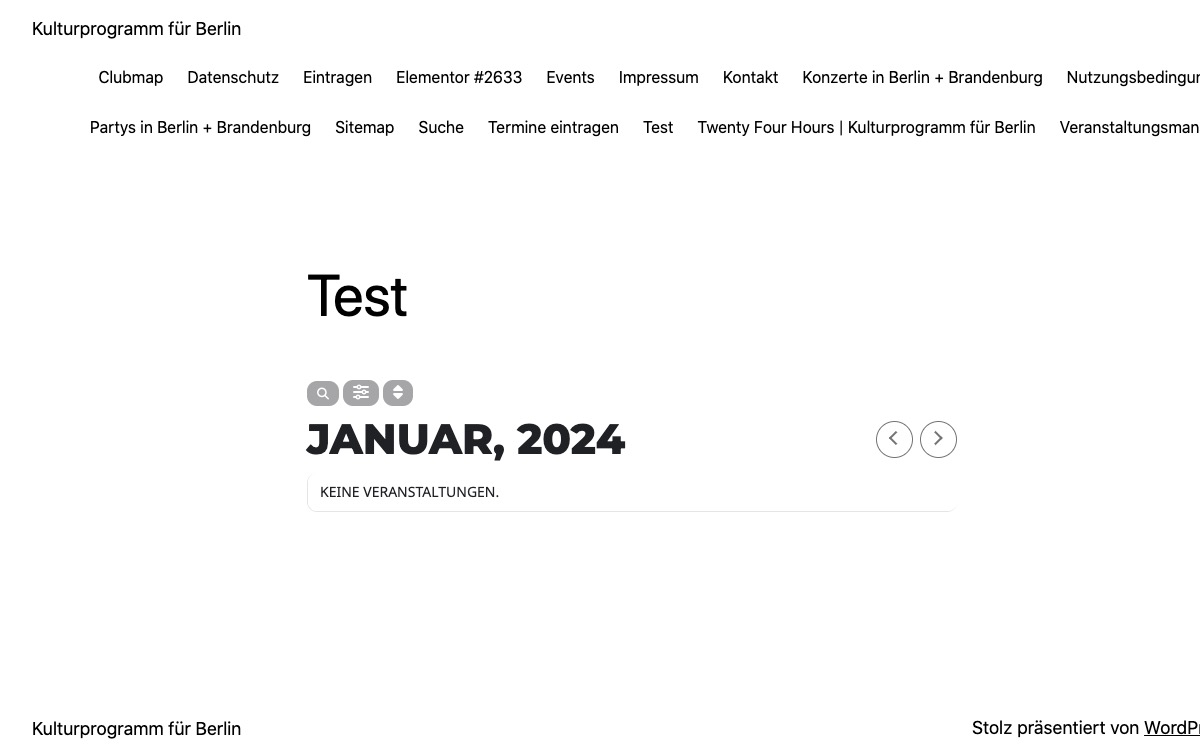
But if you add a new event, it will show the event that you added.
Replies for tickets on suppota
Ashan,
In Troubleshooting Mode:
https://www.twenty-four-hours.info/test/
But if you add a new event, it will show the event that you added.
Thank you for your messages, I am going to assign this ticket to Ashan and he will be able to take it from here and find you a solution. Please allow some time for him to get back to you, we greatly appreciate your patience and thank you for being a eventon customer! Also please disable any IP blocking on your site if there are any.
Ashan,
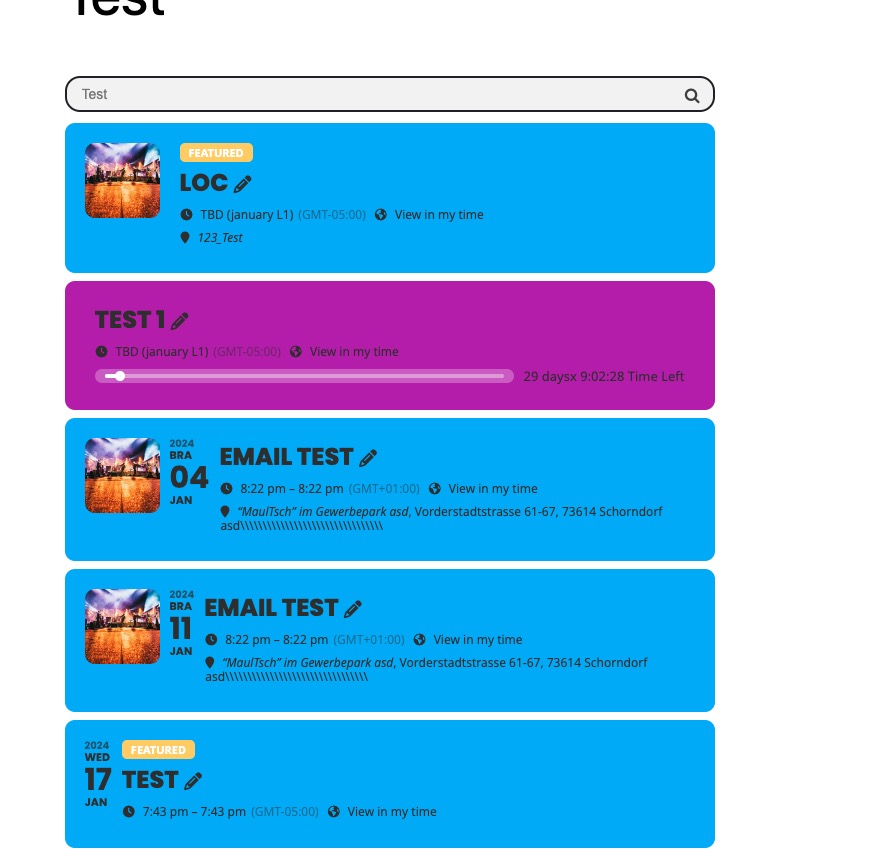
On dev2 the same:
https://dev2.myeventon.com/test-259/
This event isn’t visible:
https://dev2.myeventon.com/wp-admin/post.php?post=52138&action=edit
Thank you for your messages, I am going to assign this ticket to Ashan and he will be able to take it from here and find you a solution. Please allow some time for him to get back to you, we greatly appreciate your patience and thank you for being a eventon customer! Also please disable any IP blocking on your site if there are any.
Ashan,
Even in Troubleshooting Mode it doesn’t show any events:
https://festivaltheatrejeunesse.com/wp-admin/site-health.php?tab=troubleshoot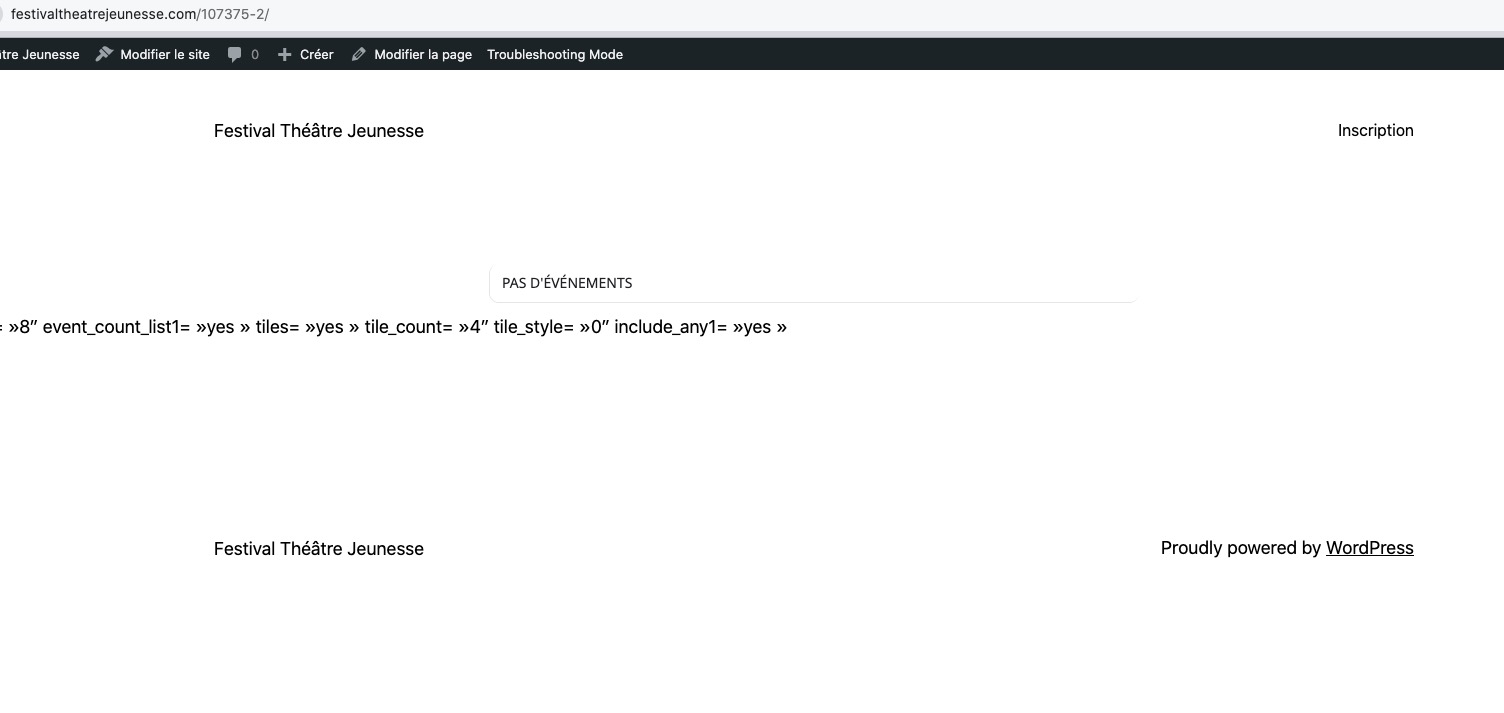
Hello,
Thank you for your messages, I am going to assign this ticket to Ashan and he will be able to take it from here and find you a solution. Please allow some time for him to get back to you, we greatly appreciate your patience and thank you for being a eventon customer! Also please disable any IP blocking on your site if there are any.
Hello,
Please send us wp-admin access to your site as a private message for us to further assist your situation.
Could you try increasing the number in number_of_months=”4″?
Also please try removing event_type from the shortcode just for now while we are working on the issue so users can see events. I think it should work.
Hello,
Please take a look at this screenshot:
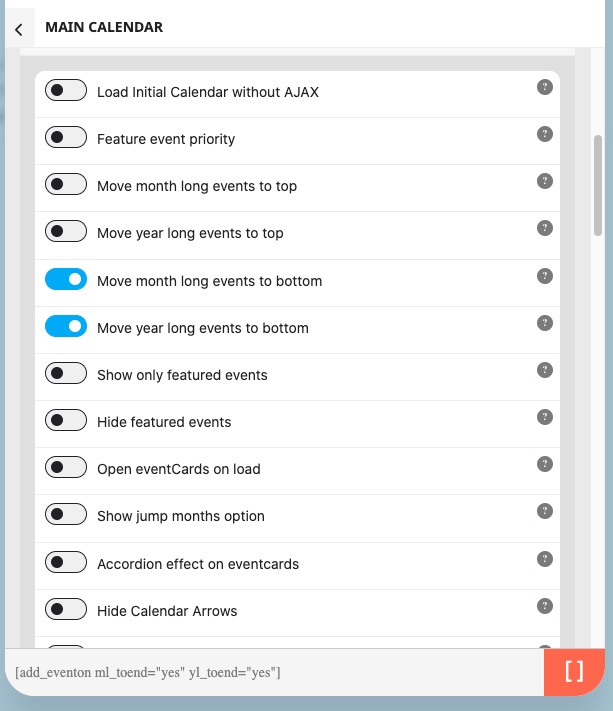
Options:
[add_eventon ml_toend=”yes” yl_toend=”yes”]
I think I figured it out, it’s not showing the site licenses as activated, even though on my Event-On Dashboard it’s showing as activated. Could our Staging and Development environments have conflicted with them? I’m removing both environments now but would like to hear back if you have a way to designate a specific domain for the license to work.
On this page
https://helpdeskx.s3.amazonaws.com/wp-content/uploads/2024/01/02035158/2024-01-02-11_51_28-Seite-bearbeiten-%E2%80%9EHome-%E2%80%B9-PsychRxInnovations-%E2%80%94-WordPress-%E2%80%93-Mozilla-Firefox.png
Could you try switching it to Text and check if the shortcode inside of <code>?