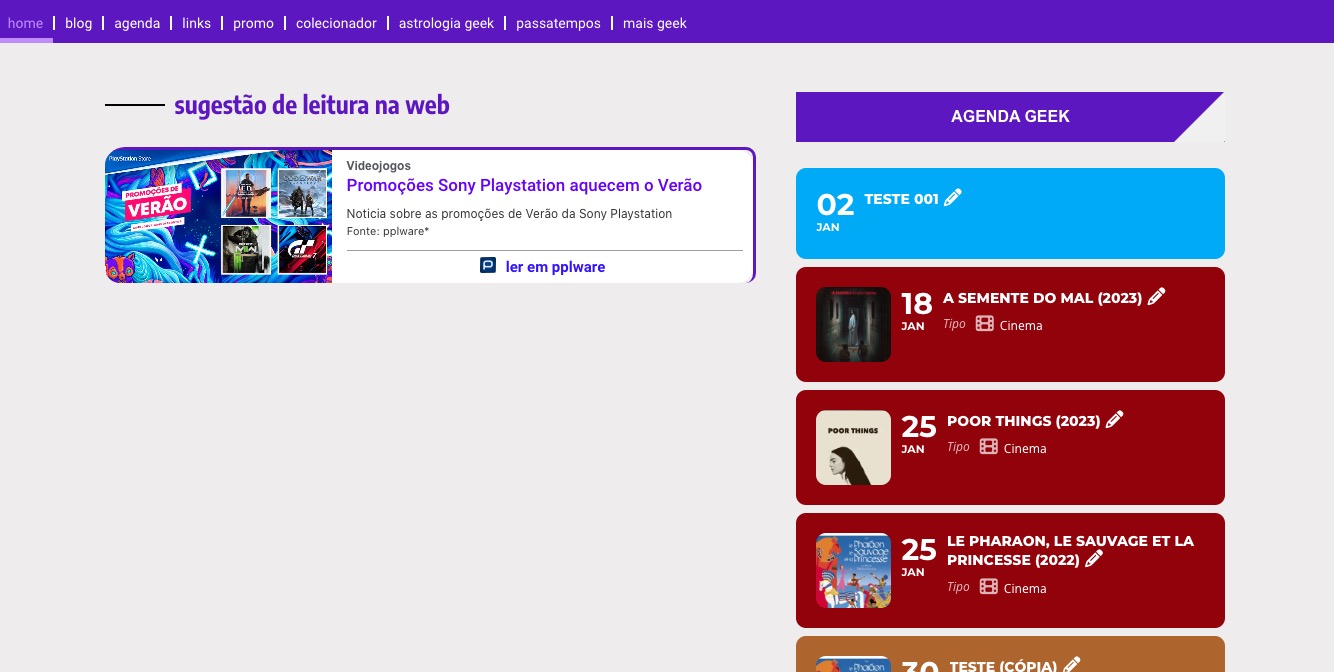
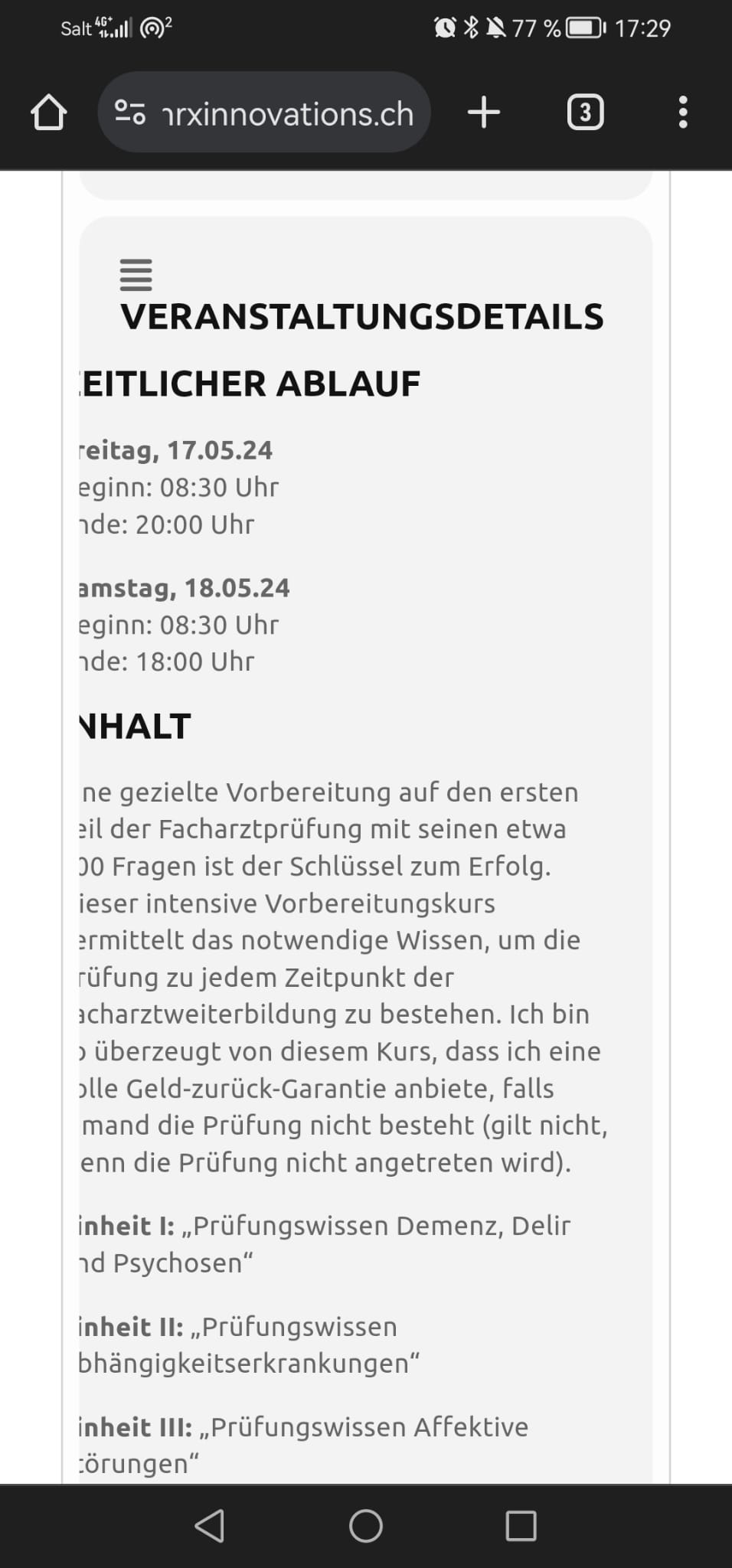
Instead of hide_past=”yes”, please add event_past_future=”future” to your shortcode to only show future events.
Please also note that /wp-admin > Settings > General > Time Zone is +1, while EventON’s timezone is +0.
Also note that https://gik.pt/wp-admin/post.php?post=10547&action=edit seems to be showing correctly even with hide_past:

This ticket is private now.
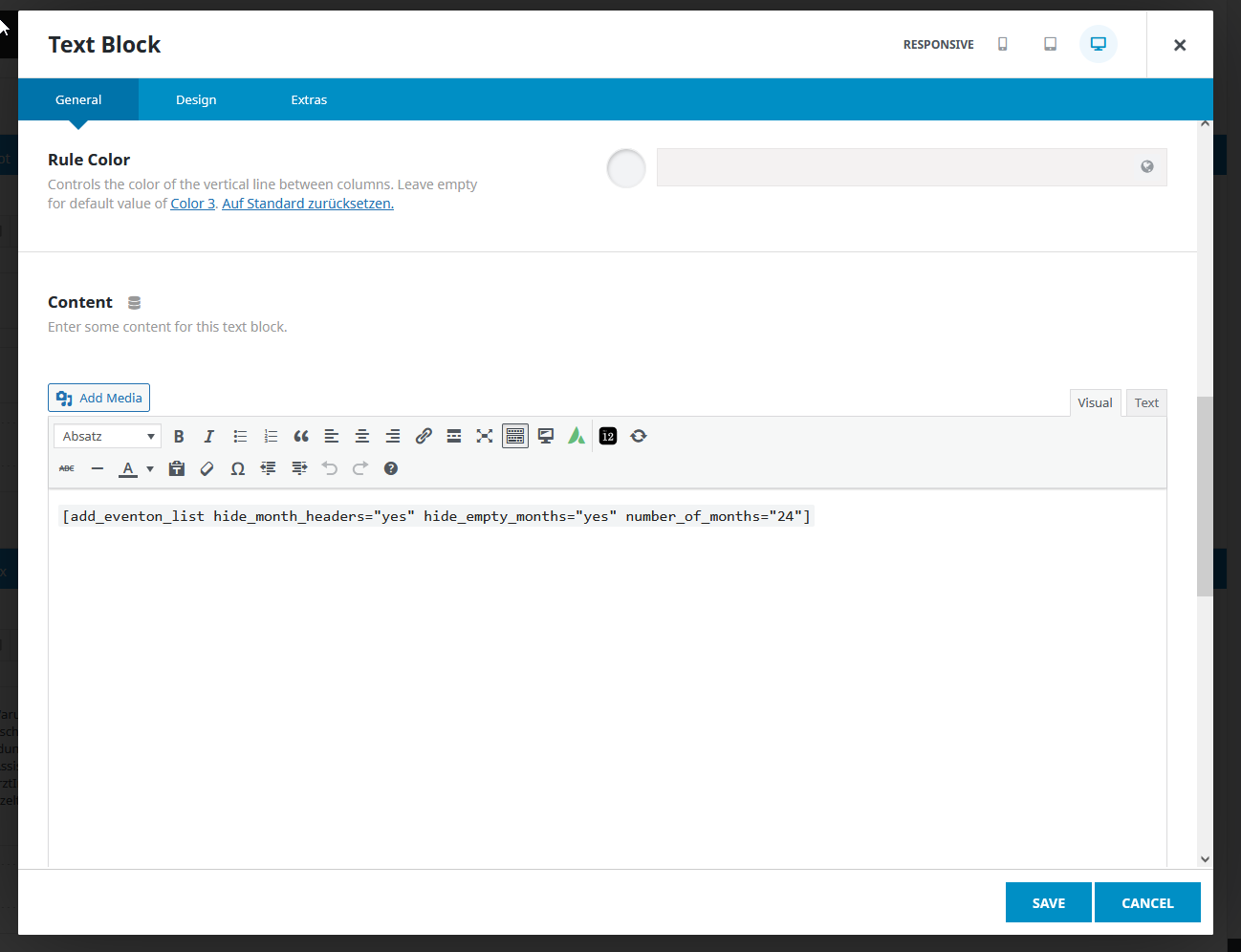
Hello,
no I used a textblock (see screenshot)
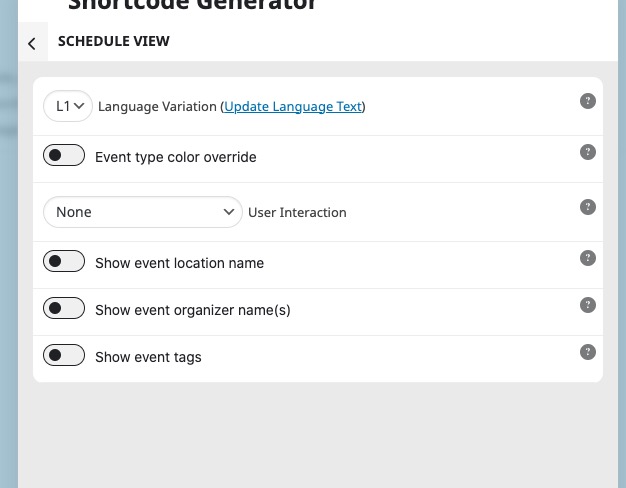
Schedule View doesn’t have such option available, I am afraid: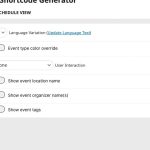
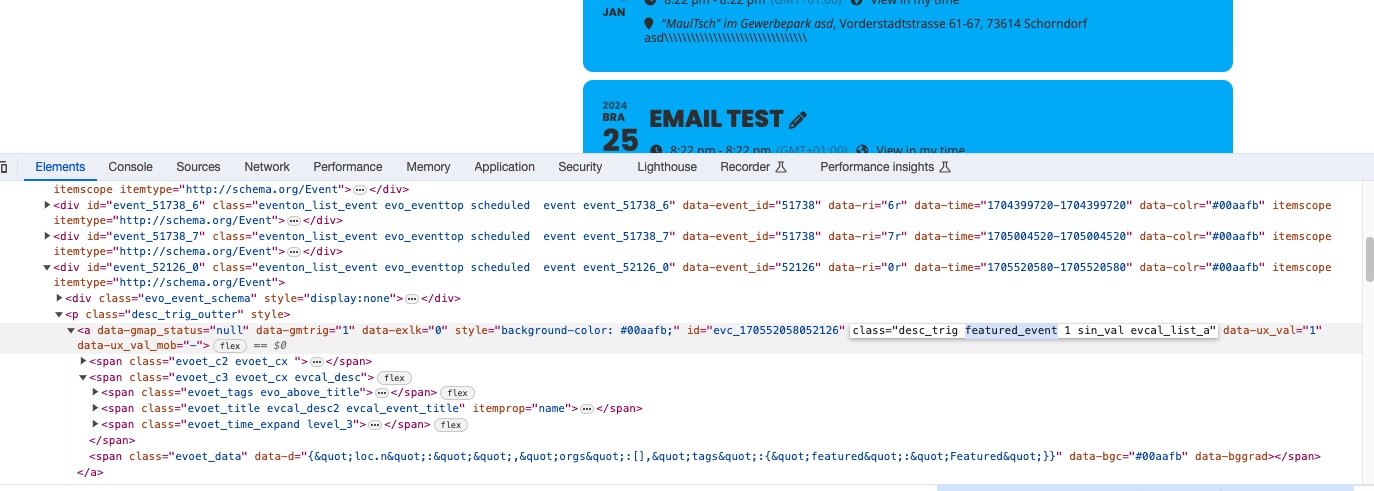
You can use featured_event CSS class to only target featured events:
/wp-admin redirects to 404:
https://www.twenty-four-hours.info/404/
Could you check?
Hello,
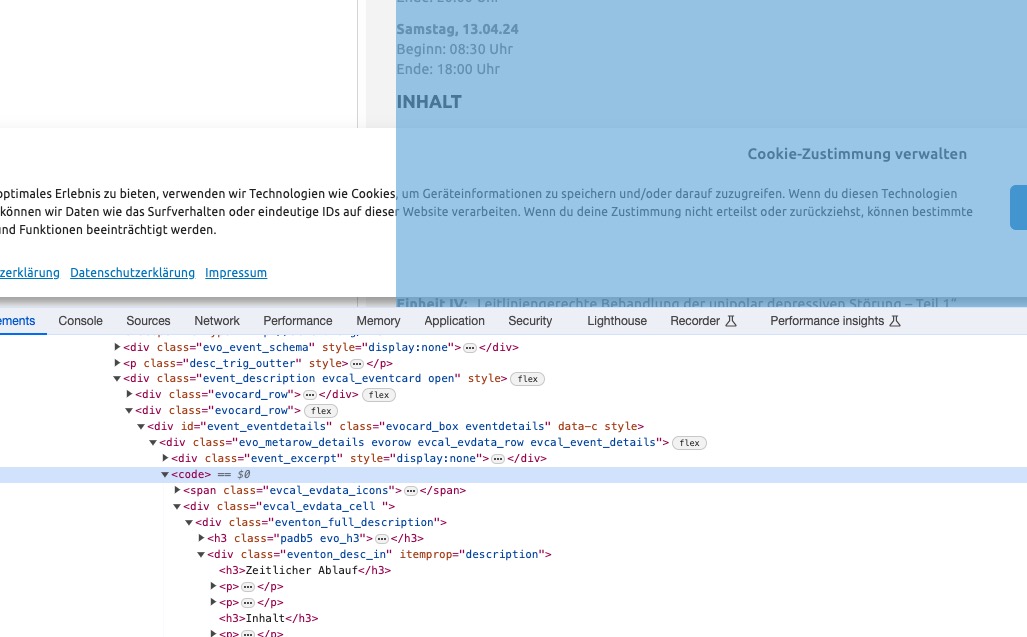
It seems that this is caused by “<code>” HTML tag:
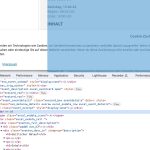
Did you put the shortcode on your page using Code element? Could you try using a regular text element?
Here are the access details:
Backend: https://www.twenty-four-hours.info/wp-admin/
User: eventon
Password: SdePH&AZP^7KQ
Thank you.
Css code works for all events and not for one specific.
And i have to add css each time when i add new featured event or holiday event using it id.
I use such layout
[add_eventon_sv show_location=”yes” etc_override=”yes” event_count=”16″]
and ft_event_priority=”yes”
does not work. It only reorder events.