Hello again. What works on this is I clicked the “Hide End Time from calendar” for the All Day Events one by one (please see attached screenshot). Is there any way to not do this manually?
Archives: Replies
Replies for tickets on suppota
Reply to: tickets(333983)
I have added
show_limit_ajax=”yes”
to the shortcode- please test after clearing mobile browser cache see if that fixes the issue (its a different way to load those more events so it might fix it
Reply to: tickets(334360)
so the slider can’t have it but from what I see the events list did not have
“exp_so=”yes”
added so I added it and the event types are showing
Reply to: tickets(334385)
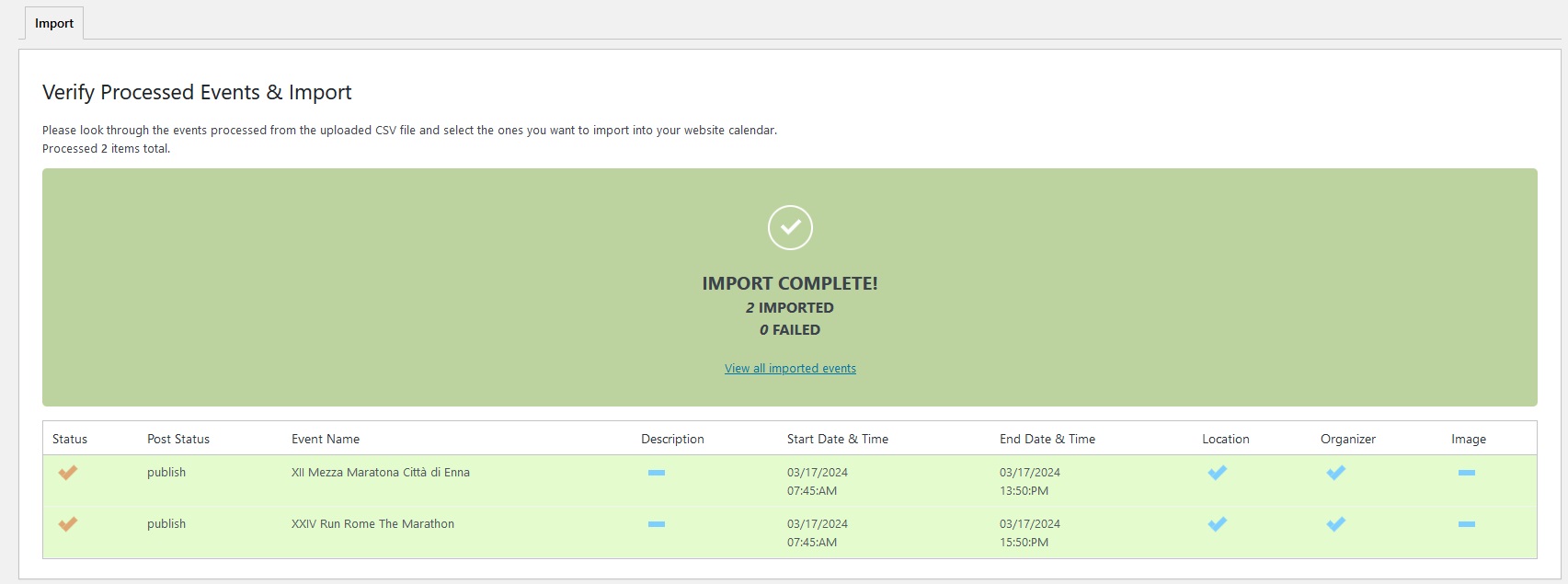
Screenshot of the result of import of CSV file.
Reply to: tickets(334360)
Thank you.
https://aloha-more.com/aloha-in
un: eventon
pw: poFcrEAZsgzG*F#dMvVRnFSy
Reply to: tickets(334380)
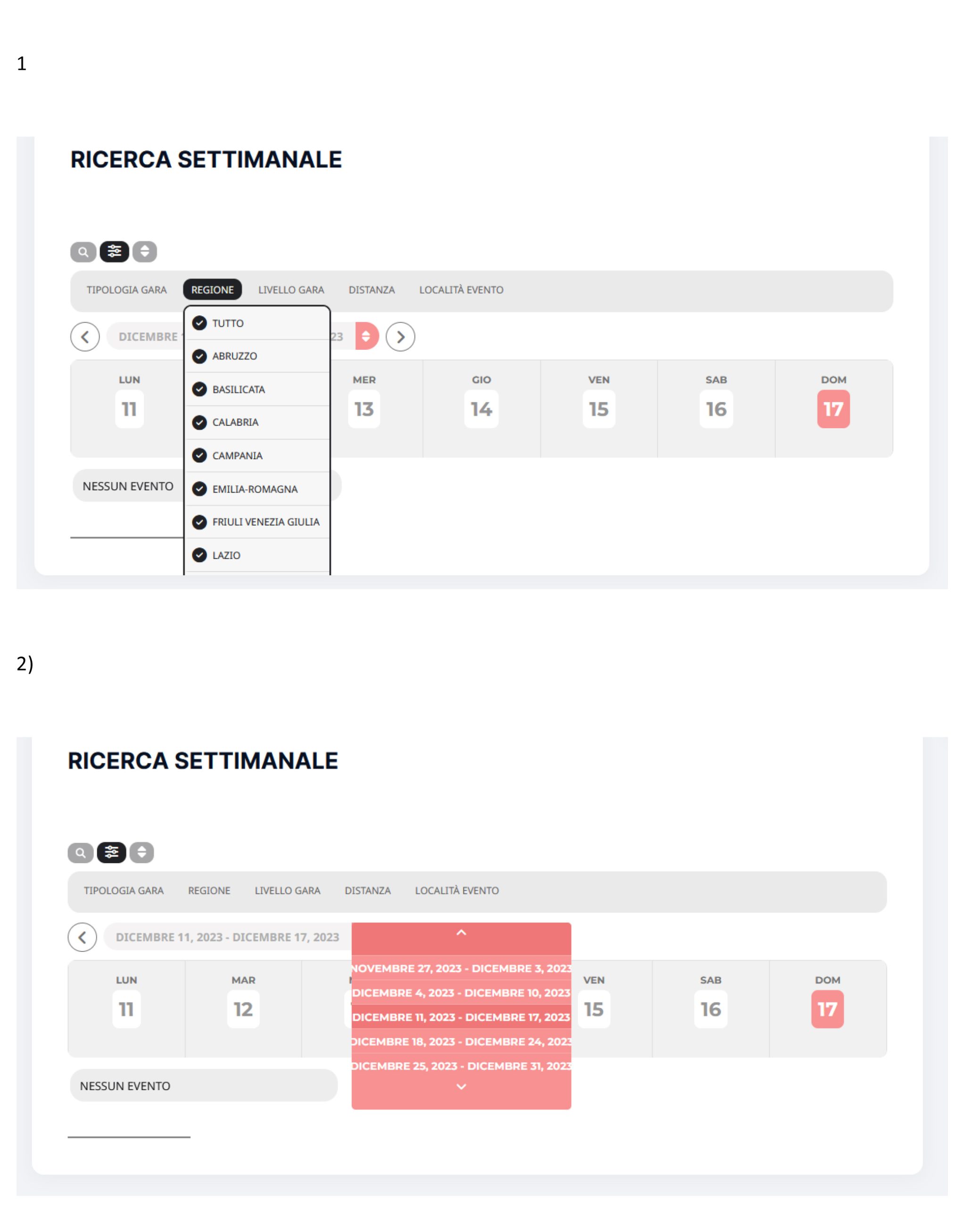
Scrrenshot of the issues.
Thanks.
Reply to: tickets(334354)
Thanks, now is OK.
Reply to: tickets(334348)
yeah create you event
and then in repeatings set up the weekly- and choose thursday and then publish the event (your edit page might need to refresh the page)
then click custom and all those dates should appear so you can X out the ones you don’t want
Reply to: tickets(334354)
in myeventon>>>>language>>>>event type categories
i belive you need to change it in there as well
Reply to: tickets(332484)
so I like to add css to appearance>>>>customize>>>>>additional css but you can add it wherever it works for you
this will change the background color and opacity
.ajde_evcal_calendar #evcal_list .cancelled.eventon_list_event .desc_trig:before, .ajde_evcal_calendar .cancelled.eventon_list_event .desc_trig:before, .evo_lightbox_body .cancelled.eventon_list_event .desc_trig:before, .evo_lightbox_body.eventon_list_event.cancel_event .evopop_top:before {
background-color: rgb(255 255 255 / 43%);
color: #464646;
}
you can play around with that 43% to get the desired opacity
this should increase the text reason
span.status_reason {
font-size: 24px !important;
margin-top: 5px;
}
(i added a margin – but thats optional