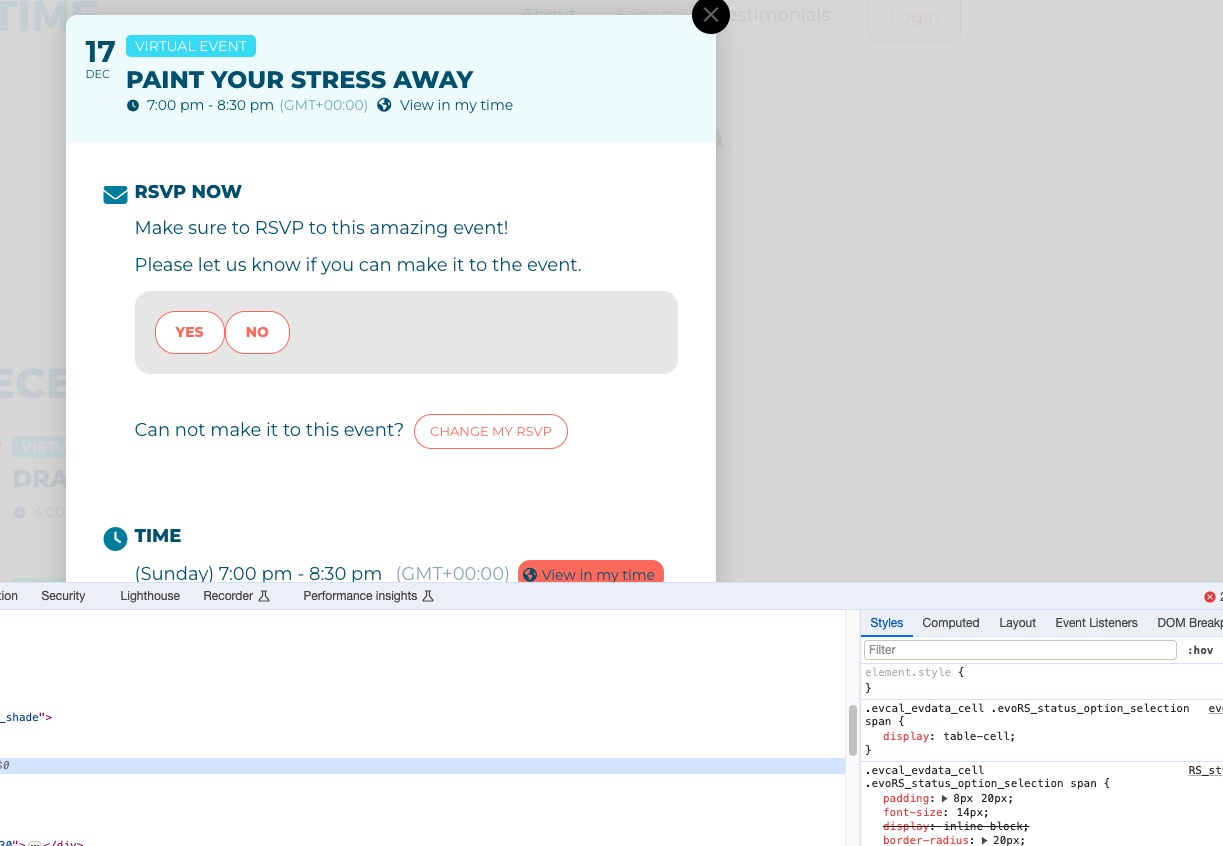
Hi Artem thanks for this …… Oddly enough this did the trick…. do you think this is a bug?? doesn’t seem like the normal functionality.
After you imported the file, please try refreshing the page before saving the settings.
Thanks again for this I don’t think anyone would try to refresh the page before saving.
ALSO can you pleases tell me why the little search icon is not showing on the events main page?
I have the filter icon but NOT the search icon????
Thanks
Hi Ashan
Thank you for the response. This is for the automatic renewal transaction on the 19th November 2023. $394.25USD. See attached
It relates to the entire bundle. I will close off the paypal case.
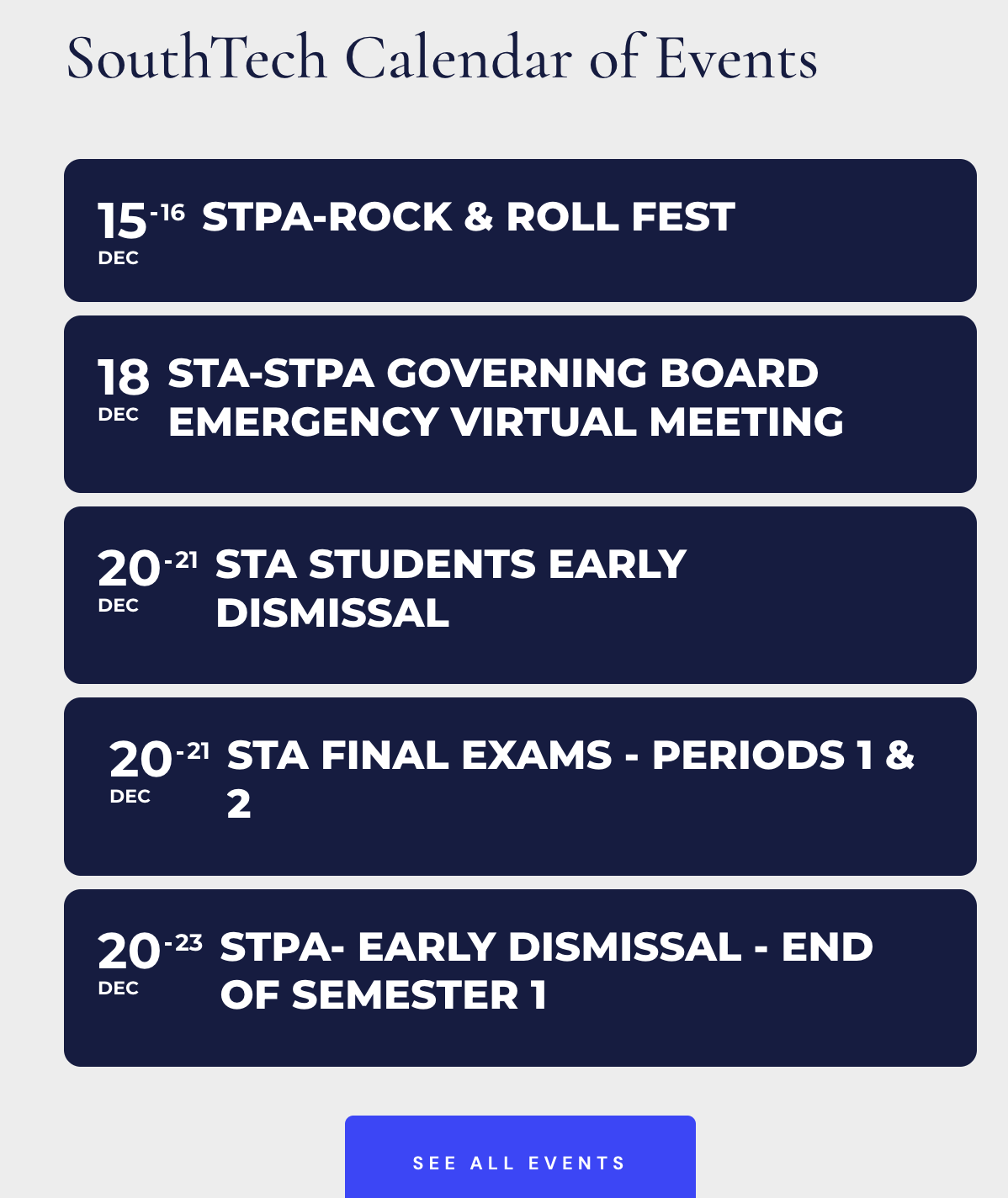
Also, I just followed your instruction #2 but it did not work. The calendar is showing the same 2 days for All Day Eventd.
Hi,
Thank you, I will give it a try.
For the All Day Event, do we have to edit all of our events that are All Day? How about the future event that we will add from the ICS file?
I updated the eventon plugin. It is still not working only the first 4 listings are showing the 14th and rest are showing the 17th, This used to work and it is not working. I need it to only show todays happy hour events, it is skipping to the 17th.
Have you managed to fix this?
You can use any email you like, just send us login/pass here.
Admin is the best for us.
Please try EventON > ICS Import > disable Sync already imported events if event UID matches in the ICS file and disable Import past events as well from ICS file. Also try disabling Enable duplication event name check during importing.