Would you mind kindly sharing a screenshot of this issue for us to understand the issue better?
Archives: Replies
Replies for tickets on suppota
Reply to: tickets(333023)
I editted your eventon code from https://glaston.headwall.tech/wp-admin/plugin-editor.php?file=eventON%2Fincludes%2Fcalendar%2Fclass-data-store.php&plugin=eventON%2Feventon.php
the same code changes will be in the next public release. Please check now the errors should go away now 🙂
Reply to: tickets(333559)
https://www.marcoislandart.org/wp-admin/post.php?post=53746&action=edit
Reply to: tickets(333303)
Hello,
I added “Tag” field to EventTop by going to EventON > EventTop.
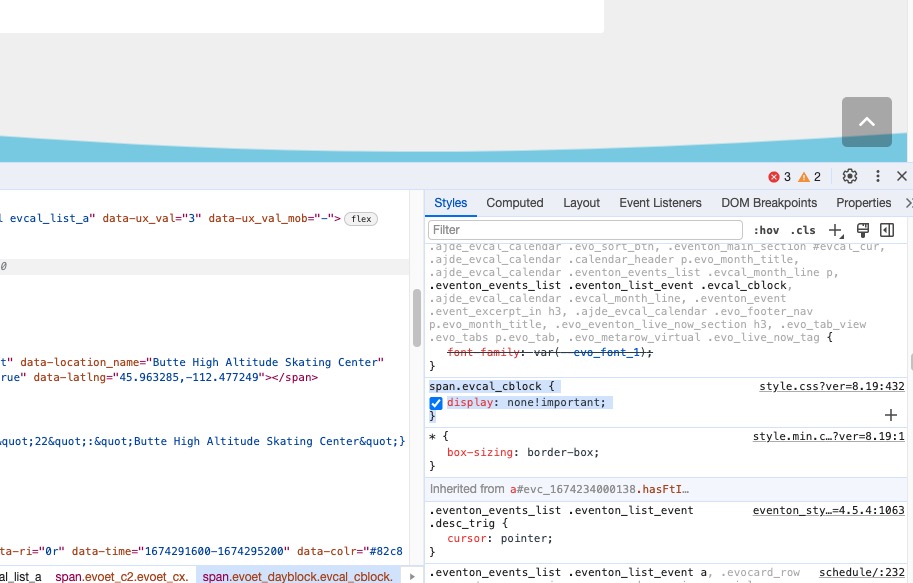
As for Time, please remove this custom CSS style from wp-content/themes/Impreza-child/style.css?ver=8.19:
Reply to: tickets(333535)
Hello,
Thank you for your great suggestion, at the moment it is not supported. However please create a new ticket and select Feature Request as category so others can vote on your idea and get it moved into development faster.
Reply to: tickets(333536)
Hello,
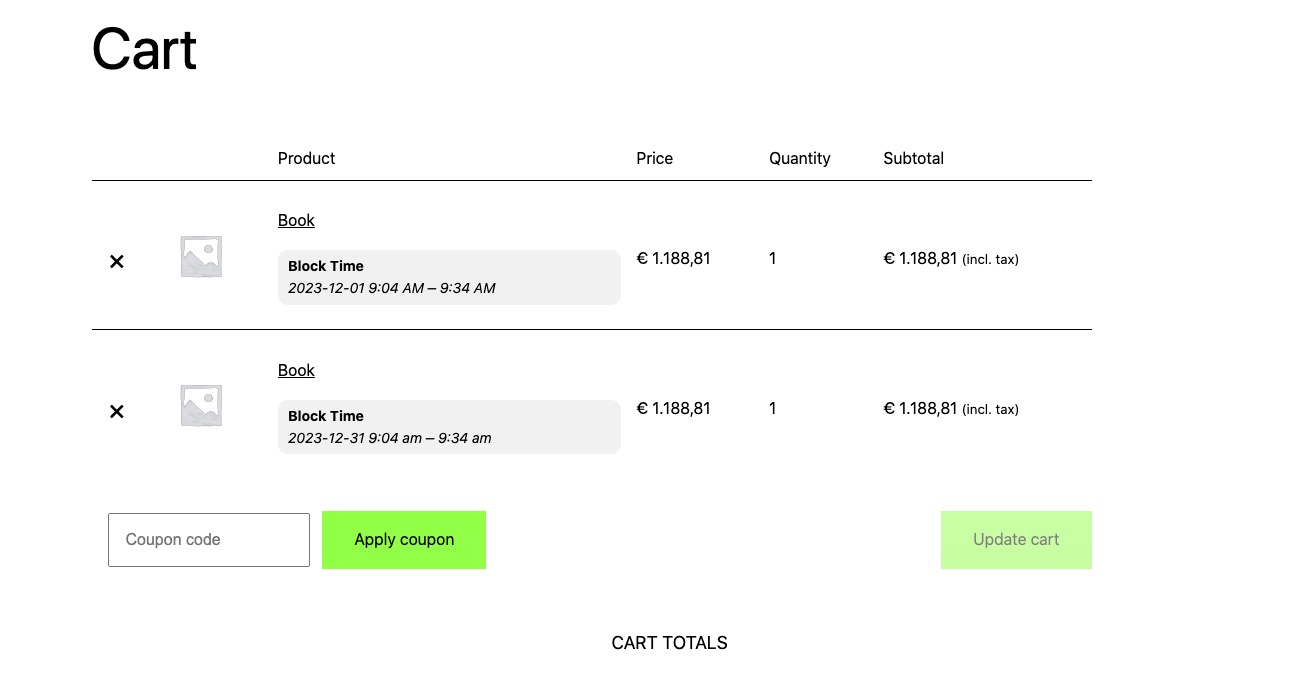
It seems that your theme or a third-party plugin changes Cart and Checkout pages and deletes the additional data from EventON. Please try checking yourself our test site:
https://dev2.myeventon.com/events/book-6/
 Could you please try the instructions mentioned in this documentation to make sure your issue is indeed coming from eventon.
Reply to: tickets(333559)
Hello,
Could you send us a link to the order with the issue?
Reply to: tickets(333538)
Hello,
No issues on our test server with enabled options just like on your screenshot:
https://dev2.myeventon.com/test-233/
Could you please try the instructions mentioned in this documentation to make sure your issue is indeed coming from eventon.
Reply to: tickets(333214)
Keep us posted if anything comes up.
EventON does have an elementor widgets. But I dont think that should cause any slowness or memory drain..
Reply to: tickets(332351)
THank you very much John for your flexibility! We will get this new version out with all this working correctly without you having to delete after end time 🙂