Yes sorry that was because the query is done on ajax and not on page load.
Everywhere I read it says taxonomy is already optimized in wordpress to use for filtering. But in your case event_type taxonomies are slowing things down.
I am really sorry I wish I could give you a better answer..
In your case, when you add more event_type values it slows down yes?
How many events do you have in your website total?
Thank you for bringing this up. In the input field, for the class name add “req” and that will make that field required.
If you can share the code via https://codeshare.io/ I can see where you can do that.
Also can you share how this field look on the form – a screenshot if you please.
thanl you!
Hey Evan, love you humor. Better dance off the pie 😉
I have gone ahead and refunded you for the order. If you ever decided to dance it off with EventON, we be right here 😉
Peace my friend!
Ok got it fixed up! made some code changes to your site after installing wp file manager plugin you are more than welcome to remove that plugin.
The changes to eventON code I made will be in the next version update 🙂
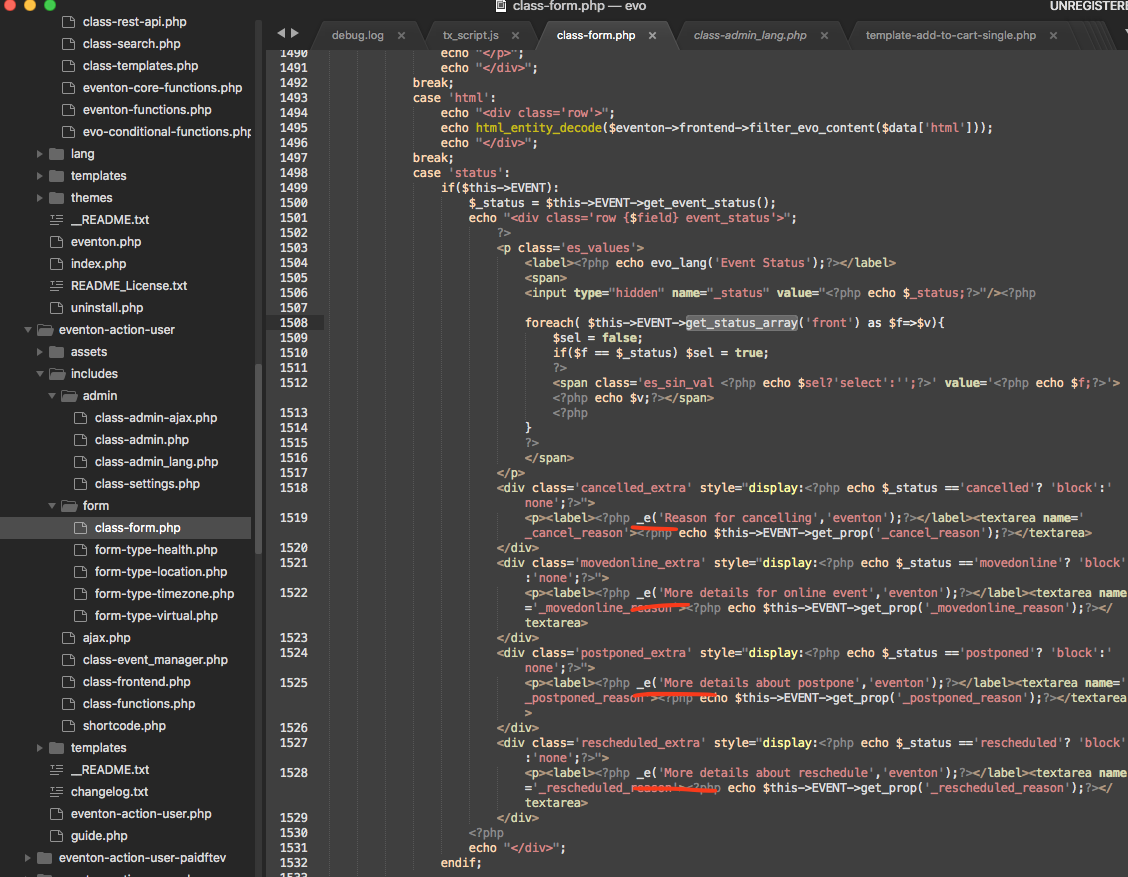
first 2 are under General Calendar section in language. Others are using the wordpress translation using POT at the moment.
Would you rather they all be in eventon language section?
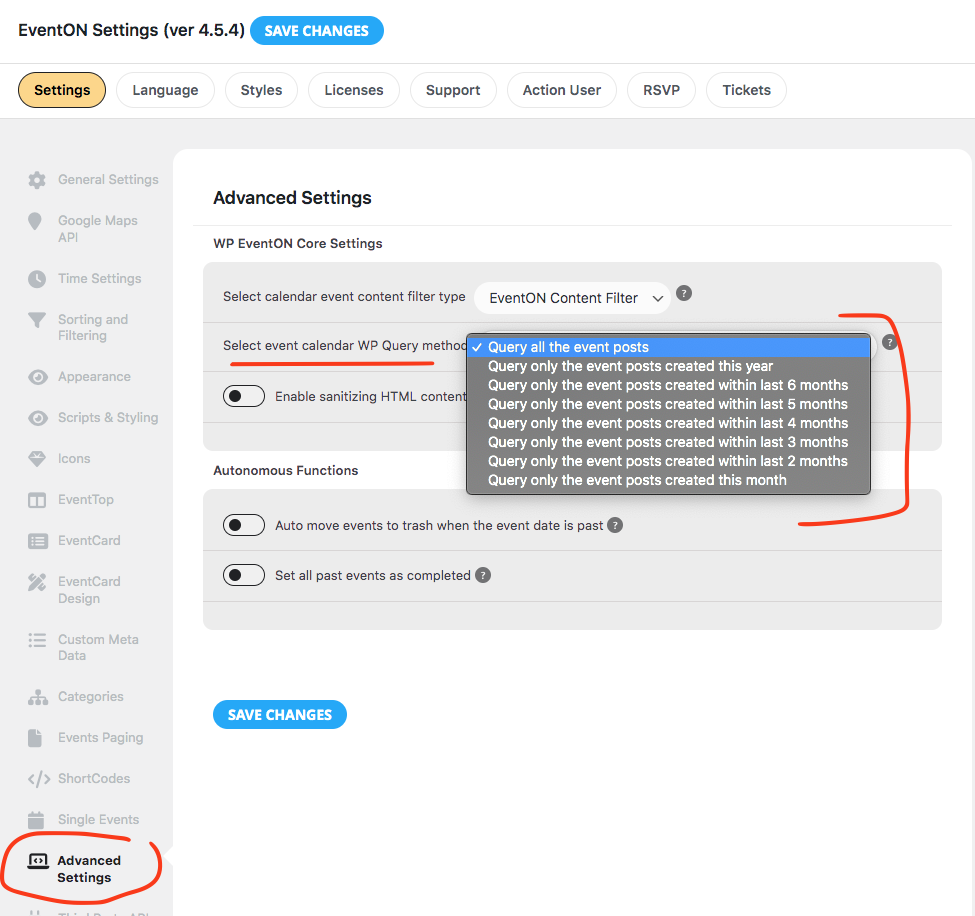
Hey there Yahya, So in the latest eventON 4.5.4 public release version there is now an option in the settings to select wp query method to call up all events from past event posted dates. I am assuming this is what you are referring to ?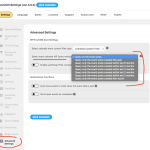
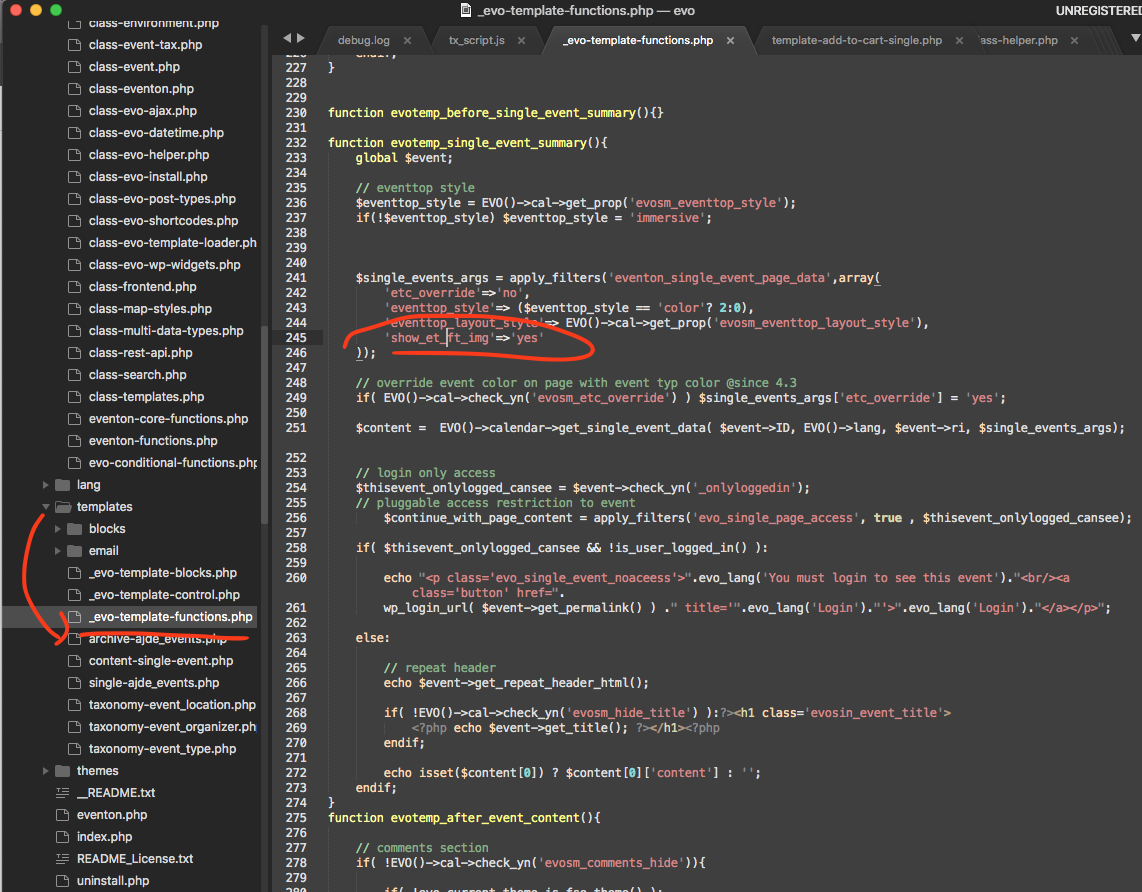
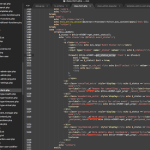
please apply this patch code to your site.
‘show_et_ft_img’=>’yes’
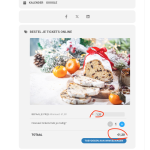
this will make featured image show in single event page. And then in eventcard designer you can remove the featured event from the event card.
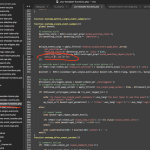
Let me know if you see any mismatches
Woo wee that took a longer time than I was hoping for to solve that mystery 🙂 Ok I got it now.
Ok I installed WP file manager plugin in your site and updated the tx_script.js file with new version 2.2.5 Everything seems to be working now 🙂
‘‘
[add_eventon_list ux_val=”1″ show_et_ft_img=”yes” eventtop_style=”1″ show_year=”yes”]