Thanks, that worked!
Archives: Replies
Replies for tickets on suppota
Reply to: tickets(332728)
We are glad your issue is resolved, if you have any further questions or concerns please create a new ticket.
If you have a moment, we would greatly appreciate if you could kindly leave us a review at myeventon/my-account!. Cheers!
Reply to: tickets(332720)
Try our add-ons on
https://dev.myeventon.com/wp-admin/
Reply to: tickets(332720)
Unfortunately, no available guides on this.
Also, how would end users track ticket sales via the action user-user plugin?
They can use Action User Event Manger and check Ticket Stats:
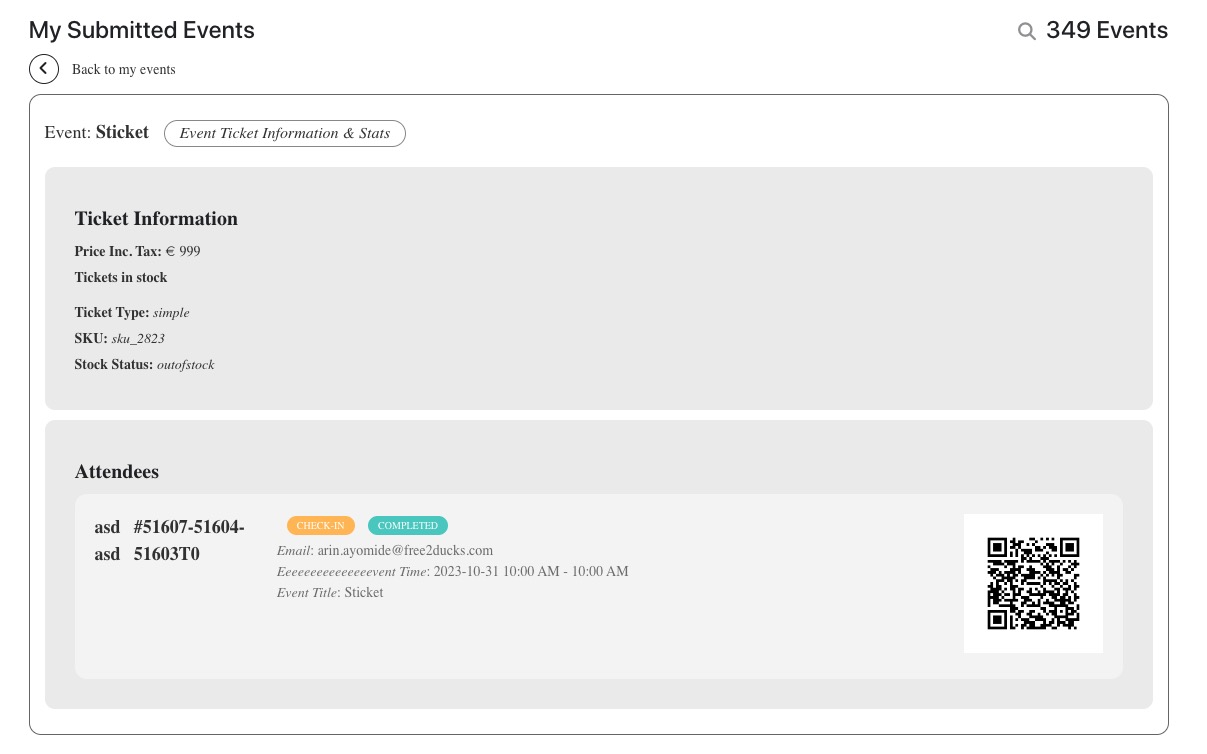
I didn’t see any documentation that suggests that event organizers have the ability to track ticket sales
By default this is not available. You need to use a third-party plugin.
Reply to: tickets(332908)
Hello,
Seems to be working now:
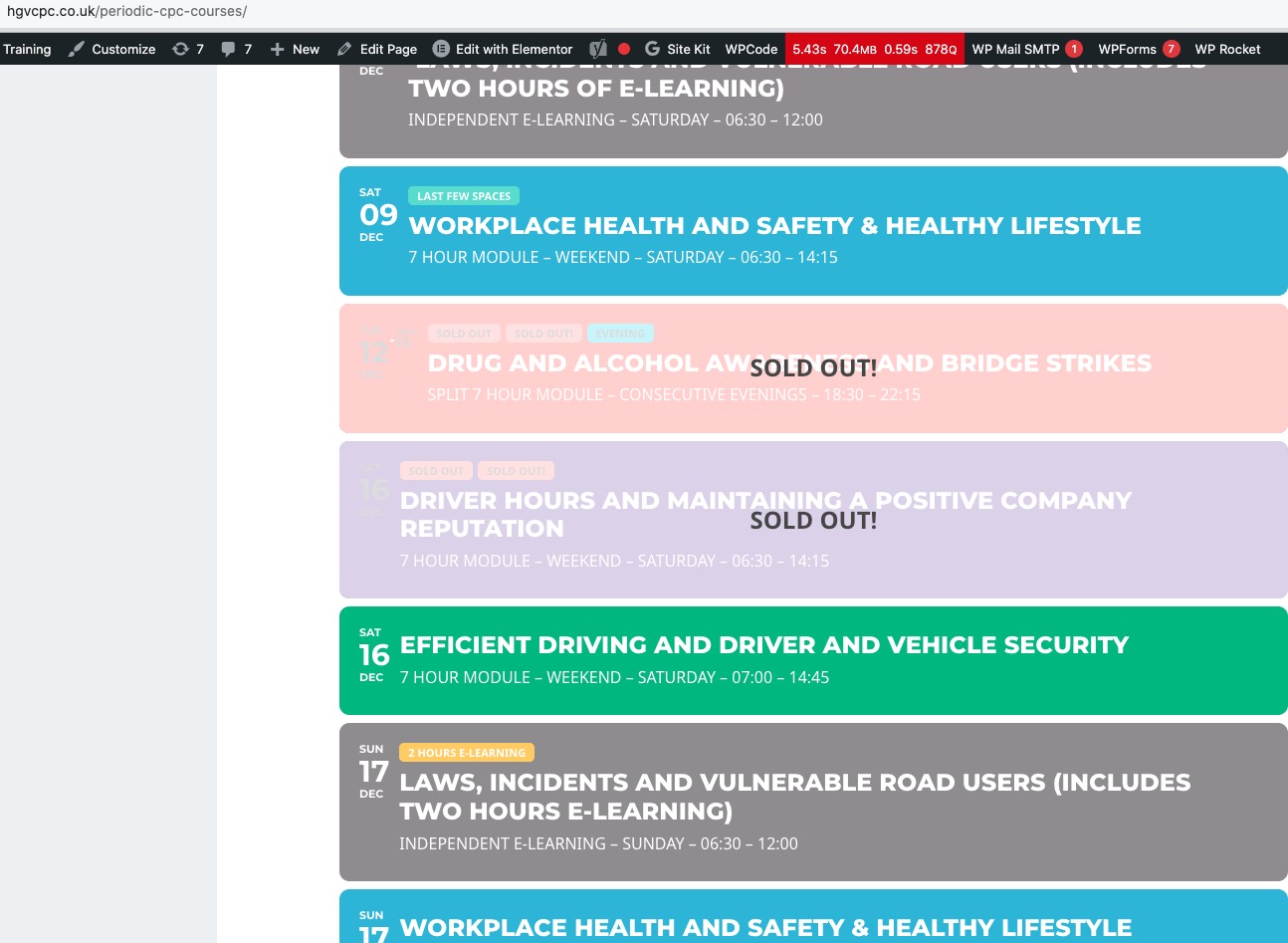
Could you check? I think there was a cache issue.
Reply to: tickets(332811)
Hello,
The add-on is available on our test site:
https://dev.myeventon.com/wp-admin/admin.php?page=eventon&tab=evcal_ad
The guide on how to use it:
https://docs.myeventon.com/documentations/how-to-install-and-use-the-advent-calendar-addon/
Please check and let me know.
Reply to: tickets(332812)
I added the code to Additional CSS:
https://julemarkedet-trondheim.no/wp-admin/customize.php?return=%2Fwp-admin%2Fadmin.php%3Fpage%3Deventon%26tab%3Devcal_3
Seems to be working now. Please check and let me know.
Reply to: tickets(332740)
You can see it on our “old” live website how it should look like: https://www.gesell.com/messen/andina-pack-2023/
It’s an old version of your plugin too.
Thanks
Patrick
Reply to: tickets(332746)
Awesome. Thanks.
Patrick
Reply to: tickets(332736)
Perfect! If you have any further questions or concerns please create a new ticket.