As an example, I also imported the event with Canyelles location. Also worked correctly: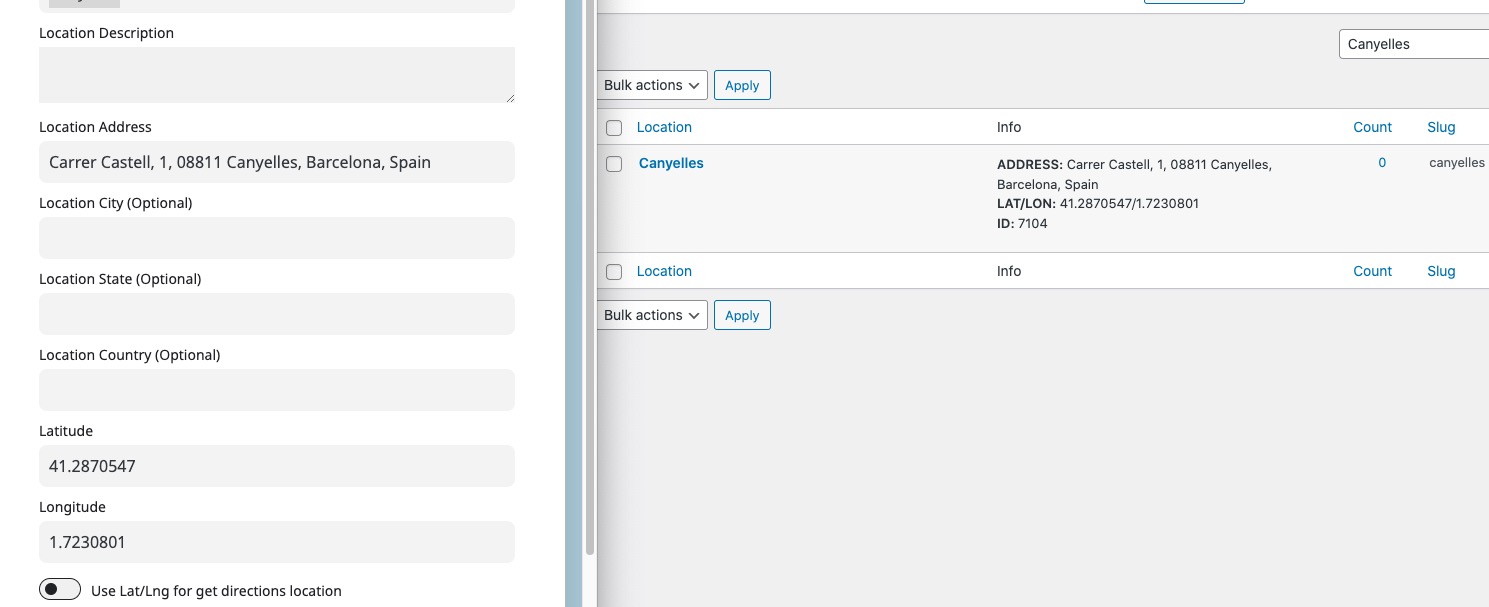
Can we try importing this on your website?
Replies for tickets on suppota
As an example, I also imported the event with Canyelles location. Also worked correctly:
Can we try importing this on your website?
Hello,
Please go to EventON > EventTop > add Tags:
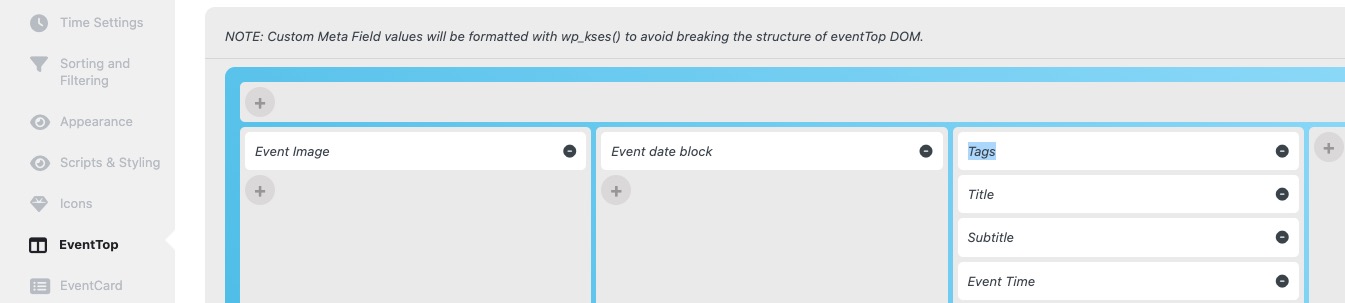
Please note that Physical label isn’t visible since by default all events are physical.
Hello,
This code changes the color:
.ajde_evcal_calendar.cev.sev #evcal_list a.cancel_event >*, .ajde_evcal_calendar.cev.sev #evcal_list a.cancel_event em, .ajde_evcal_calendar.cev.sev #evcal_list a.cancel_event span { color: black }
And this one the font size:
.ajde_evcal_calendar.cev.sev #evcal_list a.cancel_event span.status_reason { font-size: 21px; }
Please add this CSS code to EventON > Styles (If you don’t see any change, EventON > Scripts & Styling > turn off Write dynamic styles to header > save settings > turn on Write dynamic styles to header).
Could you update EventON to 4.5.4?
To update eventon to latest version: If you are unable to do autoupdate, you can go to codecanyon your account > download and get the latest eventon version as zip file. Then you can go to your website > make sure “Delete eventon settings & data when EventON is uninstalled” is Deslected from eventon settings, delete old eventon, install new one and activate. This link will further explain the process it. Also you can follow us on twitter to get real-time announcements on updates!
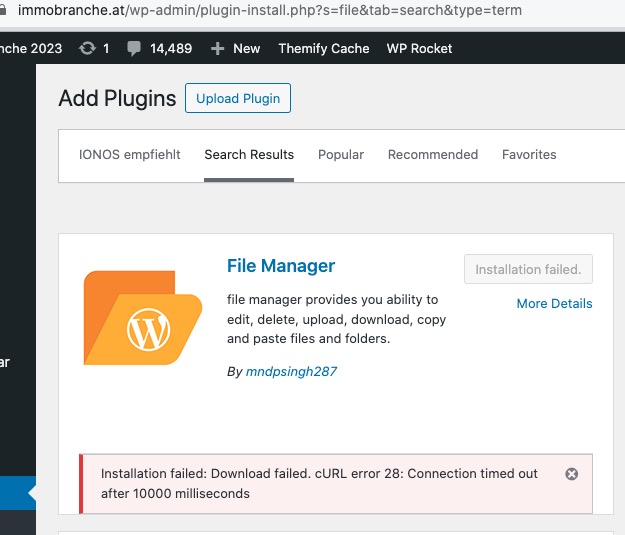
I tried installing File Manager plugin, so I can enable WP_DEBUG:
https://docs.myeventon.com/documentations/how-to-debug-for-php-code-errors/
But it’s showing
I also went to https://immobranche.at/wp-admin/admin.php?page=eventon#evcal_001_advance and set “Select event calendar WP Query method” to “Query only the event posts created this year”, so it’s working now:
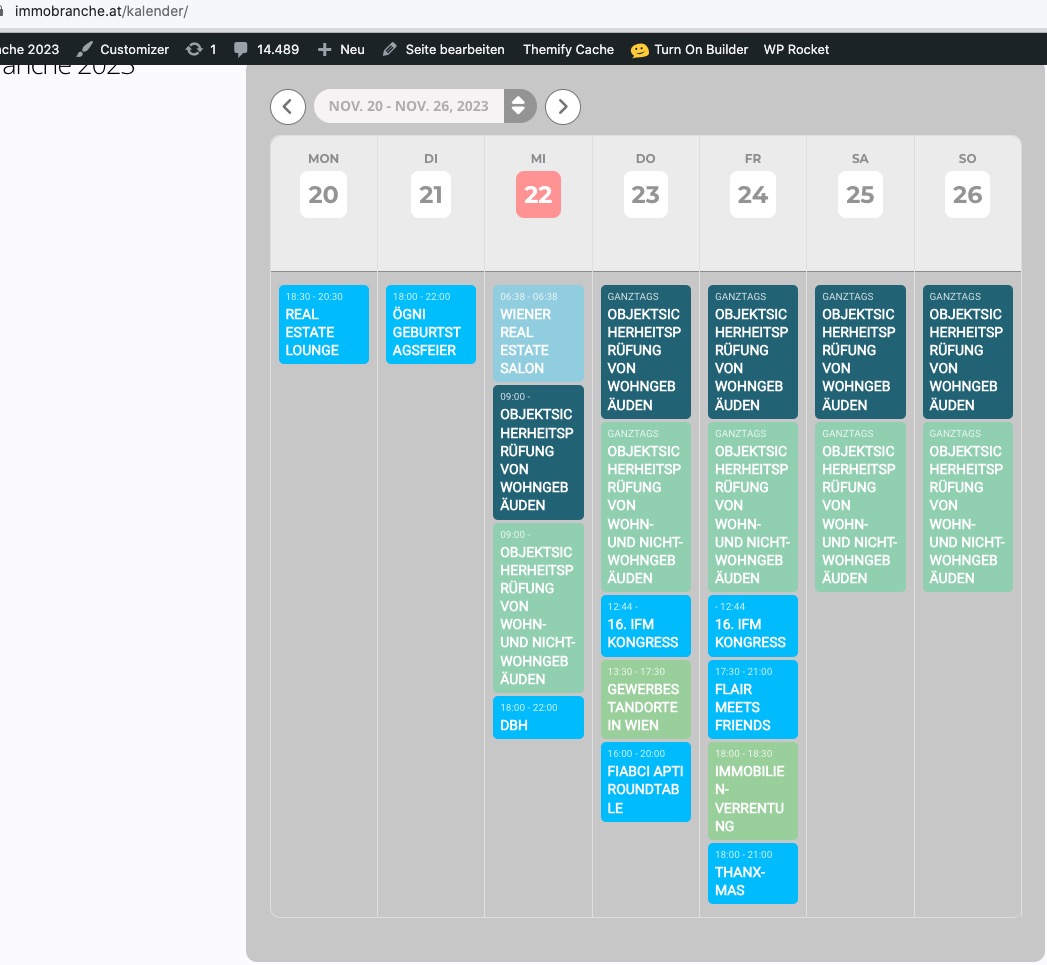
I think that the problem is in server performance.
Hello,
I am not sure where can we take a look at the submission form. Could you send us a link and a screenshot?
You can also send us wp-admin access to your site as a private message for us to further assist your situation.
Sorry, maybe I am too stupid for this, but I am not programmer, that’s why I’m using your product…
So, on the website https://immobranche.at/kalender/#Wochenansicht the weekly view still is not working – but it used to, I was using WP Rocket as a cache plugin before (otherwise new events wouldn’t appear I think).
New I tried the same shortcake on another page: https://immobranche.at/immogeschichten/
here it takes ages – which is another unsolved problem – but it works.
Can you pls tell me what to do, I am getting serious problems as the sponsors of the website get upset :-((
Thank you so much!
Hi Ashan, what was the issue?
Thanks
Matt
Hi Ashan
Thankyou for looking into this, every 3 months sounds ok to me.
This only came to light as we have a very busy site and things have been getting slower, looking at the Autoload top 10, we found that the top two were EventOn related, so something that flushes out the log should improve performance as the size is reduced
evo_data_log 122289
evo_tax_meta 98275
Hi Ashan,
https://www.saterhonatherm.com/sate-admin/