Hi,
We found that there is a conflict with UAM plugin (User Access Management) even if no restriction is setup for a taxonomy. Just the fact that UAM is active, generate some taxonomy not appear.
Replies for tickets on suppota
Hi,
We found that there is a conflict with UAM plugin (User Access Management) even if no restriction is setup for a taxonomy. Just the fact that UAM is active, generate some taxonomy not appear.
I disabled “Hide Past Events”, so events are visible now:
As for the performance, I went to EventON > Advanced Settings > set Select event calendar WP Query method to Query only the event posts created this year. Seems to be working better now.
Ashan,
Even in Troubleshooting Mode, Year Long events only visible only when there is a regular event, I think:
https://www.pbctoday.co.uk/events/wp-admin/site-health.php?tab=troubleshoot
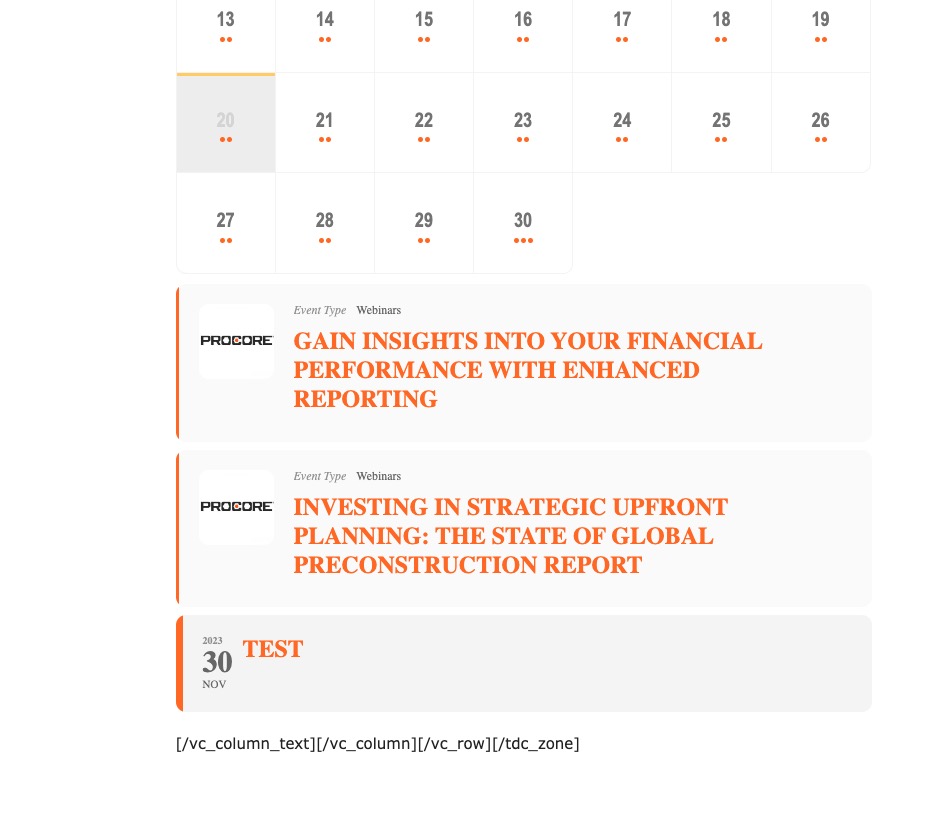
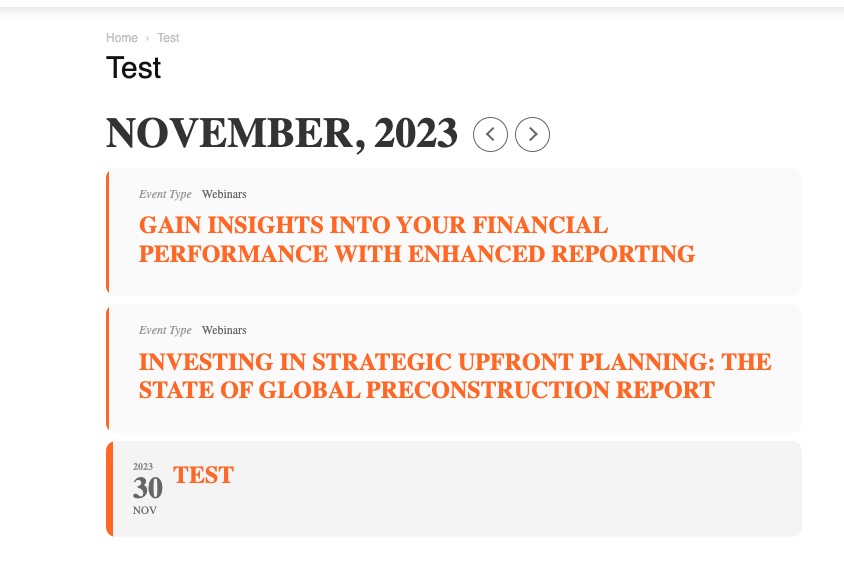
Could you check?
Publish this event:
https://www.pbctoday.co.uk/events/wp-admin/post.php?post=1527&action=edit
Thank you for your messages, I am going to assign this ticket to Ashan and he will be able to take it from here and find you a solution. Please allow some time for him to get back to you, we greatly appreciate your patience and thank you for being a eventon customer! Also please disable any IP blocking on your site if there are any.
Hello,
Please check https://docs.myeventon.com/documentations/terms-and-conditions-and-refund-policy/ > 7. Subscriptions & Automatic Renewal > 7.4 Subscription Refunds. A renewal reminder mail was sent before the charge was made. We had given you opportunity to cancel if you didn’t want the renewal.
There is always an option to cancel your subscriptions from your account:
https://docs.myeventon.com/documentations/how-to-cancel-addon-subscription-before-auto-renew/
Hello,
What’s your version of EventON? 4.5.4 fixes the issue. Could you update?
To update eventon to latest version: If you are unable to do autoupdate, you can go to codecanyon your account > download and get the latest eventon version as zip file. Then you can go to your website > make sure “Delete eventon settings & data when EventON is uninstalled” is Deslected from eventon settings, delete old eventon, install new one and activate. This link will further explain the process it. Also you can follow us on twitter to get real-time announcements on updates!
Please go to EventON > EventCard Design > remove Get Directions.
Private message ? Answering this topic or another way to send credentials ?
Hello,
Thank you for your messages, I am going to assign this ticket to Ashan and he will be able to take it from here and find you a solution. Please allow some time for him to get back to you, we greatly appreciate your patience and thank you for being a eventon customer! Also please disable any IP blocking on your site if there are any.
Hello,
Could you update EventON to 4.5.4 and Action User to 2.4.2?
To update eventon to latest version: If you are unable to do autoupdate, you can go to codecanyon your account > download and get the latest eventon version as zip file. Then you can go to your website > make sure “Delete eventon settings & data when EventON is uninstalled” is Deslected from eventon settings, delete old eventon, install new one and activate. This link will further explain the process it. Also you can follow us on twitter to get real-time announcements on updates!
To update eventon addons: You can download latest eventon addons from myeventon > my account. Then you can go to your website, deactivate old addon and install new one and activate then delete the old addon. This link will further explain the process. Also you can follow us on twitter to get real-time announcements on updates!