Adam, Just wanted to update you quickly we have not exclusively added support for this as we had several other things took over our priorities. We are hoping to implement exclusive support for this in the coming months 🙂
Archives: Replies
Replies for tickets on suppota
Reply to: tickets(331241)
Sorry for the delay. We do not work on weekend Ryan.
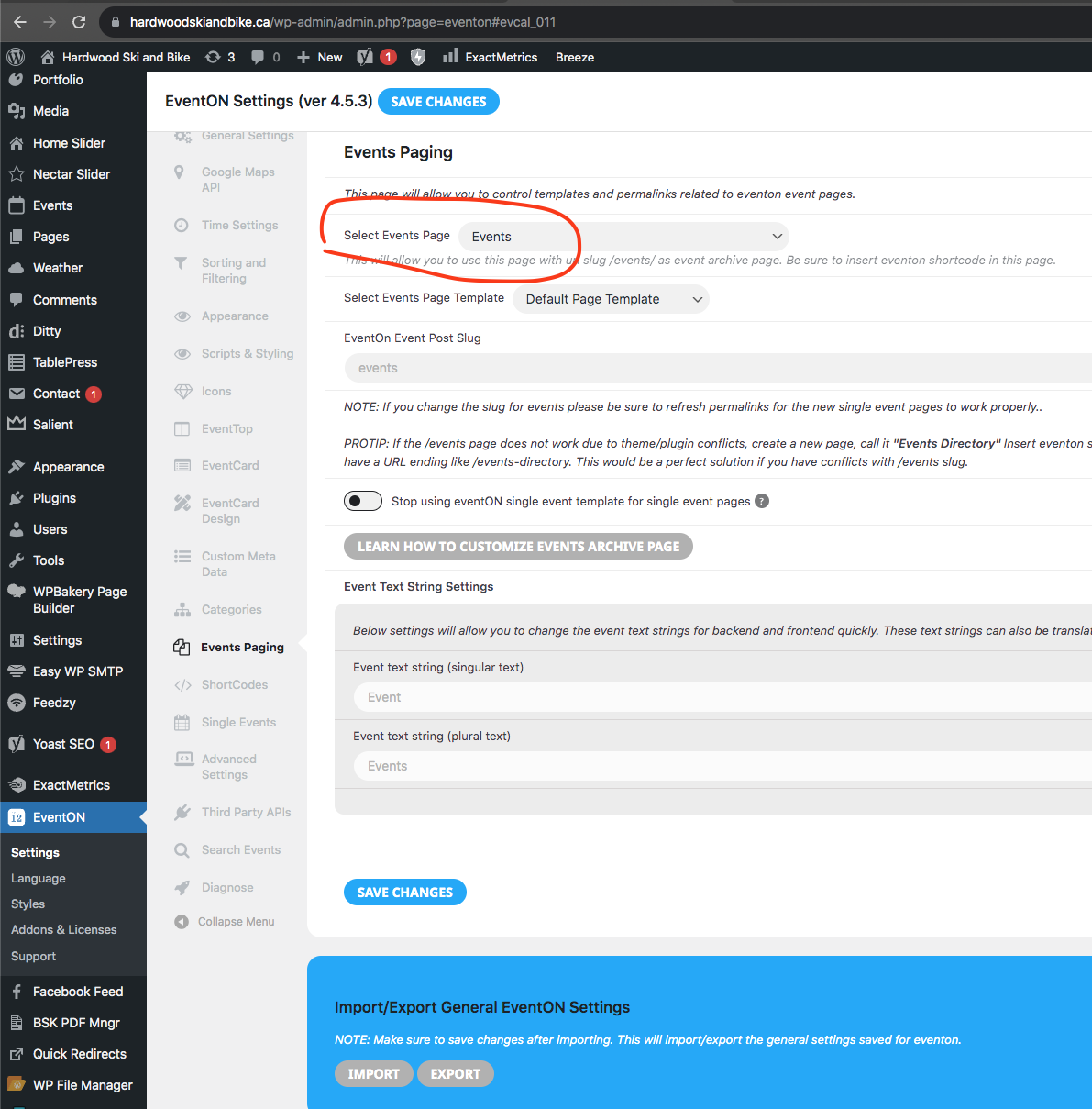
So I changed the settings on Events Paging. Seems to load a different calendar now on https://www.hardwoodskiandbike.ca/events/ page. Is this correct?
Reply to: tickets(331444)
Ashan,
On dev2 the same:
https://dev2.myeventon.com/events/virt-3/
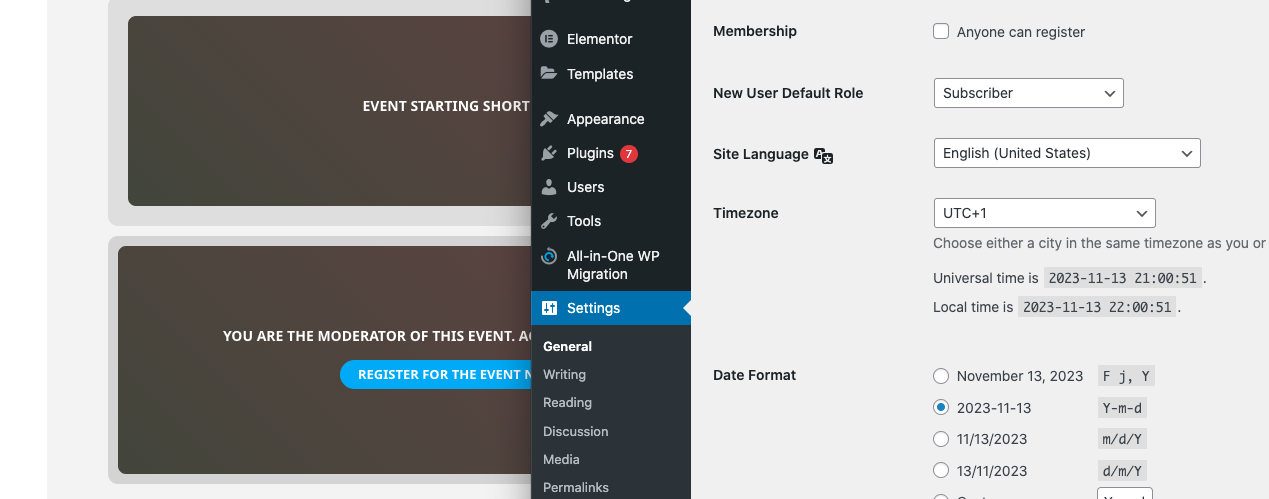
starts at 12:30, so should show the virtual data, but doesn’t:
Reply to: tickets(331444)
Hello,
Thank you for your messages, I am going to assign this ticket to Ashan and he will be able to take it from here and find you a solution. Please allow some time for him to get back to you, we greatly appreciate your patience and thank you for being a eventon customer! Also please disable any IP blocking on your site if there are any.
Reply to: tickets(331593)
Ashan,
I am not sure if this is possible. Could you help?
Reply to: tickets(331593)
Hello,
Thank you for your messages, I am going to assign this ticket to Ashan and he will be able to take it from here and find you a solution. Please allow some time for him to get back to you, we greatly appreciate your patience and thank you for being a eventon customer! Also please disable any IP blocking on your site if there are any.
Reply to: tickets(331597)
Hello,
This CSS style removes the info:
.evcal_evdata_row .evors_attendance_count_data { display: none !important; }
And this one changes the button:
.evcal_evdata_cell .evoRS_status_option_selection span {}
Please try and let us know.
Also check
https://docs.myeventon.com/documentations/change-css-calendar/
Reply to: tickets(329912)
hide_mult_occur=”yes” is for Event Lists mostly. Please send us wp-admin access to your site as a private message for us to further assist your situation.
Reply to: tickets(328840)
We are glad your issue is resolved, if you have any further questions or concerns please create a new ticket. If you have a moment, we would greatly appreciate if you could kindly leave us a review at myeventon/my-account!. Cheers!
Reply to: tickets(331391)
Please add this CSS code to wp-content/plugins/eventON/assets/lib/settings/settings.css:
#ajdeEVC_arrange_box p span.fa { font-family: ‘evo_FontAwesomeS’,’evo_FontAwesome’,’evo_FontAwesomeB’ !important; display: inline-block !important; }
Or follow
https://css-tricks.com/snippets/wordpress/apply-custom-css-to-admin-area/