Thank you for your messages, I am going to assign this ticket to Ashan and he will be able to take it from here and find you a solution. Please allow some time for him to get back to you, we greatly appreciate your patience and thank you for being a eventon customer! Also please disable any IP blocking on your site if there are any.
Archives: Replies
Replies for tickets on suppota
Reply to: tickets(327557)
Hello,
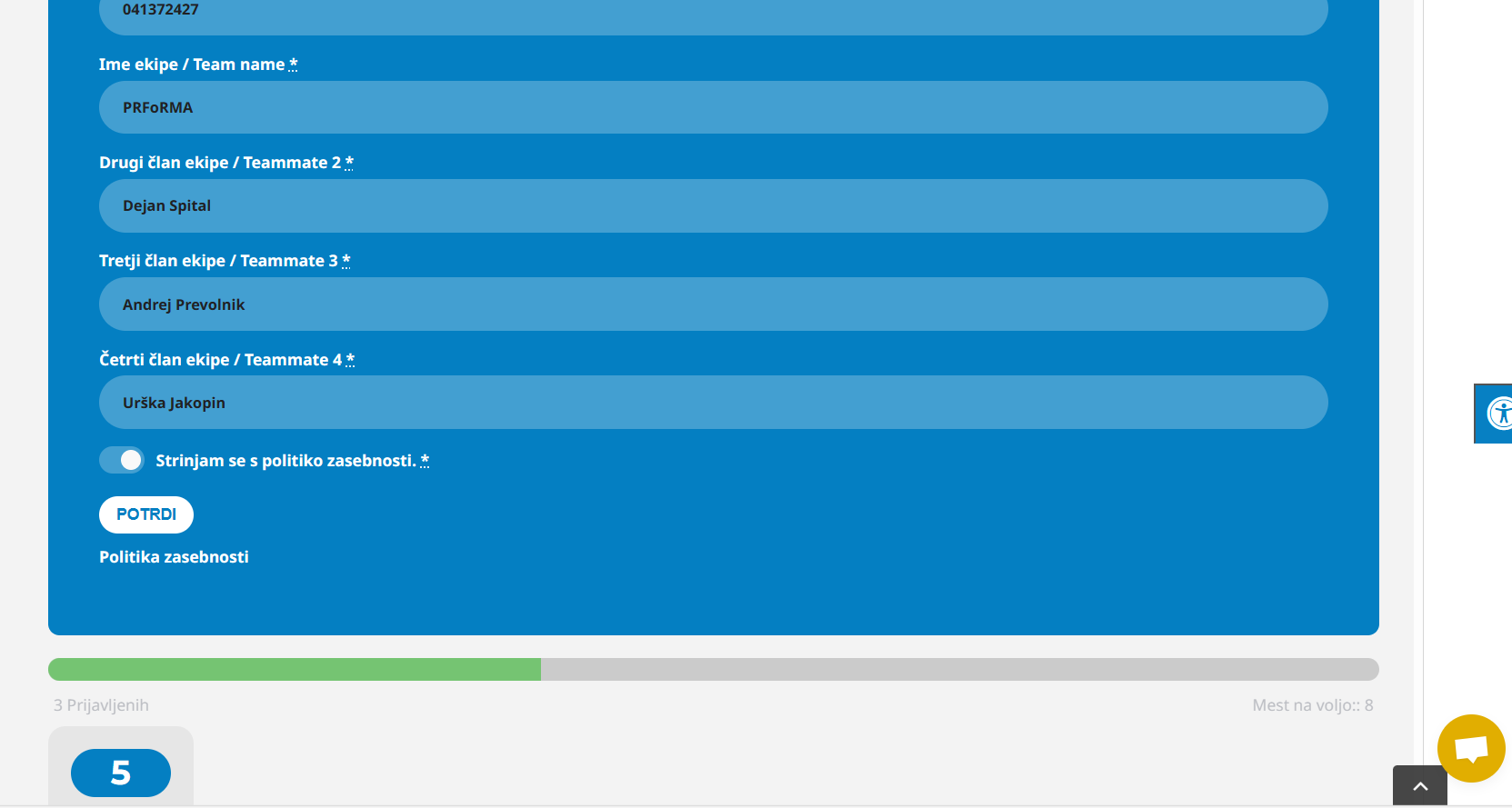
If I use a check box in the rsvp form so that the user agrees to the general conditions, the user can submit the form even if he does not tick the check box. How can we edit the form so that registration is not possible if the user does not tick I agree?
Reply to: tickets(321548)
Also add this code that changes Subtitle on mobiles:
@media (max-width: 900px){.eventon_events_list .eventon_list_event .evoet_cx span.evcal_event_subtitle, .evo_pop_body .evoet_cx span.evcal_event_subtitle {font-size:10px}}
It seems that iPhone still uses the old version of the styling. Is there a cache plugin or try clearing your browser cache.
This code removes the image on mobiles:
@media (max-width: 900px){span.evoet_c1.evoet_cx { display: none; }}
Reply to: tickets(329551)
We are glad your issue is resolved, if you have any further questions or concerns please create a new ticket.
If you have a moment, we would greatly appreciate if you could kindly leave us a review at myeventon/my-account!. Cheers!
Reply to: tickets(331194)
Hello,
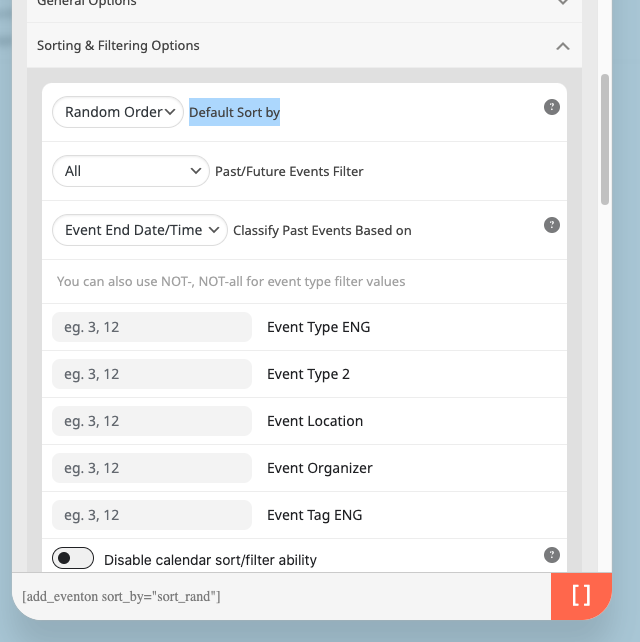
There is this option, so please try adding to your shortcode:
sort_by=”sort_rand”
Reply to: tickets(329272)
Ashan,
Please take a look at
Go to
https://tropiques-atrium.fr/wp-admin/post.php?post=8013&action=elementor
The sidebar is loading. debug.log showing:
[08-Nov-2023 11:38:18 UTC] PHP Fatal error: Allowed memory size of 536870912 bytes exhausted (tried to allocate 20480 bytes) in /home/tropiqueqi/www/wp-includes/meta.php on line 1190
Now click on
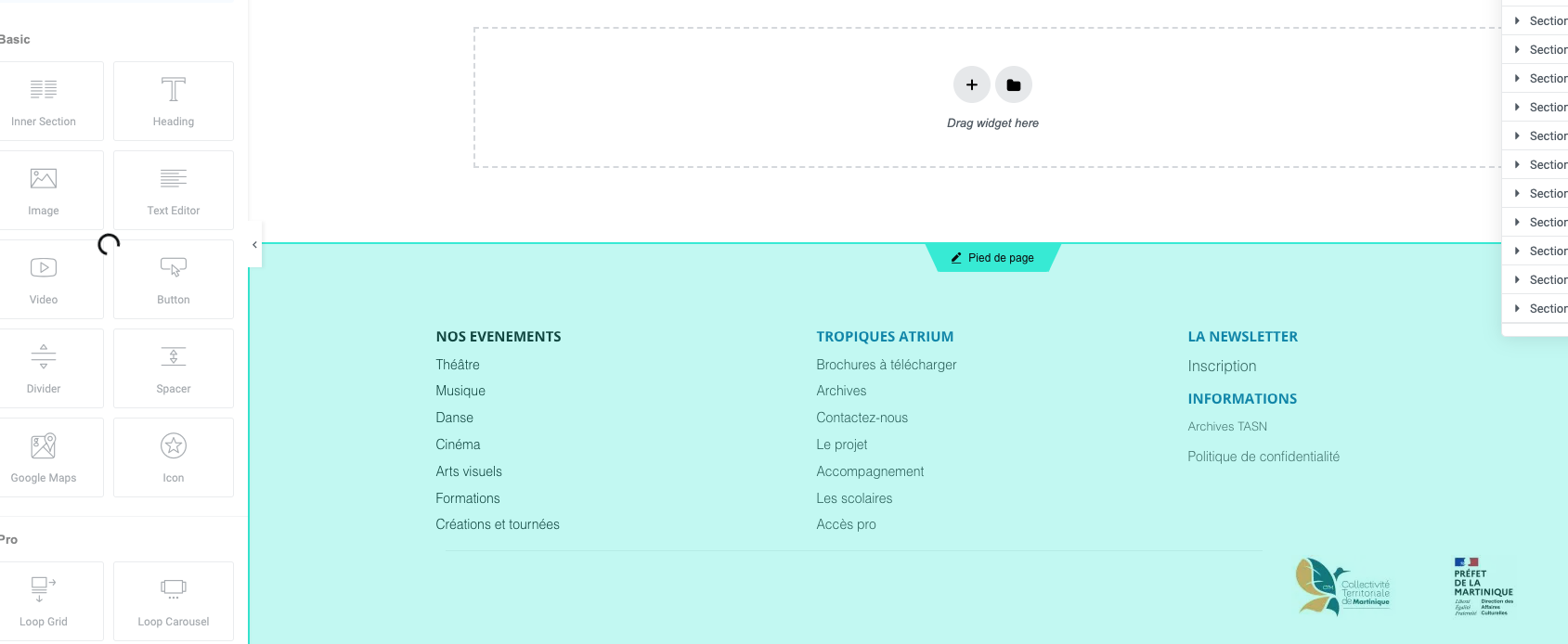
Now click here:
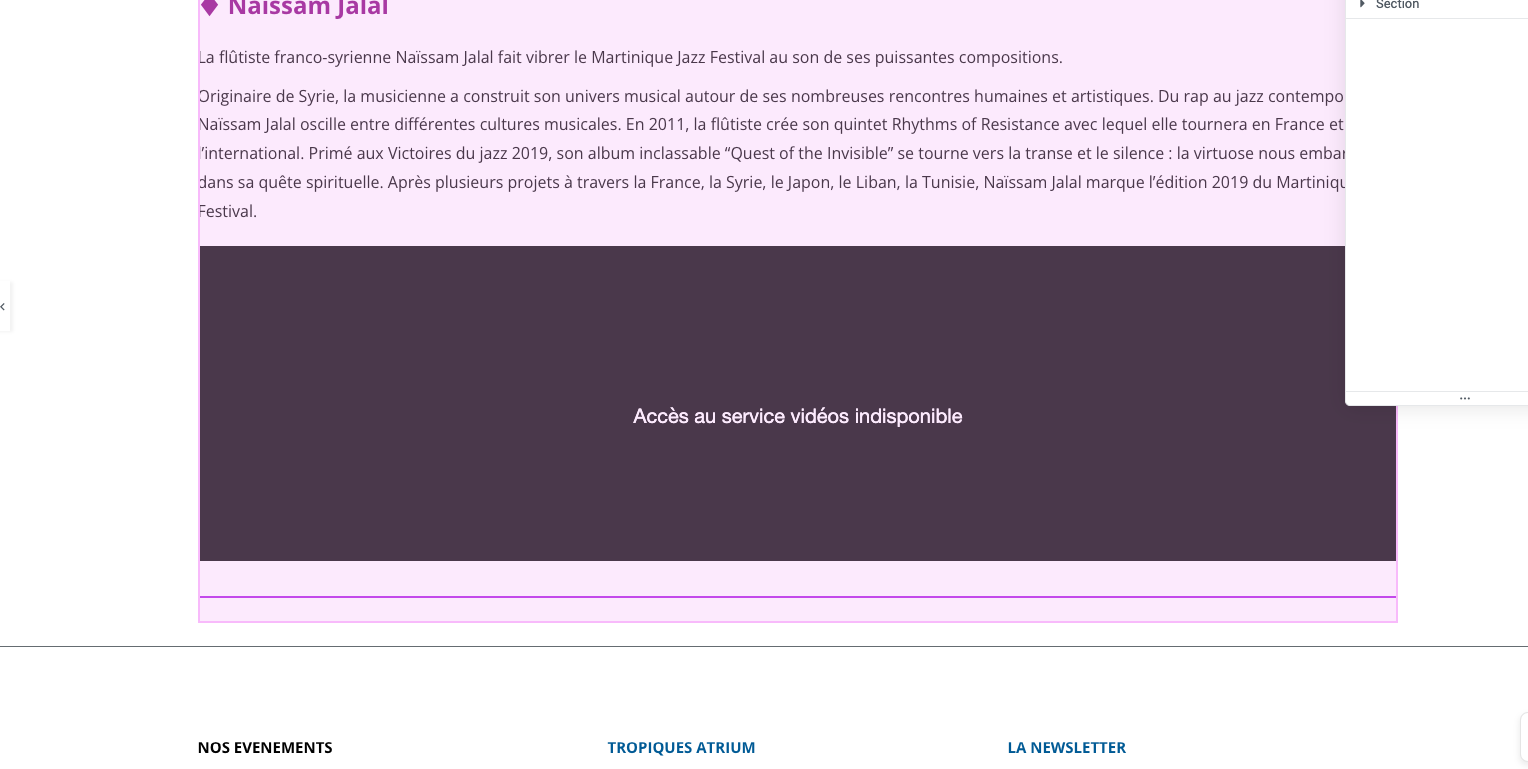
Elementor starts working.
Reply to: tickets(329272)
Thank you for your messages, I am going to assign this ticket to Ashan and he will be able to take it from here and find you a solution. Please allow some time for him to get back to you, we greatly appreciate your patience and thank you for being a eventon customer! Also please disable any IP blocking on your site if there are any.
Reply to: tickets(330154)
I don’t understand that. You have a documentation that we have worked with. We only changed the value “required”. If I understand correctly, you are telling me that this function only controls the appearance in the font end? That doesn’t make any sense. The system must be designed to allow you to store mandatory fields here without reprogramming all the functions.
In most cases, it works as it is and it is saved. But sometimes it doesn’t. We now have to find out why this is the case.
Basically, I understand the limited support regarding CodeCanyon, but we have many licences running for 2 websites that were not booked via CodeCanyon. EventOn Tickets is one of them and if I see it correctly, only the licensing of the basic plugin is regulated via CodeCanyon.
Reply to: tickets(331177)
Ashan,
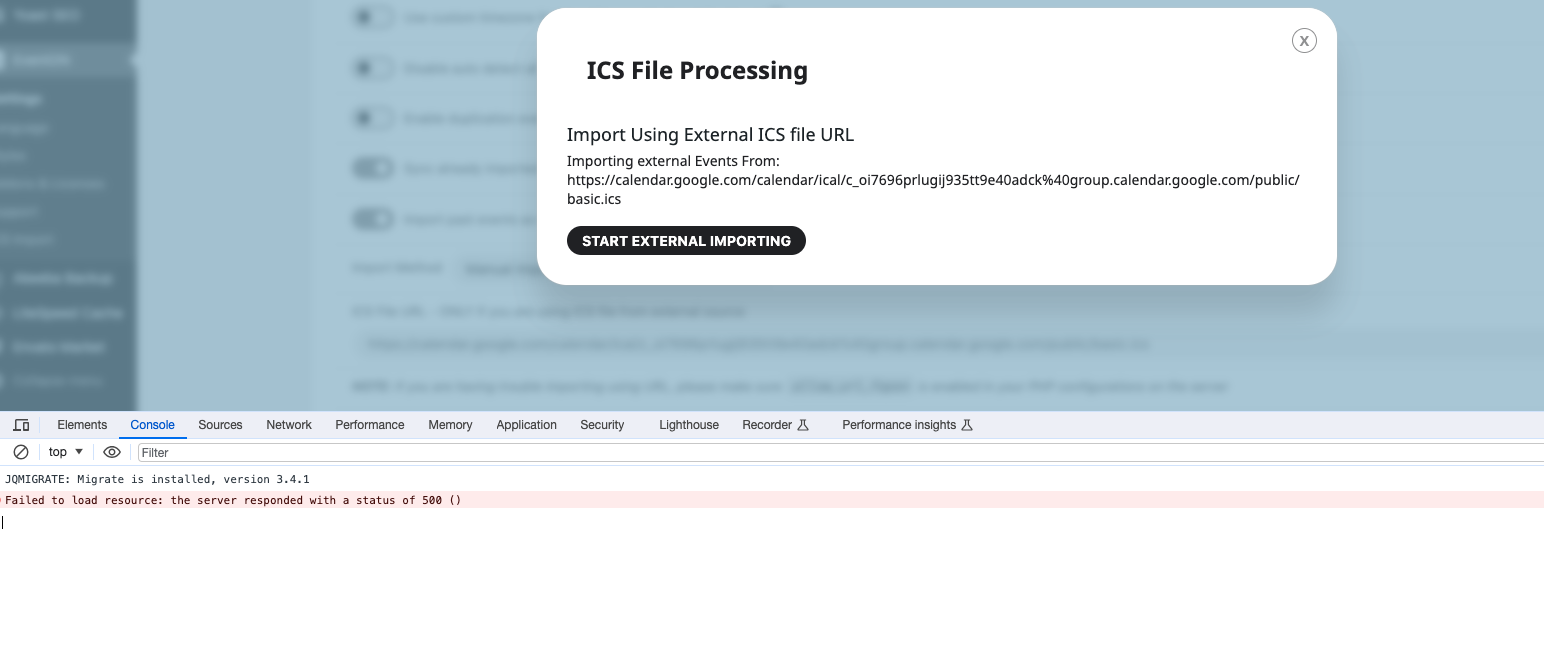
I contacted you about the same issue on dev2:
Reply to: tickets(331177)
Hello,
Thank you for your messages, I am going to assign this ticket to Ashan and he will be able to take it from here and find you a solution. Please allow some time for him to get back to you, we greatly appreciate your patience and thank you for being a eventon customer! Also please disable any IP blocking on your site if there are any.