Hello,
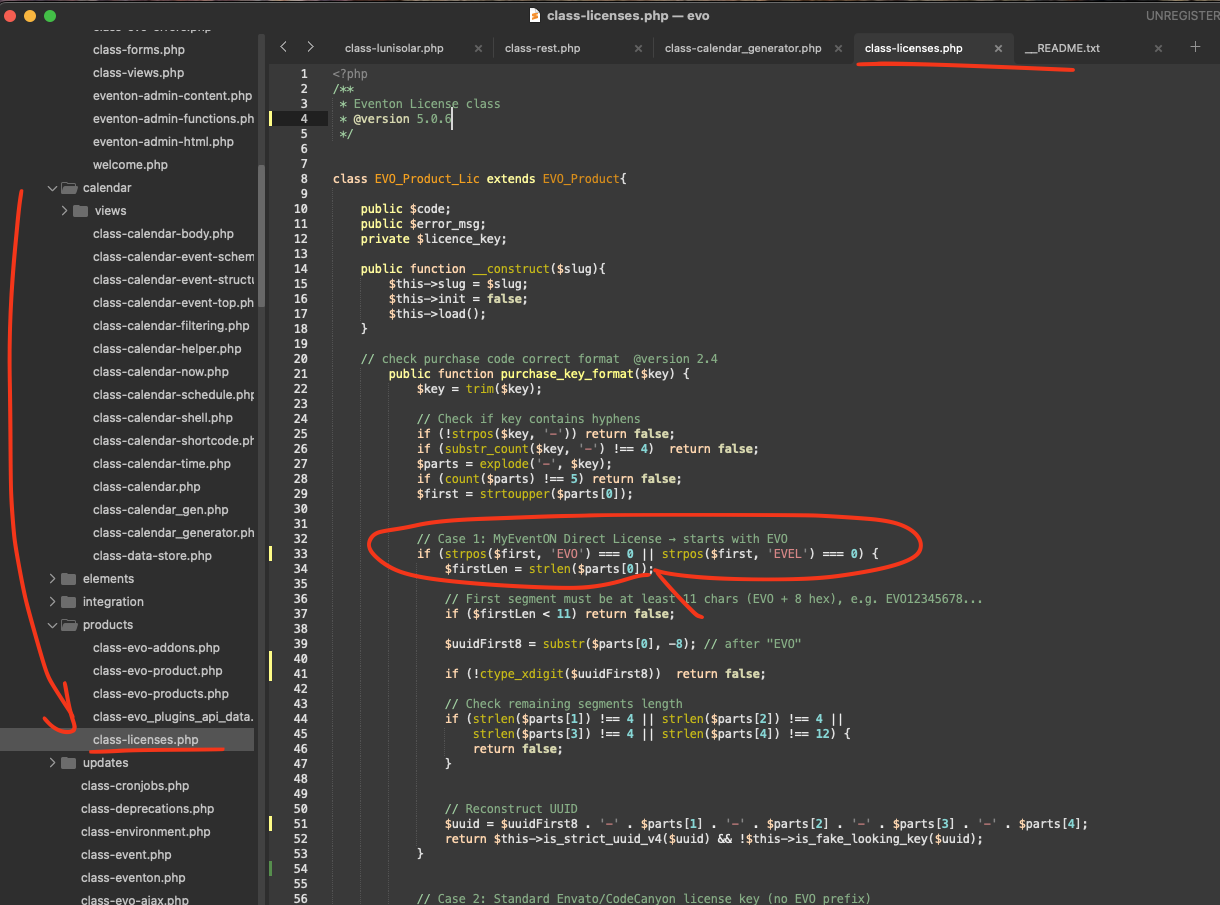
Please try implementing this code change in your website.
code:
https://dev2.myeventon.com/codeshare/7QEBJf3jeRpA
Replies for tickets on suppota
Hello,
Please try implementing this code change in your website.
code:
https://dev2.myeventon.com/codeshare/7QEBJf3jeRpA
Thank you! That worked perfectly!!! Thank you for making such an awesome plugin. You are one of the best coder designers out there. Cheers!
Hello
I would like to know if you have any thoughts about support costs? I would like to renew, but the escalation in cost seems completely unreasonable.
#222559
Note: We did purchase 2 plugins. We want to keep the Full Cal plugin.
Thanks for your help – works perfectly 😉
Thanks, Artem, I added the code and it worked 😉
Hello, it is happening with all events.
Example here: Hatha Yoga
Screenshots of the event backend and frontend.
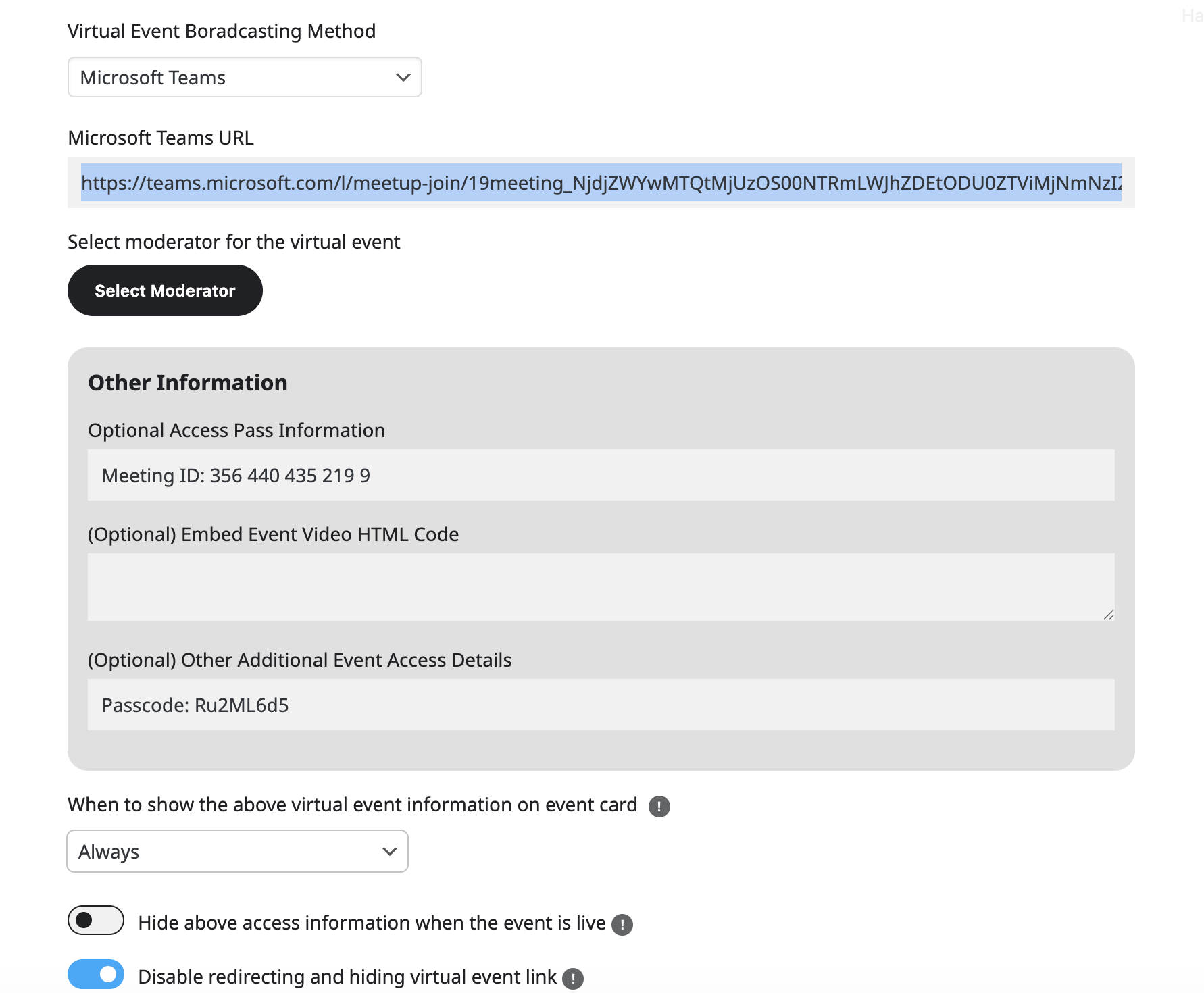
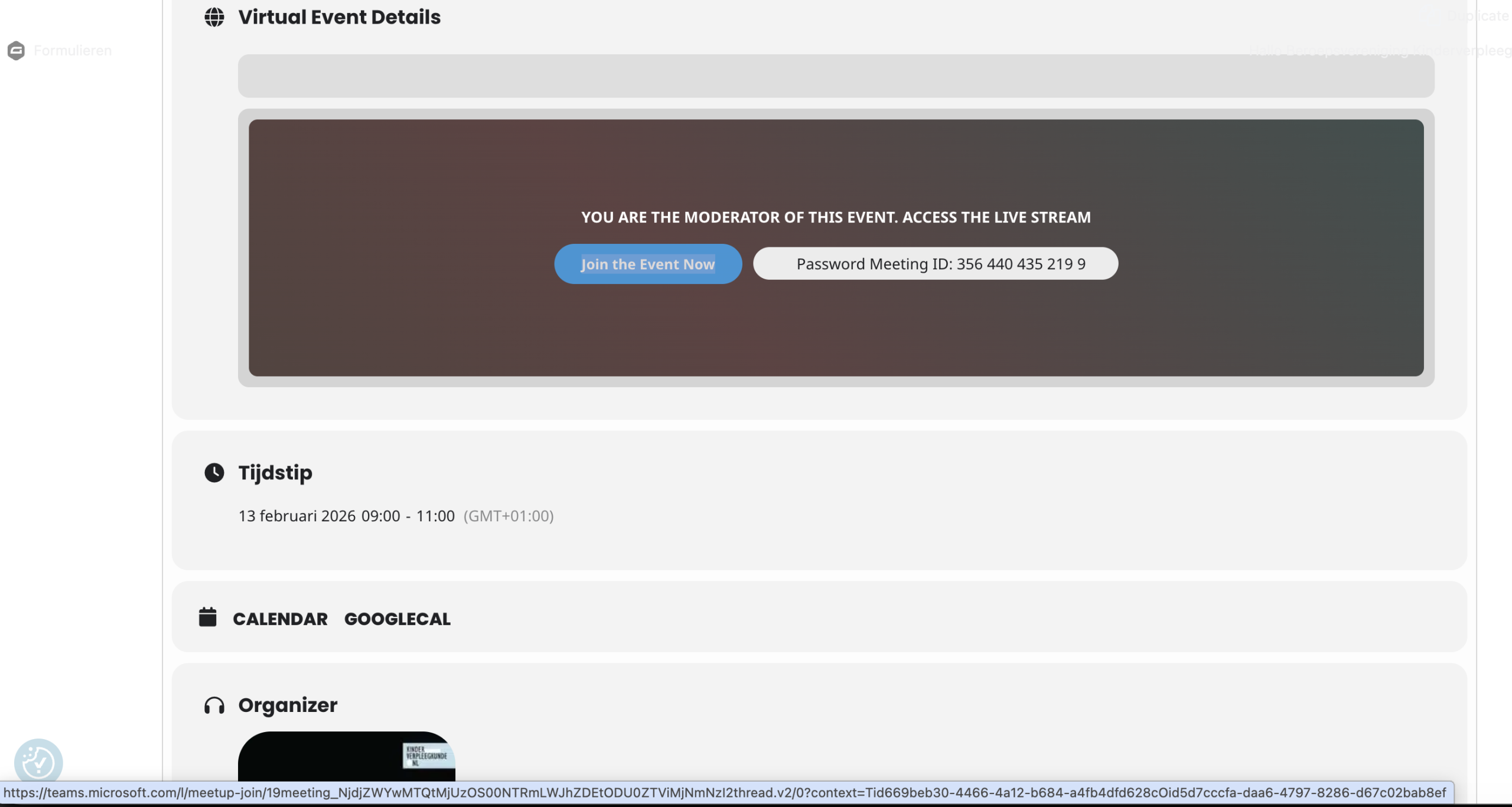
Hi,
I can provide you the information for the upcoming event next Tuesday, February 13th.
Teams url added to virtual event https://teams.microsoft.com/l/meetup-join/19meeting_NjdjZWYwMTQtMjUzOS00NTRmLWJhZDEtODU0ZTViMjNmNzI2thread.v2/0?context=Tid669beb30-4466-4a12-b684-a4fb4dfd628cOid5d7cccfa-daa6-4797-8286-d67c02bab8ef
Teams url on the frontend of the event to join the Teams https://teams.microsoft.com/l/meetup-join/19meeting_NjdjZWYwMTQtMjUzOS00NTRmLWJhZDEtODU0ZTViMjNmNzI2thread.v2/0?context=Tid669beb30-4466-4a12-b684-a4fb4dfd628cOid5d7cccfa-daa6-4797-8286-d67c02bab8ef see screenshot below.
Although the url’s are the same, people are redirected and asked to login with a Microsoft account while in Teams there are no restrictions to enter the Event as long as you have the link.
Please help!
Best regards,
Gert
Hello,
Could you send us Order ID of your purchase? We are going to refund it and then you’ll be able to purchase the add-on.